
Receipt Templates
A receipt settles a simple question later. Was this paid, and for what. For the business it is a record for the books and for tax; for the customer it is proof in hand if anything is ever questioned. These receipt templates lay out the details that make a receipt count, so you can issue a clear one in the moment instead of building it each time. Pick the kind that fits the transaction and fill it in.





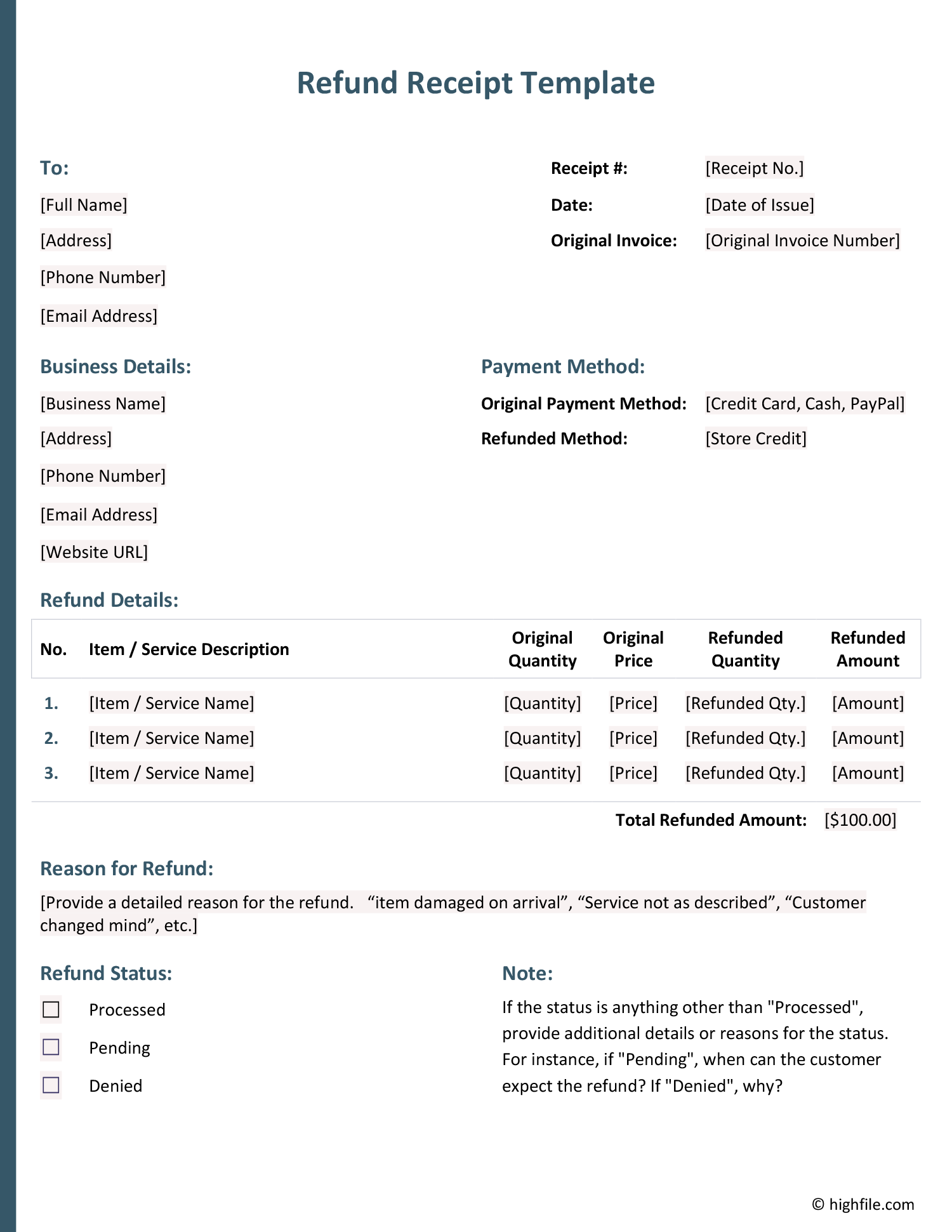





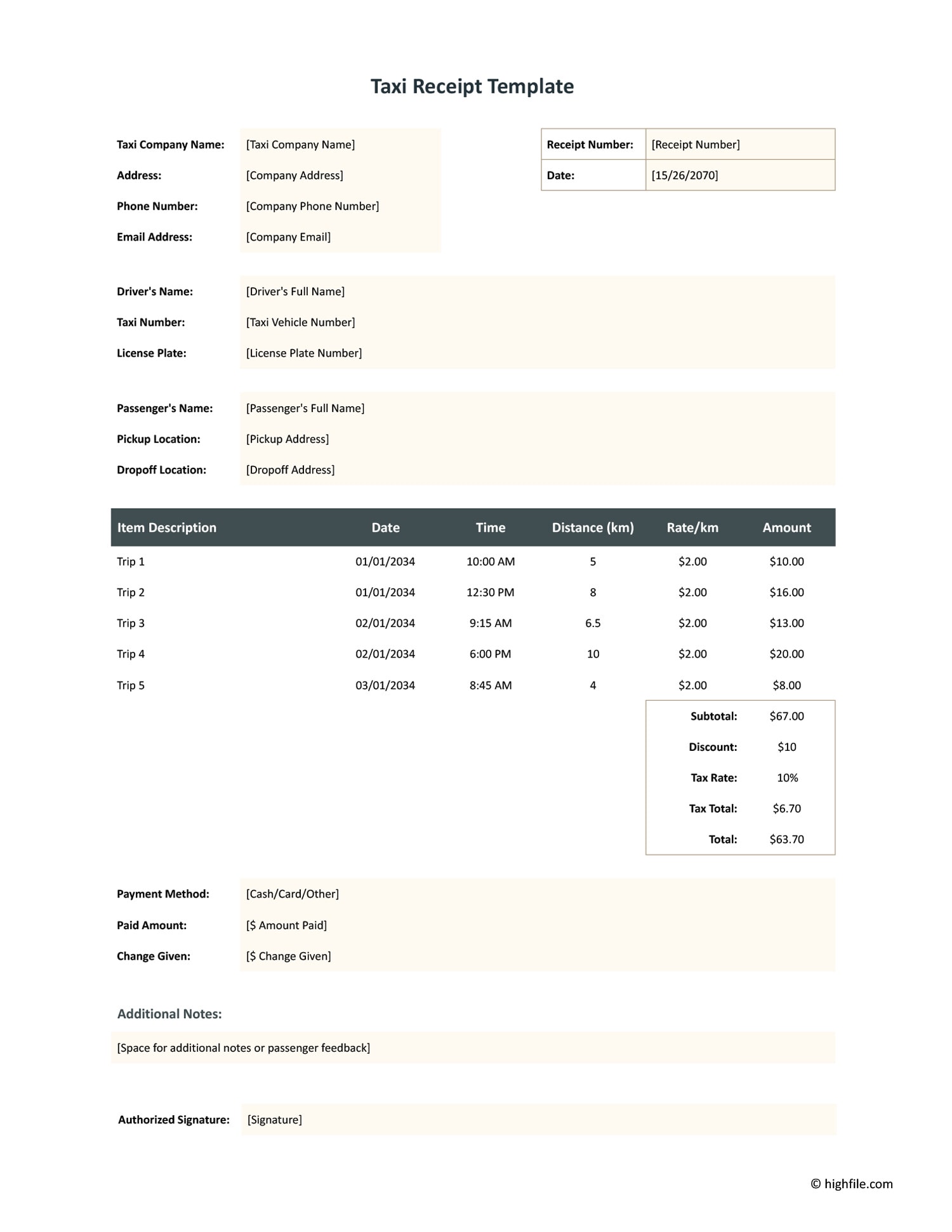

A receipt is short, but it does real work. It confirms that money changed hands, records what it was for, and gives both sides something to point to if a payment is ever disputed. For a business it feeds bookkeeping and tax records; for a customer, especially with a cash payment that leaves no other trail, it is the only proof the transaction happened. What makes a receipt useful is that it records the right details, who paid, how much, for what, and when, without leaving any of them to memory.
These receipt templates set out those details for the kinds of payments people take. Service receipts, rental and deposit receipts, and sale receipts each prompt for what that transaction needs, so the figures and dates land in the right places and the total is clear. Filling one in takes a moment, and the result is a clean, consistent record for both sides. Issuing a proper receipt at the point of payment is what keeps your accounts straight and your customer covered.
What this collection covers
The kinds of receipts these templates span, and what each records.
For work done rather than goods sold, like a roofing job, recording the service, the amount, and the date of payment.
Proof that rent was paid for a given period, with the property, tenant, landlord, and dates a rental record needs.
Acknowledgment of a security or rental deposit, kept separate from rent so the held amount is documented on its own.
For goods and one-off purchases, confirming the item, the amount, and that payment was received in full.
For hotel stays, taxi fares, and similar, recording the trip or stay and its cost for expense and reimbursement records.
For part payments, showing the amount paid and the balance remaining so the running total stays clear.
Filling in a receipt
From the right format to a clean record both sides can keep.
Start from the receipt that fits the payment, a rent receipt for rent, a deposit receipt for a deposit, a service receipt for work done. The right one already prompts for the details that transaction needs.
Enter the payer and the business or landlord receiving payment, with contact details where relevant. A receipt identifies both sides of the transaction, not just the amount.
Note the goods, service, or rental period the payment covers, specifically enough that the receipt makes sense on its own months later.
Record the sum paid, the payment method, and the date received. For part payments, note the balance remaining so the record stays accurate.
Give the receipt a reference number so it can be matched to your books later. A numbered sequence is what makes receipts easy to reconcile at tax time.
Issue a copy to the payer and keep one for your records. Each template lists the formats shown on its card, so you can print or send it as the situation calls for.
FAQs
What kinds of receipts does this collection include?
It covers service receipts for work like roofing or taxi fares, rent and deposit receipts for rentals, and sale or general receipts for goods and one-off payments like a hotel stay. Pick the kind that matches your transaction and fill it in.
What is the difference between a receipt and an invoice?
An invoice is a request for payment, sent before money changes hands, listing what is owed. A receipt is confirmation of payment, given after, showing what was paid. An invoice asks; a receipt acknowledges. The two often pair up on the same transaction.
Can I add my business name and logo to a receipt?
Yes. The business details, layout, and branding are editable, so you can put your name, contact information, and logo on every receipt you issue and keep them consistent with the rest of your paperwork.
How do I choose the right receipt for a transaction?
Start from what the payment was for. Rent takes a rent receipt, a held deposit takes a deposit receipt, work performed takes a service receipt, and a sale or stay takes a general receipt. Once that is clear, the format follows.