
Form Templates
Good forms come back the same way every time, with each answer where you expect it, because the prompts told everyone exactly what to enter and where. These form templates set out those fields in order, written and labeled, so the only work left is entering the answers. Find the kind of form you need and start from a version built to collect the right information.
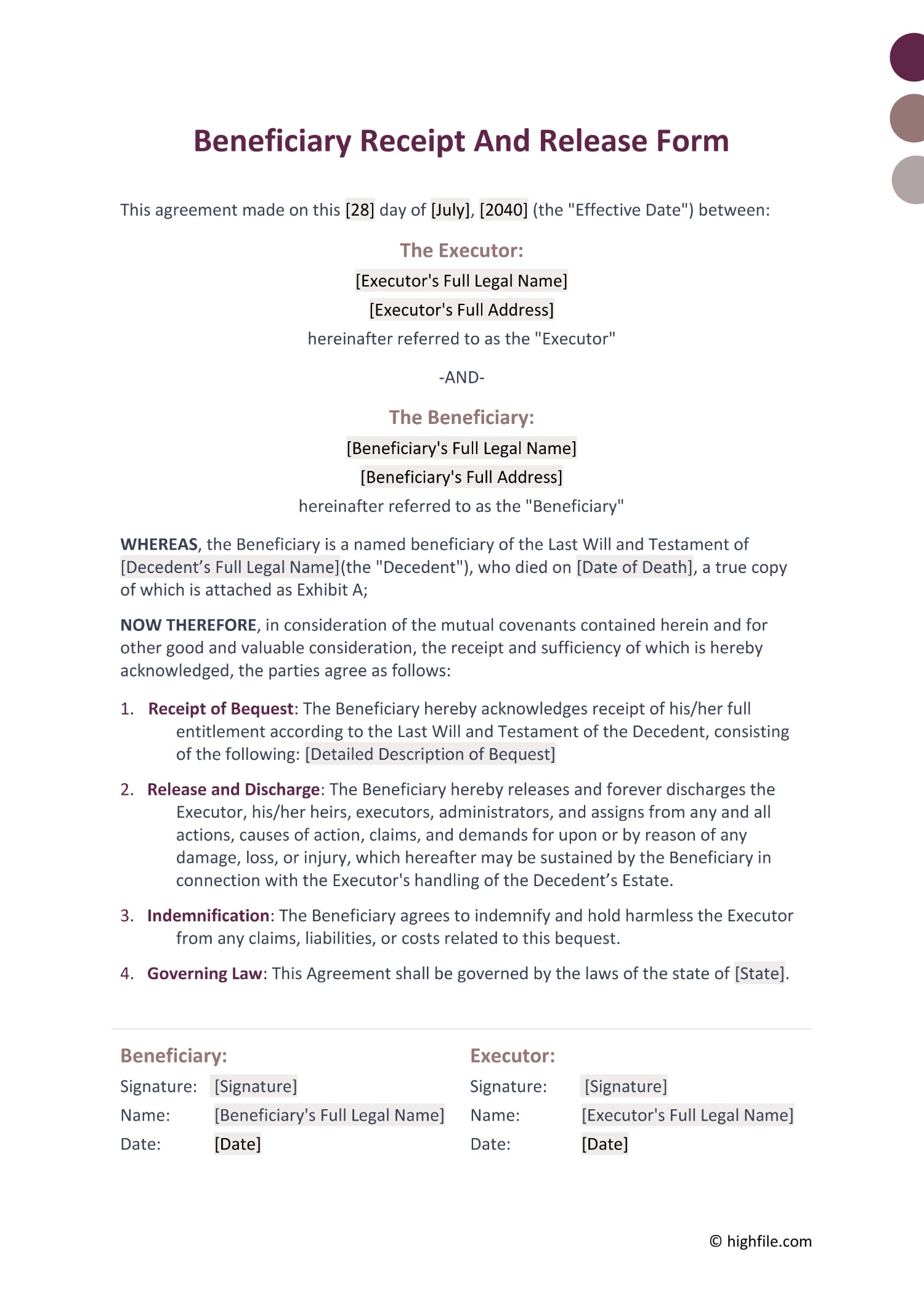


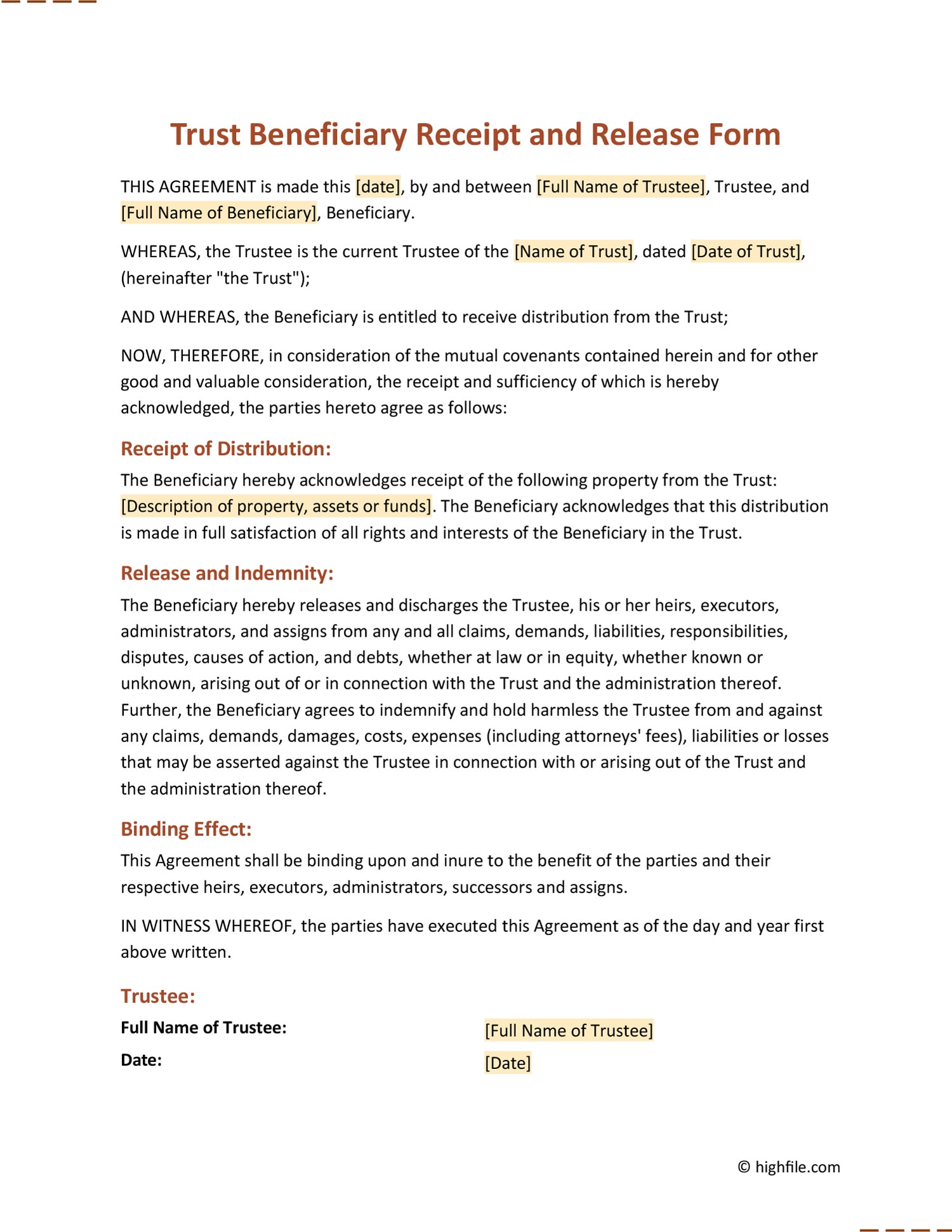


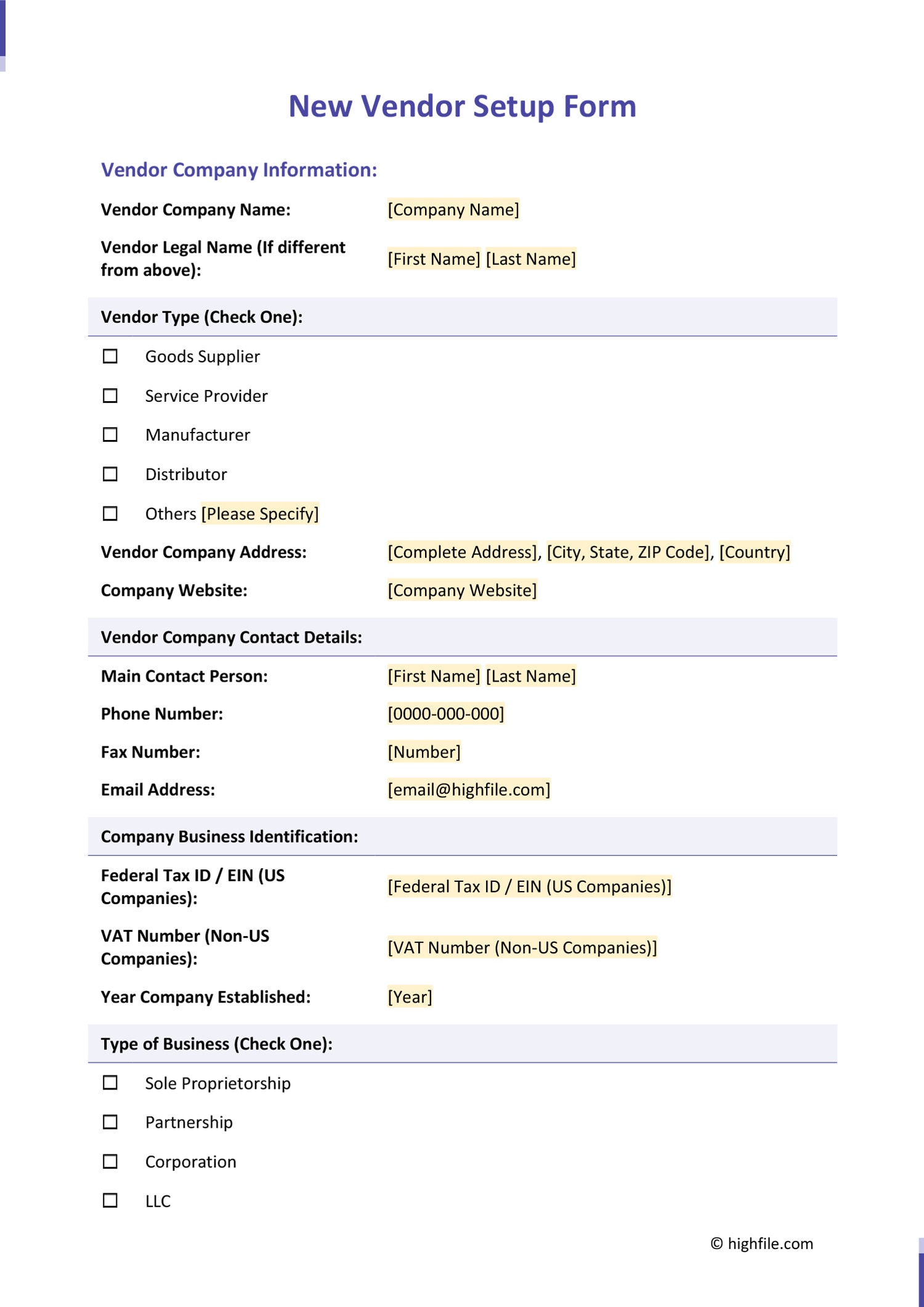

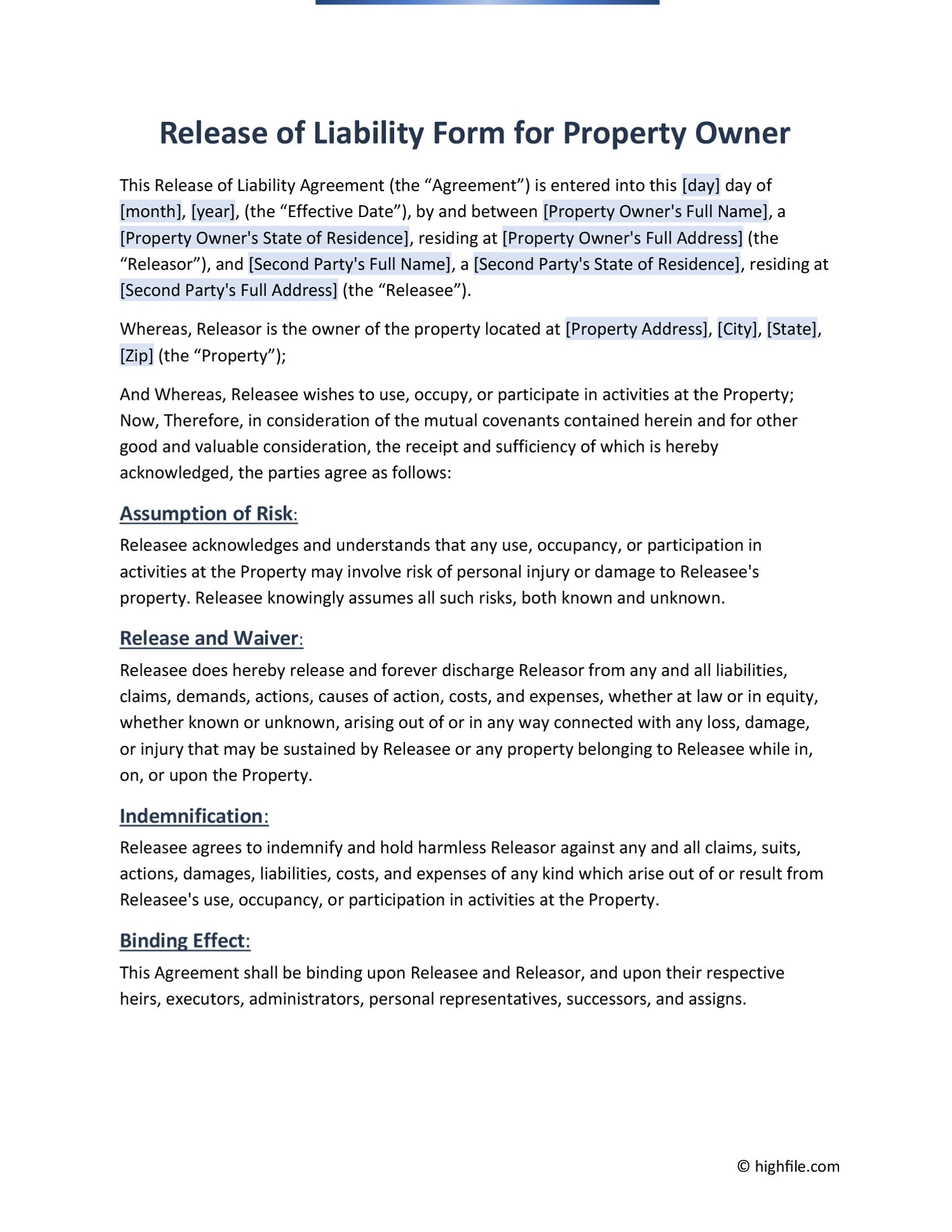



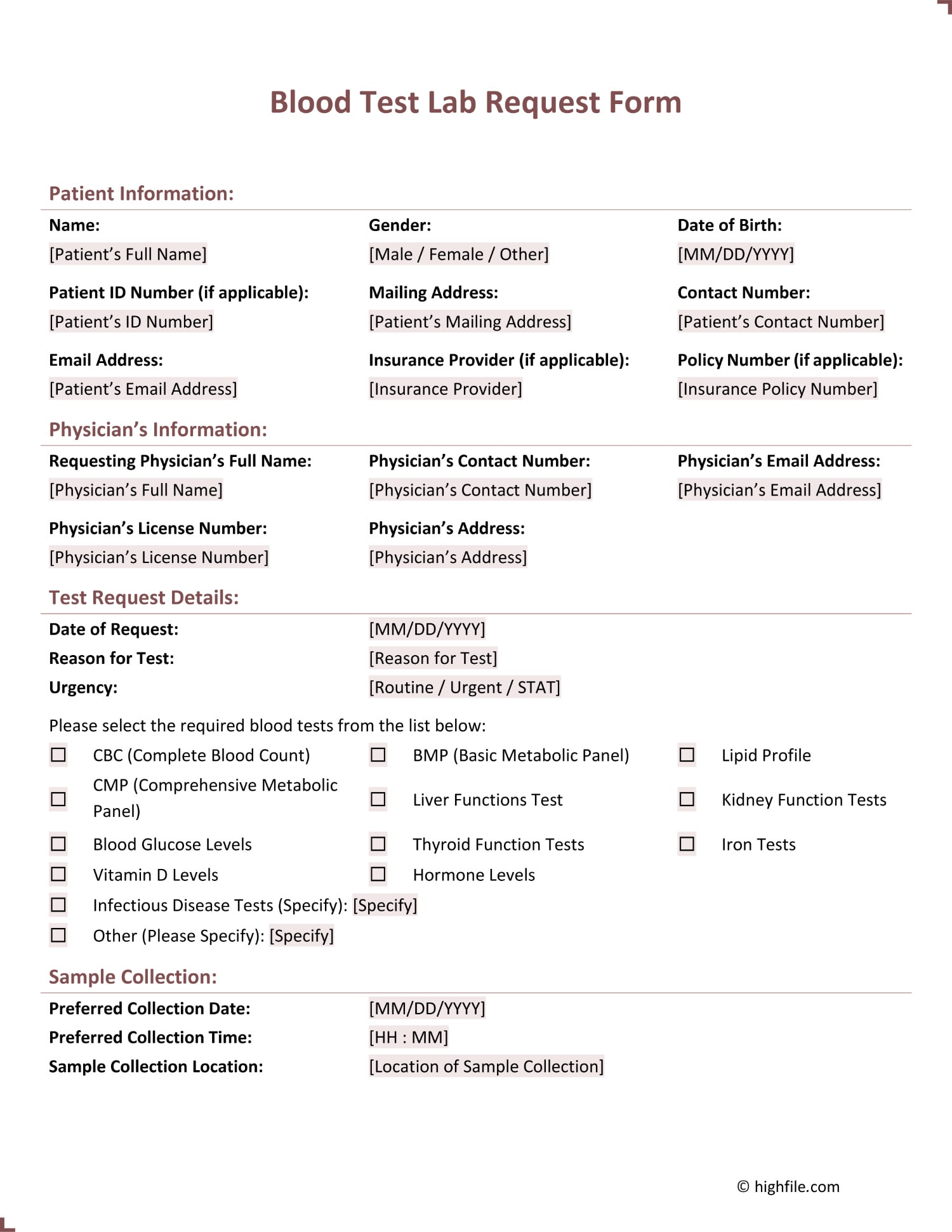


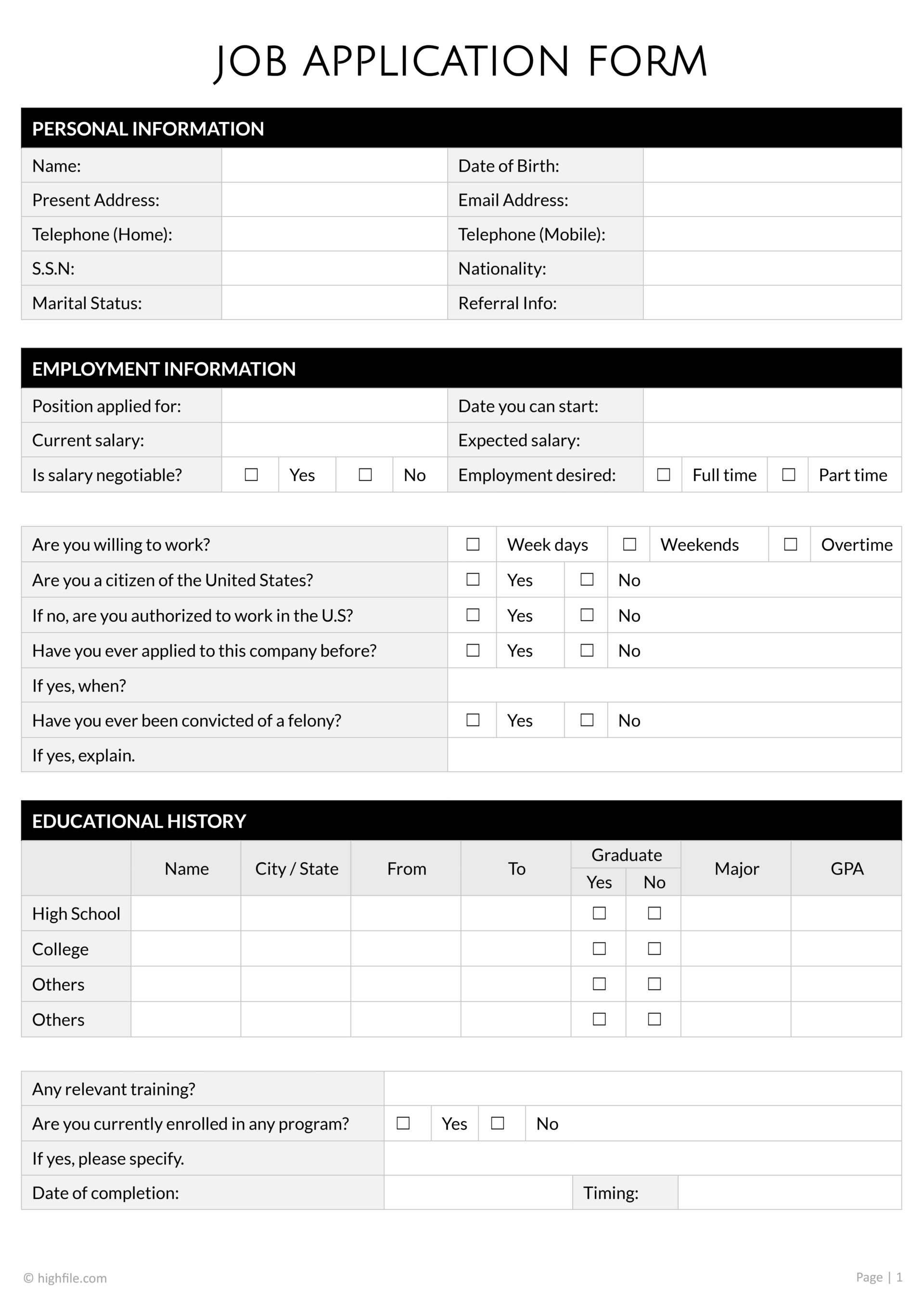


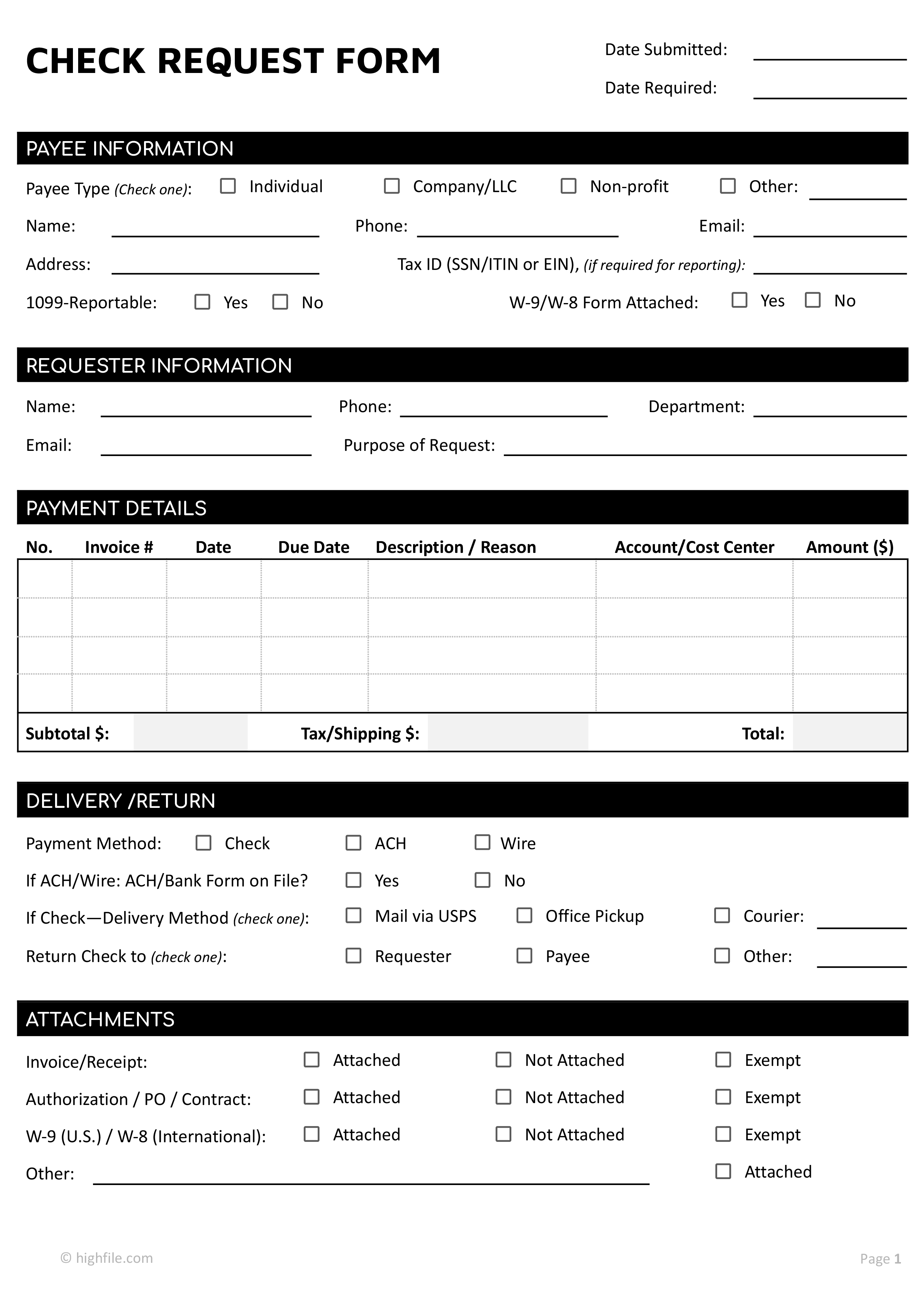


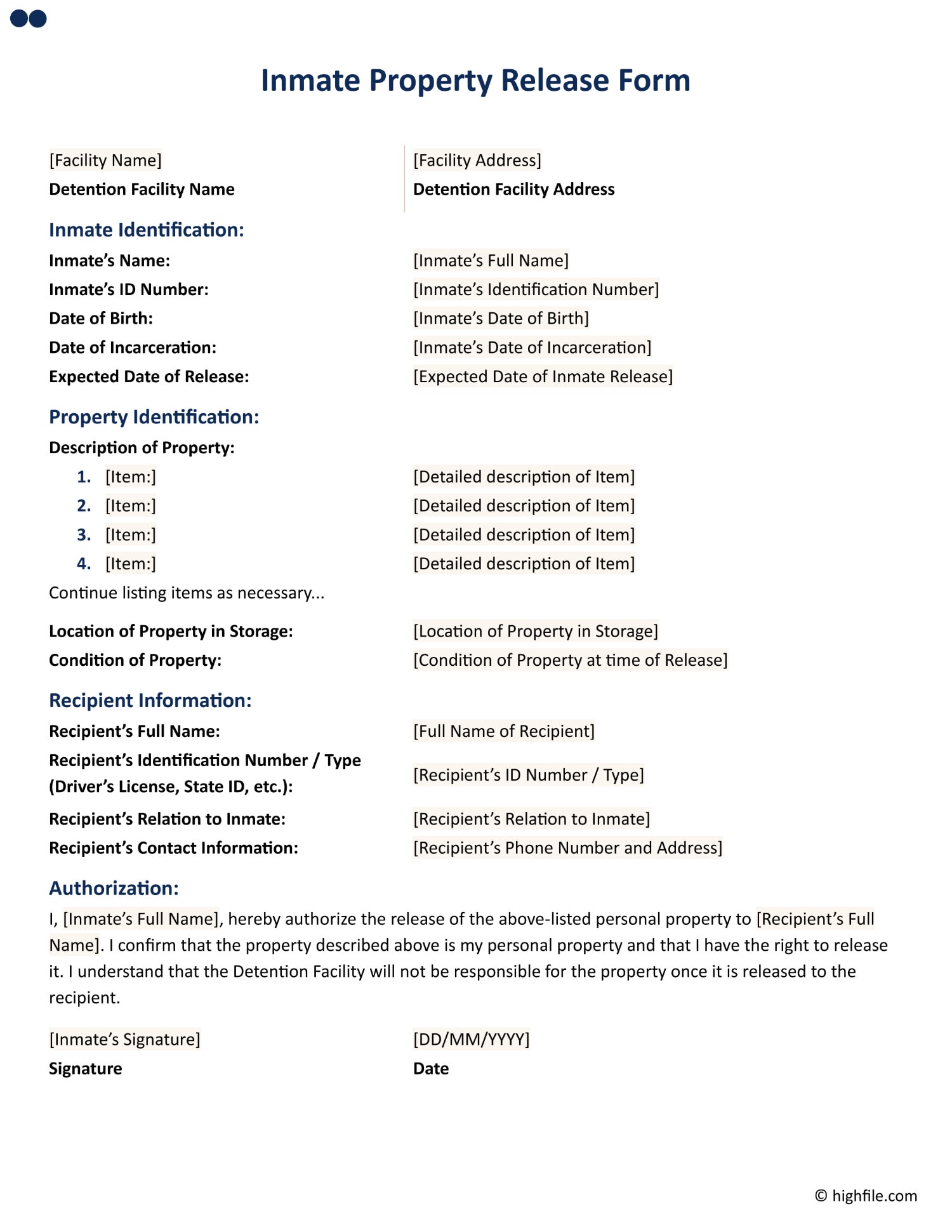


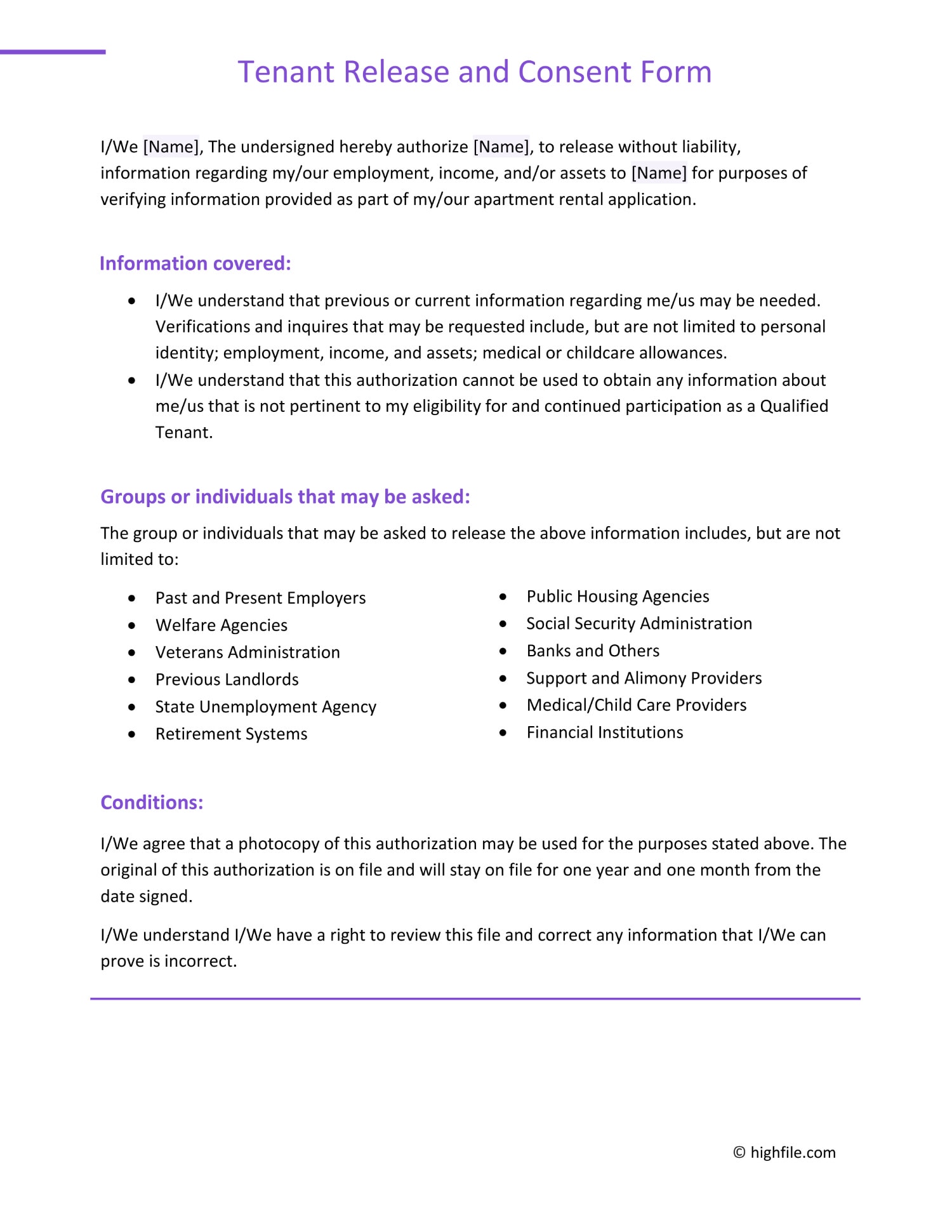
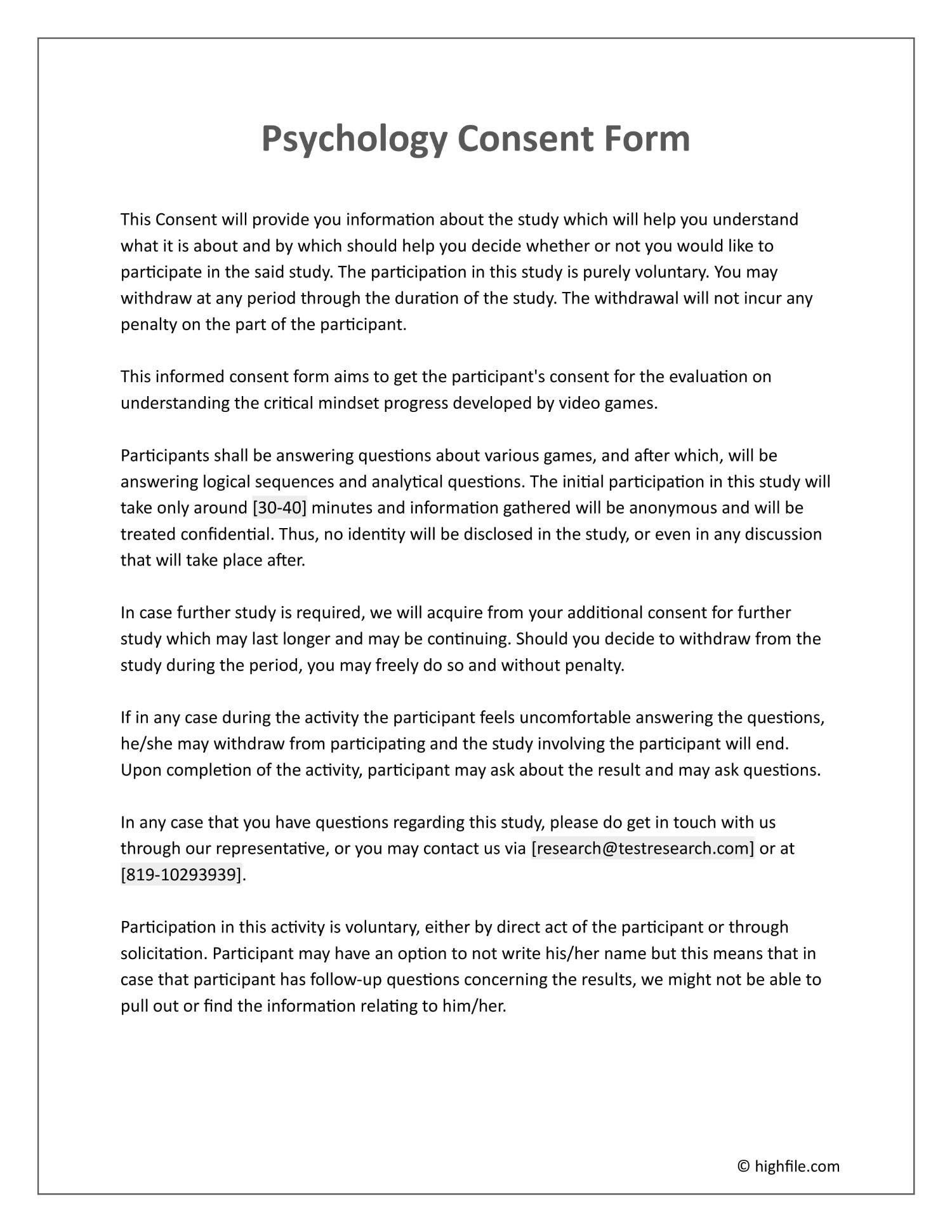
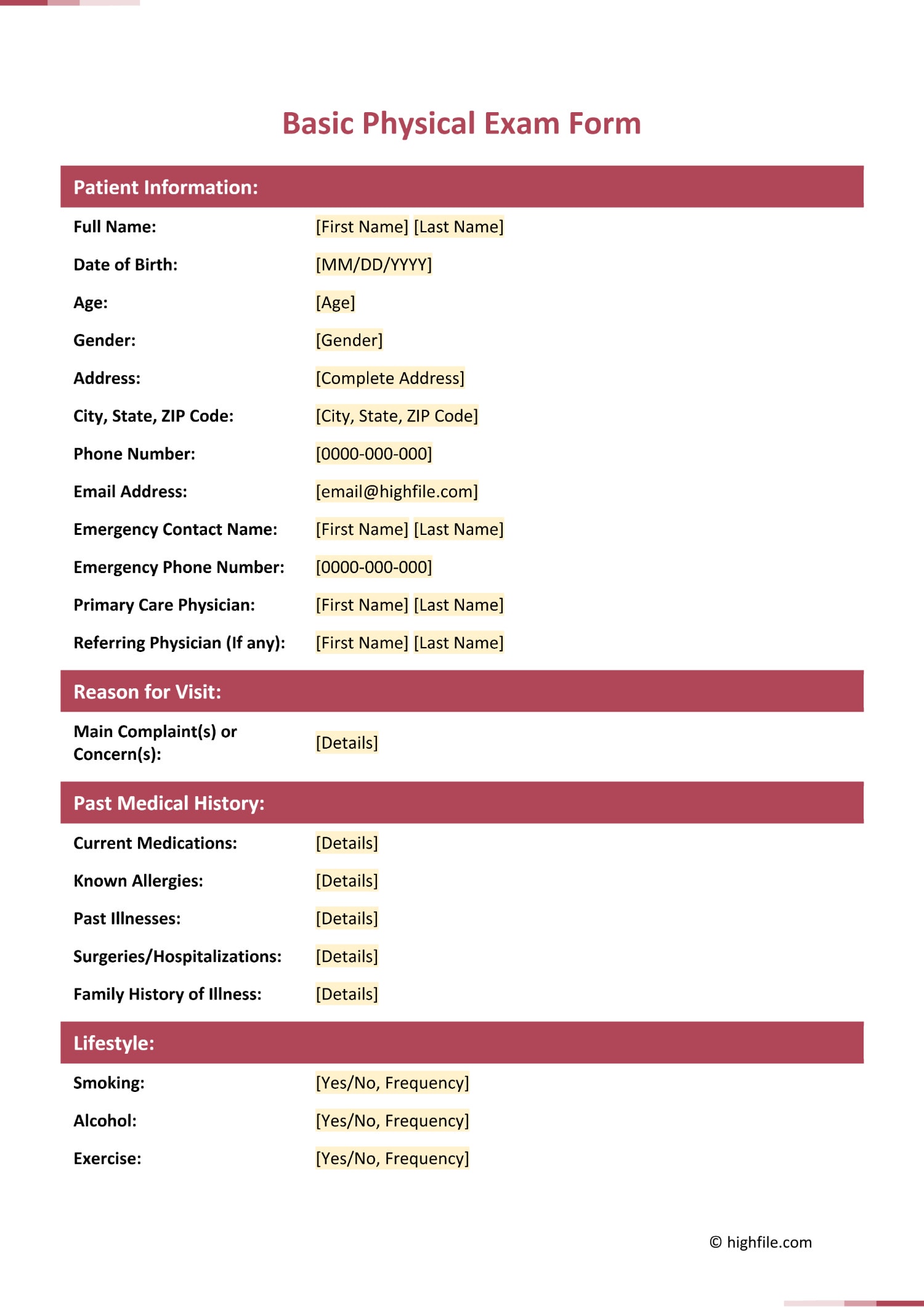
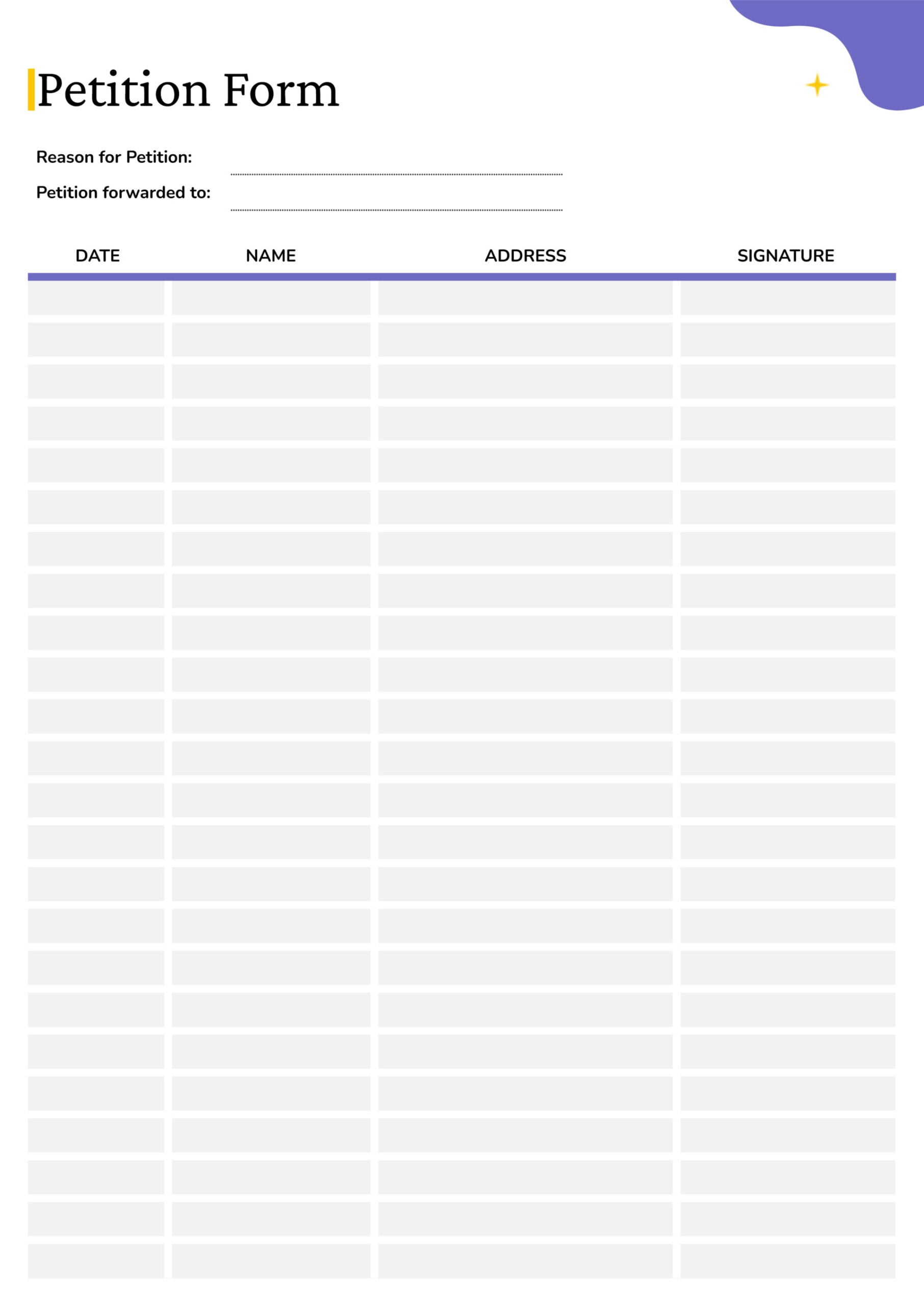
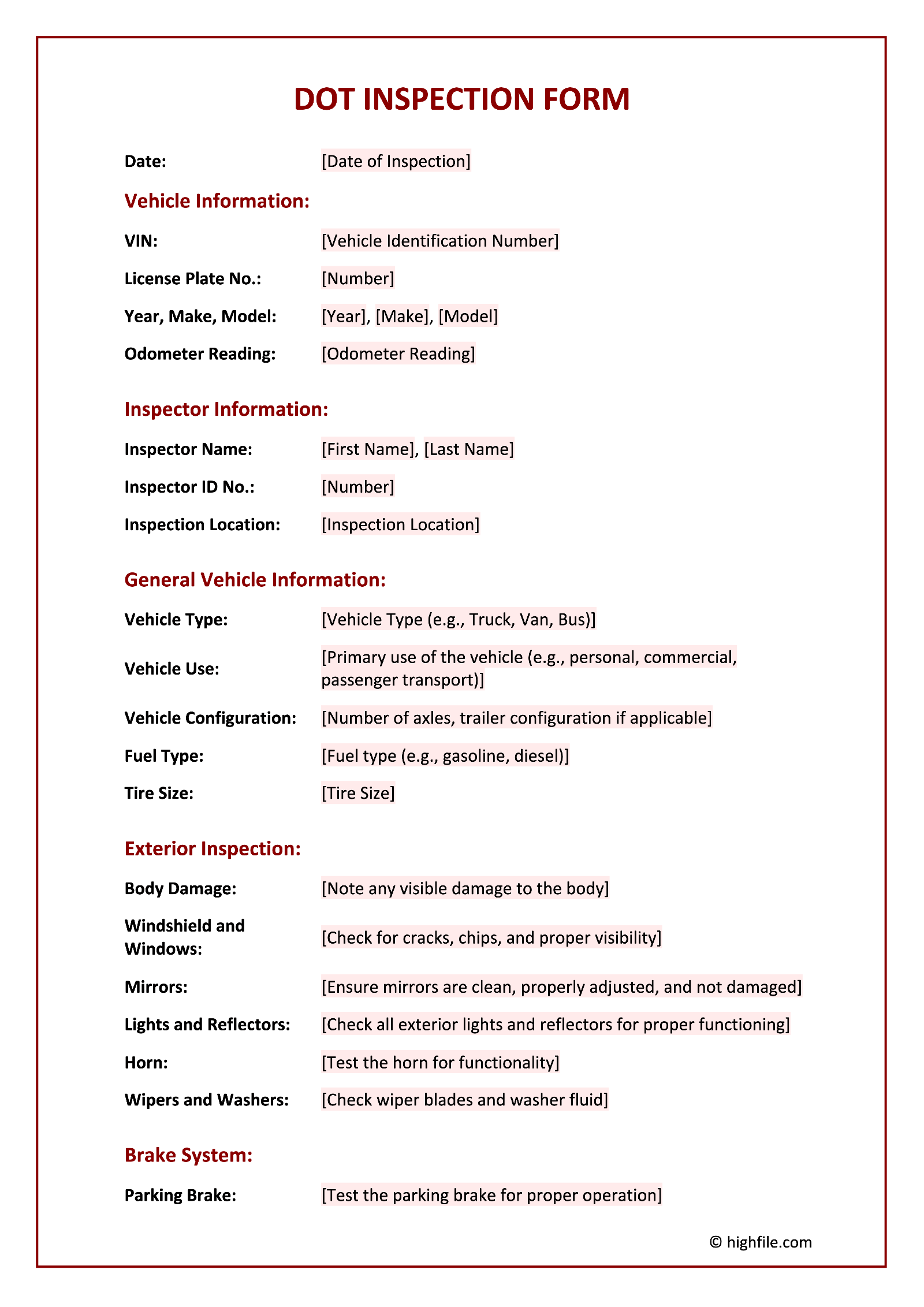


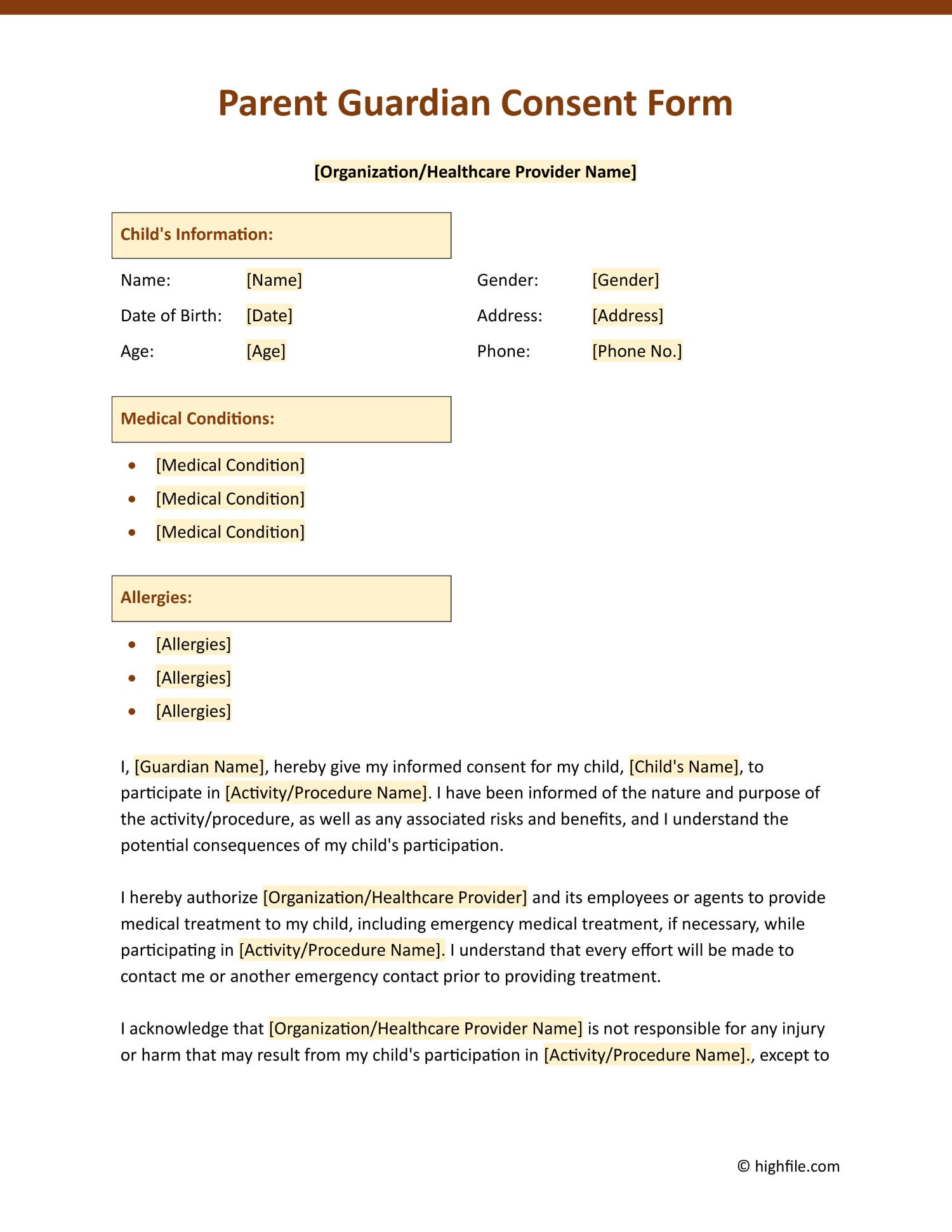

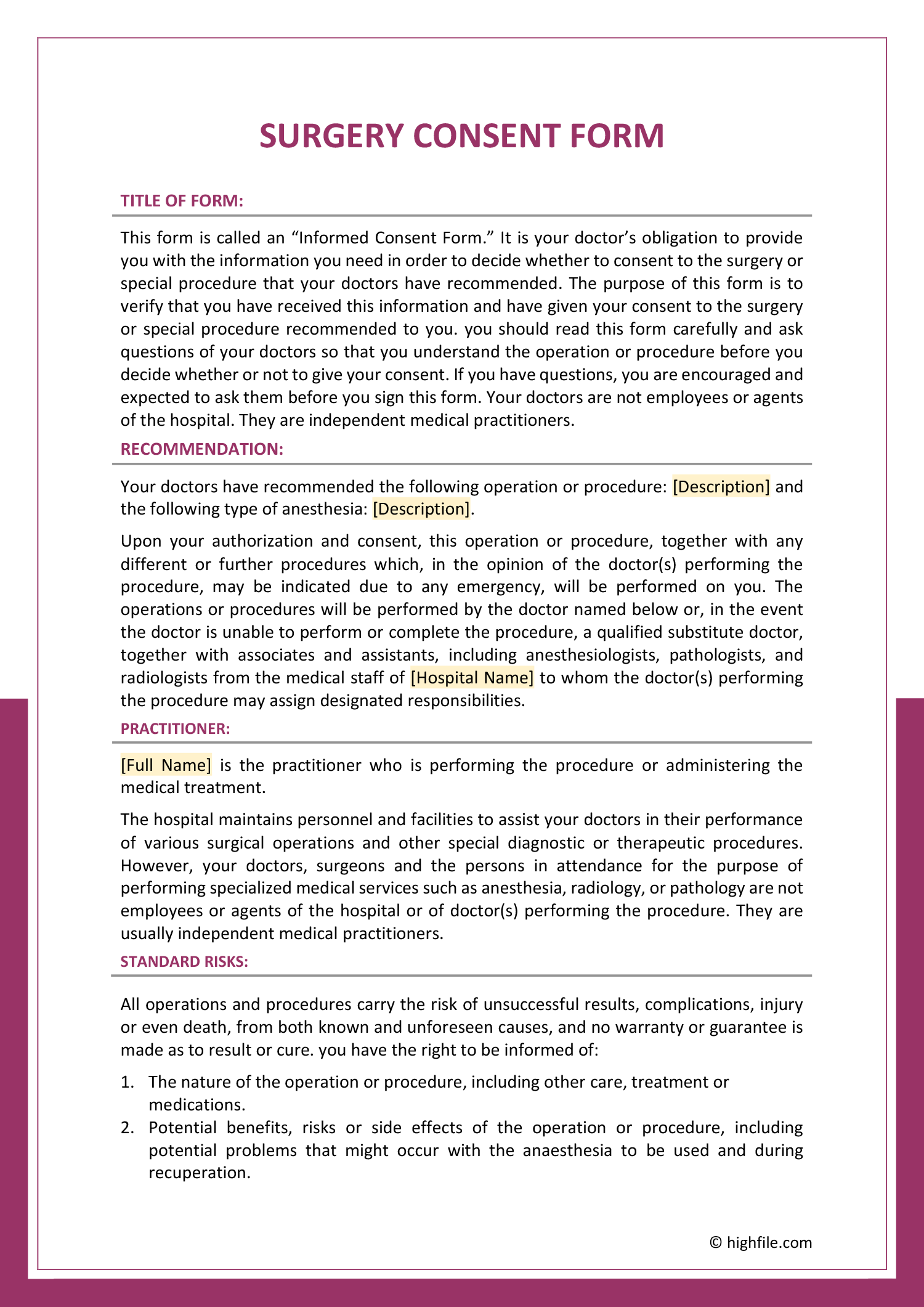




A form is a document built to collect a fixed set of information in a repeatable way. Rather than asking someone to write freely, it names each piece of information it needs and gives a labeled space for the answer, so every copy comes back filled in the same shape. That sameness is the whole point of a form. It keeps the answers easy to compare, easy to file, and hard to leave half-answered.
These templates cover the forms people use to gather information, record agreements, check the state of things, and register interest, the everyday paperwork that keeps a request, a permission, or an inspection on record. Each already has its prompts written and ordered, so a reader knows what is being asked and a respondent knows what to enter. You pick the form that matches what you need to collect, fill in the specifics, and hand it out in print or share it to complete on screen.
Worth knowing: A good form is judged by what comes back, not by how it looks blank. The clearer each prompt is about the exact answer it wants, a date in full, a printed name as well as a signature, the fewer forms return incomplete or ambiguous and need chasing.
What these form templates cover
The kinds of forms these templates span, and what each is built to collect.
Forms that record someone agreeing to a specific action, from a procedure to the use of a name or image. The prompts record who is agreeing, to what exactly, and that the agreement was informed.
Forms that document one party releasing or permitting another, such as a media or property release. The wording sets out what is released and who is releasing it.
Forms that walk through a set of items and record the condition of each, like a vehicle or equipment check. A fixed list keeps every inspection covering the same points.
Forms that collect names and details from a group, for an event, a class, or a list of supporters. Built so each entry comes back with the same fields completed.
Forms that ask for the information needed to act on a request, with prompts ordered so nothing required is missed before it reaches the person deciding.
Forms for entering activity over time in a steady format, so a series of entries reads consistently and can be reviewed or audited later.
Forms that gather responses to set questions, structured so answers from different people line up and can be compared rather than read one by one.
Forms that take down a person's details and reason for getting in touch at a first point of contact, so a complete picture arrives in one place.
Forms that record permission to act or confirm that something was checked, capturing the names, dates, and signatures that make the record hold up.
The collection spans the formats people work in, including Word, Google Docs, Excel, Google Sheets, PowerPoint, Google Slides, and PDF. Which formats apply depends on the form, so each template card shows what is available for that template. We keep adding new form types and refining the ones already here as the paperwork people need changes.
Filling in a form template
From choosing the right form to a complete copy you can hand out or collect.
Start from what you need to collect, agreement to something, the condition of an item, details from a group, and choose the form built for it. The right starting point already names the fields that purpose calls for.
Fill in the parts that stay the same on every copy, the organization name, the purpose, any reference or title. These frame what the form is for before anyone else writes on it.
Add, remove, or reword fields so the form asks for exactly what you need and nothing you do not. A prompt that does not apply only invites a blank or a guess.
Word every label so a respondent reads it one way, the full date rather than just the day, a printed name alongside a signature. Clear prompts are what bring forms back complete.
Tip — Where a field is easy to misread, add a short example in brackets so the answer comes back in the format you can use.
Give each field space sized to its answer and group related prompts together, so the form reads in a logical order and nobody is left short of room mid-entry.
Hold on to the signature line, the date, and any consent or acknowledgment wording. These are what turn a filled-in form into a record someone can rely on later.
Print copies for in-person use or share a version people complete on screen. Each template lists the formats shown on its card, so you can collect answers the way the situation calls for.
FAQs
What kinds of forms does this collection include?
The range is broad. It covers consent and permission forms, releases and waivers, inspection checklists, sign-up and registration sheets, requests and applications, logs and records, surveys, and intake forms. Find the kind you need and start from a version built to collect the right information.
How do I choose the right form for what I need?
Start from the information you need to collect rather than the look. To record someone’s agreement, look at a consent or release form; to check the condition of something, an inspection form; to gather details from a group, a sign-up or registration sheet. Once you know what the form has to collect, the type follows.
Can I add or remove fields to fit my situation?
Yes. The prompts are yours to edit, so you can add fields the form does not have, drop ones that do not apply, and reword labels to ask for exactly what you need. Keeping a form to only the fields that matter is what keeps it quick to fill in and easy to read back.
What makes a form come back complete rather than half-filled?
Clear prompts. A field that can be read two ways, or one with too little room to answer, is where forms go wrong. Wording each label so there is one obvious answer, and leaving space sized to it, is what gets a form back filled in the way you can use.
What file formats are the form templates available in?
The collection spans the formats people work in, including Word, Google Docs, Excel, Google Sheets, PowerPoint, Google Slides, and PDF. Which apply depends on the form, so each template card shows the formats available for that template.