
Fact Sheet Templates
On a fact sheet, what you leave off matters as much as what you keep, because the one job is to let a reader grasp a subject at a single glance. These fact sheet templates give that one page a working order, pairing short text with charts and icons so the important points land before a busy reader moves on. Start from the one nearest your subject, a company, a product, a property, a policy, and fill it with the few facts that matter most.





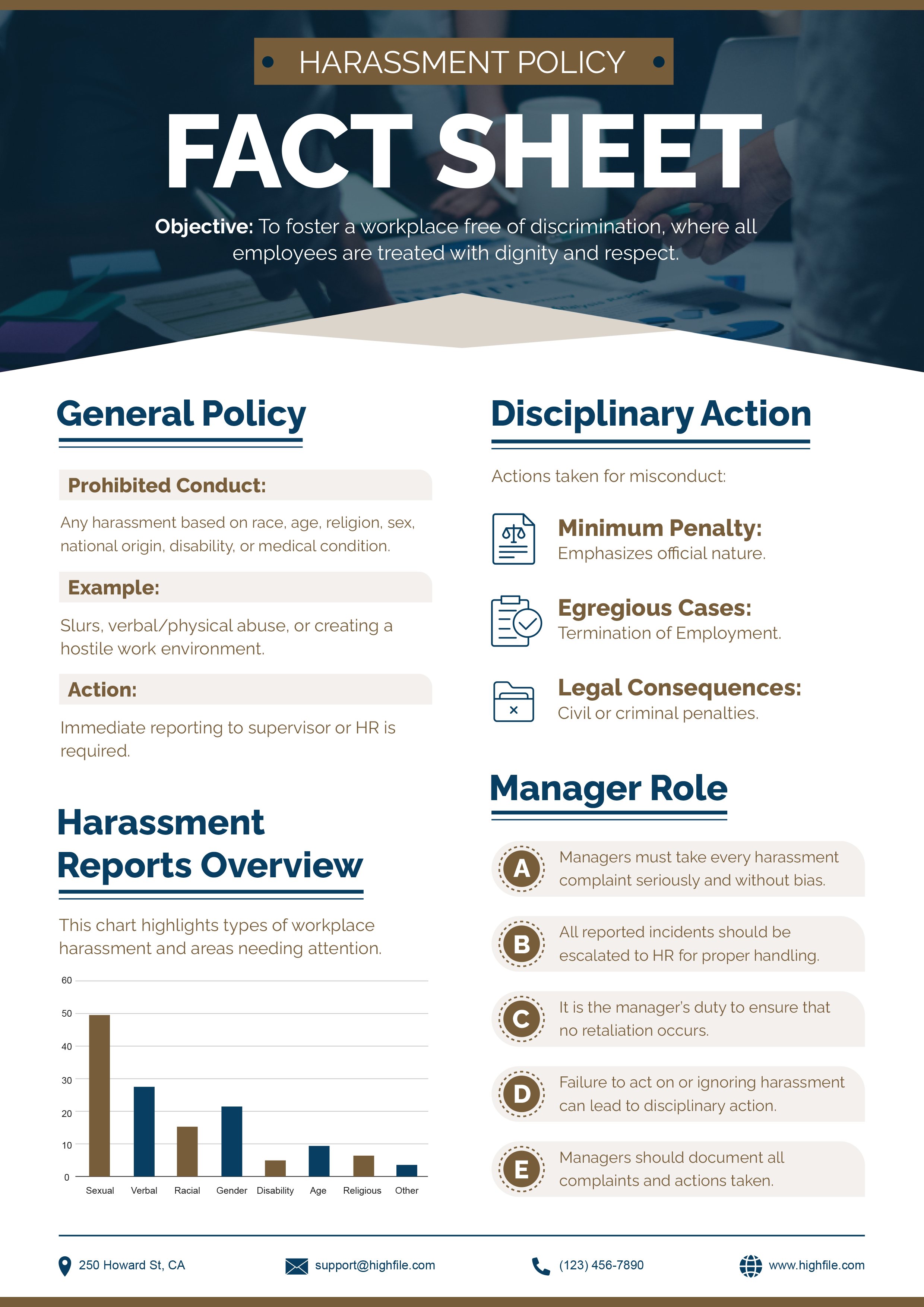
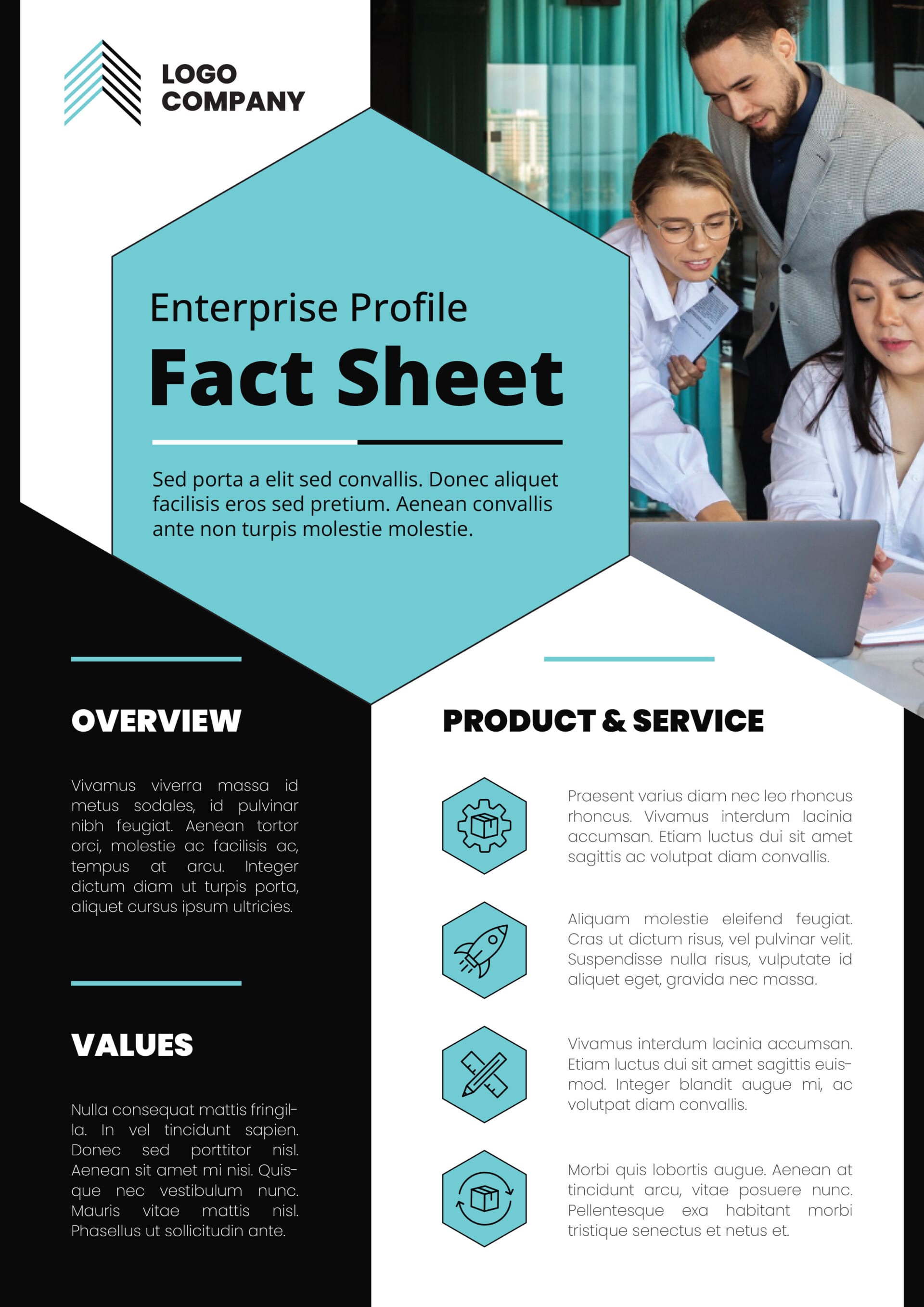


A fact sheet is a single page built to be read fast. It pulls the essential facts about a product, a company, an event, or a topic out of longer material and arranges them so a reader takes in the gist without working for it. That speed is the whole point, which is why a good fact sheet is defined as much by what it omits as by what it includes. It appears in marketing, public relations, investor and internal communication, and public awareness work, anywhere someone needs to understand a subject quickly and reliably without reading a full report.
The difficulty is restraint. The temptation is to include everything known about a subject; the discipline is keeping only the facts a reader needs and giving each enough context to matter. Short text sections, a few well-chosen numbers shown as a chart or table, and visuals that guide the eye do more than dense paragraphs, because a reader skims a fact sheet rather than studying it. These fact sheet templates are built around that read, with two-column formats that hold concise text beside the visuals that present the data, so the page stays quick to scan whatever subject you put on it.
Worth knowing: A number on its own rarely persuades. Pairing each statistic with a short line of context, what it compares to or why it matters, is what turns a figure on a fact sheet into a point a reader remembers.
What goes on a fact sheet
The parts that arrange a subject for a quick, reliable read.
A short, specific title that states the subject at once, so a reader knows what they are looking at before reading a word of the body.
A brief opening that frames the topic and its significance, giving the facts that follow something to attach to.
The most important points as short statements or bullets, placed for the reader who takes in only the highlights.
Short paragraphs that add the background and context the key facts need, without expanding into report-length detail.
Charts, graphs, and tables that show trends and comparisons faster than prose, chosen to match the kind of data you are presenting.
Visuals that break up text and guide the eye through the page, kept consistent in size and style so the page reads as organized.
Logo, colors, and fonts matched to your guidelines, so the sheet reads as part of a recognizable identity rather than a one-off.
A short line pointing the reader to the next step, such as a site to visit or a contact to reach, once the facts have done their work.
Website, email, phone, and social handles, so a reader who wants more knows exactly where to follow up.
Building a fact sheet that reads at a glance
How to fit a subject onto one page without crowding it.
Start from your audience and the few things they most need to know, then cut the rest. A fact sheet earns its speed by excluding more than it keeps, so the editing is the real work.
Put the most important points first, as short statements a reader can absorb in a glance. Anything that needs a paragraph to explain probably belongs lower or not at all.
Show data as a chart or table placed beside the text it relates to, not on a separate page. Match the chart to the data, with proportions on a pie, comparisons on bars, and change over time on a line.
Tip — Keep charts plain. A simple bar a reader reads instantly beats a styled one they have to decode, which defeats the point of a quick-reference page.
A two-column layout fits more without crowding and lets visuals sit next to the facts they illustrate, so the eye moves through related material in small, readable groups.
Add a short line of context to every statistic so the reader knows what it compares to and why it matters. A figure with no reference point is quickly forgotten.
Before finishing, read the whole sheet for even spacing and visual weight. White space between sections is what keeps a dense page feeling scannable rather than packed.
FAQs
How are these fact sheet templates organized?
By subject, since what a reader needs first changes with the topic. A property or real-estate sheet leads with specifications, a company sheet with highlights and contacts, a product sheet with features and figures, and health, policy, and animal sheets with the key facts particular to each. You start from the one nearest your subject, where the sections and visuals are already weighted for that kind of content.
Do these templates include the sections and visuals a fact sheet needs?
Yes. Each is built around the standard parts, a title, an overview, key facts, the detail that backs them, and space for data visualization, with branding and contact areas, arranged in a two-column layout that fits more without crowding. The charts and tables are there to be edited with your own figures, and you can swap icons and images to suit the subject, so the page stays a quick read whatever you put on it.
How is a fact sheet different from a data sheet or an infographic?
All three present information, but for different readers. A fact sheet gives a broad audience a quick, reliable understanding of a subject using short text and simple visuals. A data sheet gives a technical audience exact specifications and measurements, usually as dense tables with little narrative. An infographic leans heavily on visuals to tell a story for a general audience, with minimal text. Reach for a fact sheet when a reader needs the essentials without the depth of a report or the precision of a spec.
How long should a fact sheet be?
One page is the standard, holding only the most important information in a form a reader can take in quickly. A complex subject can stretch to two pages, but only if the page stays uncrowded. Past that, it stops working as a quick reference and becomes a document a report should handle instead.