
Brochure Templates
Start with a brochure template whose fold matches the length of your message, then swap the example text and photos for your own. Getting that choice right is the main decision, since the fold sets how much room you have for words and pictures. The rest of the work is writing what you want to say.






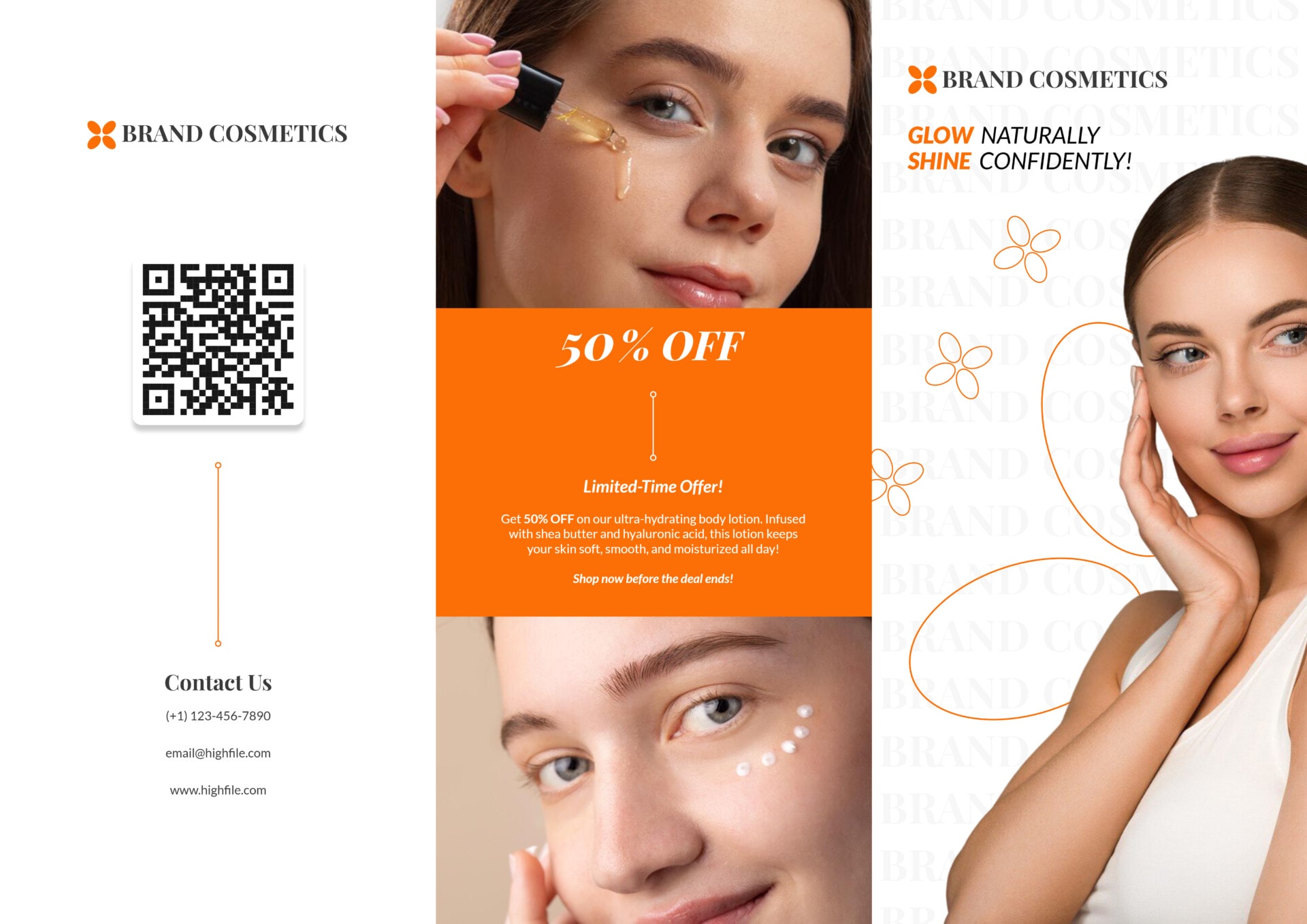






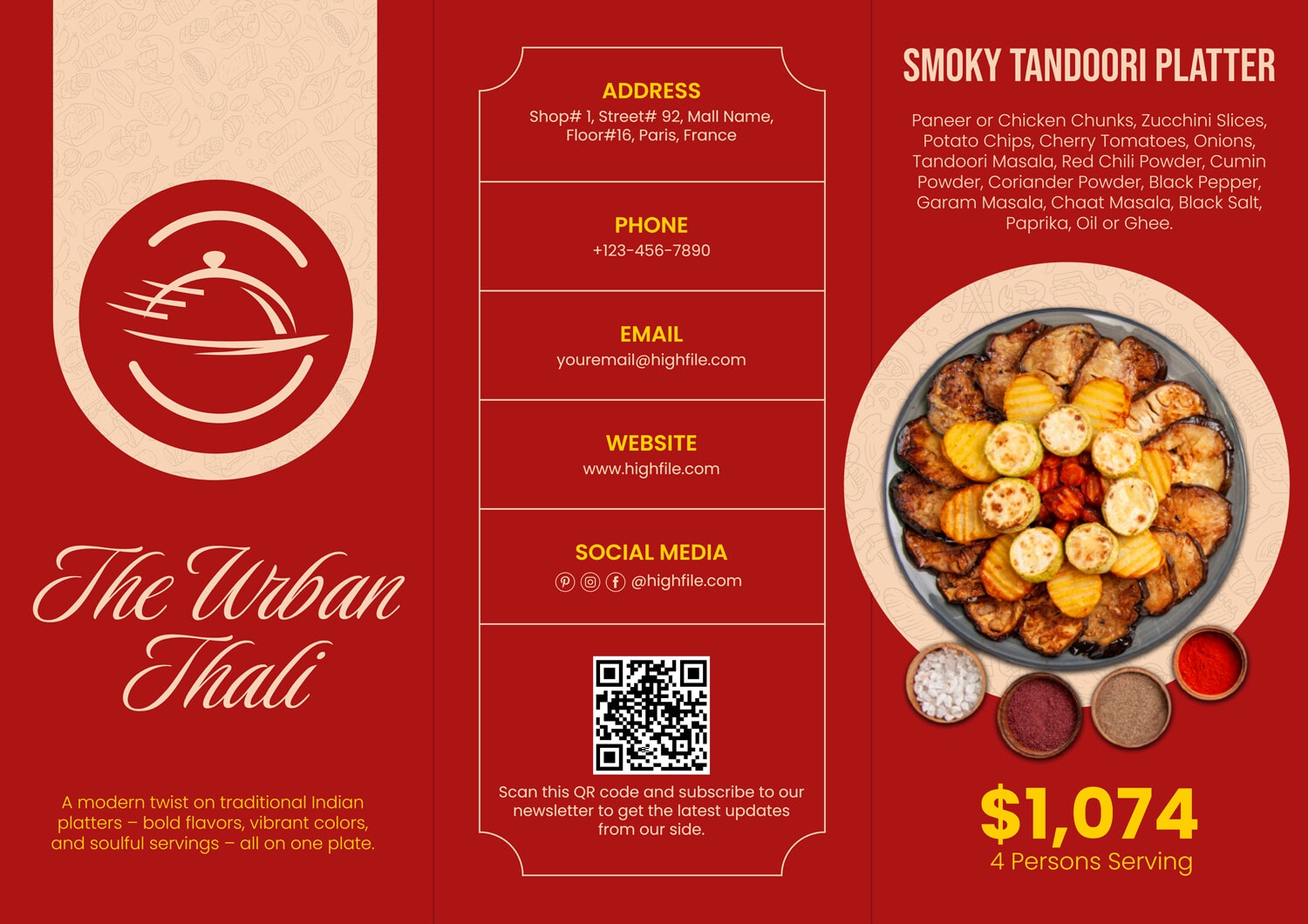


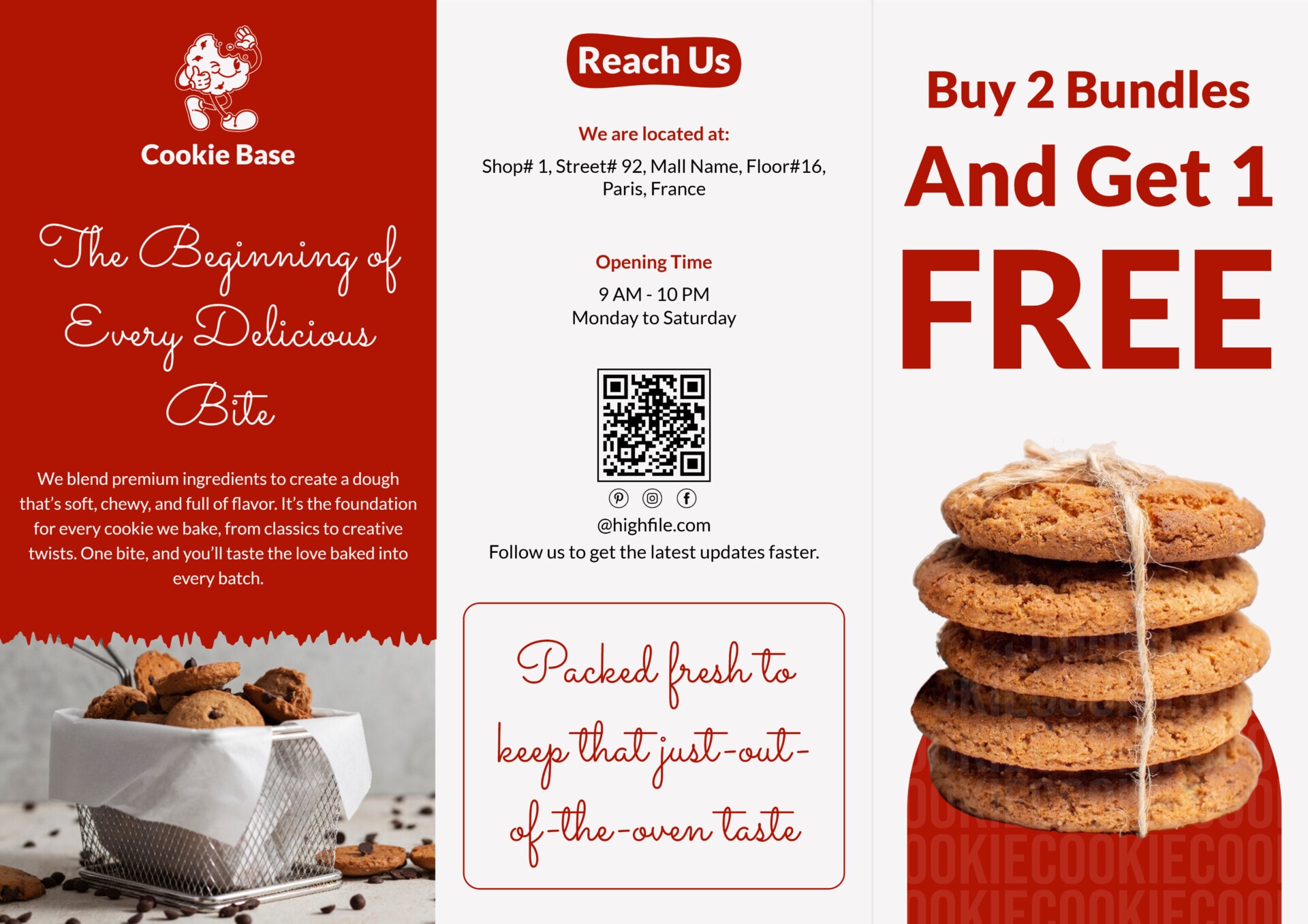


The brochure templates in this collection are organized around the panels a brochure folds into, so the headline, the body sections, and the contact details each get their own space instead of crowding one page. That panel arrangement is what separates a brochure from a flyer. It has to work closed, when only the cover shows, and again open, when someone is reading the inside spread in their hands.
That same panel arrangement suits any subject. A travel agency uses the panels for destinations and trip details, a clinic for its services and hours, a restaurant for a menu and prices, a school for its programs, an estate agent for a property’s features and viewing details. The headings and copy are live text you type over, and the photo areas are sized to each panel, so the same design works for a product line, an event program, a nonprofit appeal, or a company overview without redrawing anything.
Choosing one starts with how much you have to say. A tri-fold gives six panels for a longer service list or a full menu, and a single fold or flat sheet is designed for a short pitch meant to be read in one glance. Match the fold to the content first, since the color and images are quick to change after.
Worth knowing: On a tri-fold, the panels are not read in the order they appear in the flat file. The outer section that becomes the front cover and the flap that folds inward first are read at different moments than their place suggests, so each template already arranges its sections in the right folded order. Work through them in the sequence the design shows rather than straight across.
Parts of a brochure template
Nearly every brochure repeats the same handful of panels, whatever subject it presents.
The face of the folded brochure, with the title, a hero image, and the single line that has to earn the open.
A short promise that tells a reader what they gain by reading on, the line doing the persuading before any detail does.
The body of the brochure, where services, attractions, features, or menu items each get a heading and a few lines of plain description.
Photo frames sized to the panel for products, places, food, or a team shot, so pictures sharpen the message instead of fighting the text for room.
Credibility in a small space, usually a customer quote or a few reasons to pick you, answering the doubt a reader has before acting.
Phone, email, address, website, and social handles grouped as the next step, so a convinced reader knows exactly how to reach you.
Not every brochure uses all of these. A bi-fold often folds the why-choose-us pitch into the cover instead of giving it a panel of its own, and a flat single sheet keeps the contact details on the same side as the body. Fill the panels your content calls for and let the design close the gaps.
Customizing a brochure template
A few edits replace the placeholder copy and leave you a brochure ready to fold and hand out.
Choose a fold and panel count that match how much you have to say. A service list or a menu wants a tri-fold's six panels, and a single announcement reads better on a bi-fold or a flat sheet.
Tip — Count your sections before choosing a fold. Adding panels later means re-spacing the whole design.
Replace the front-panel title and headline with your name and the one promise that earns the open. This is the only panel most people judge before deciding to read on.
Swap the section headings and body text for your real services, features, attractions, or menu. Keep each block to a heading and two or three lines so the panel stays scannable when folded.
Drop your own images into the photo frames and shift the palette to a brand you already use. The frames are sized to the panel, so a photo at the right resolution fills cleanly without stretching.
Tip — Use images at 300 DPI at the size they print. A web-resolution photo looks fine on screen and turns soft once the brochure is printed.
Enter the phone, email, website, address, and social handles a reader needs to act. On a folded brochure this panel often becomes the back, so it stays visible after the brochure is closed.
Fold one printed copy before a full run. A test fold catches a panel that crosses the crease or a margin lost in the fold, the kind of problem that only shows once the paper is folded rather than on screen.
Tip — Print and fold on the same paper weight you will use for the run, since a heavier stock folds differently and can shift where a crease lands.
FAQs
Are the brochures in this collection tri-fold or bi-fold?
Both. The collection includes tri-fold designs, which give six panels across two sides, along with bi-fold and flat single-sheet layouts for shorter pieces. Each template’s preview shows how it folds, so you can match the fold to the amount of content you have.
Will a template work for an industry that isn't travel, food, or real estate?
Yes. The panels and content blocks hold any subject, so the same design works for a clinic, a school, a product line, an event, or a nonprofit appeal. You replace the headings and copy with your own, and nothing about the design is locked to one field.
Do I need to leave a bleed or margin for printing?
Keep important text and logos a short distance inside each panel edge, and extend any background color or photo slightly past the trim if your printer asks for bleed. Home and office printing is usually fine with the template’s default margins. A commercial printer may request a specific bleed, which is quick to add by stretching the background to the page edge.
Can I take the cover from one template and the inside of another?
That works as long as both share the same fold and page size. Copying a panel between two tri-folds of the same dimensions keeps the spacing intact. Mixing a tri-fold cover with a bi-fold interior throws the panel alignment off, so match the fold first.
What can I edit these brochure templates in?
These brochure templates are available to edit in a range of file formats, including Word, Google Docs, PowerPoint, Google Slides, and Adobe Illustrator, so you can work in the program you already use. The design is the same across formats, so the choice comes down to preference.