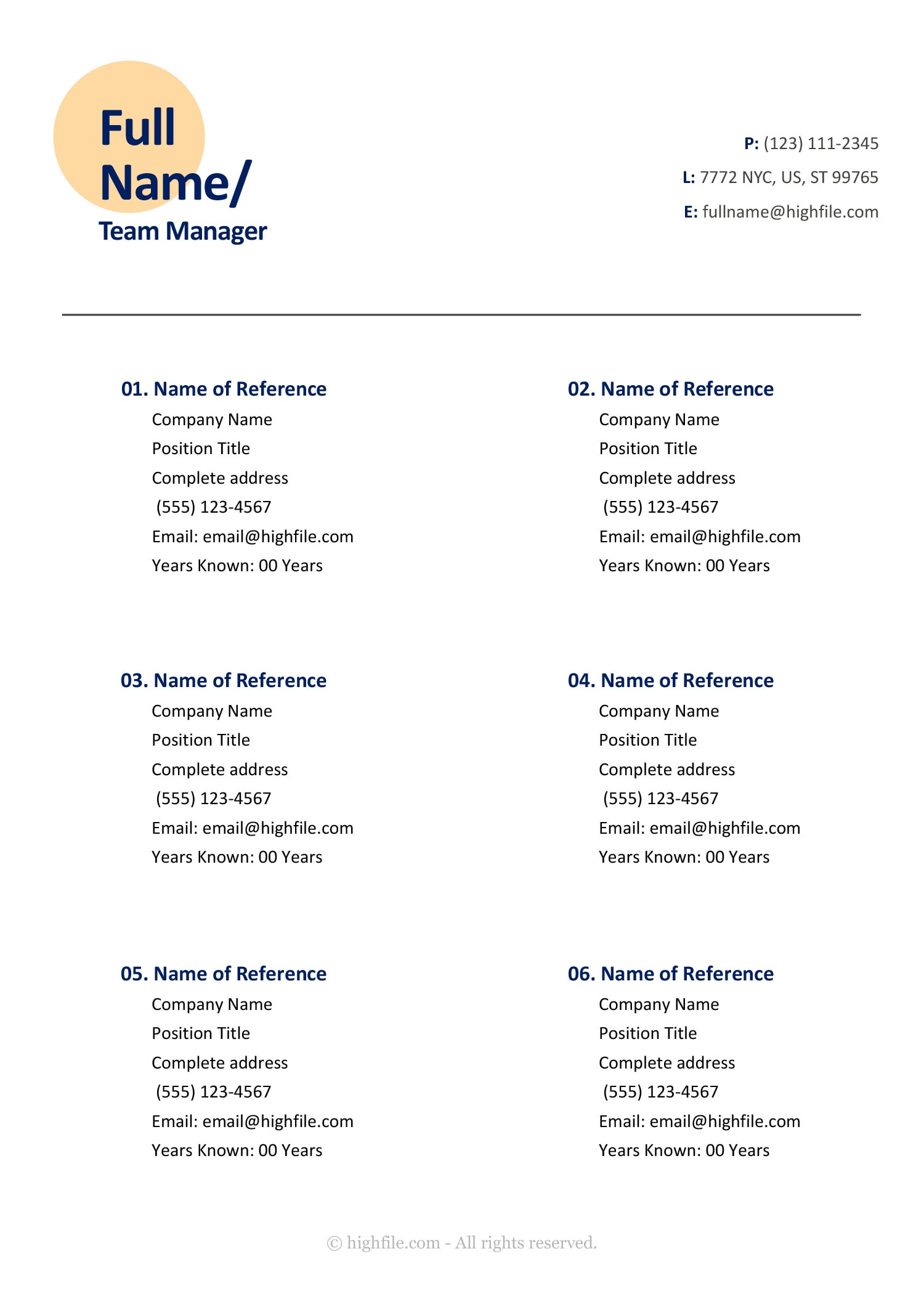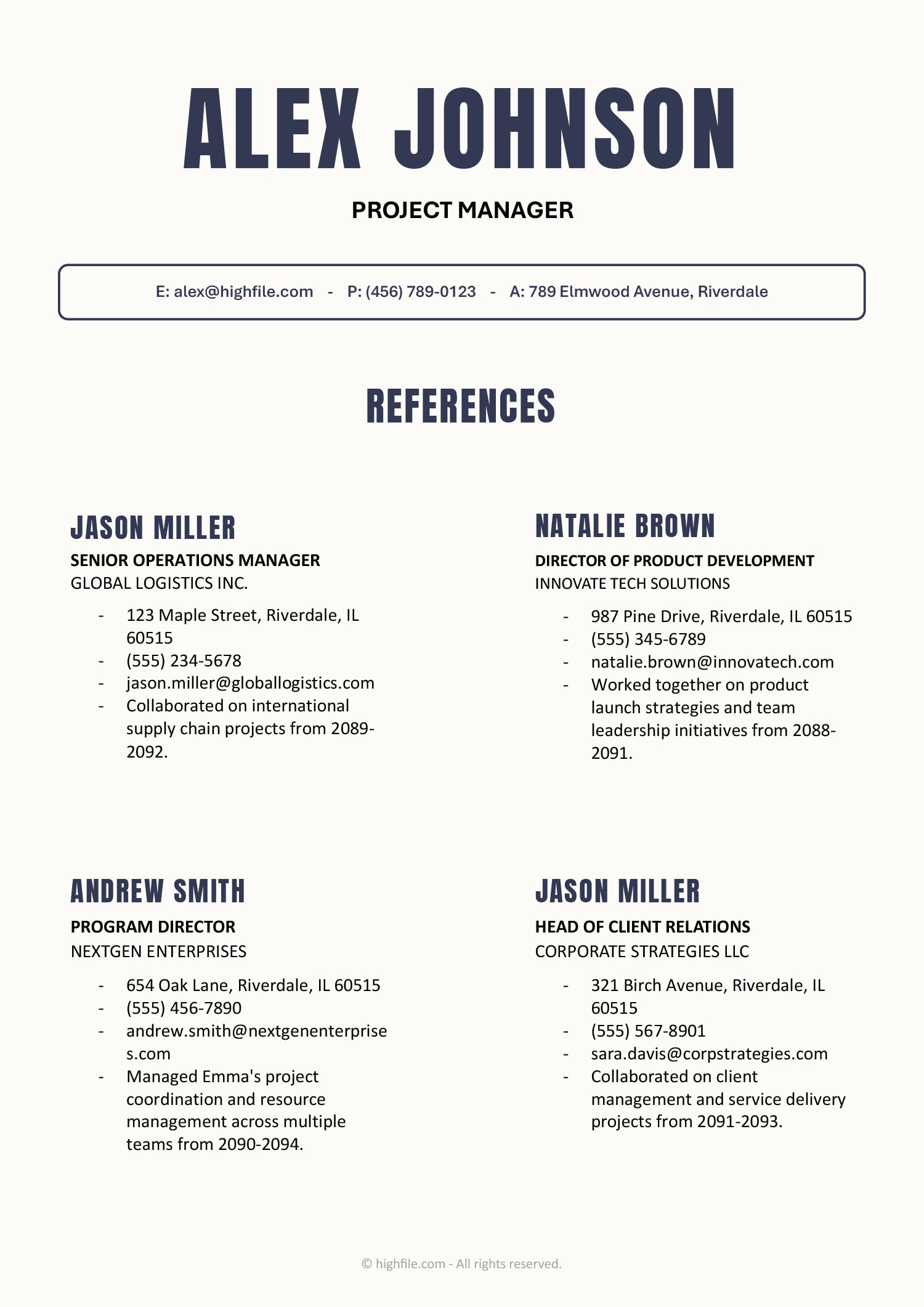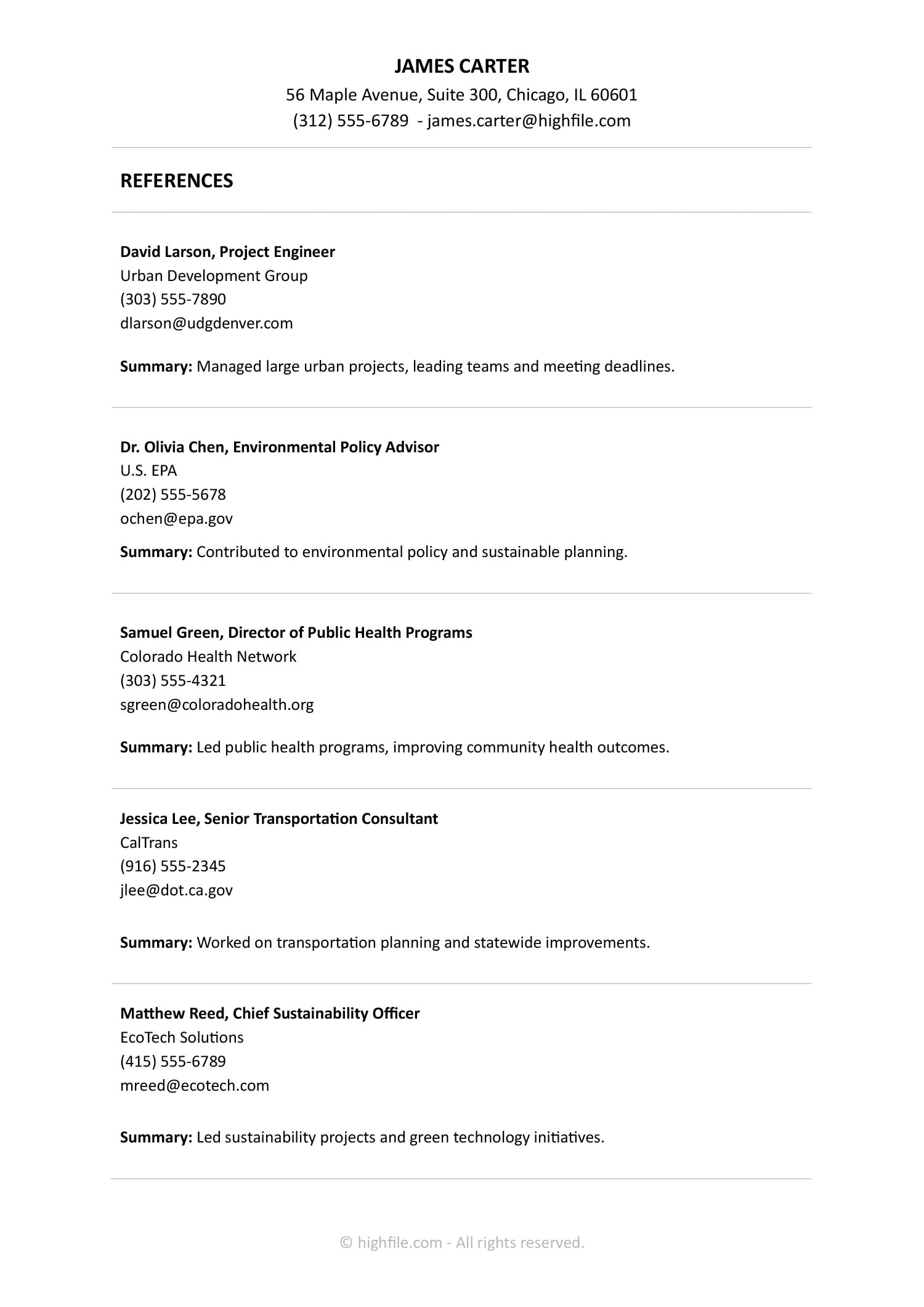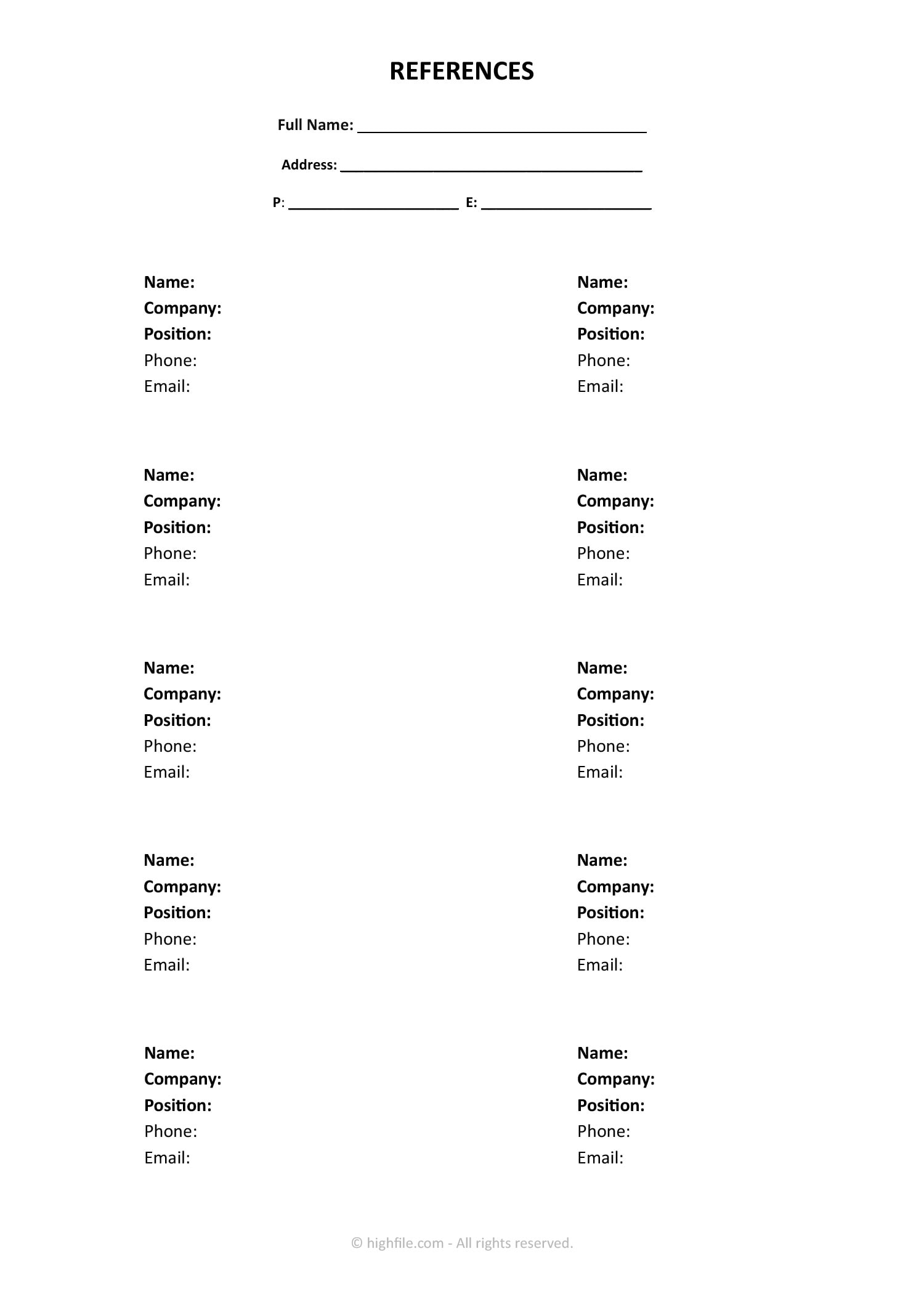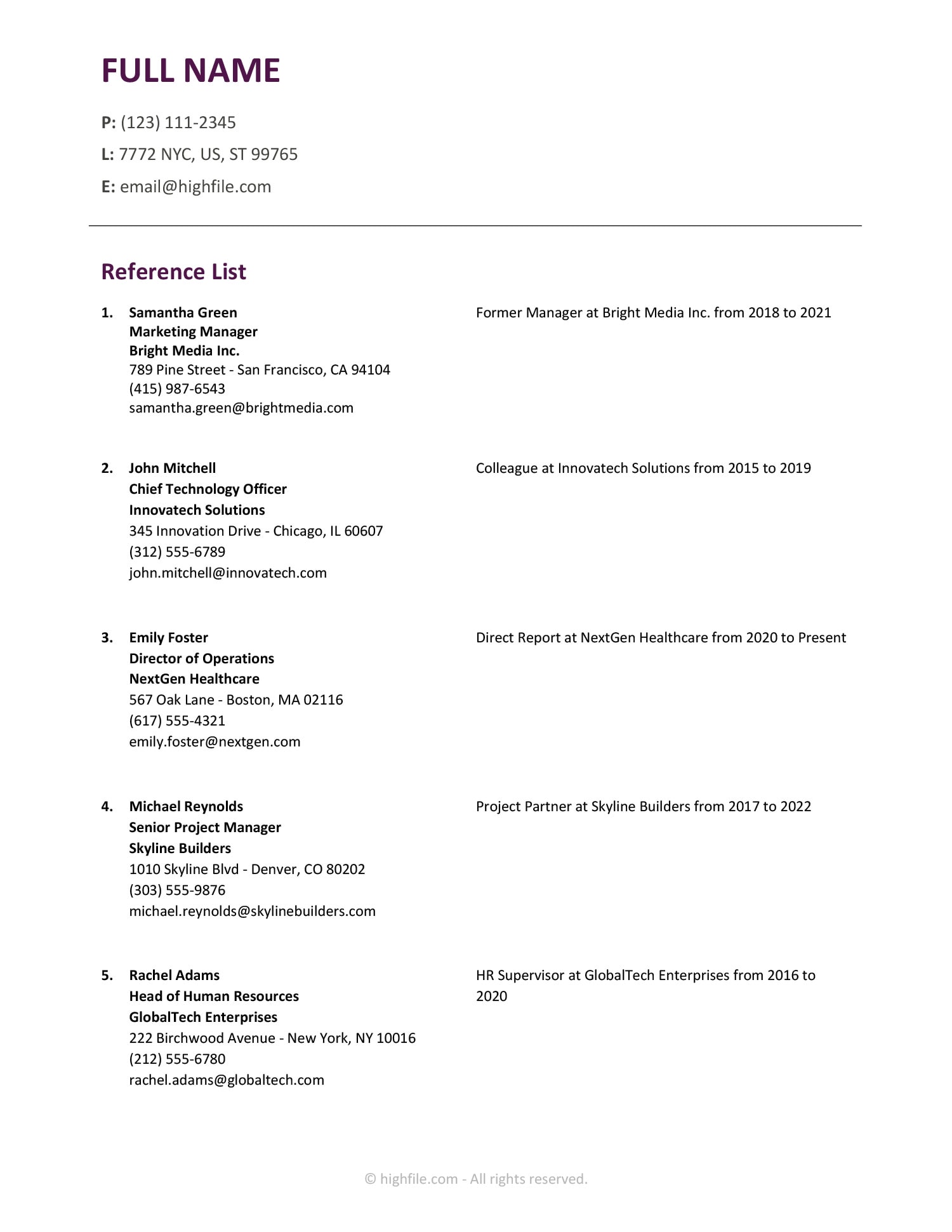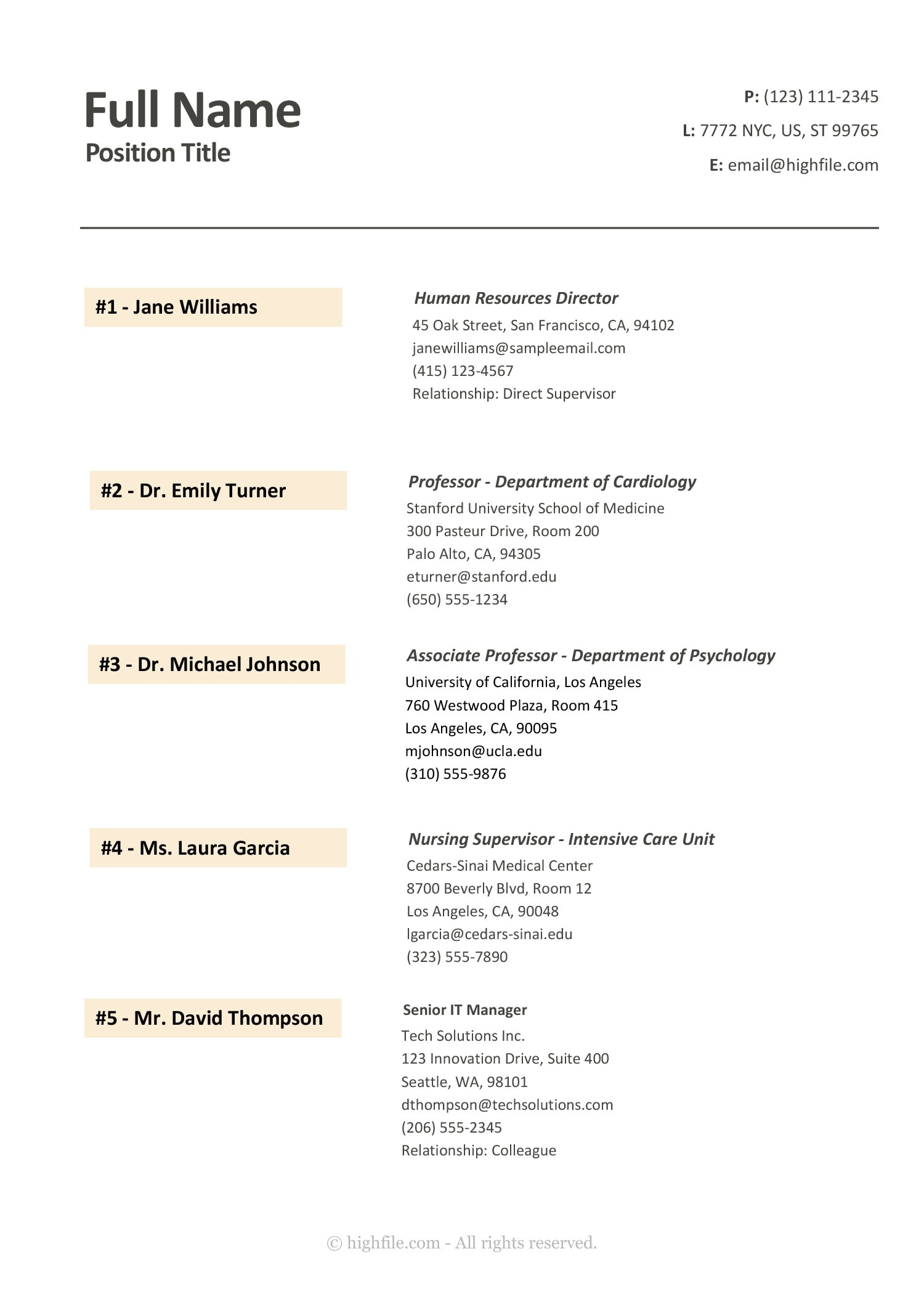


A references list is usually requested after an interview or during final screening, when an employer, school, or credentialing team wants to contact people who can speak about your work, conduct, or training. This minimal references list template is designed to keep those details organized in a professional document that is separate from your resume, so you can update it quickly and share it when asked. It uses a clean header for your own contact details, then a numbered list where each reference has a name label on the left and full contact and relationship details on the right.
If you want a format that feels consistent across different situations, this template can be used for job applications, internships, graduate programs, academic roles, licensing or credentialing packets, and volunteer screening where references are reviewed.
How to Use the References List Template
Start by selecting your references, then send a quick message to confirm they are okay being contacted. You will avoid outdated details and your references will be ready if a recruiter reaches out.
Add your information in the header
Start at the top with your name and position title. On the right side, update the contact lines, such as phone number, location, and email, so the recipient knows how to match this reference list to your application. If you are submitting through an online portal, use the same email and phone number used in your application profile to avoid confusion.
Choose the right number of references for the request
Many requests ask for three to five references, but the right count depends on the role and the instructions you were given. This template already shows five entries, so you can keep that count, trim it down, or copy an entry block to add more. If you are listing more than five, keep the strongest and most relevant names near the top.
If a form or email specifies a certain type of reference, follow that direction first. For example, some employers only want direct supervisors, while some academic programs prefer faculty or research advisors.
Fill each reference entry with complete, up-to-date details
Each reference entry is designed for full contact details, so you can include the person’s title, organization, mailing address, email, and phone number. Use the relationship line when it adds context, such as direct supervisor, mentor, clinical preceptor, colleague, or volunteer coordinator. Keep relationship wording short and specific.
If you do not have a full street address, you can remove that line and keep the city and state. If the recipient only asked for email and phone, you can remove the address block entirely and keep the document focused on what was requested.
Adjust labels to match your situation
This template uses numbered labels, which makes it easier to reference specific contacts during screening. If you prefer categories, you can add a short heading above a group of entries, such as Professional References and Academic References, then keep the numbering within each group. If you are preparing a list for a credentialing packet, you can also rename “Relationship” to “Role in supervision” or similar wording used by that organization.
Save a share-ready version
After you finish, save a clean copy for sending and keep a separate master copy for your own tracking. A master copy can include extra notes for you, such as best contact hours or how you worked together, while the shared copy stays focused on contact information and relationship context.
Keep a version that is ready for email attachment and another version formatted for printing. Some employers still ask for a printed packet during onboarding.
Customize This Template in Word and Google Docs
This References List Template is fully editable, so you can adjust it to match the style of your resume, cover letter, or application packet. In both Word and Google Docs, you can change text, spacing, and layout details without rebuilding the page. That matters when different employers and schools ask for different reference formats, such as three references instead of five, professional references only, or a mix of academic and workplace contacts.
A common customization is updating the light yellow name bands on the left. If your resume uses a specific accent color, you can switch those bands to the same shade so your documents feel consistent when printed or viewed as a PDF. This is also useful when you are applying through an organization that prefers a more neutral look, since you can remove the color fill entirely and keep the same layout.
If you want to tailor the template for different requests, these edits are usually the most useful.
- Match the accent color: Change the light yellow label bars to the same accent color used in your resume and cover letter, or switch to a neutral shade if the employer prefers a more formal look.
- Adjust the list length: Keep three references for a quick screening, expand to five for final checks, or duplicate the entry block to add more names. Reorder entries so the most relevant contact appears first.
- Trim or expand contact details: Keep only the fields the recipient asked for, such as email and phone, or include full addresses when a formal packet requires mailing details.
- Refine the relationship line: Use wording that explains context quickly, such as Direct Supervisor, Internship Manager, Clinical Preceptor, Research Advisor, or Volunteer Coordinator. Add one brief detail if the connection is not obvious.
- Group references when needed: Add small headings like Professional References and Academic References when you are mixing types, so the reader can scan and contact the right people faster.
After you make these edits, keep one “master” file that you update over time, then duplicate it when you need to submit a list. That way you can quickly adjust the order, remove unneeded fields, or change the accent color to match the documents for that application, while keeping your reference details accurate.
When to Send a References List
Send your references list when an employer, school, or credentialing team asks for it, or when an application step clearly requests it. Timing matters because reference checks often happen near the shortlist stage, and you want your contacts to be ready and relevant to the role being reviewed.
If you are asked for references early, keep the list broad and professional, focusing on people who can speak about reliability, work quality, and conduct. At this stage, the reviewer may be verifying general fit, so avoid overly niche references unless they are clearly tied to the role.
If you are asked after interviews or right before an offer, put the most role-relevant references at the top. This is usually when the reviewer wants confirmation on specific areas you discussed, such as leadership, client handling, deadlines, safety, or teamwork. Reordering your entries makes it easier for the reviewer to contact the best person first.
Follow the delivery method in the request. If the list is being uploaded to an online portal or ATS, a PDF is often safer for layout. If it is being emailed, attach the file and keep the message short, then mention that references are available to contact.
FAQs
Include the person’s name, role or title, organization, and the best email and phone number to reach them. The relationship line matters because it explains the context quickly, such as direct supervisor, internship manager, research advisor, or volunteer coordinator. A mailing address can be included when a formal packet requests it, otherwise it can be removed.
Use a short label plus one clarifying detail. For example, you can note that they supervised you during an internship, managed a specific team, or oversaw a project you worked on. Keep it brief so the reader understands the connection at a glance.
Yes, as long as it fits the request. If the employer asks for professional references only, stick to workplace contacts. If the request is open-ended, a mix can work well, especially for students or career changers. When mixing types, add small grouping labels so the reader knows what each reference can speak about.
Only include full addresses when the employer, school, or credentialing team asks for them. If the request only needs email and phone, remove the address lines and keep the title, organization, and relationship line.
Yes. Update the title line to match the person’s role in your life, such as Community Leader, Volunteer Supervisor, Coach, or Mentor, and use the relationship line to clarify the connection. Keep the contact details formatted the same way.