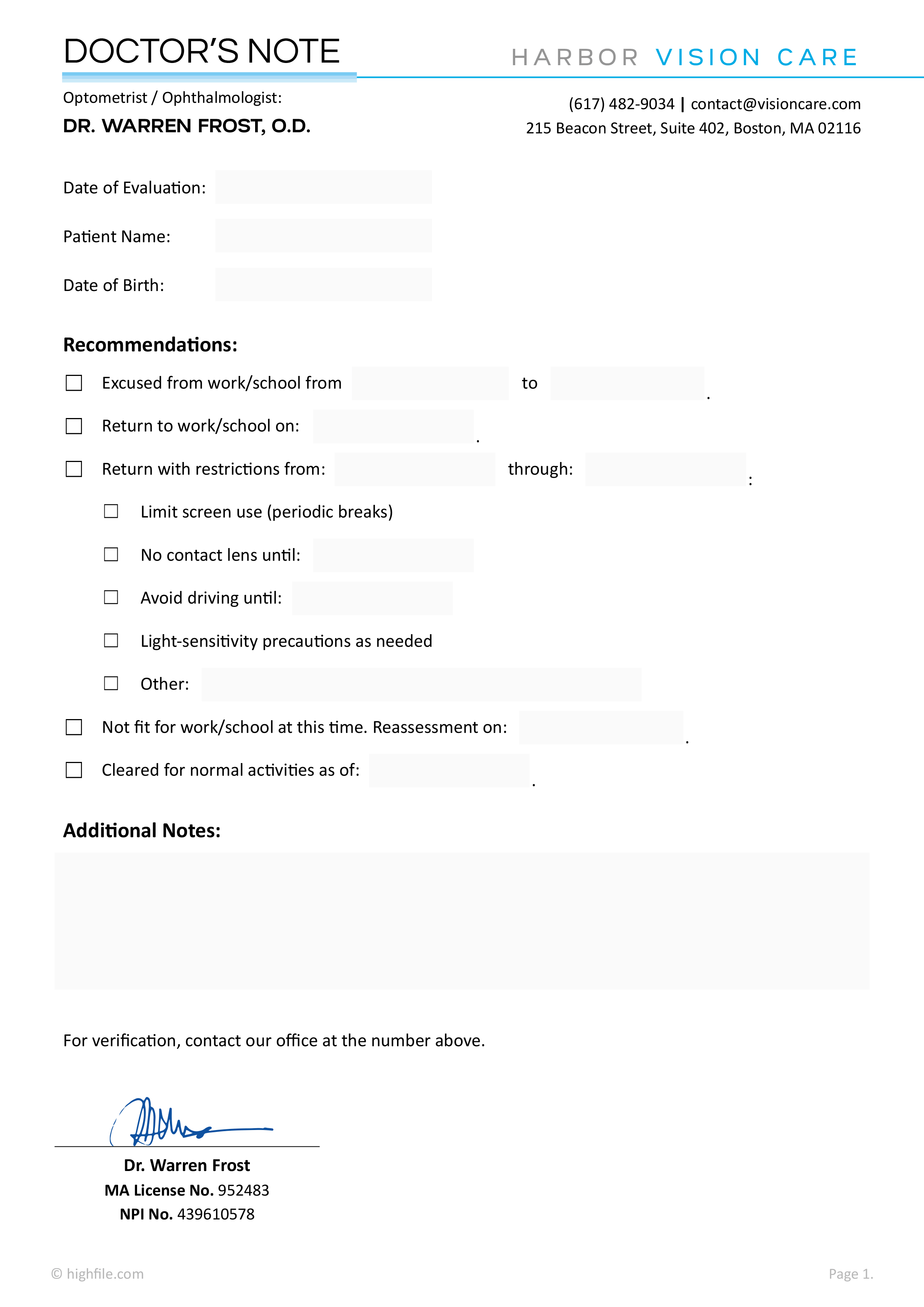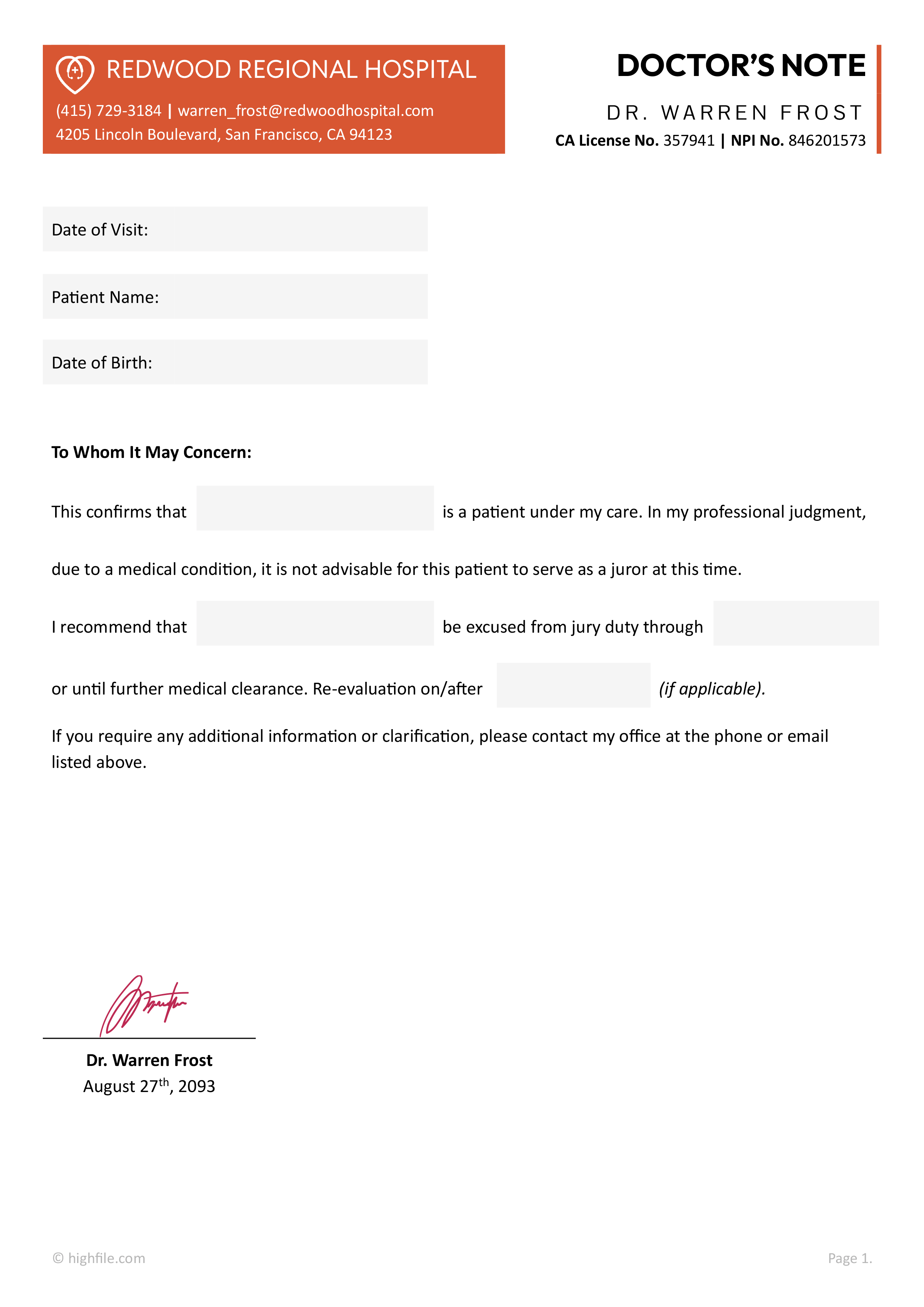


An urgent care doctor’s note is a verification document issued after a visit when a school, employer, or another organization requests written confirmation of evaluation and return guidance. In urgent care settings, this note is typically prepared by the treating clinician or by authorized clinic staff following the clinic’s documentation process.
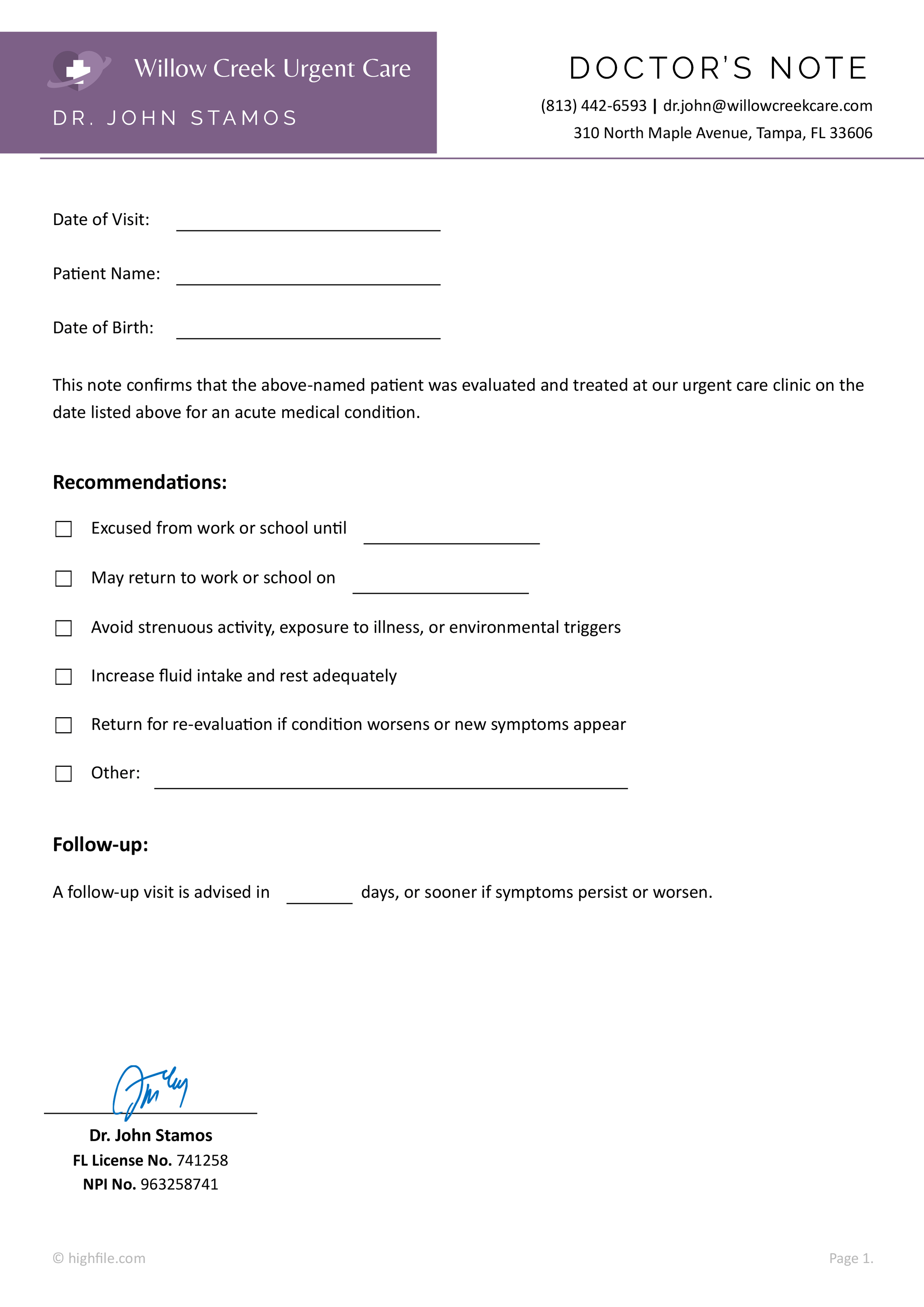
This urgent care doctor’s note template keeps the focus on the visit confirmation and return recommendations. It includes space for the visit date and patient identifiers, a brief confirmation statement of evaluation for an acute condition, a recommendations area, along with other necessary elements. This template is designed according to HIPAA’s minimum necessary standards and is completely customizable. Here’s a section-by-section breakdown of the template to alter and use it effectively.
Set up the clinic header for issuing
Start by replacing the sample clinic and clinician information at the top with the issuing clinic details. If the note is printed on letterhead, the header can be shortened so the page stays clean and easy to scan. If the clinic issues notes from multiple locations, the address line can be adjusted so it matches the visit location listed in the patient’s record.
Complete the visit and patient identifiers
Enter the date of visit first since that is usually the main item the requesting party checks. Then complete the patient name and date of birth fields so the note clearly matches the correct individual.
Confirm the evaluation without turning the note into a medical report
The confirmation sentence is meant to document that the patient was evaluated at the clinic on the stated date for an acute medical condition. This is often enough for administrative requests. If a requester asks for diagnosis details, that request typically belongs in a formal records workflow, rather than inside a work or school excuse note, unless the patient has provided written authorization and clinic policy supports it.
Record return guidance and restrictions in the recommendations area
The recommendations section includes selectable options and fill-in lines, so the note can be completed quickly while still matching the care plan from the visit.
If time away is needed, mark the excused option and enter the last day the patient should remain out. If the patient is cleared to return, complete the return date line as the first day back.
When the patient can return with limits rather than staying home, mark the activity limitation option and use the custom line to add a brief restriction when needed, for example lifting limits, avoidance of triggers, or short-term activity modification. The rest and fluids option can be marked when it matches the discharge guidance.
If the care plan includes symptom monitoring, mark the re-evaluation option. That line is useful when the plan includes return precautions, worsening symptoms, or new symptoms that warrant reassessment.
Add follow-up guidance when it applies
The follow-up line documents a suggested time window in days for a follow-up visit, with wording that still covers earlier reassessment if symptoms persist or worsen. If follow-up is expected with a primary care clinician rather than urgent care, the line can be adjusted so it points to the appropriate setting, while keeping the timing guidance intact.
Finalize the note for release
Complete the signature area according to the clinic’s process. If the clinic uses stamps or electronic signatures, adjust spacing so the signature remains readable and does not overlap license or NPI identifiers. Before issuing the note, confirm that the dates and recommendations match what was documented in the encounter record.
Keep the note focused on attendance and functional guidance, and avoid adding diagnosis or extra clinical detail unless it is truly required and properly authorized. Under HIPAA, covered clinics generally limit disclosures to the minimum necessary for the purpose of the request, and for most work or school notes that purpose is met by confirming the visit date plus excused time, return date, and any activity limits. If an employer or school asks for diagnosis details, test results, or records, it is usually better to route that through the clinic’s release-of-information process and obtain written authorization before sharing anything beyond what the note needs to communicate.
FAQs
Yes. A note is usually available when there was a documented urgent care encounter and the request matches the visit findings. In practice, the clinic may issue it at checkout, through the patient portal, or by a follow-up request to the front desk. If the visit was handled by telehealth, the note can still be issued as long as that telehealth encounter was completed and charted under the clinic’s process.
Yes, it can, as long as the urgent care clinic actually provided the visit through telehealth and the encounter was documented in the medical record the same way an in-person visit would be. In that case, the note should list the correct date of service and reflect the guidance given during the telehealth assessment, such as excused time, return date, and any activity limits.
When sending the note to an employer or school, exporting it as a PDF is usually the best option because it preserves the formatting, prevents fields and spacing from shifting between devices, and reduces the chance that the content is accidentally edited after it leaves the clinic. A PDF also prints more consistently, which matters when the recipient needs a hard copy for attendance or HR files.
Some clinics will document that a minor was evaluated and that a parent or guardian may need to remain home for care, but clinic policy varies. If caregiver documentation is needed, the cleanest approach is to keep the note focused on the child’s visit date and the care need, then name the parent or guardian only if the clinic policy supports it and the request is clear.
For most absence and return documentation, diagnosis is not necessary. When a requester pushes for clinical details, follow the clinic’s release process and obtain written authorization before sharing anything beyond what the request truly needs. HIPAA’s “minimum necessary” standard is a good practical benchmark here, meaning only the information needed for the stated purpose should be disclosed.
Read the form carefully before completing it. If it asks for diagnosis, medications, test results, or other sensitive details, treat it as a medical records disclosure request and follow the clinic’s authorization process. If the form is limited to functional capacity and restrictions, complete only what matches the urgent care assessment and discharge guidance, and attach this note as the visit verification when needed.
It depends on what the recipient is likely to check and how often your clinic deals with verification calls. Including a license number or NPI can be useful when the doctor’s note is going to an employer or school that regularly verifies medical documents. These identifiers make it easier for the recipient to confirm that the note came from a real clinician, without asking the patient to return for a rewritten note or calling the clinic for basic validation. It can also prevent delays when HR departments file notes and need to match the signer to a provider name that may be common.
A clinic stamp is often helpful when the clinic issues printed notes. Stamps make the document look consistent from visit to visit, and they give the recipient a quick visual confirmation of the clinic name. This can cut down on “Is this real” follow-ups, especially when the signature is hard to read or the note is photocopied.
That said, these items are most useful when they stay readable after printing and PDF export. If the stamp or identifiers are likely to overlap the signature area, it is better to adjust spacing so the note still looks official and easy to verify at a glance.