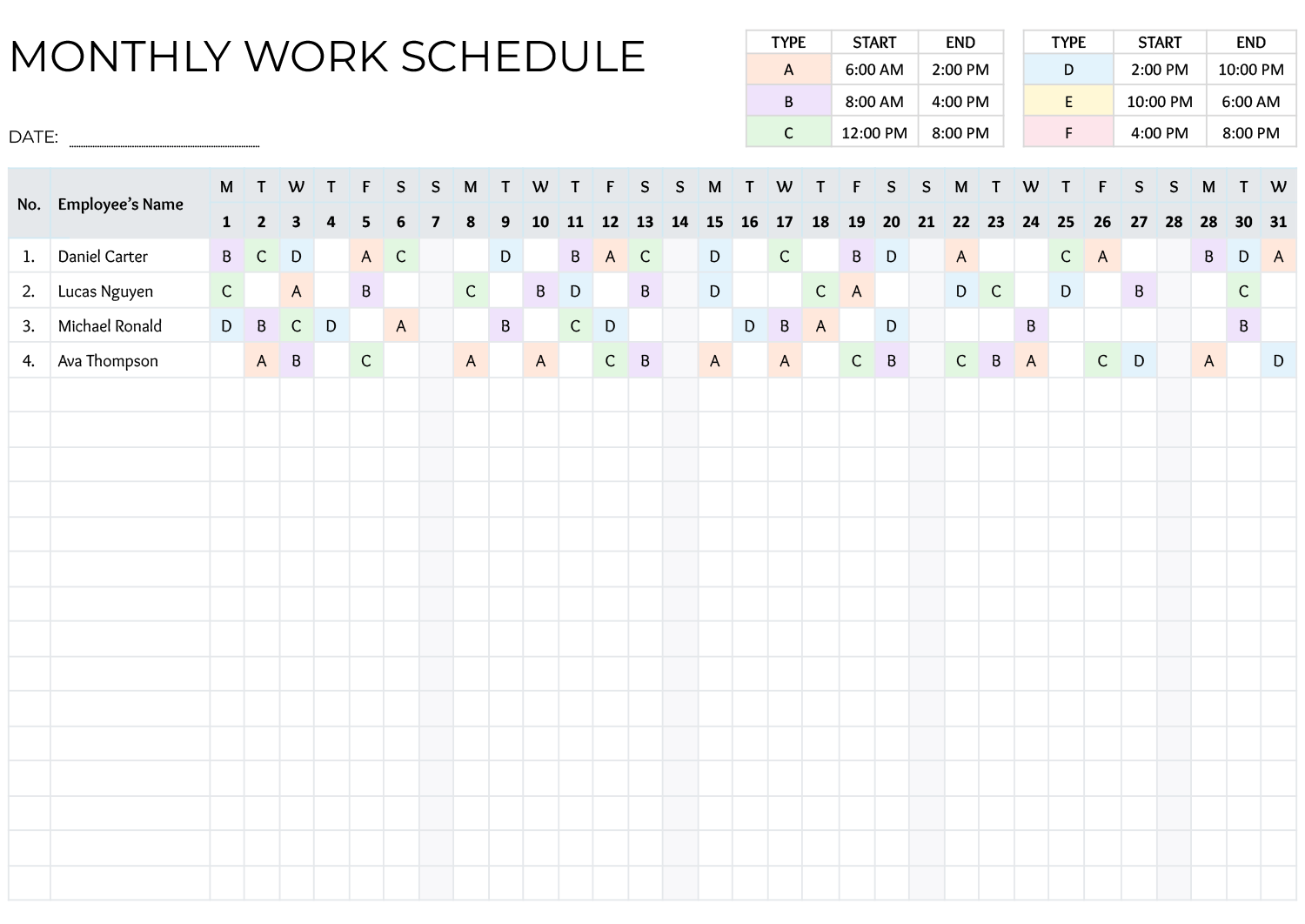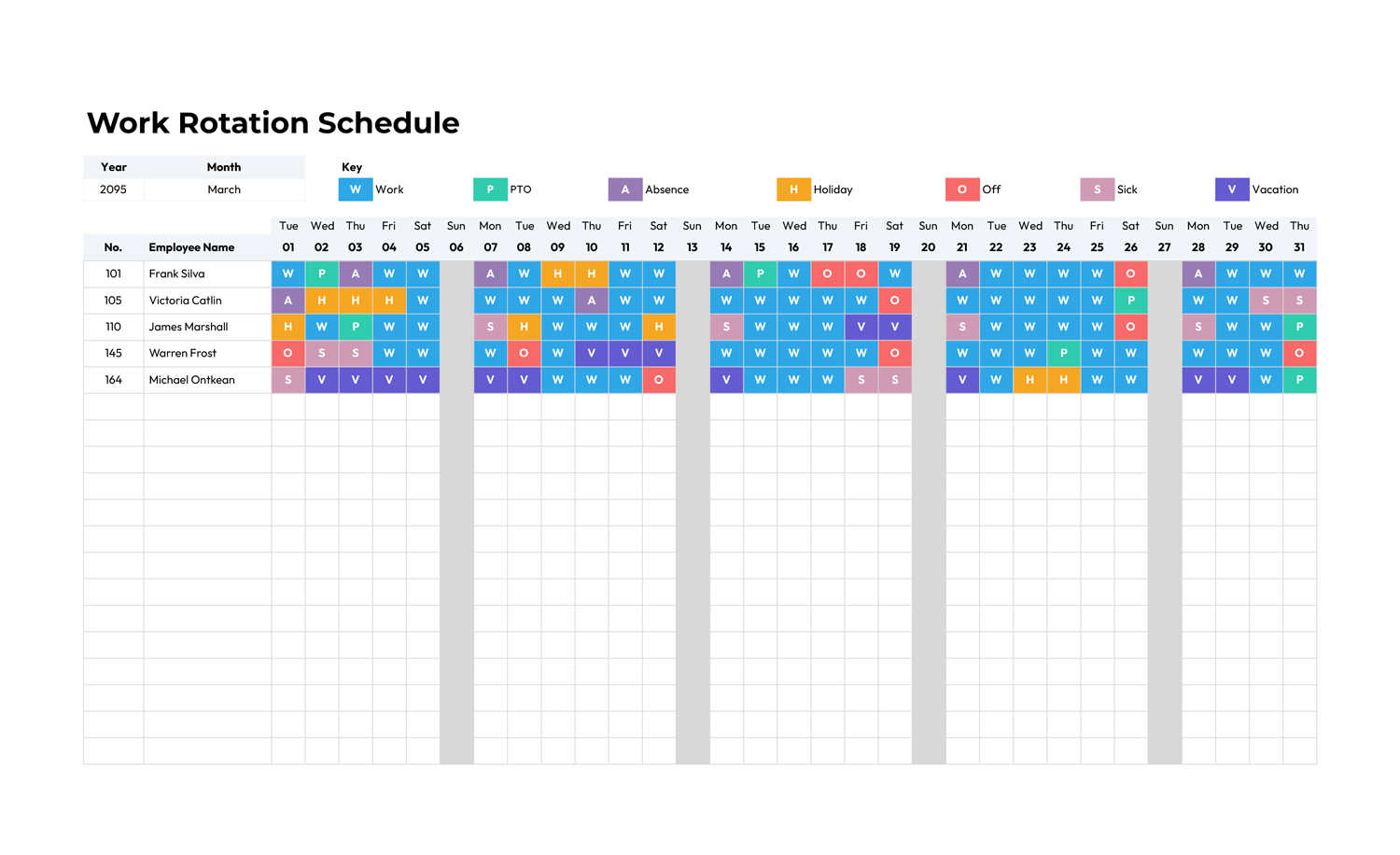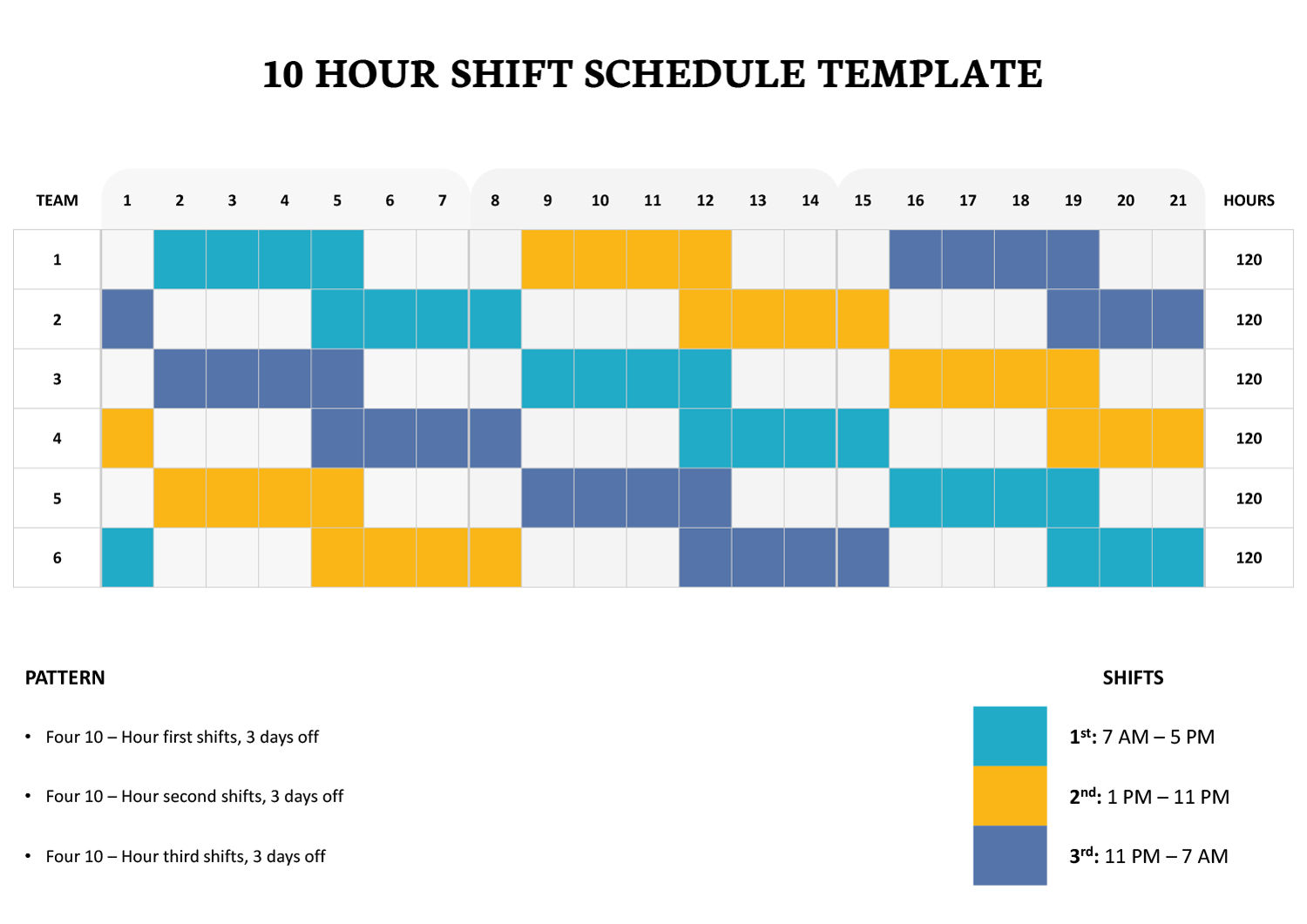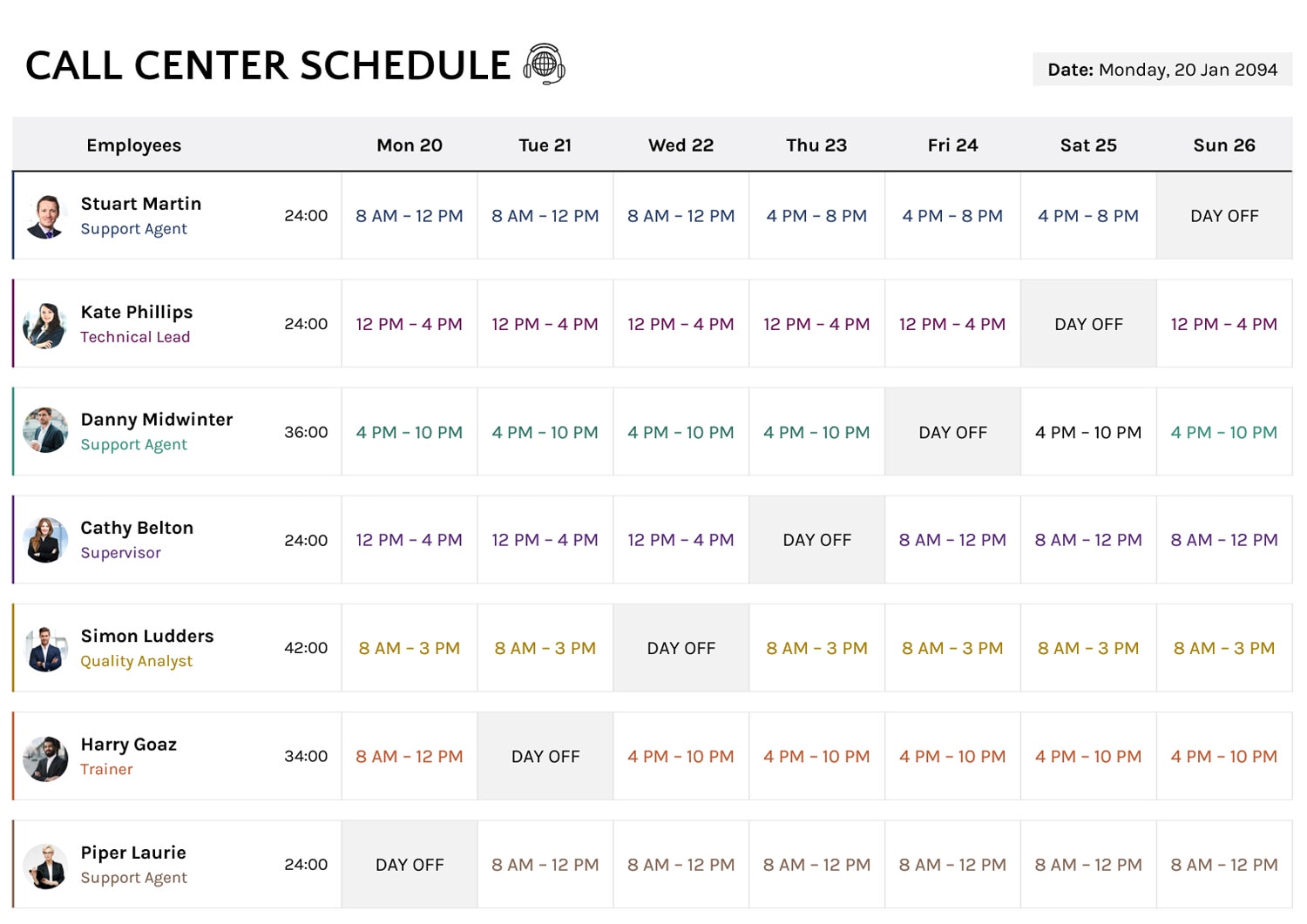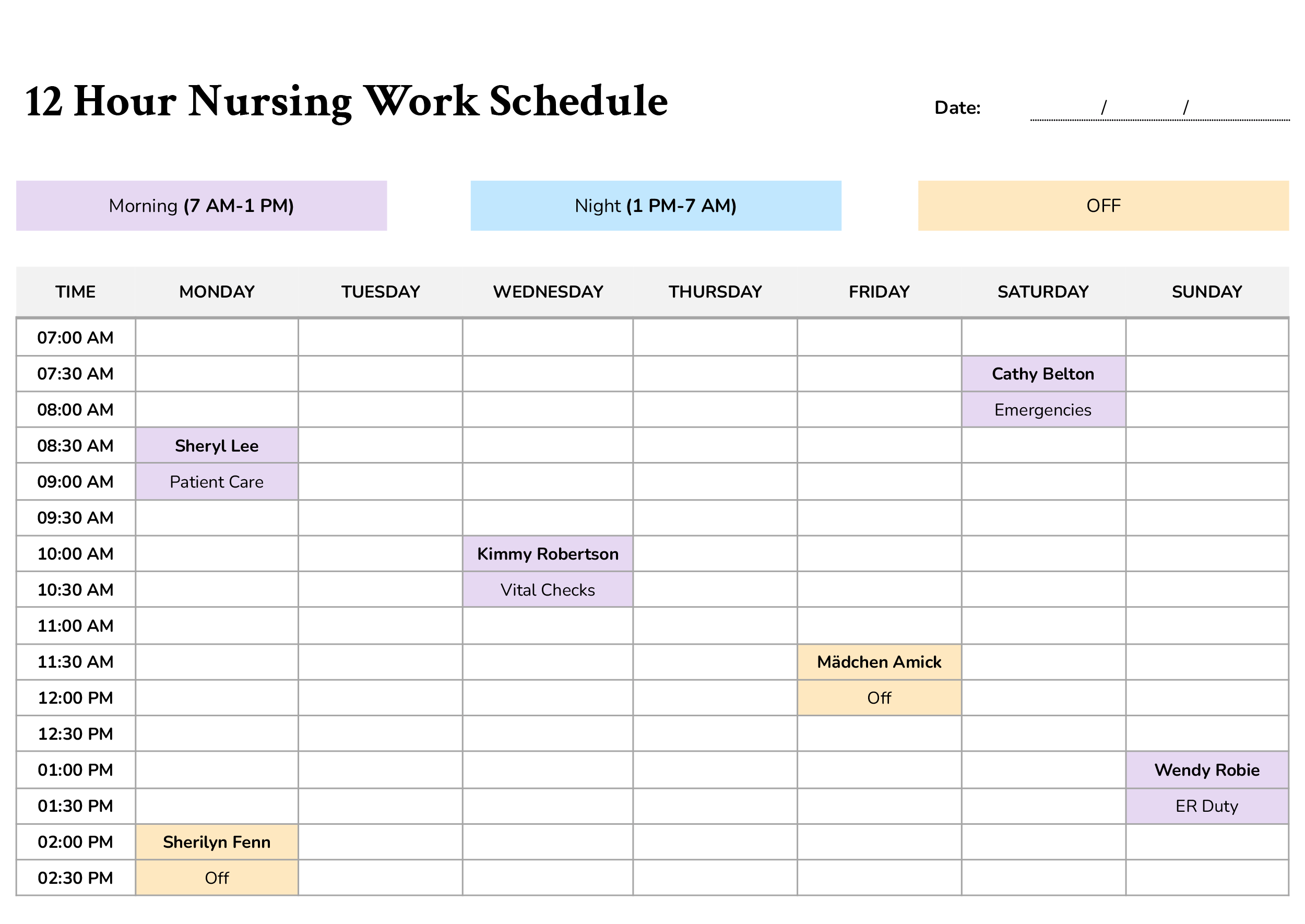






A 12-hour nursing shift can stay organized on paper, yet still fall apart when coverage changes during the day, handoffs run tight, or tasks pile up around the same hours. This template is designed for teams that need a weekly schedule that stays readable, updates quickly, and communicates assignments clearly across the full shift, including day and night coverage.
You can use it to plan nurse coverage for a unit, ER, urgent care, long-term care, or any clinical setting where staff need to know who is assigned during specific time blocks, not only which shift they’re on. It also fits teams that prefer scheduling by responsibility, such as charge coverage, triage, admissions, rounding, or med pass, since the schedule gives space to track assignments by time.
Here’s a breakdown of the template and how to customize it effectively.
Schedule Header and Week Identification
Start by entering the date at the top so the schedule is clearly tied to a specific week. If your unit uses a floor name, team name, or charge nurse name for sign-off, add it in the header area so staff can identify the schedule quickly when it’s printed or shared.
Shift Labels and Handoff Points
The schedule includes shift labels near the top so you can mark day and night coverage using your facility’s wording. Edit these labels to match your standard shift names, such as “Day Shift” and “Night Shift,” or more specific labels if you use staggered start times.
This is also where you can make handoff points easy to spot. If your shift change happens at 7 AM and 7 PM, keep your assignments aligned around those time blocks so staff can scan the schedule and understand when coverage transitions.
Time Blocks and Coverage Planning
The schedule runs in 30-minute time blocks, which is useful when your coverage changes during the shift, breaks are staggered, or responsibilities move between team members across the day. Rather than placing a nurse name in one large “shift box,” you can assign coverage precisely during the hours it applies.
A practical approach is to fill coverage for the busiest windows first, then complete the remaining blocks. This makes gaps easier to catch, especially around handoffs, meal breaks, and peak admission hours.
Writing Names, Roles, and Shared Coverage
Decide what each filled block will represent before you start.
Some teams treat each block as “who is responsible,” writing the nurse name only. Others use the block to show “who and what,” adding a short duty label next to the name, such as “Charge,” “Triage,” “Admissions,” or “Meds.”
If you need two nurses in the same time slot, list names on separate lines within the same cell. This keeps the schedule readable and avoids widening the page.
Pro tip: Pick one naming style and use it throughout the week, such as last name only or initials, so staff do not misread assignments during a fast shift change.
Marking Off Time And Non-Coverage
Leaving a block empty works when no assignment is needed. When a block is intentionally unavailable, such as planned off time, use a consistent label such as “Off.” This makes the difference clear between a slot that was left blank on purpose and a slot that still needs coverage.
This becomes especially useful when schedules are edited mid-week, since staff can quickly see which blanks are intentional.
Notes and Comments for Shift-specific Details
The Notes and Comments section is designed for details that apply across multiple hours or affect how staff interpret the schedule. This is a good place for float coverage instructions, special event staffing, patient surge expectations, training shadowing notes, or supervisor reminders tied to that week.
If you often repeat the same reminders, such as break coverage rules, note them here once instead of repeating them in several time blocks.
FAQs
Start by deciding what the schedule needs to communicate at a glance. If your unit thinks in assignments such as charge, triage, admissions, hallway coverage, sitter coverage, wound care, IV team, or discharge coordination, write the assignment name first in the time block, then add the nurse name beside it or on the next line.
This keeps the schedule readable even when staffing changes, because the responsibility stays visible. When a nurse switches assignments mid-shift, update only the blocks where the assignment changes, not the entire day.
Use the time blocks to mark only the hours the float is on your unit. In the same cell, write the nurse name and add a short label such as float, support, or cover. If the float covers a specific area, add a short zone label so the team does not have to guess.
For details that apply across multiple hours, use the Notes area to explain the rule once, such as who to contact for coverage changes or what happens if the unit census spikes.
Use the time blocks to reflect the handoffs and relief coverage, because sitter assignments are the type that often change mid-shift. Write the sitter role and the assigned nurse in the blocks where it applies. If sitter coverage rotates, update only the blocks where the change happens.
If the assignment must remain continuous, mark the start of the shift coverage clearly, then add a reminder in Notes about who authorizes changes. This reduces confusion when staffing changes occur suddenly.