
Work Schedule Templates
The hard part of a work schedule is never one person’s hours, it is making everyone’s fit together so the hours that need covering are covered and no one is booked into two places at once. These work schedule templates give that coordination a fixed grid, with the days, the slots, and the people lined up so a gap or an overload shows itself instead of surfacing mid-week. A steady weekly roster and a round-the-clock rotation split across teams both start from a layout already shaped to hold the pattern, and you fill in who works when.
 ×
× ×
× ×
× ×
× ×
× ×
×
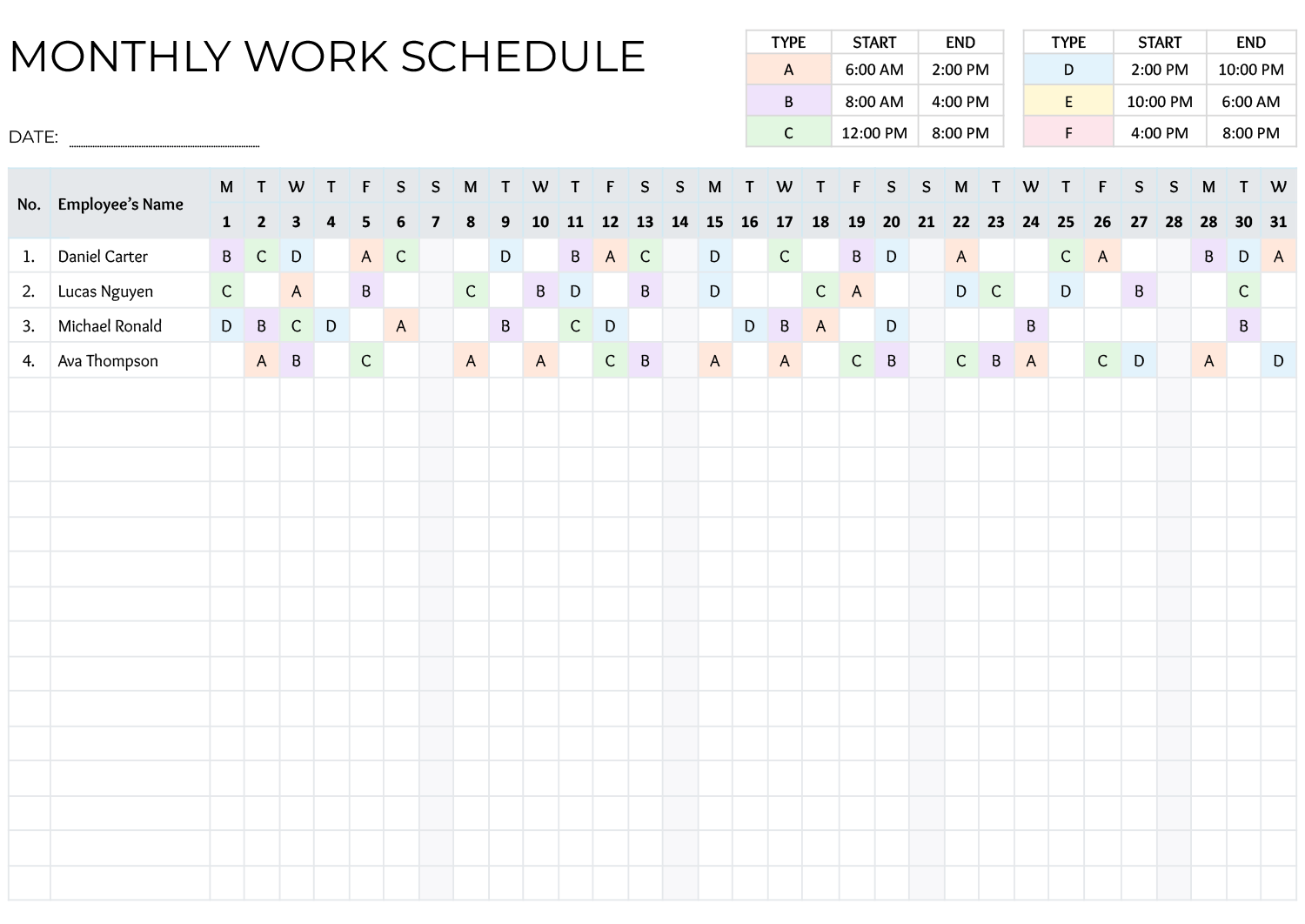


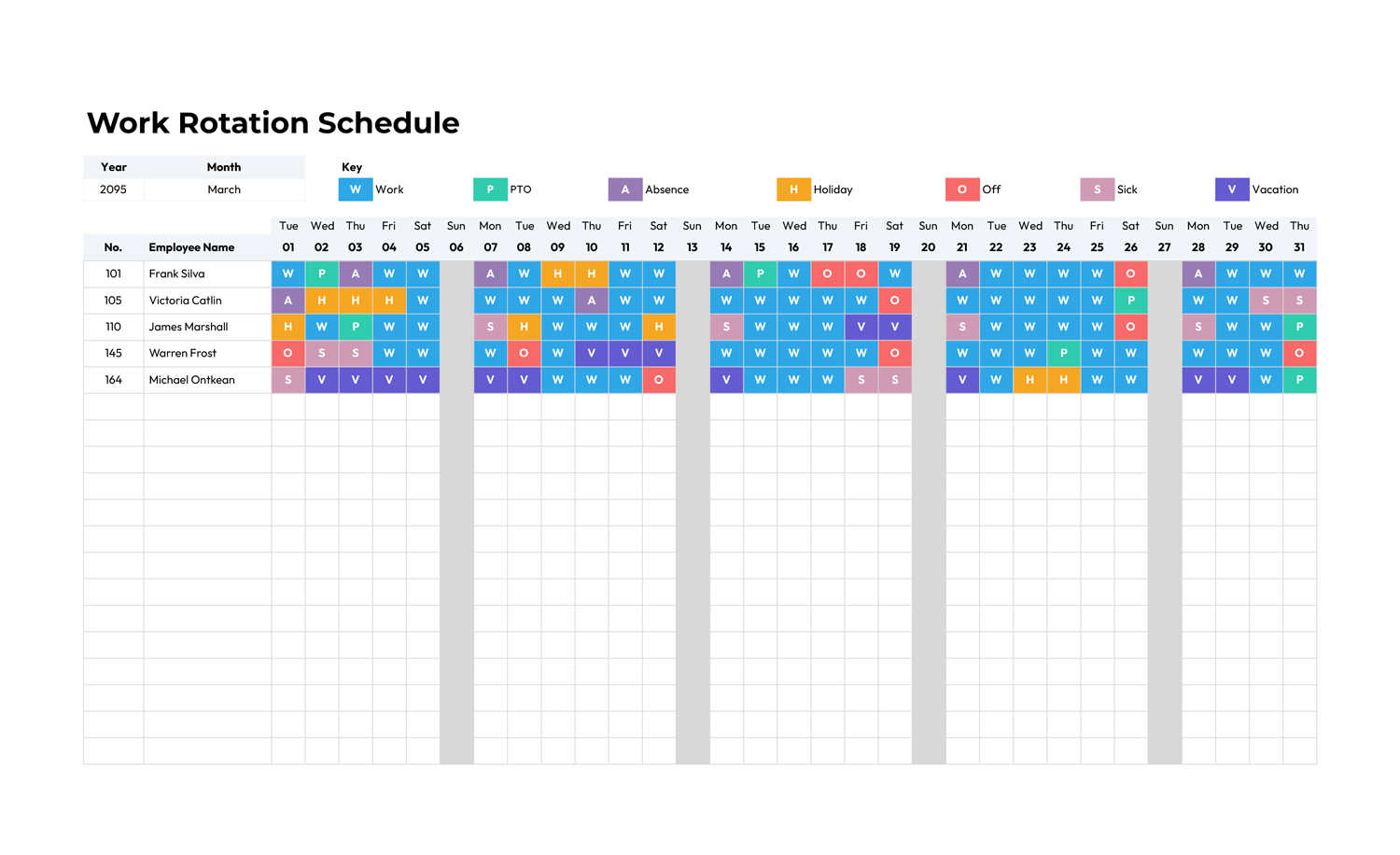


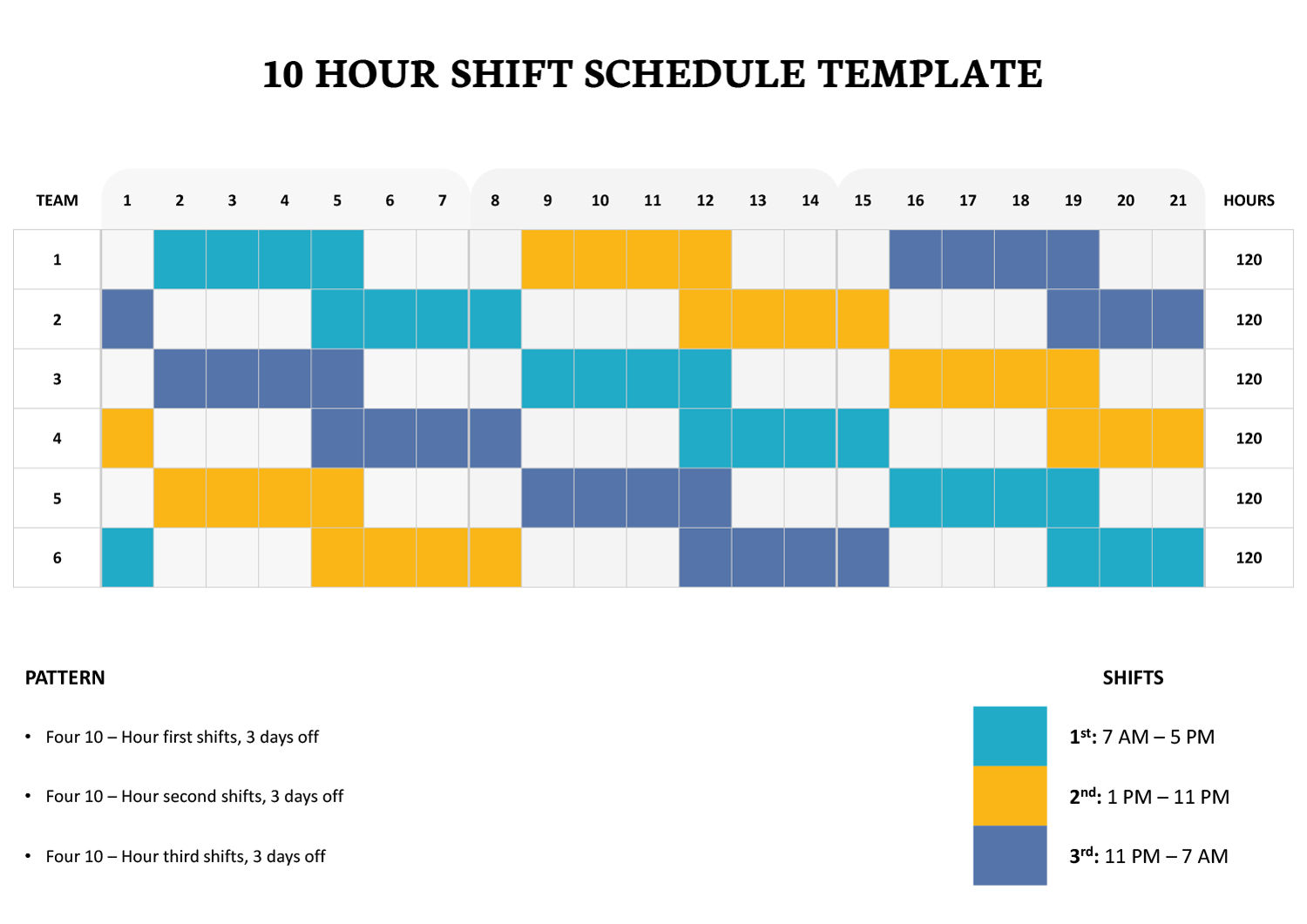
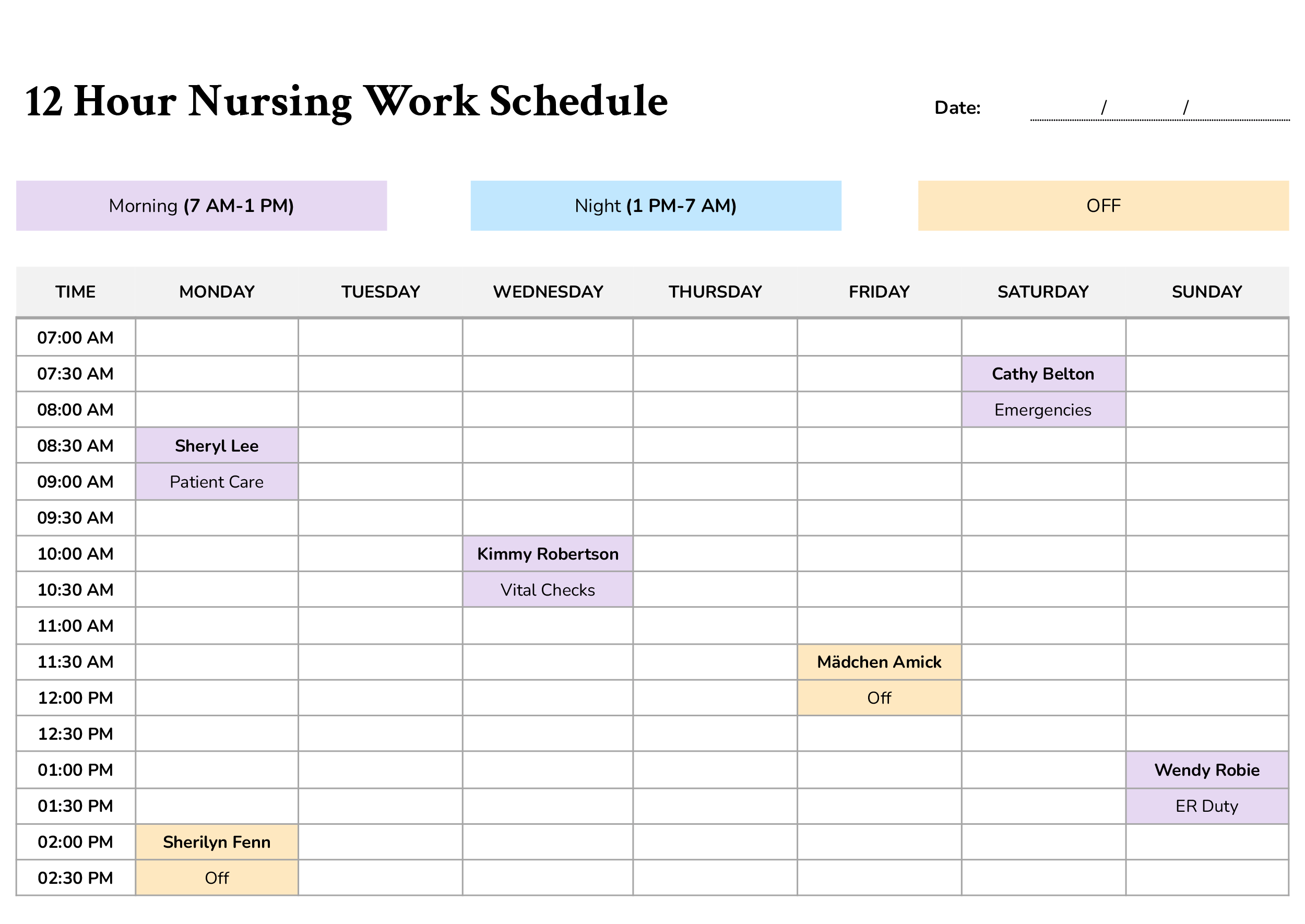

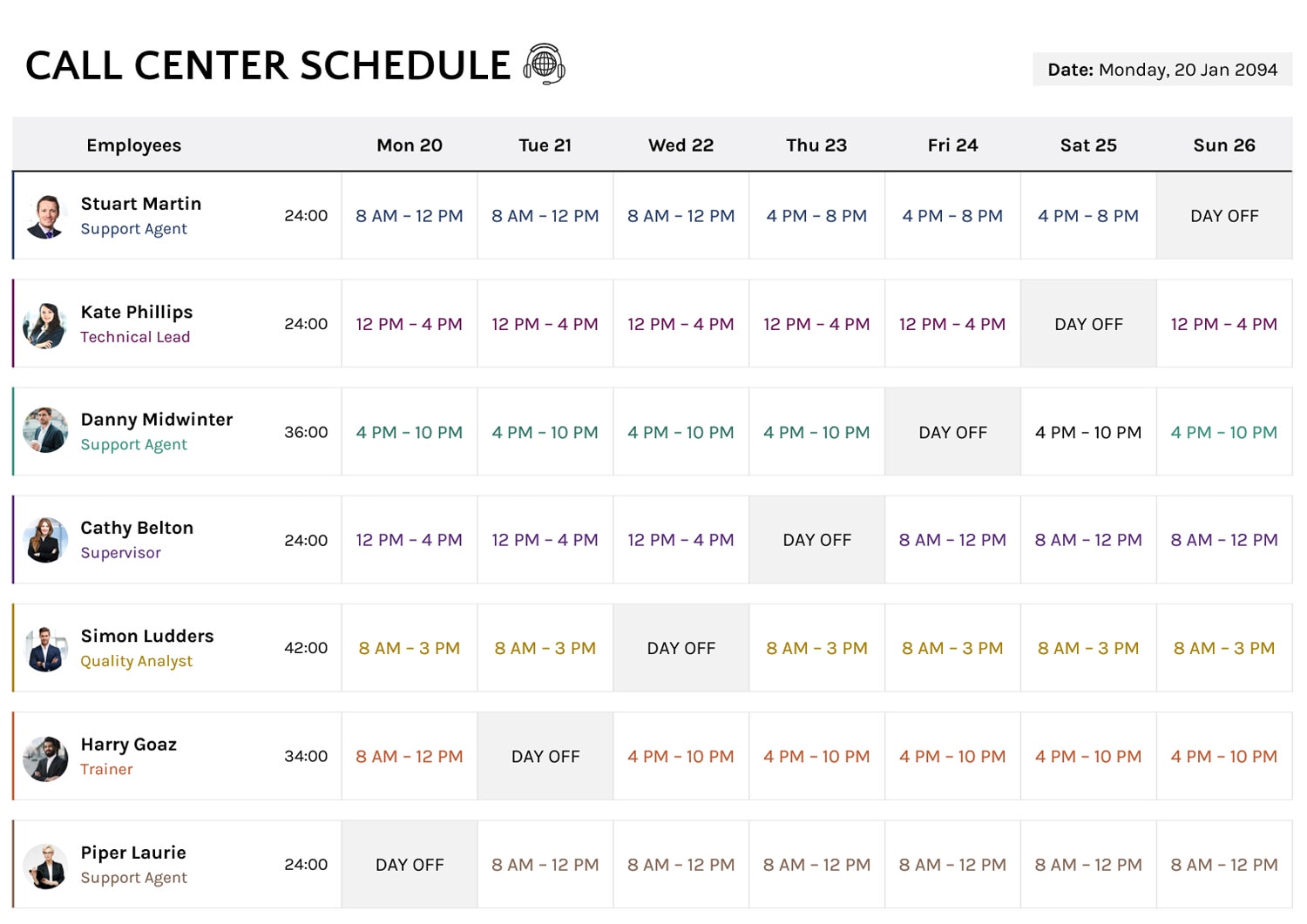


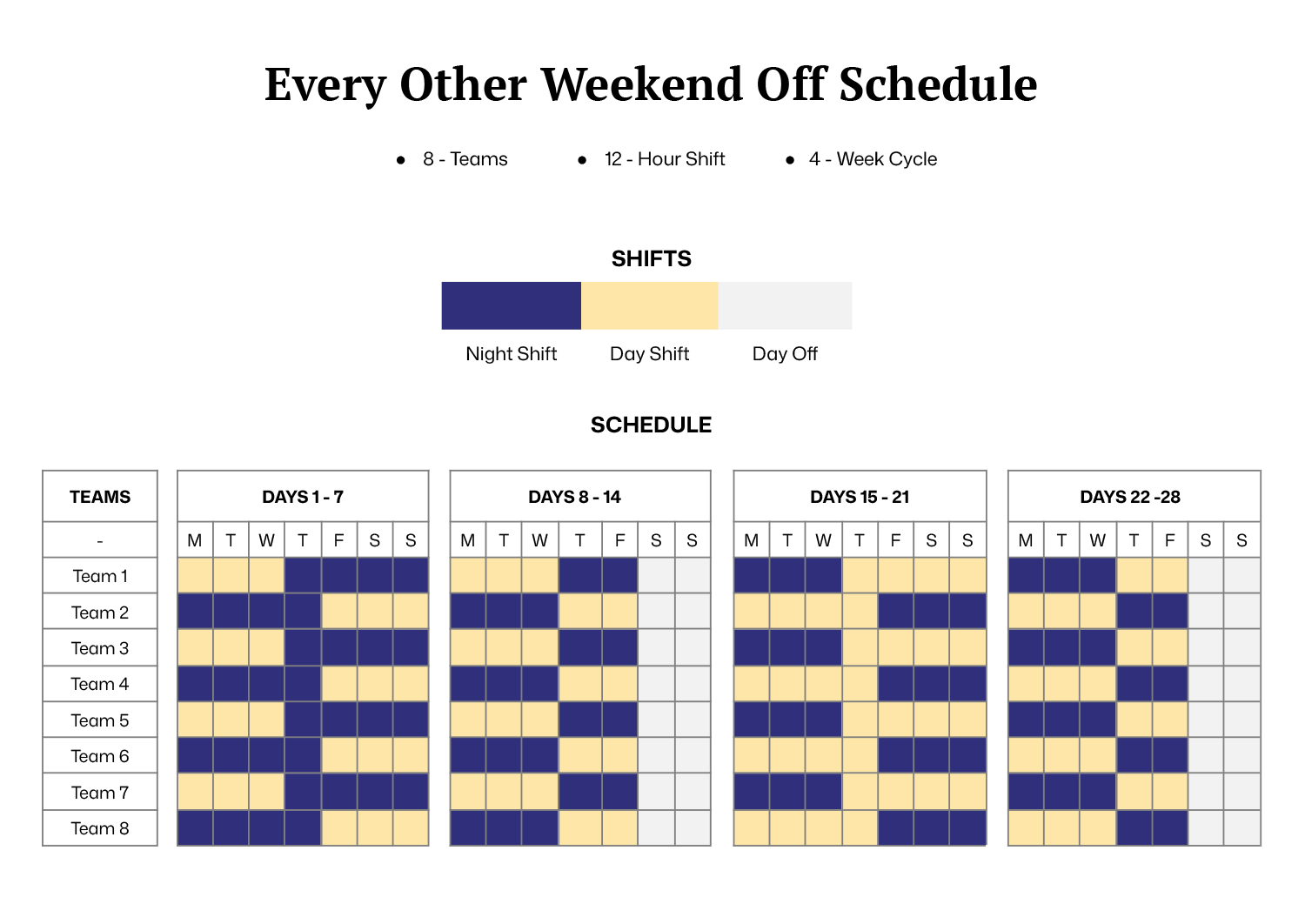


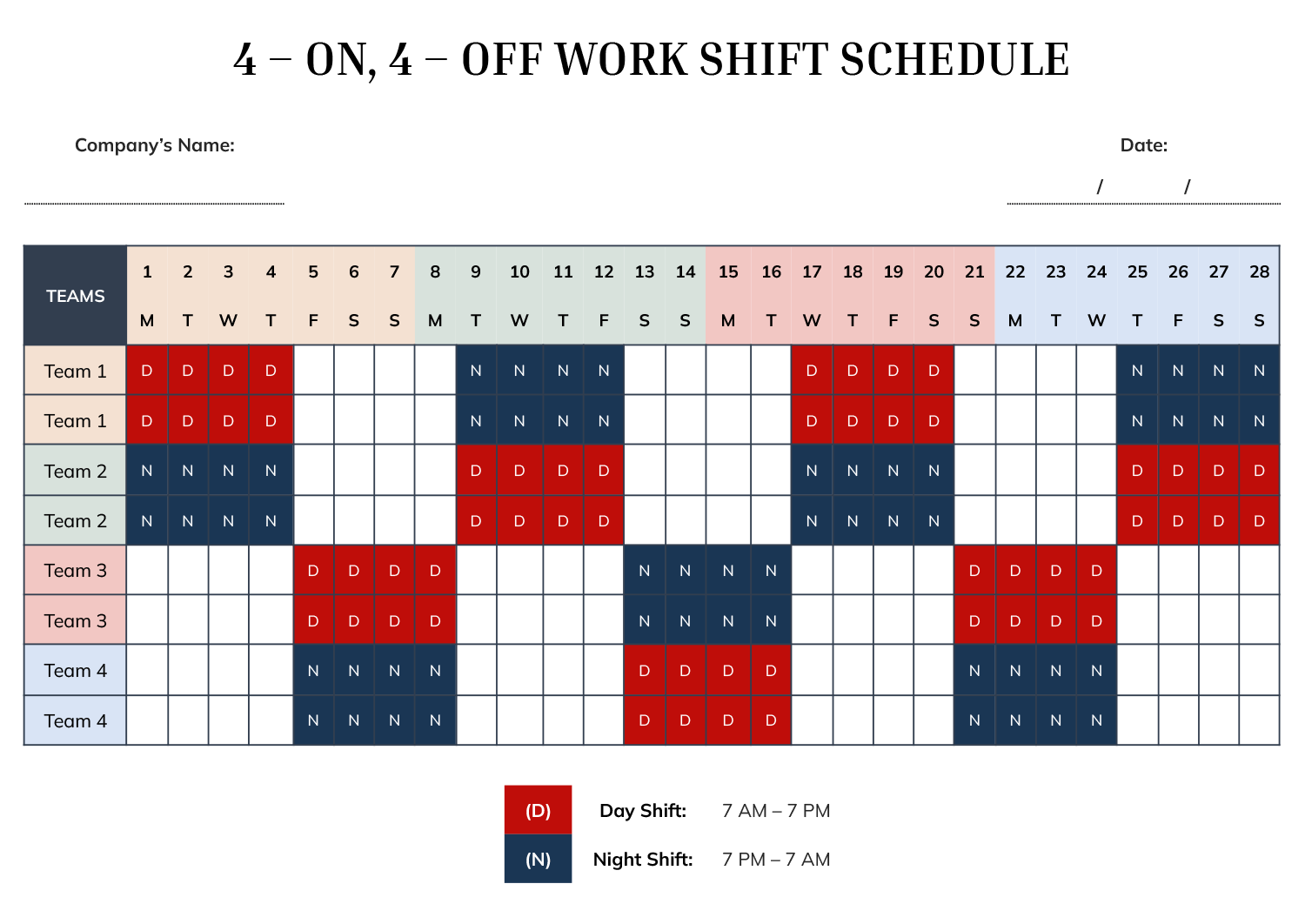

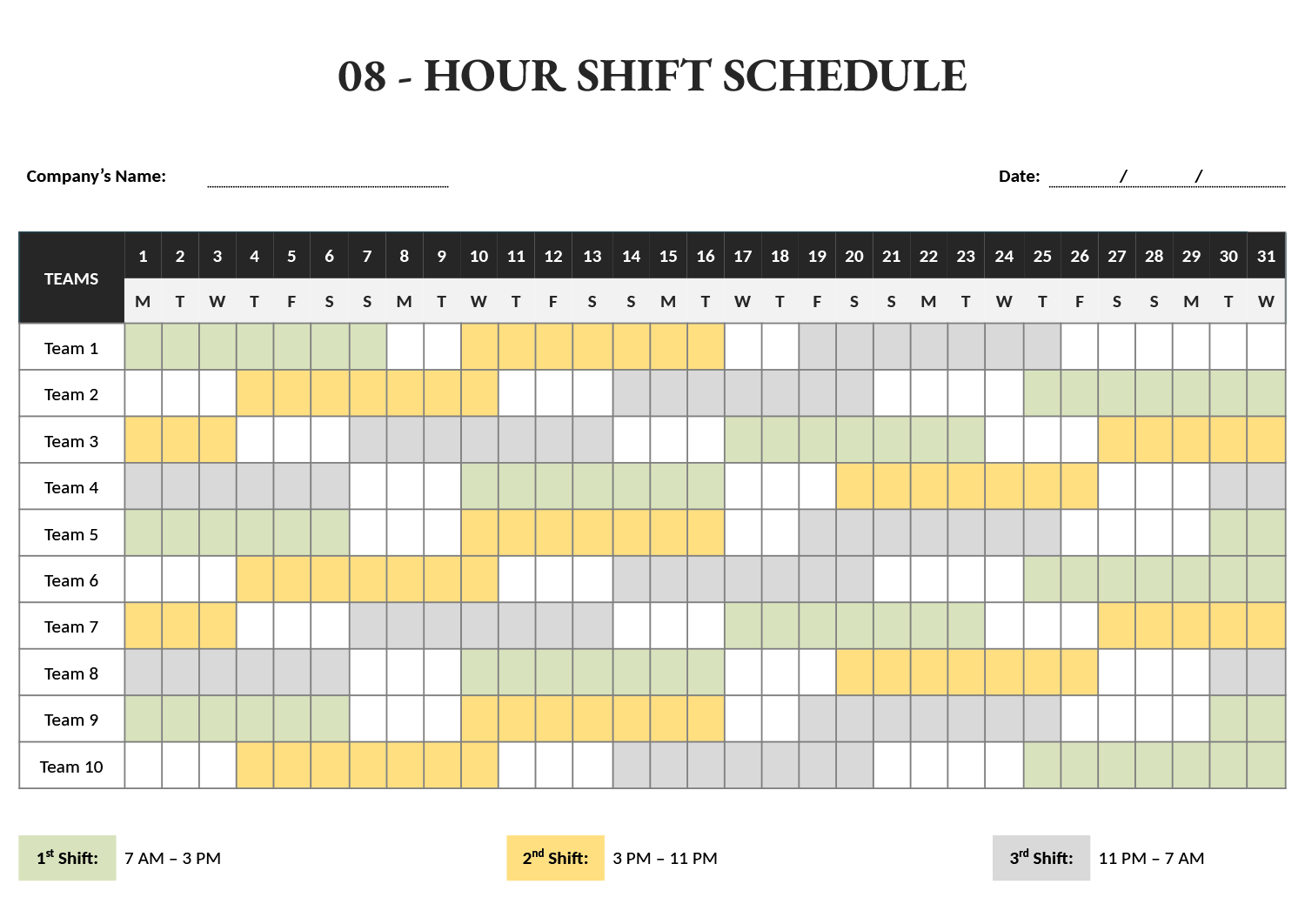


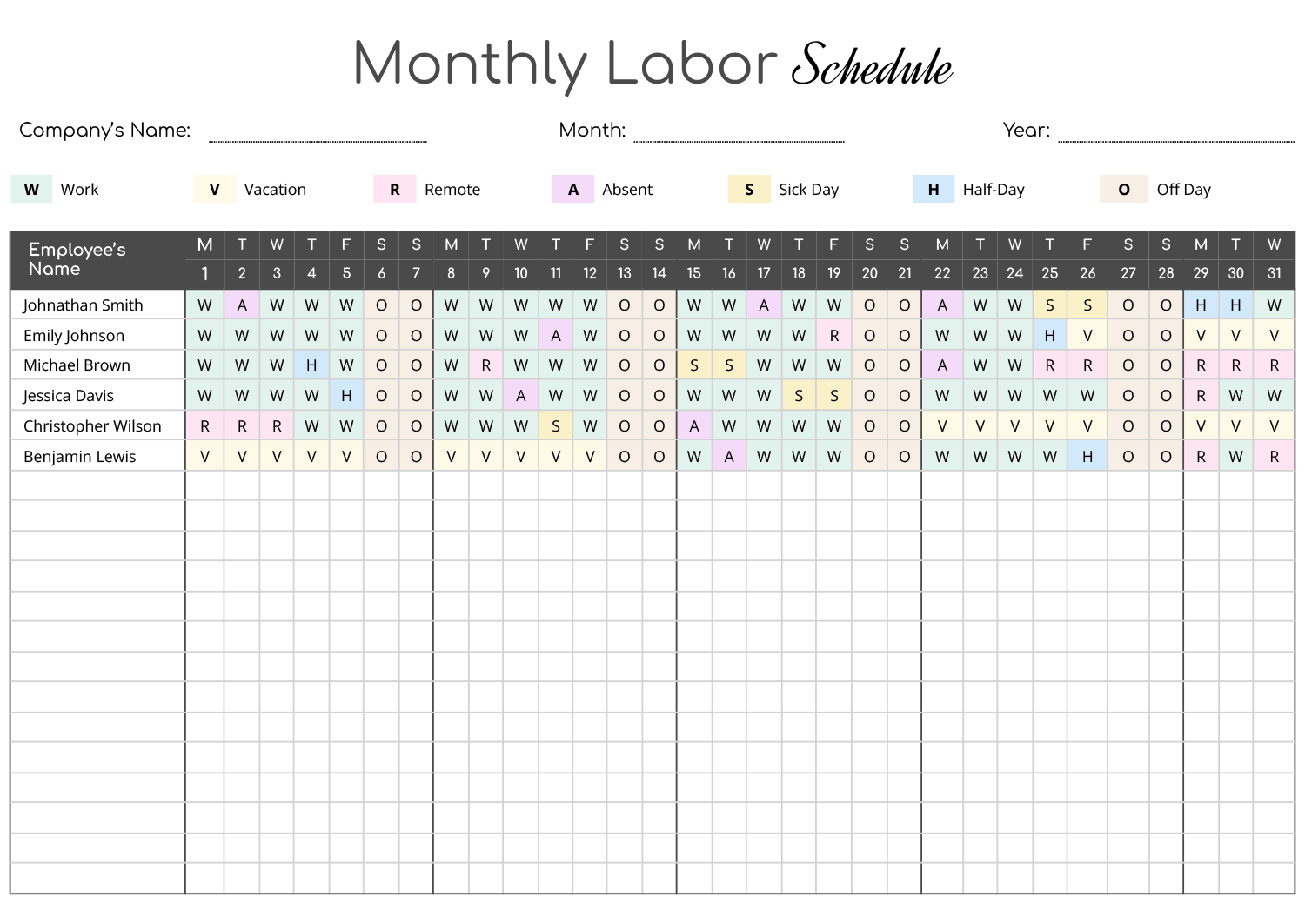


A work schedule is read two ways at once, and it has to satisfy both. Each person looks for one answer, when do I work, while whoever manages the team looks at the whole grid to see if the week is actually covered. These work schedule templates serve both readings from the same layout. A person reads across their own row for their hours, and the grid read top to bottom shows every slot and who is in it, so understaffed stretches and accidental overlaps are visible before the week starts rather than discovered once it has.
Work rarely follows one rhythm, so the collection covers the patterns teams actually operate on. Some need a simple weekly roster, some use rotating shifts where the same people cycle through days and nights, and some, like on-call or call-center coverage, layer staggered hours so the phones are never unmanned. The more complex the rotation, the more the structure does for you, since a grid that fills its own day and night pattern is far harder to get wrong than one counted out by hand.
Worth knowing: Rotating-shift schedules are where errors hide, because a pattern that looks balanced across one week can leave a team short on the changeover week. The rotation templates handle this by repeating a set day-and-night pattern for each team, so the coverage stays even no matter where the week falls in the cycle.
What's on a work schedule template
The parts that turn a blank grid into a coverage tool you can actually read.
One row per employee or team, so each person reads their own hours straight across while the column beneath any day shows who else is on.
The columns that hold the actual hours, set up as days of the week, dated shifts, or hour blocks within a single day.
Day and night labels or color codes that let a rotating pattern read at a glance, so a stretch of nights is obvious without tracing each cell.
On the rotating layouts, each team is assigned a set day-and-night cycle that the grid repeats, so the schedule fills itself once the pattern is set.
A place to mark each person's function, useful when coverage means having the right role on, not just enough people.
Company, department, and the period the grid covers, so a printed or shared copy is unambiguous about which week it is.
Building your work schedule
From a blank roster to a week you can post for the team.
Enter the week or date range the schedule covers and the company and department it belongs to, so every copy is tied to a specific span rather than a generic week.
Tip — Date the grid to the changeover week of a rotation, not a typical week, since that is where coverage usually breaks.
Put each employee or team in its own row. For rotating patterns, the same person may need two rows if they cycle through different shift lines.
Fill each slot with the hours or the day-and-night marker. On the rotation templates, set each team's pattern once and the grid fills the rest of the cycle to match.
Tip — The rotation layouts repeat a fixed day-and-night pattern per team, so four teams on offset cycles keep coverage continuous without you mapping each day by hand.
Read down each person's hours and across each day's slots. This is the step that catches an understaffed stretch or someone pushed past their hours.
Publish the finished grid where the team reads it. A printed copy works for a break room, and a shared online copy lets people check their own row from anywhere.
FAQs
Which layout fits a rotating shift pattern?
Use one of the rotation grids that include day and night markers across a multi-week span, like a 4-on 4-off or an 8-hour rotating layout. Each team follows a set pattern that repeats across the cycle, so the coverage stays even through the changeover week a single-week roster would miss.
How do I keep round-the-clock coverage without gaps?
Staggered-hours layouts like the on-call and call-center grids overlap people’s start and end times rather than giving everyone the same block. Reading each column top to bottom shows if every hour of the day has someone assigned before you publish.
What if my team works hour blocks rather than full shifts?
A time-block layout breaks the day into smaller segments, down to 15-minute steps on some, instead of whole shifts, which suits work scheduled in finer increments than a single start-to-end shift.
Can one person appear in more than one shift line?
Yes. On the rotating layouts a person or team can hold more than one row, which is how an offset rotation works. Each line repeats the same pattern shifted by a few days, so together they cover every slot.