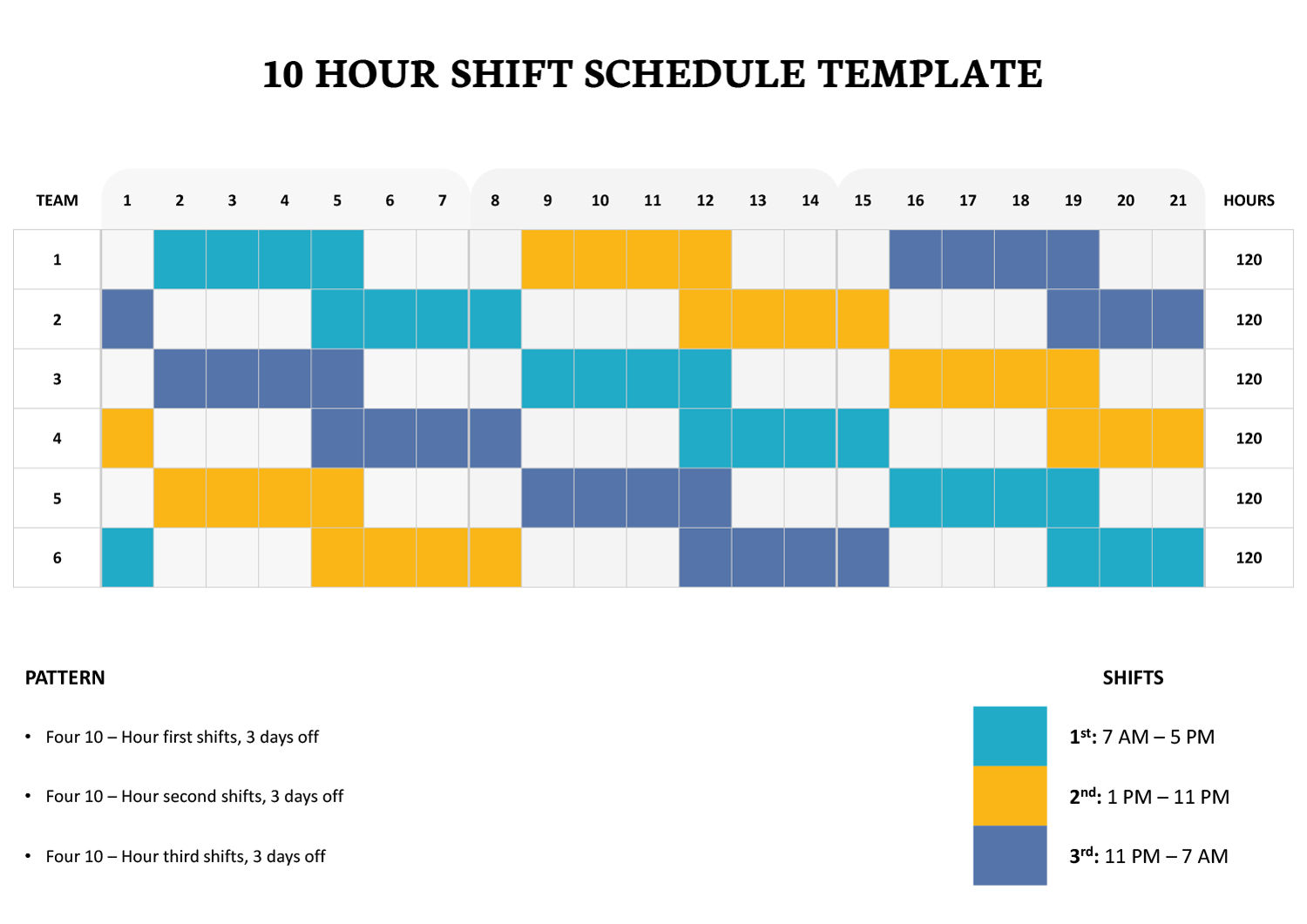
A 4-on, 3-off work schedule is commonly used in roles where continuous coverage is required but extended rest periods are equally important. This schedule assigns four consecutive working days followed by three consecutive days off, creating a repeating cycle that balances workload with recovery time. This template is designed for organizations and teams that need a clear, predictable way to manage this rotation without manual recalculation or guesswork.
The template is intended for supervisors, HR teams, operations managers, and small business owners who manage rotating shifts in environments such as manufacturing, healthcare, security services, logistics, and technical operations. It can also be used by individual employees who want a personal reference for upcoming workdays and time off.
How the Schedule Is Organized
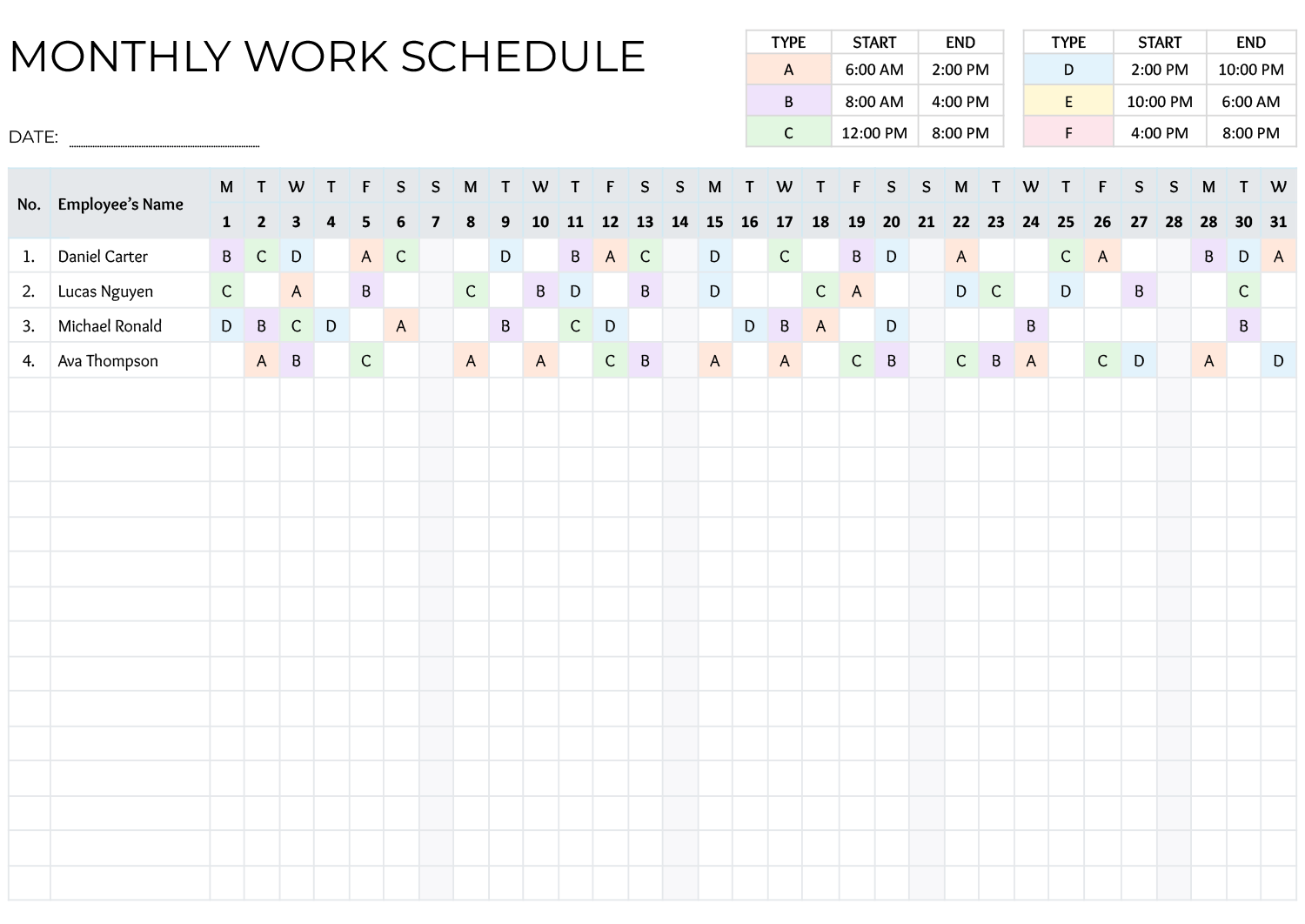
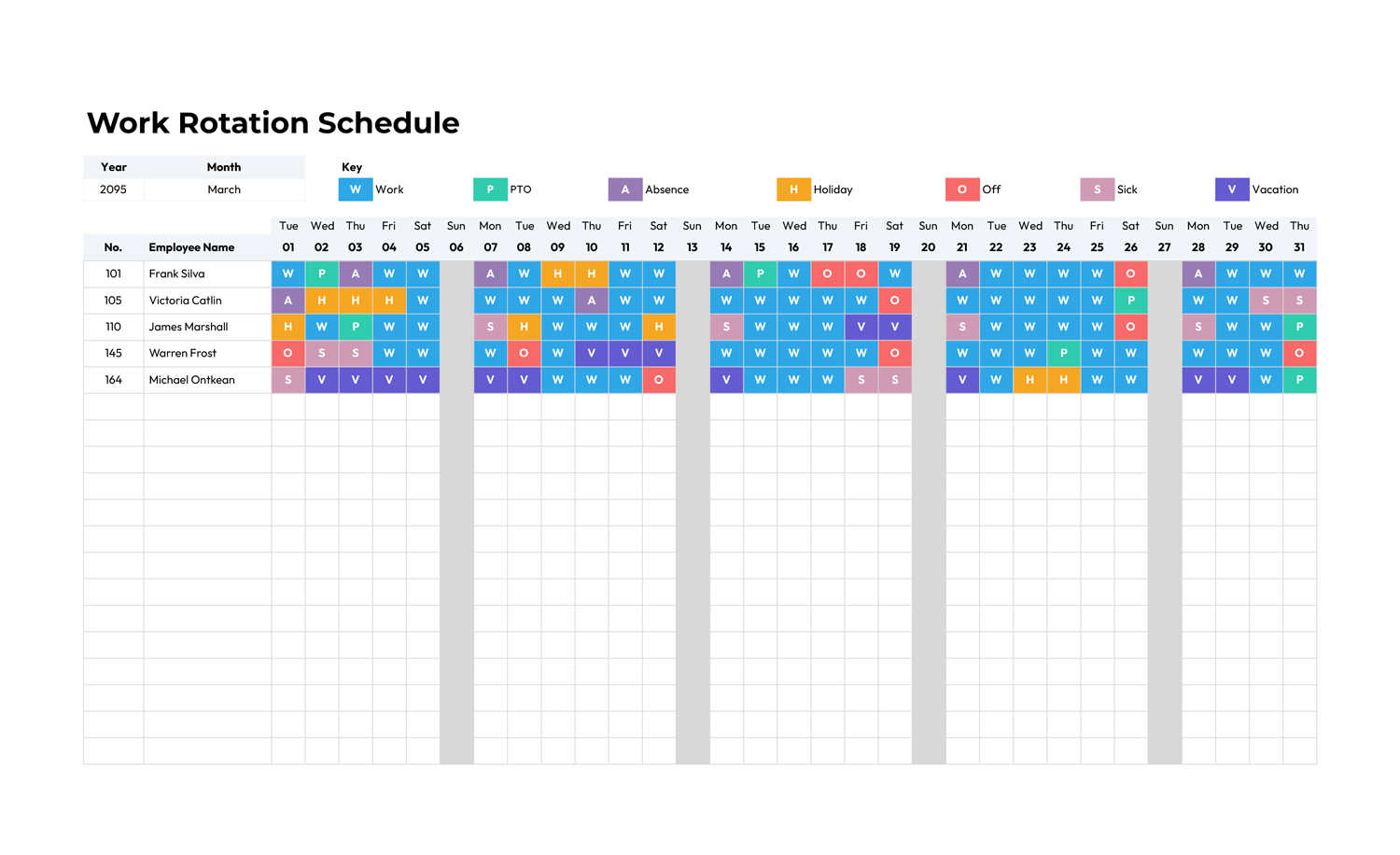
The layout presents the schedule in a calendar-style format that makes workdays and off-days immediately visible. Each date cell clearly indicates whether the assigned day falls within the four-day work block or the three-day rest period. This arrangement reduces confusion when reviewing future dates, especially for teams working across weeks or months.
The repeating cycle is pre-aligned so the rotation continues correctly as dates progress. Once the starting point is set, the pattern carries forward automatically, which is particularly useful for long-term planning, shift handovers, and leave coordination.
Using the Template for Team Scheduling
You can use this template to plan individual schedules or apply it across an entire team. For multi-employee use, each row or section can represent a different employee or shift group following the same 4-on, 3-off rotation. This makes it easier to review coverage, identify overlaps, and coordinate staffing needs without switching between multiple files.
Because the schedule is date-based, it also supports planning around holidays, approved leave, or temporary shift changes. You can note exceptions directly in the schedule while still preserving the underlying rotation logic.
Planning and Operational Benefits
This template is designed to reduce scheduling errors that often occur with rotating shifts. By visually separating work periods from rest periods, it lowers the risk of accidental over-scheduling and supports compliance with internal work-hour policies. It also makes long-term planning easier for both managers and staff, since upcoming workdays and extended breaks are visible well in advance.
For employees, the clarity of the schedule supports better personal planning. Knowing exactly when rest days fall can assist with appointments, family time, or travel planning, especially when schedules extend several weeks ahead.
Customization and Ongoing Use
The template can be adjusted to align with your organization’s start date, preferred week view, or internal labeling conventions. You may add notes, color indicators, or role labels if needed, while keeping the core 4-on, 3-off pattern intact. Once customized, it can be reused as a reference schedule or duplicated for future planning periods.
FAQs
Begin by identifying the first workday in your rotation. Once that date is marked as a workday, the following days automatically follow the four-day work block and three-day rest block in sequence. This starting point determines the entire cycle.
Yes. The template can represent multiple employees or teams following the same rotation. Each row or section can be assigned to a different person or shift group, making it easier to review coverage and coordinate staffing.
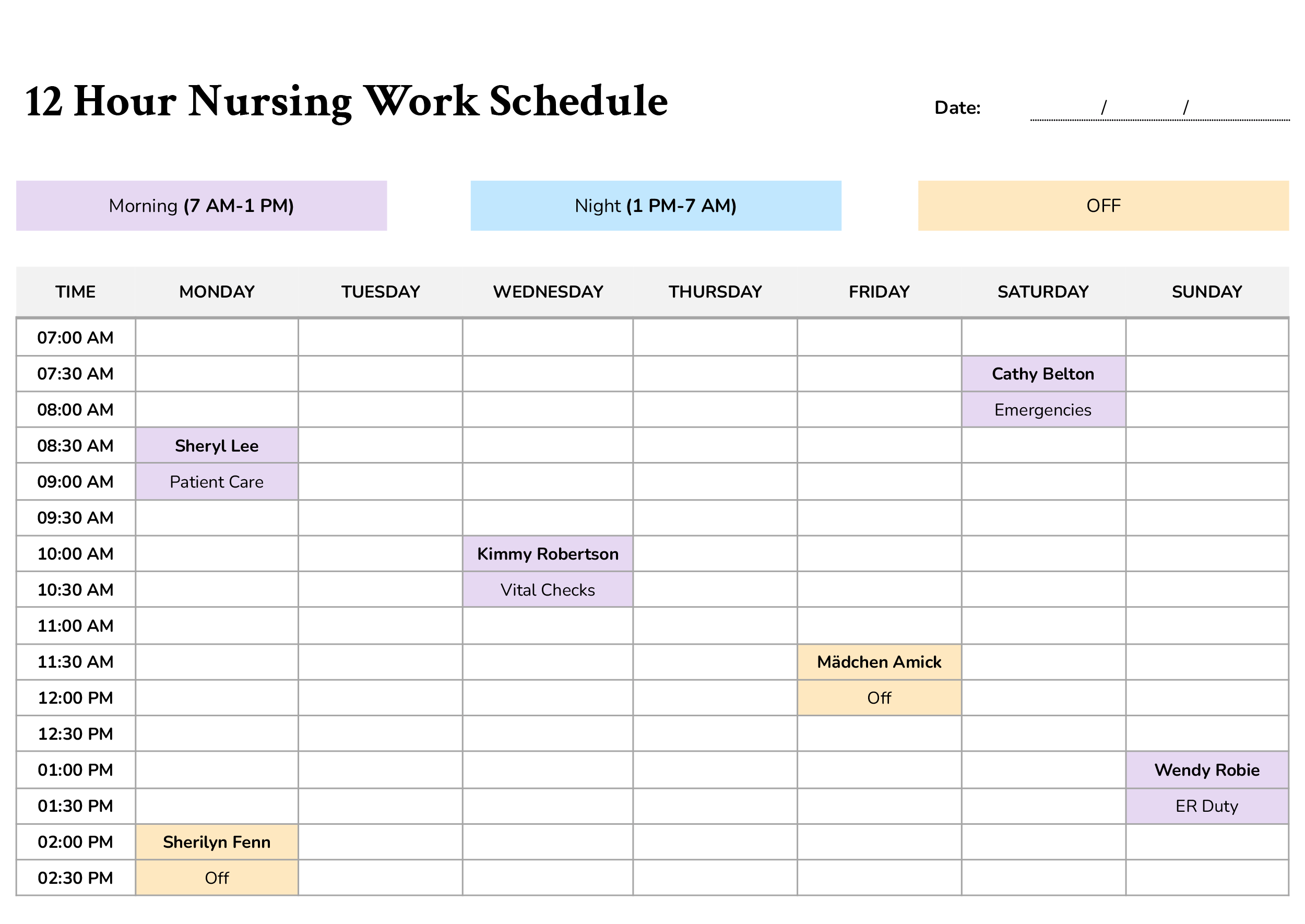
It can be used in 24-hour environments when combined with separate day, evening, or night shift assignments. The template focuses on workdays versus off-days, while specific shift hours can be noted separately if required.