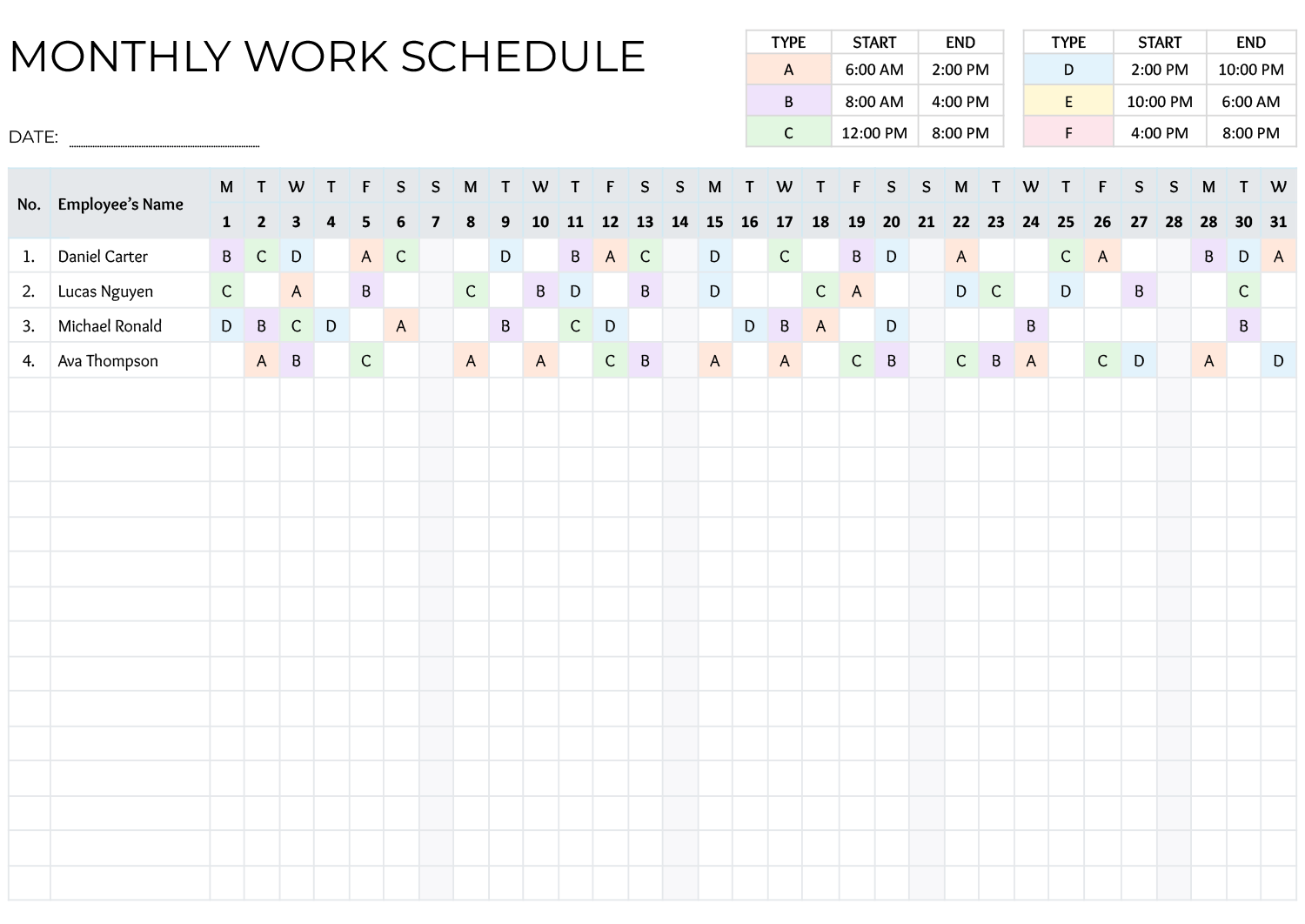
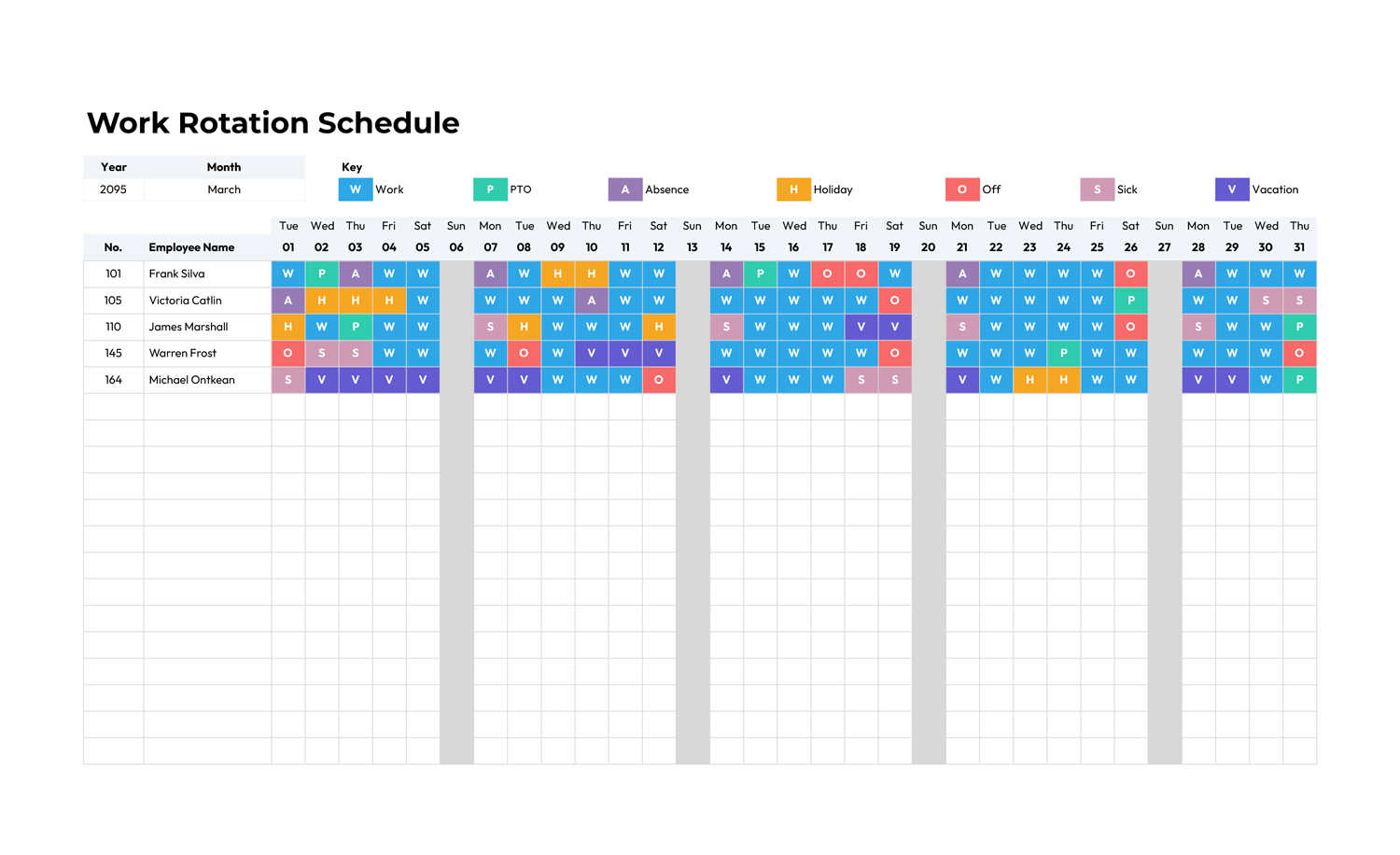
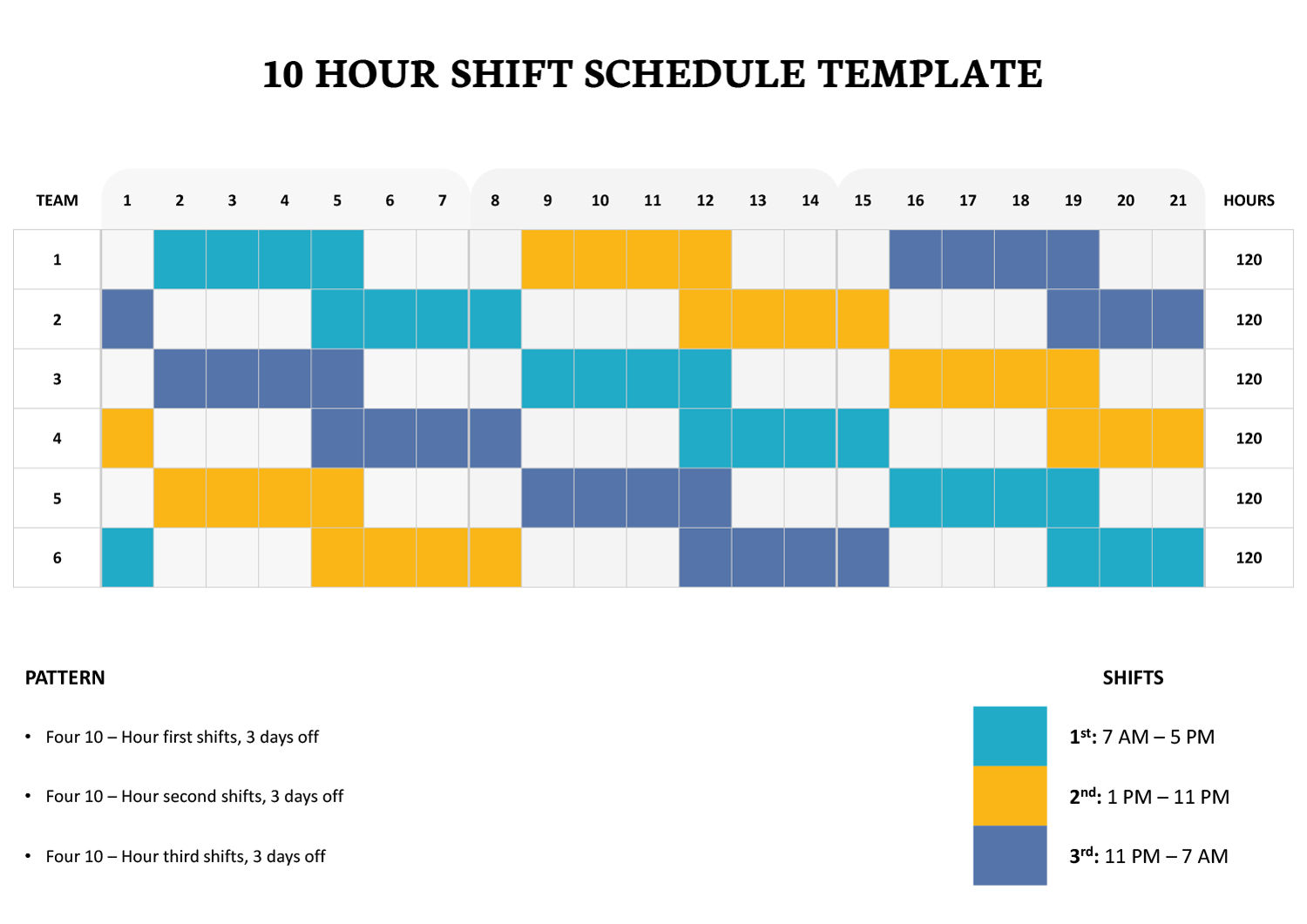
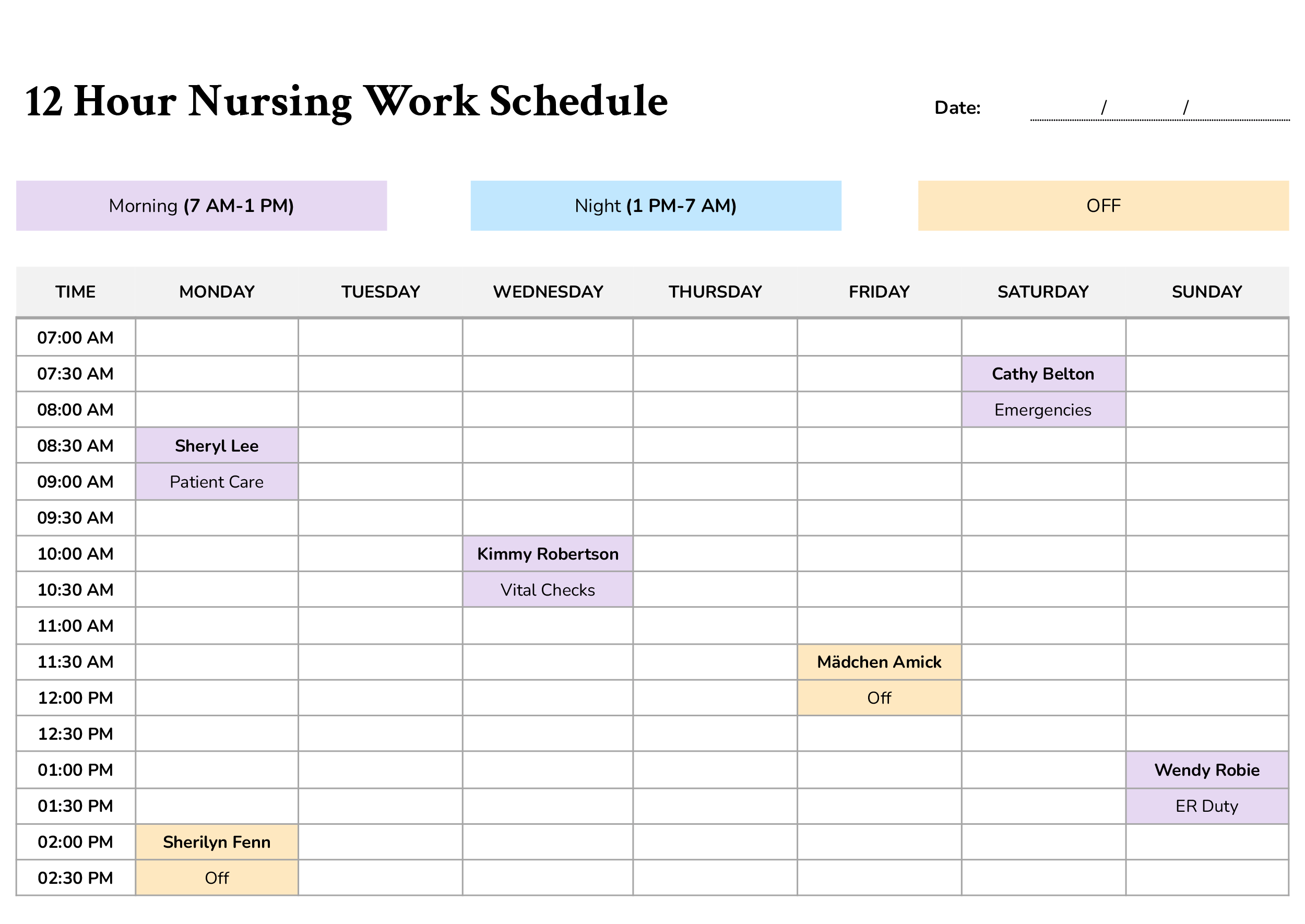
A 12-hour shift divides the day into two longer work periods so coverage continues across the full 24 hours. One crew takes the day shift, another takes the night shift, and the rotation continues through weekdays, weekends, and month-end transitions. That kind of schedule is common in workplaces where operations do not stop after standard business hours, such as hospitals, security sites, warehouses, plants, utilities, dispatch centers, and maintenance departments. This 12-Hour Shift Schedule Template is designed to show that monthly rotation in a team-based format, with space for up to 31 dates, labeled day and night shift hours, and a visual pattern that makes recurring assignments easier to review before the schedule is posted.
What This 12-Hour Shift Schedule Template Is Meant For
This template is meant for monthly crew scheduling, not just for noting who is on duty on a given day. The rows are arranged by team, which makes it suitable for workplaces where groups of employees follow the same rotation instead of being scheduled individually every day. In the attached layout, Team 1 through Team 10 are listed down the left side, the dates run across the top of the month, and the shift reference at the top right identifies the day shift as 7 AM to 7 PM and the night shift as 7 PM to 7 AM. That makes the schedule easy to read as a monthly staffing plan rather than a short daily roster.
It is particularly useful when you need to repeat a pattern across the month, such as rotating day and night crews, alternating work stretches and off-days, or assigning fixed teams to recurring coverage blocks. The colored cells in the layout visually separate active shift days from blank days, so a supervisor or team lead can review the pattern without reading through dense notes in every box. The weekday row under the dates also adds context, which is useful when checking weekend coverage, handoff timing, or how the rotation falls around specific calendar dates.
This format also suits workplaces that need a schedule ready in advance for approvals, internal communication, noticeboards, shared staff areas, or digital circulation. Since the template is based on teams, it gives operations staff a better view of crew movement across the month. In a smaller workplace, you could replace team labels with individual names, but the design is especially suited to grouped staffing where several people follow the same assigned cycle.
Customizing and Using the Template
You can customize this template by replacing the generic team names with your actual crew names, department labels, station names, or employee names. You can also update the company name and date fields at the top so the schedule matches the business unit and month being assigned. Before finalizing it, one important step is checking the weekday row. Since the weekday letters are already shown in the template, they should be revised so they match the actual month you are scheduling. That prevents confusion when the first day of the month falls on a different weekday than the one currently shown.
The shift legend can also be edited if your operation uses different reporting times. If your workplace runs 6 AM to 6 PM, 8 AM to 8 PM, or another 12-hour pattern, you can revise those labels so the posted schedule reflects actual handoff hours. You may also want to add simple codes for leave, training, holidays, or temporary reassignment if the schedule needs to communicate more than standard work and off-days.
The bottom total-hours row adds another useful layer, especially in the spreadsheet versions. In the attached layout, totals are shown beneath each date block, which gives managers a quick monthly reference when reviewing coverage or checking how many scheduled hours fall into each section of the month. In Excel and Google Sheets, that row can also be adjusted if your workplace calculates paid hours differently because of unpaid breaks or site-specific payroll rules.
The Word and Google Docs versions are better suited to manual editing, printed posting, or sending a finalized copy after the rotation has already been approved. The Excel and Google Sheets versions are more useful when assignments are likely to change, when you want formulas to handle hour totals, or when you plan to duplicate the schedule for future months and revise only the dates and crew assignments. Across all four formats, the purpose remains the same. You are using the template to assign monthly 12-hour coverage in a format that staff can read quickly and supervisors can update without rebuilding the schedule each time.
Wrap-Up
A monthly 12-hour roster has to do more than list working dates. It also has to show how crews rotate, how day and night coverage continue, and where off-days fall across the month. This 12-Hour Shift Schedule Template is designed for that kind of planning. With labeled shift times, team-based rows, monthly date columns, and a total-hours section at the bottom, it gives you a practical format for preparing, reviewing, and sharing a full-month shift rotation with less confusion.