
Daily Schedule Templates
Most days do not go wrong for lack of hours; they go wrong when the hours were never spoken for and the small stuff swallowed the important stuff. Daily schedule templates fix that by giving the day a shape before it starts, with a slot for each thing you mean to get to. These designs run from a loose morning-to-night plan to a tight hour-by-hour breakdown, so you can plan a day in as much detail as it actually needs and no more.
 ×
× ×
× ×
× ×
× ×
× ×
×

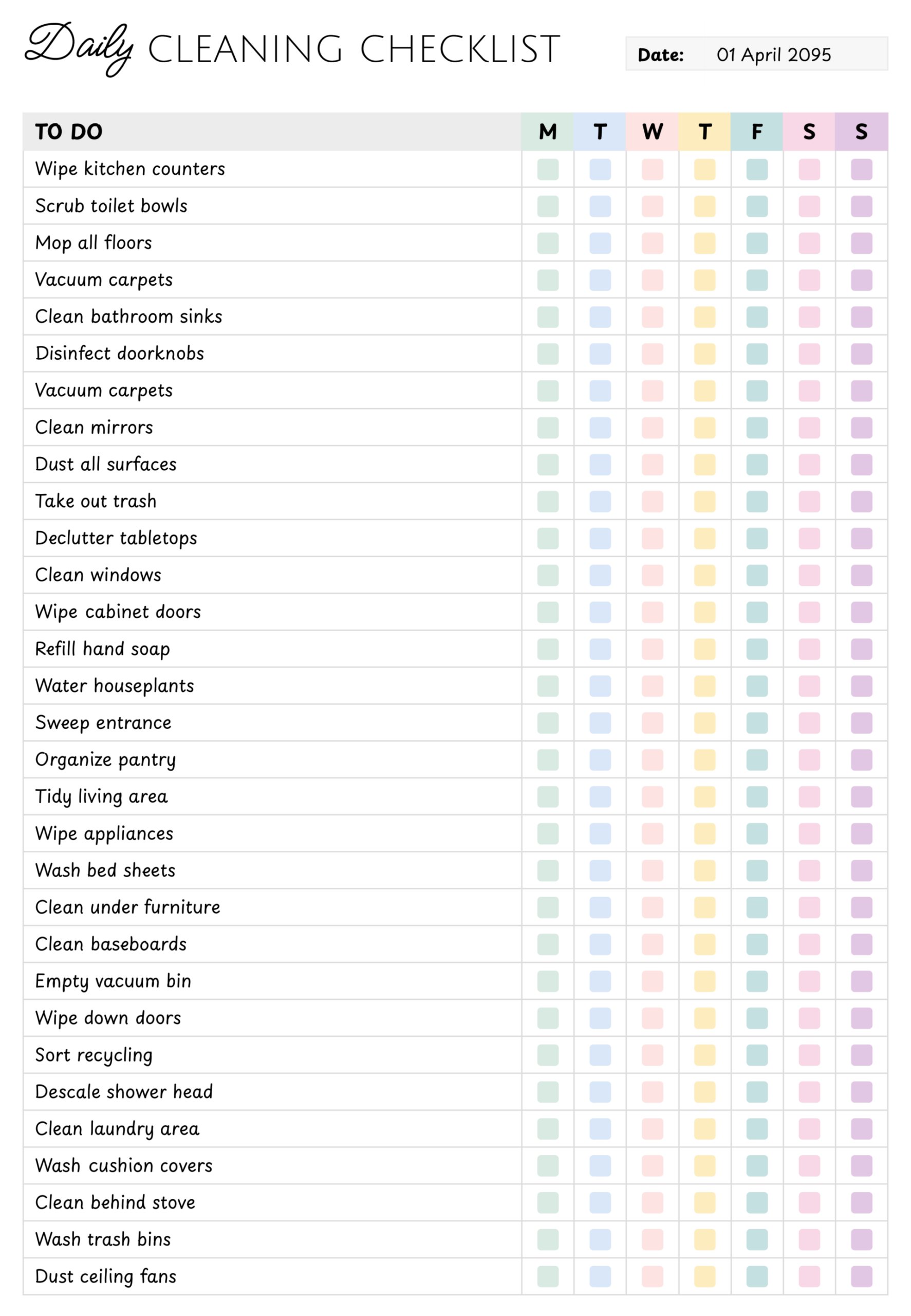

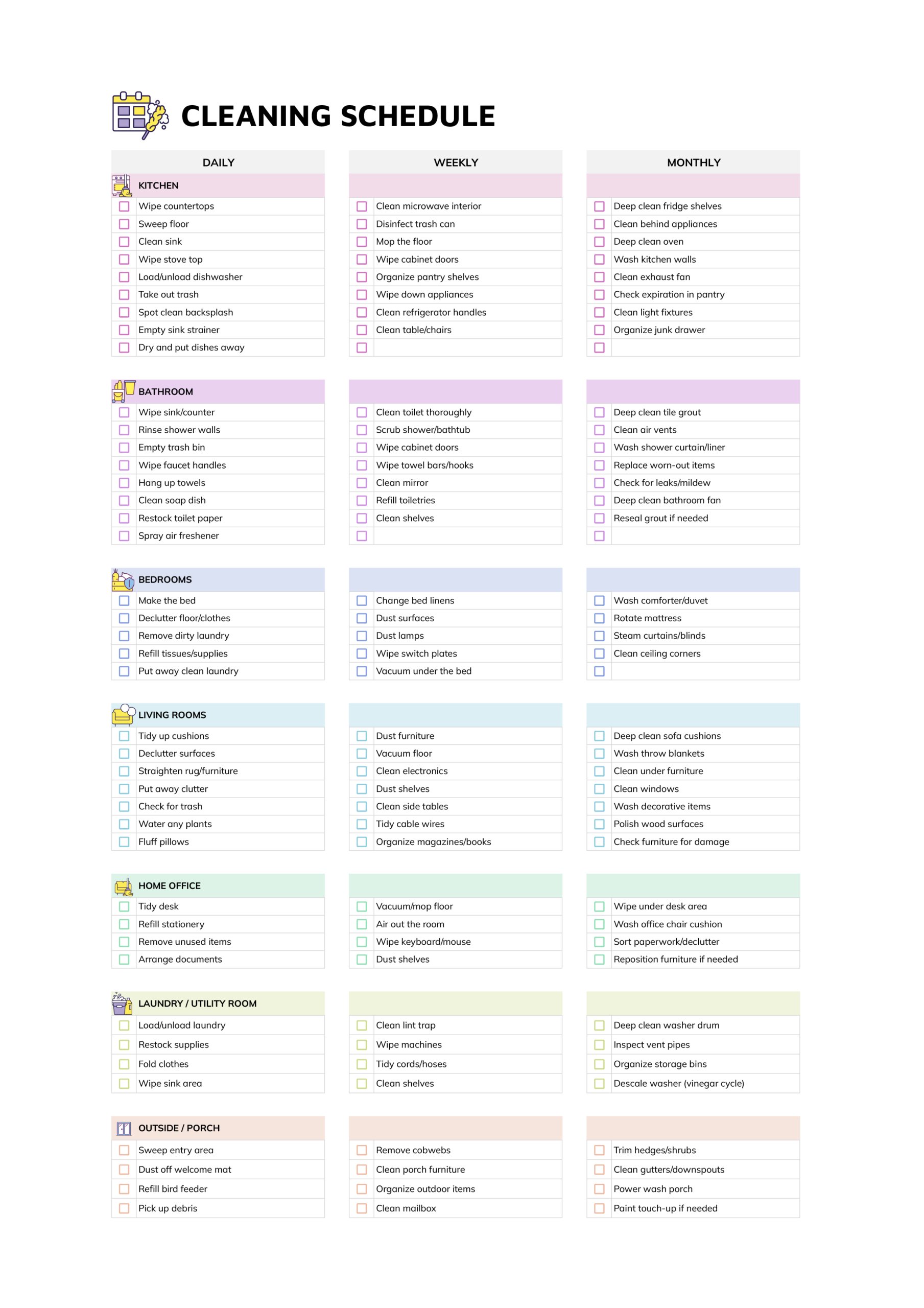


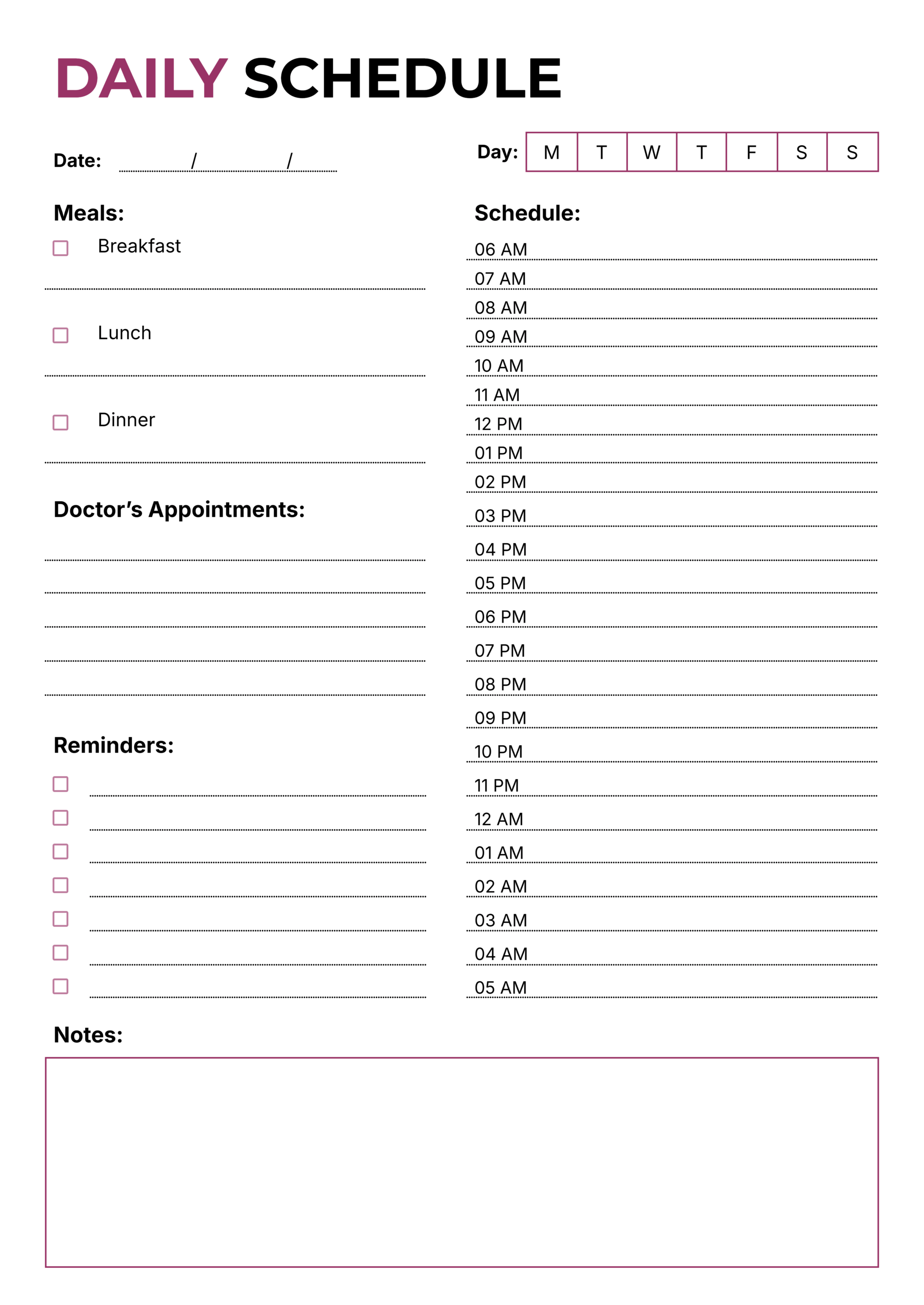


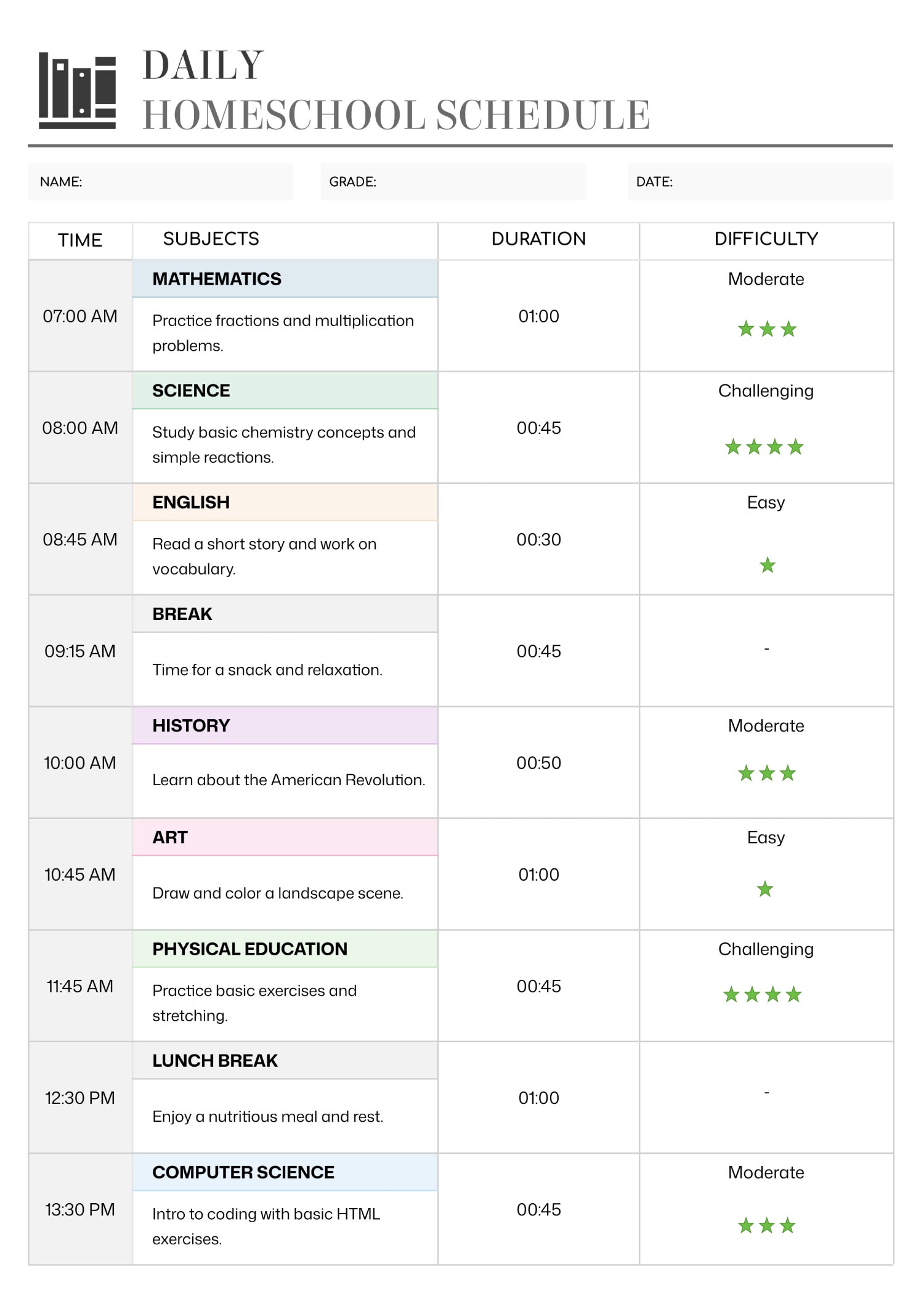


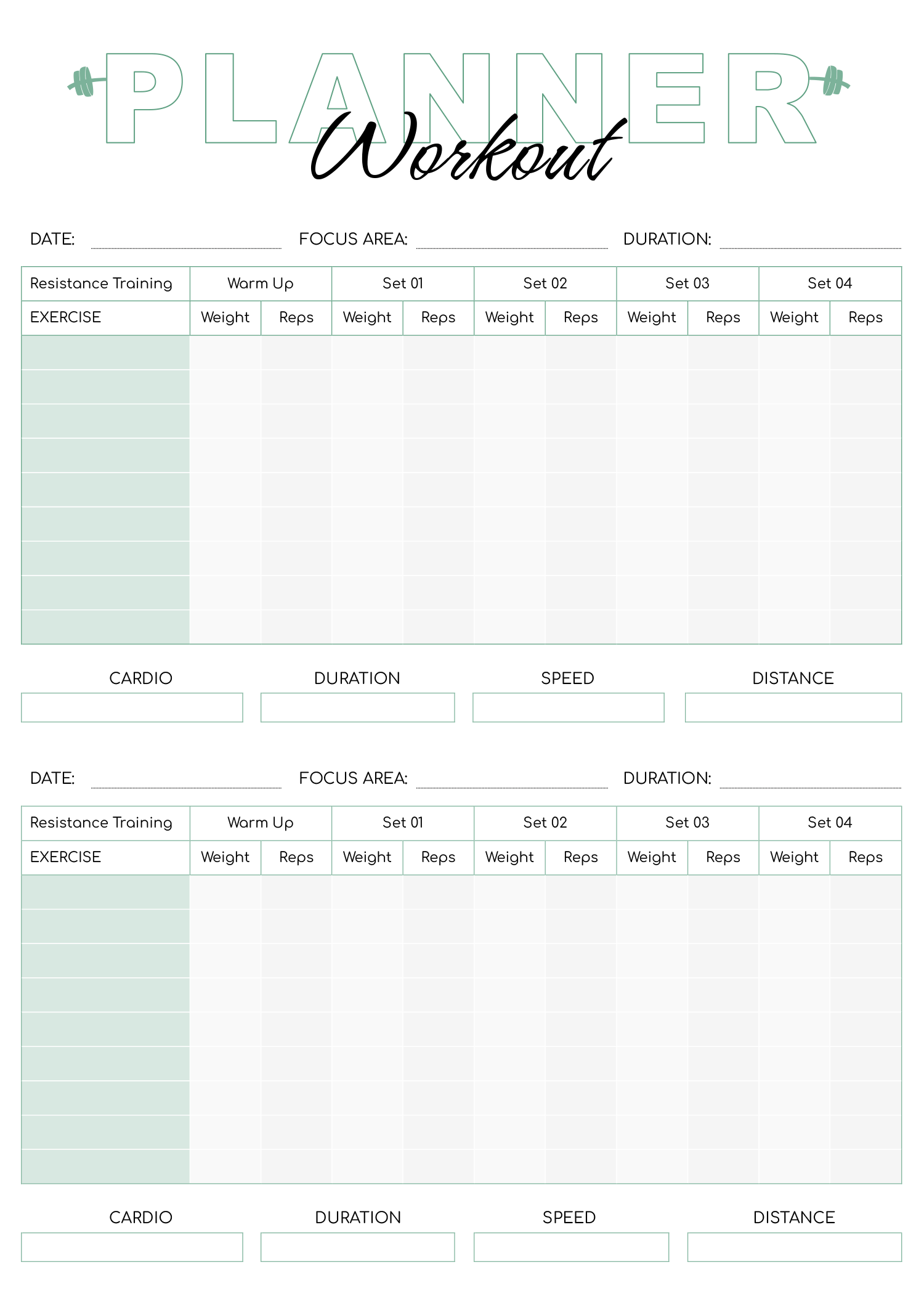


These daily schedule templates give a single day a fixed shape, blocking it into hours or broader stretches with a slot for each thing you mean to do, so the day is planned before it fills itself with whatever is loudest. The plan stays in front of you as the day runs, which is what keeps a vague intention to study or exercise from quietly slipping.
How finely a day needs planning is personal, so the collection runs from tight hour-by-hour breakdowns for booked days to looser routine and to-do formats for days that need a few anchors and open space between them. You set the hours that match your real day, an early start or a late one, name the two or three things that have to happen, and fill the rest of the time around them. The template sets out the shape; you decide what goes in each part.
What these daily templates give you
The collection plans a day at different levels of detail.
The day split into hour or half-hour rows, for days where each stretch needs a named task and timed commitments have to land at a set time.
Looser morning, afternoon, and evening sections, for a day that needs a shape but not a slot for every hour.
A to-do column set beside the day, for when the priority is what gets done rather than the exact hour it happens.
A repeatable rhythm for study, work, or home, set once and reused each day rather than written out every morning.
Mapping out your day
From a blank day to an hour-by-hour plan you can work from.
Decide how finely the day needs planning, an hour-by-hour breakdown or just a handful of anchors. A booked day rewards naming each hour; an open one only sprouts blank cells when you over-plan it.
Set when your day actually starts and ends, since an early shift and a late one cover different hours. The day should run on your waking hours, not a generic nine to five.
Write the two or three things that have to happen before you fill anything else, so the day is built around them instead of fitting them in later.
Tip — Put a demanding task in the hour your focus is sharpest rather than wherever a gap falls, so the day works with your energy instead of against it.
Drop the day's other work, meals, and breaks into the slots that are left, keeping a little space open to absorb the overruns every real day produces.
FAQs
How detailed should a daily schedule be?
Match it to the day. A day of back-to-back appointments earns an hour-by-hour grid; a quieter day usually needs only a few anchors with open time between them. Over-planning a loose day tends to leave cells empty and the schedule ignored.
What is the difference between a daily schedule and a to-do list?
A to-do list says what to do; a daily schedule says when. The layouts here that pair a task column with hour blocks give you both, so a task has a place in the day rather than competing with everything else for whatever time is left.
Can I reuse one day as a routine?
Yes. The routine layouts are built to repeat, so a daily rhythm you settle on, a study block, a workout, a wind-down, can be set once and followed each day rather than planned fresh every morning.