
Monthly Schedule Templates
Some things only make sense once you can see a whole month at once, the deadline that always lands at month-end, the upkeep that comes due every few weeks, the stretch where two efforts collide. Monthly schedule templates pull that span together so those longer rhythms are visible instead of buried. These designs run from a dated month grid for events and recurring jobs to a multi-week timeline for work that flows across the weeks, whichever suits how your month is measured.
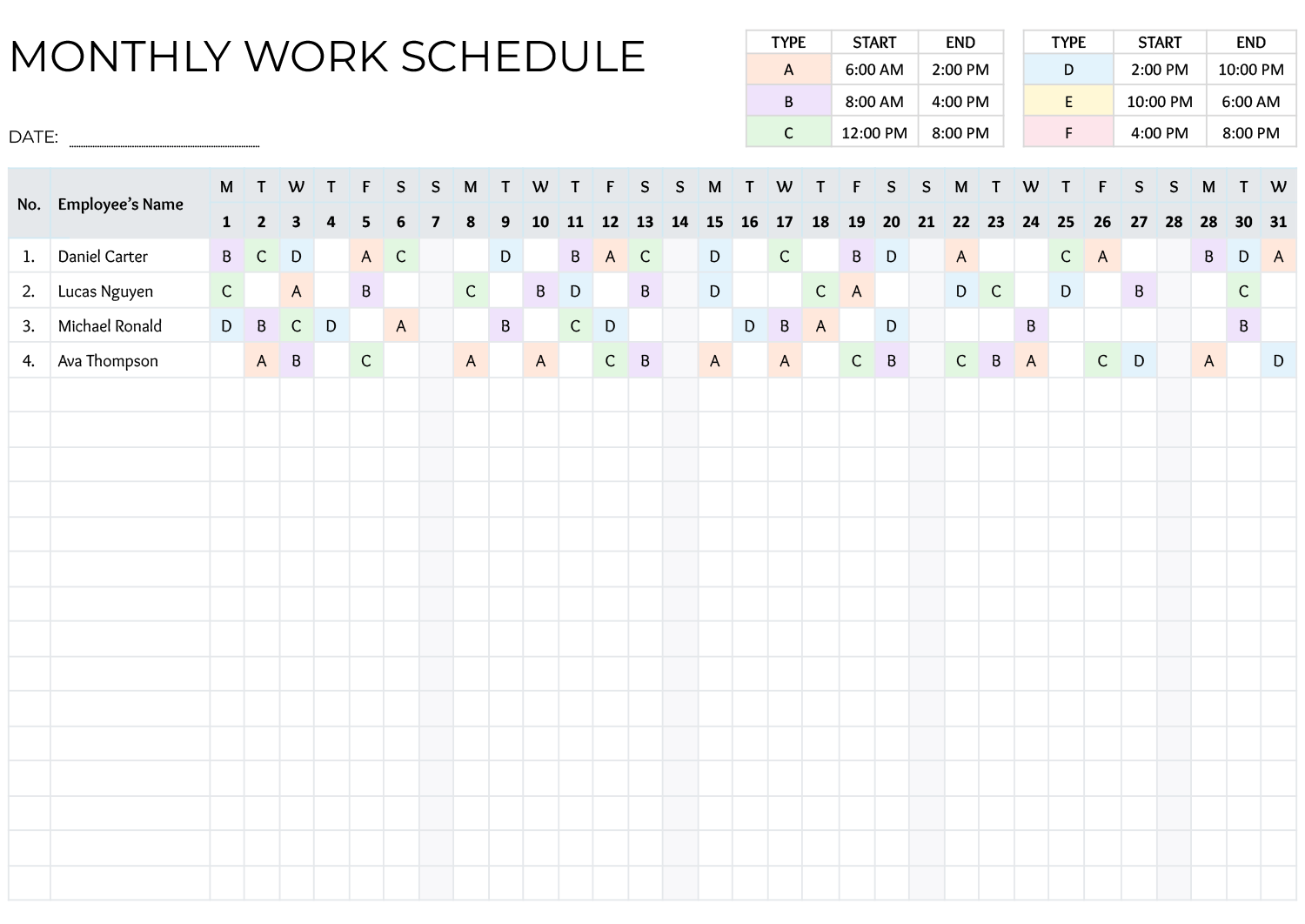


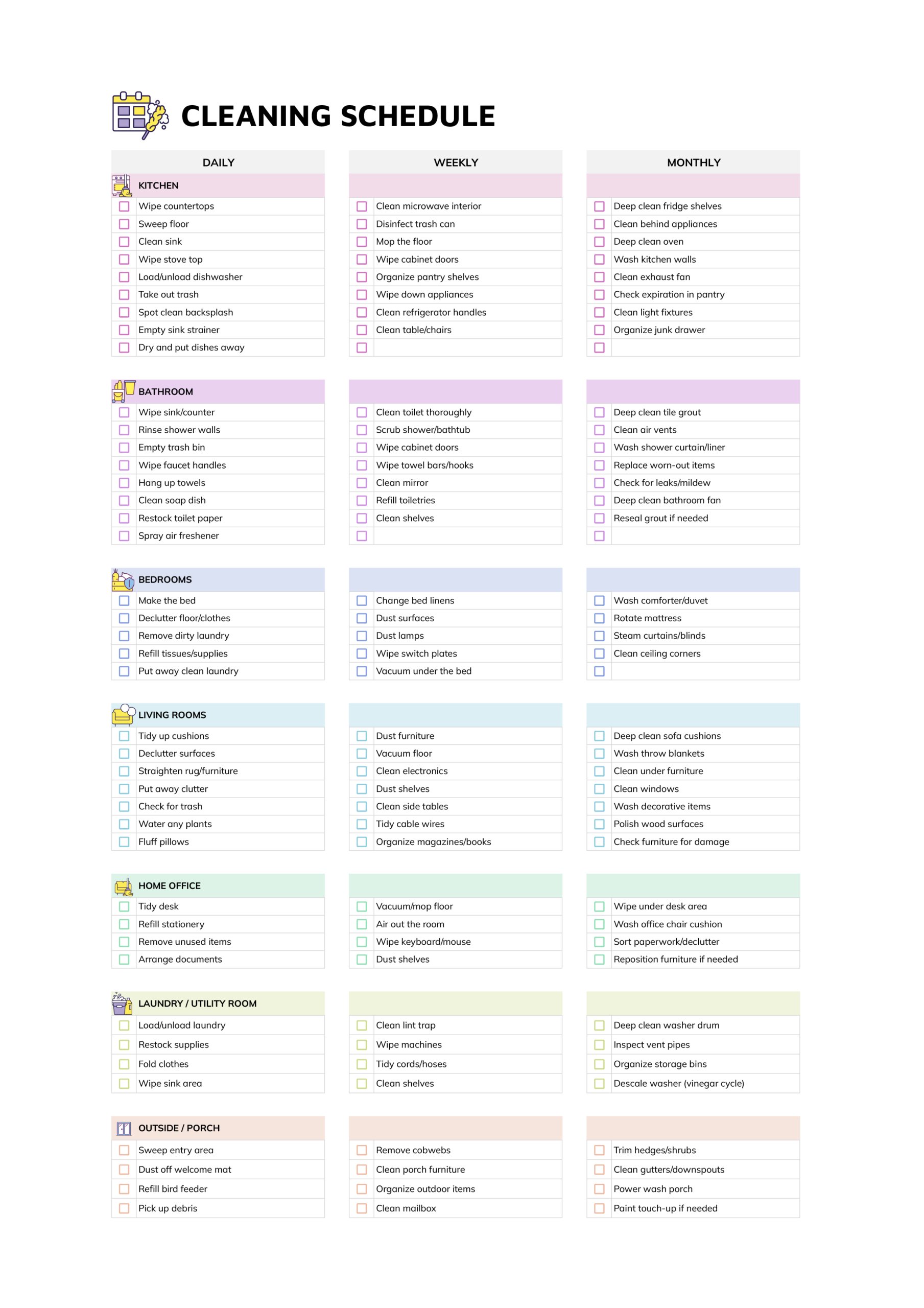



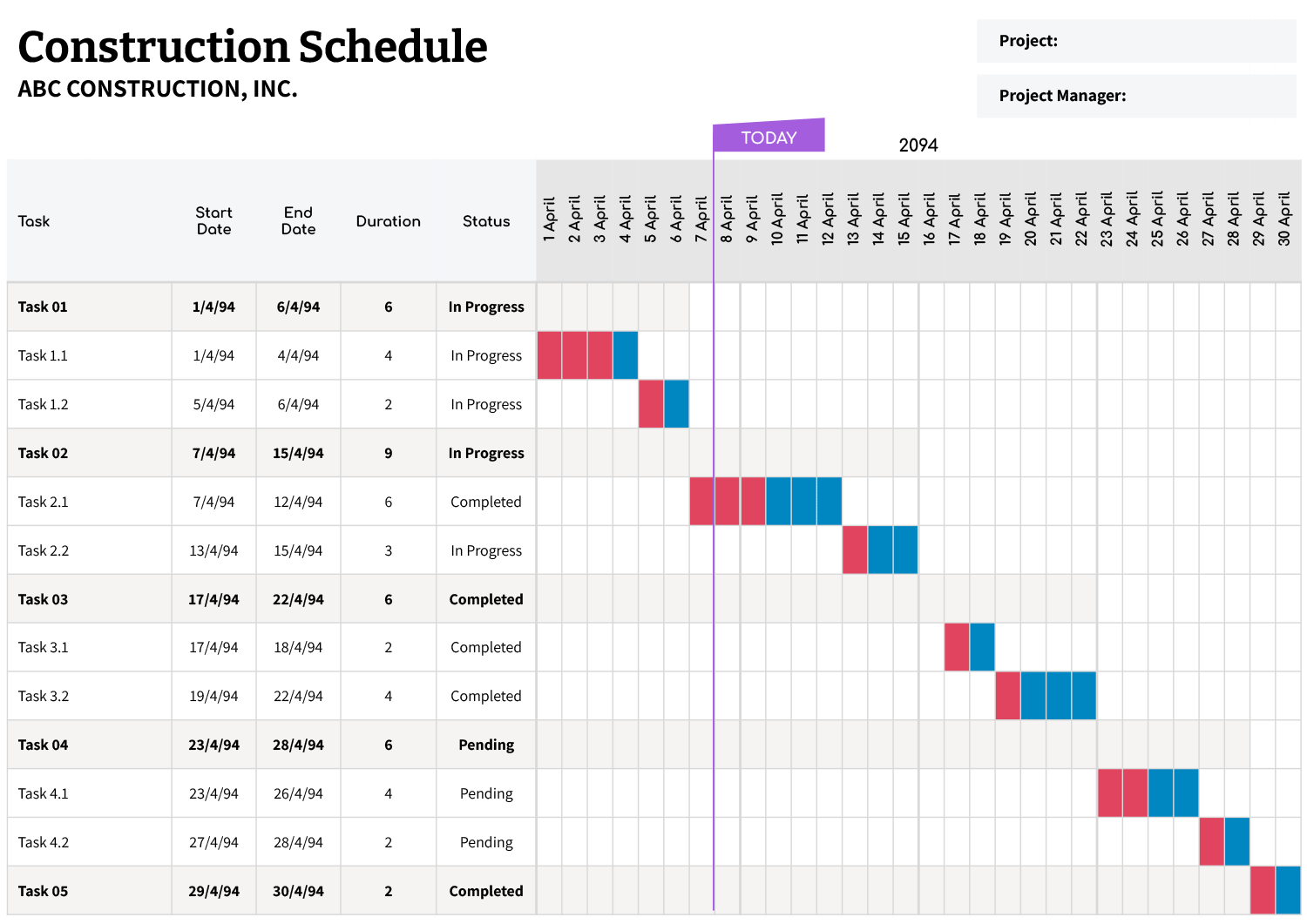

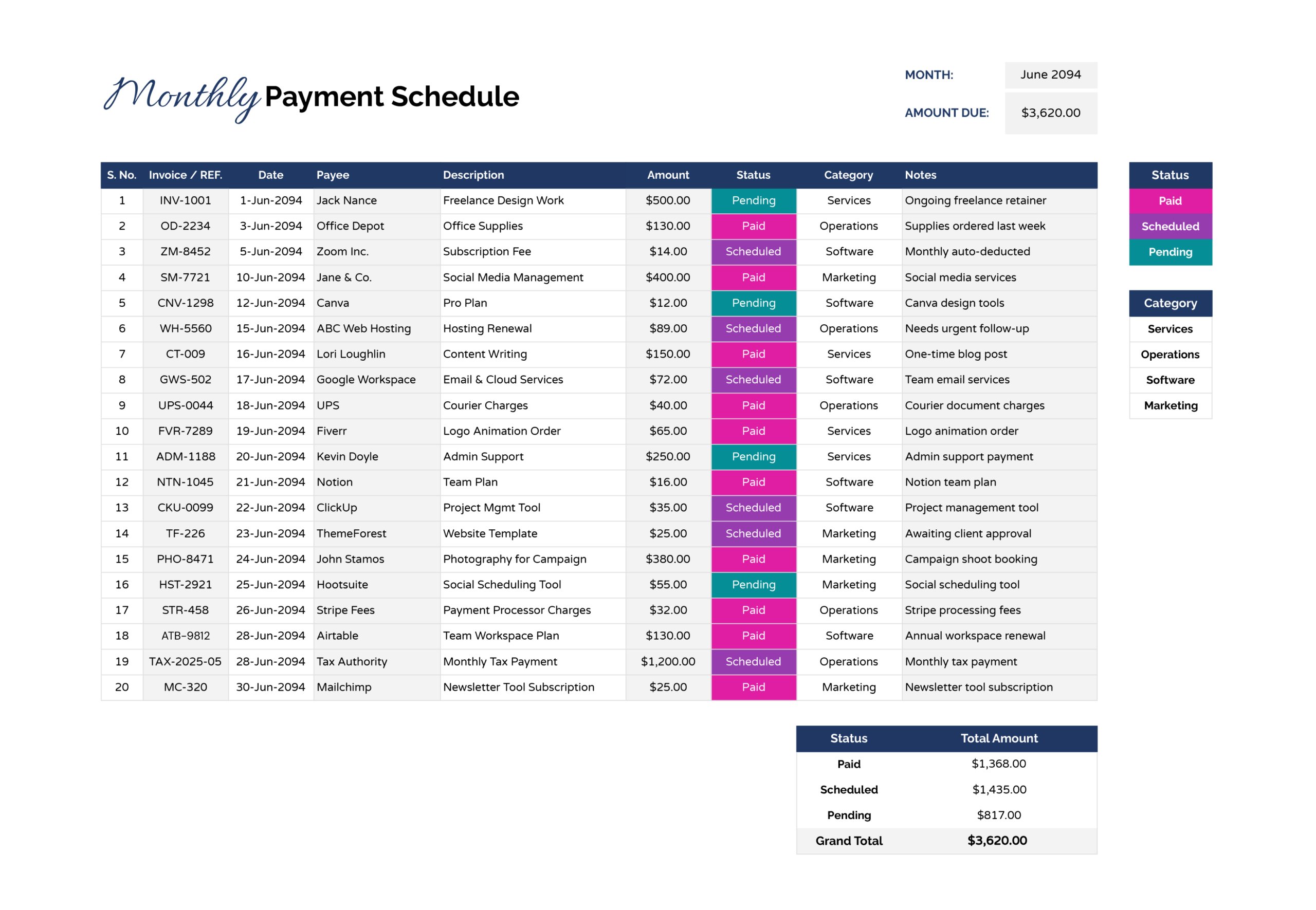


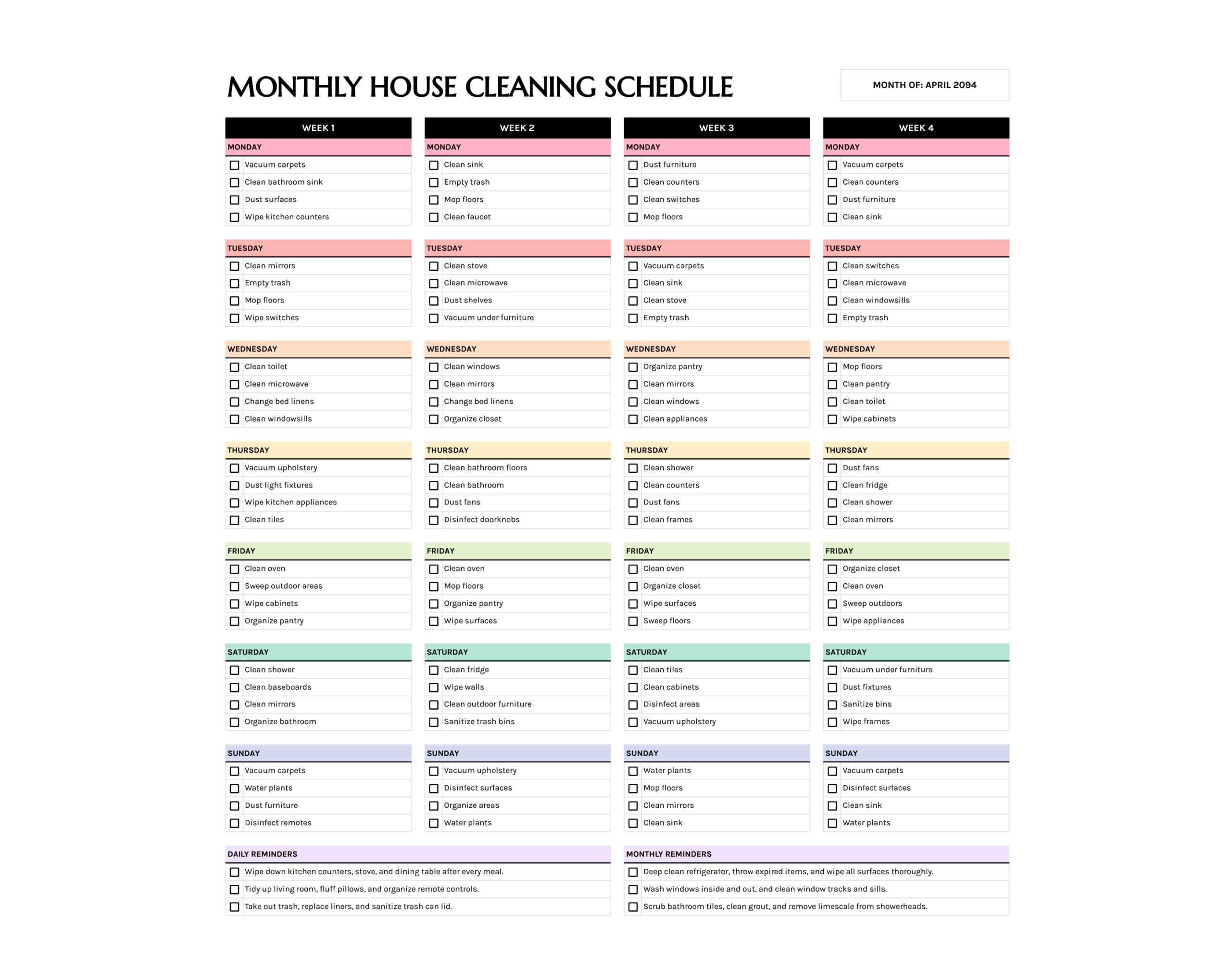

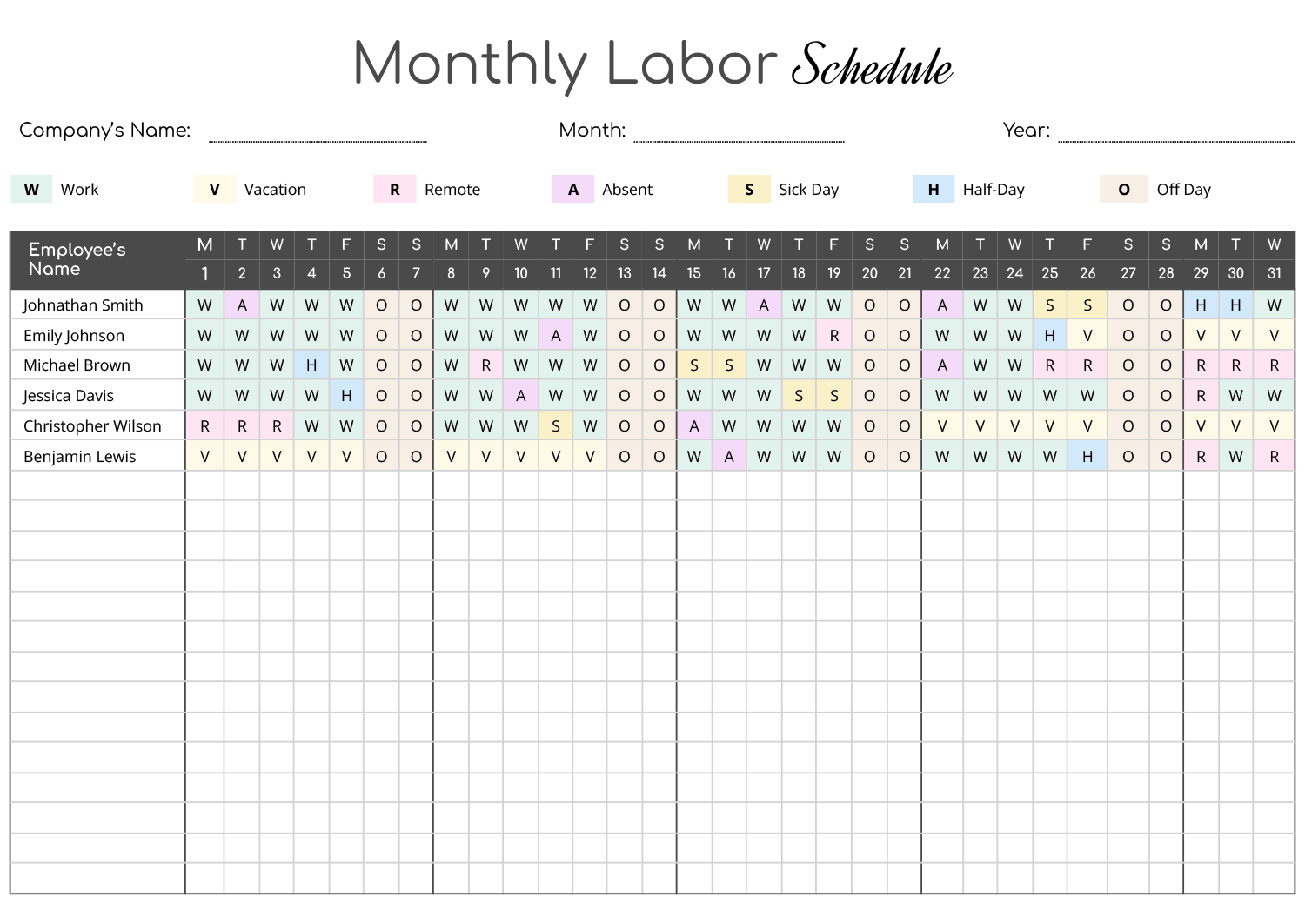


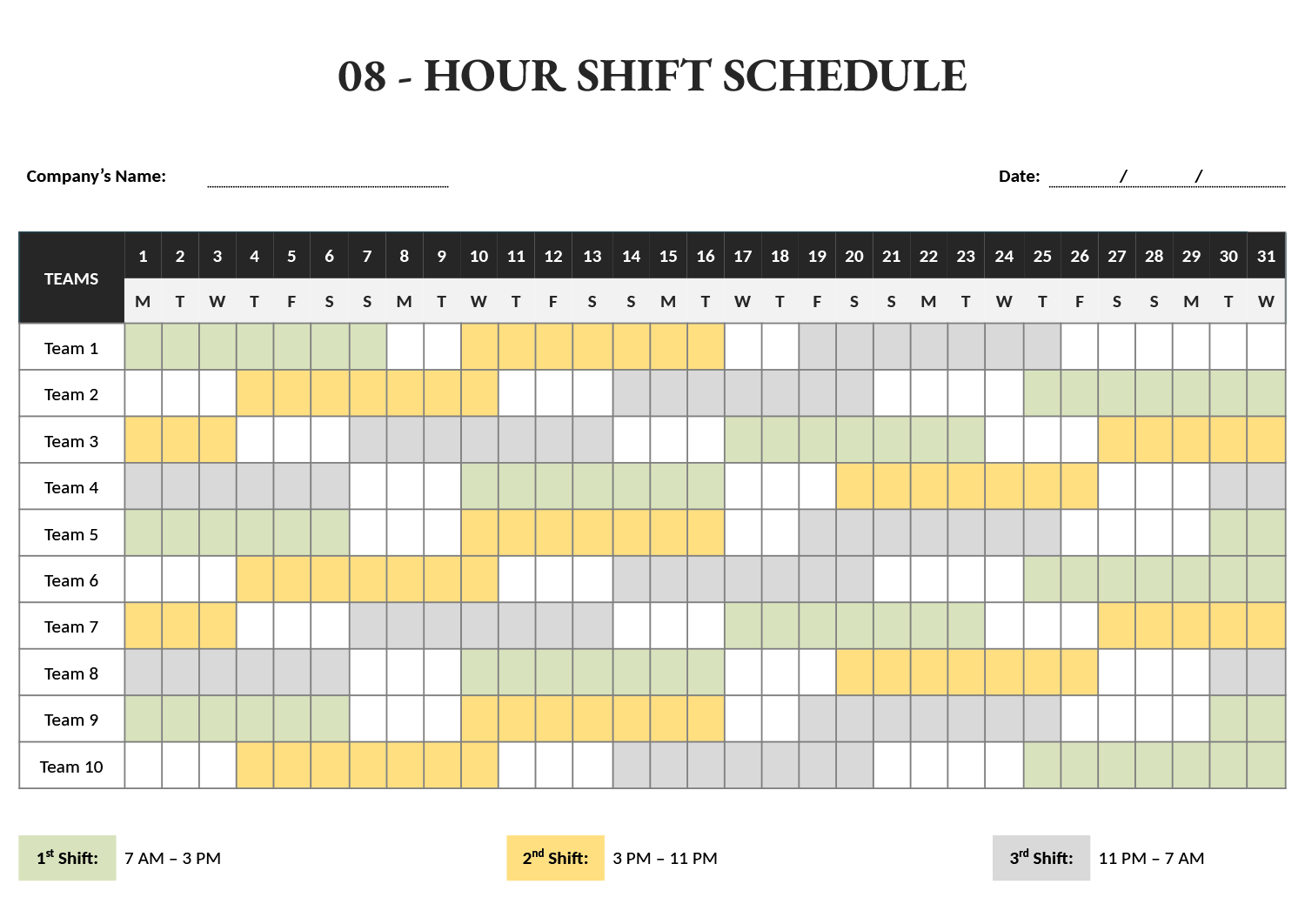


These monthly schedule templates lay a whole month out together, so the patterns a single week hides, workload that piles up at the same point each cycle, upkeep that comes due monthly, the stretch where two efforts overlap, are all visible at once. The wider view is what a month-long plan needs to be useful, and these are built around it rather than around the texture of any one day.
A month is usually tracked in larger units than hours, so the collection runs from dated month-at-a-glance grids for events and recurring items to multi-week timelines that follow work across the span. You set the month, mark the fixed dates and recurring upkeep that anchor it, then fit the movable work into the room left around them. The template frames the long view; you place the month’s commitments where they fall and see how the weeks balance out.
How these templates frame a month
The collection frames the month at the scale longer work needs.
The full month set out as dated squares, for placing appointments, deadlines, and recurring items where they fall across the weeks.
A horizontal span that follows a project or task across several weeks, so overlapping work and its order read at a glance.
Sections that group the month by stage rather than by date, for work that moves through phases instead of single events.
Repeating-task lines for upkeep that comes due monthly, a maintenance check or a billing run, so the cycle is set down rather than remembered.
A place to mark who owns each item, for a month of work split across a team or a household.
Room beside the month for context a dated square cannot hold, a dependency, an exception, a reminder tied to a stretch rather than a day.
Laying out your month
From an empty month to a plan that stays steady across the weeks.
A dated month grid suits events and recurring items; a multi-week timeline suits work that flows across the span. Match it to how your month is measured, by date or by phase.
Fill in the month and the date each week begins, so the squares or columns line up with the calendar you actually work from.
Place the deadlines, recurring upkeep, and standing commitments that anchor the month before anything flexible, so the busy stretches show themselves early.
Tip — Put a recurring monthly item, a billing run or a maintenance check, on the same date each month, so the cycle becomes predictable rather than something to track.
Slot the movable tasks and phases into the room left around the fixed points, so the plan bends around its anchors rather than ignoring them.
FAQs
When is a monthly view better than a weekly one?
Reach for a month when the thing you are tracking spans more than a week, a multi-week project, a maintenance cycle, a billing run. A week shows the texture of any given day; a month shows the patterns and overlaps that only appear across the whole span.
What fits a project that runs several weeks?
A multi-week timeline does, since it follows a task across the weeks it covers and shows where phases overlap. A dated month grid suits single events and recurring dates better than continuous work.
Can one template handle recurring monthly upkeep?
Yes. The recurring-row layouts are built for tasks that come due every month, maintenance, reviews, payments, so the cycle lives in the schedule and repeats rather than relying on memory each month.