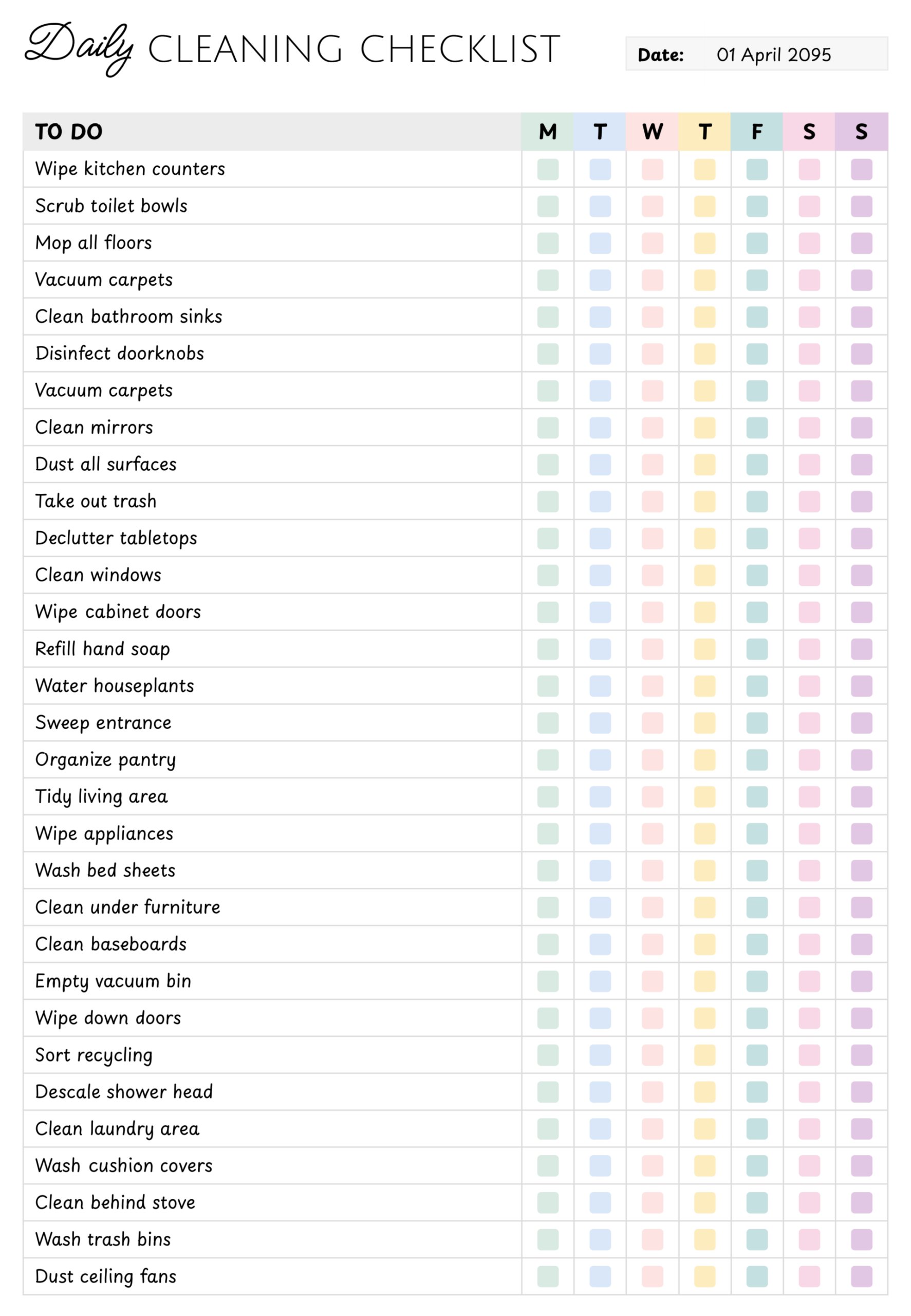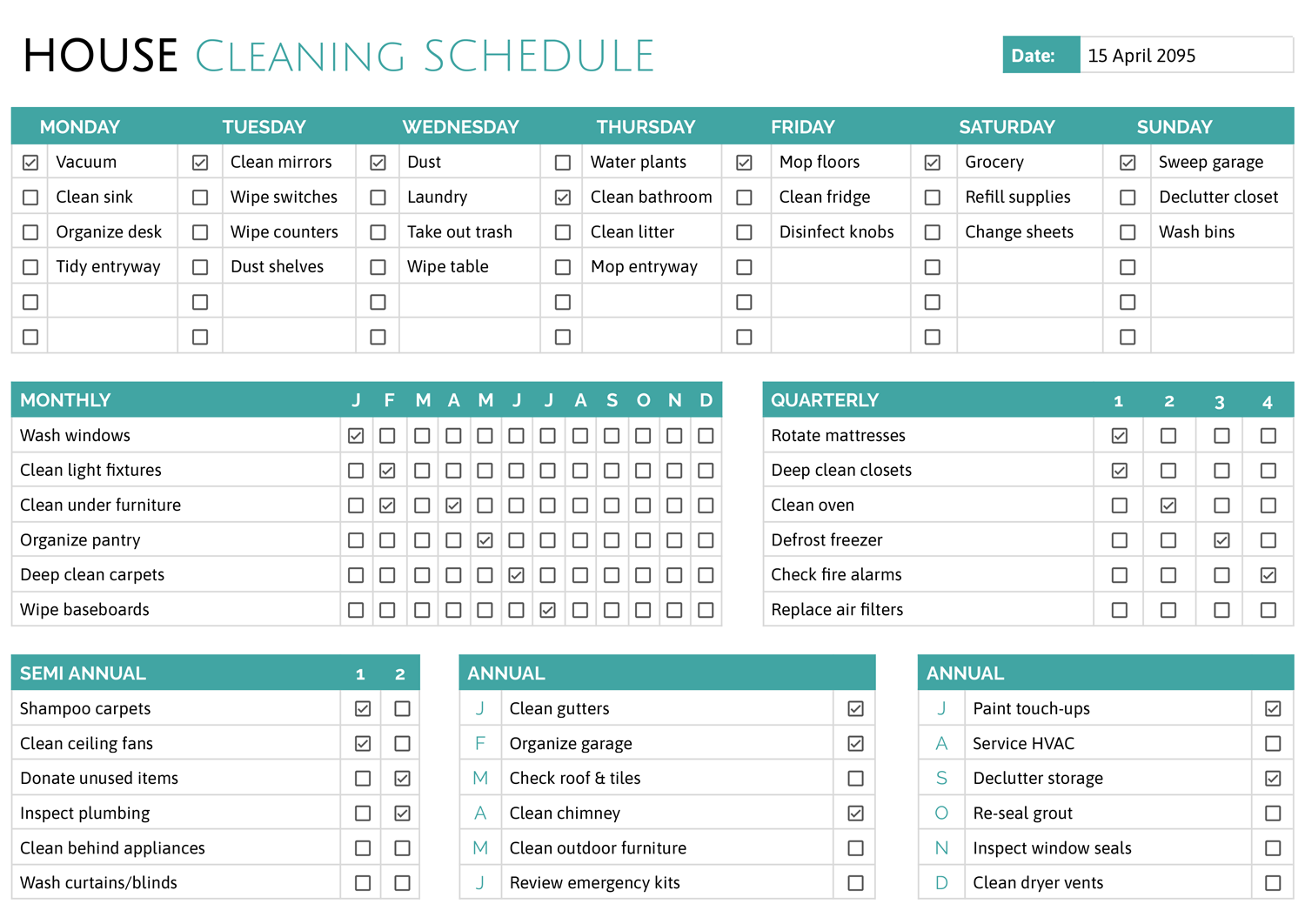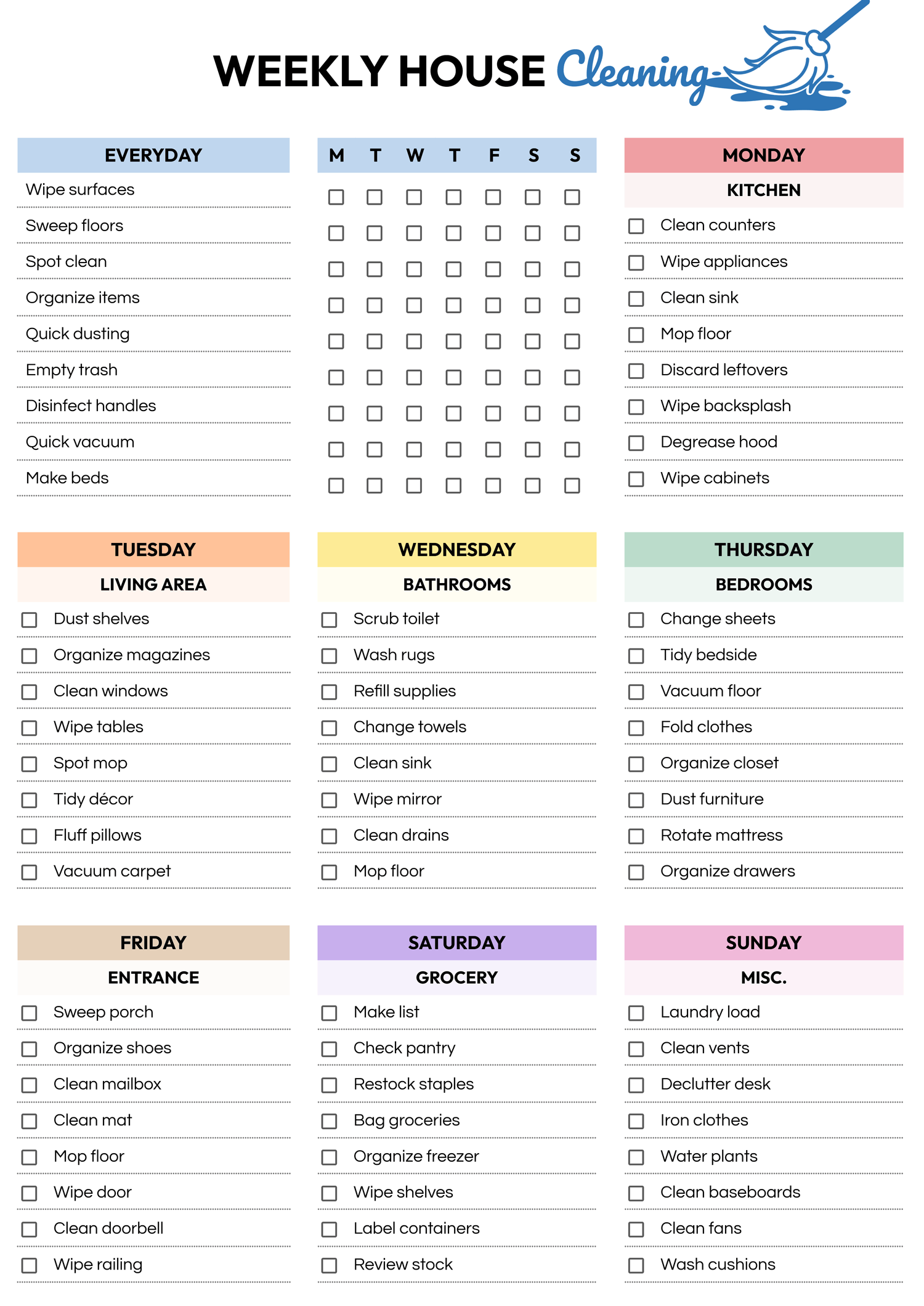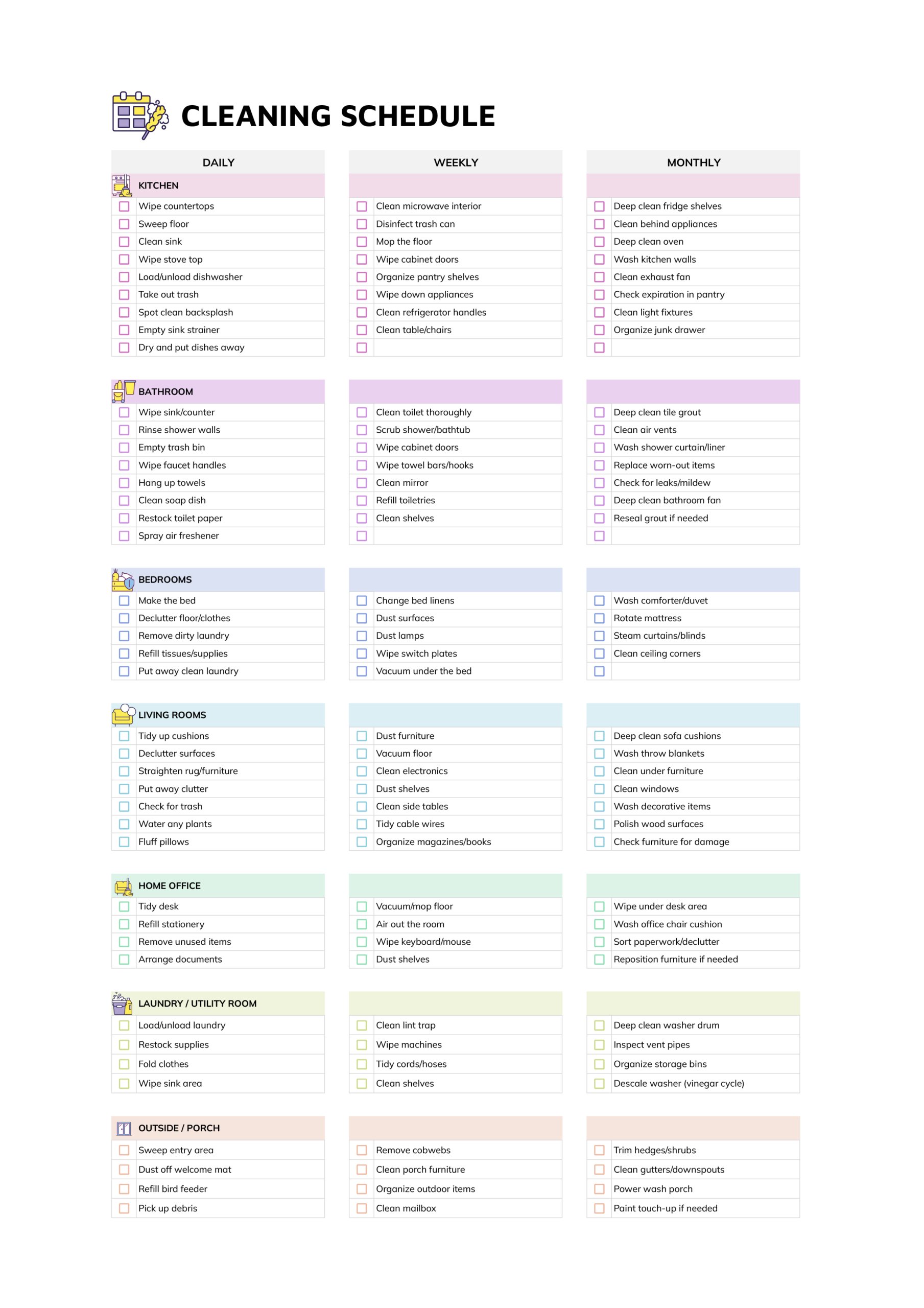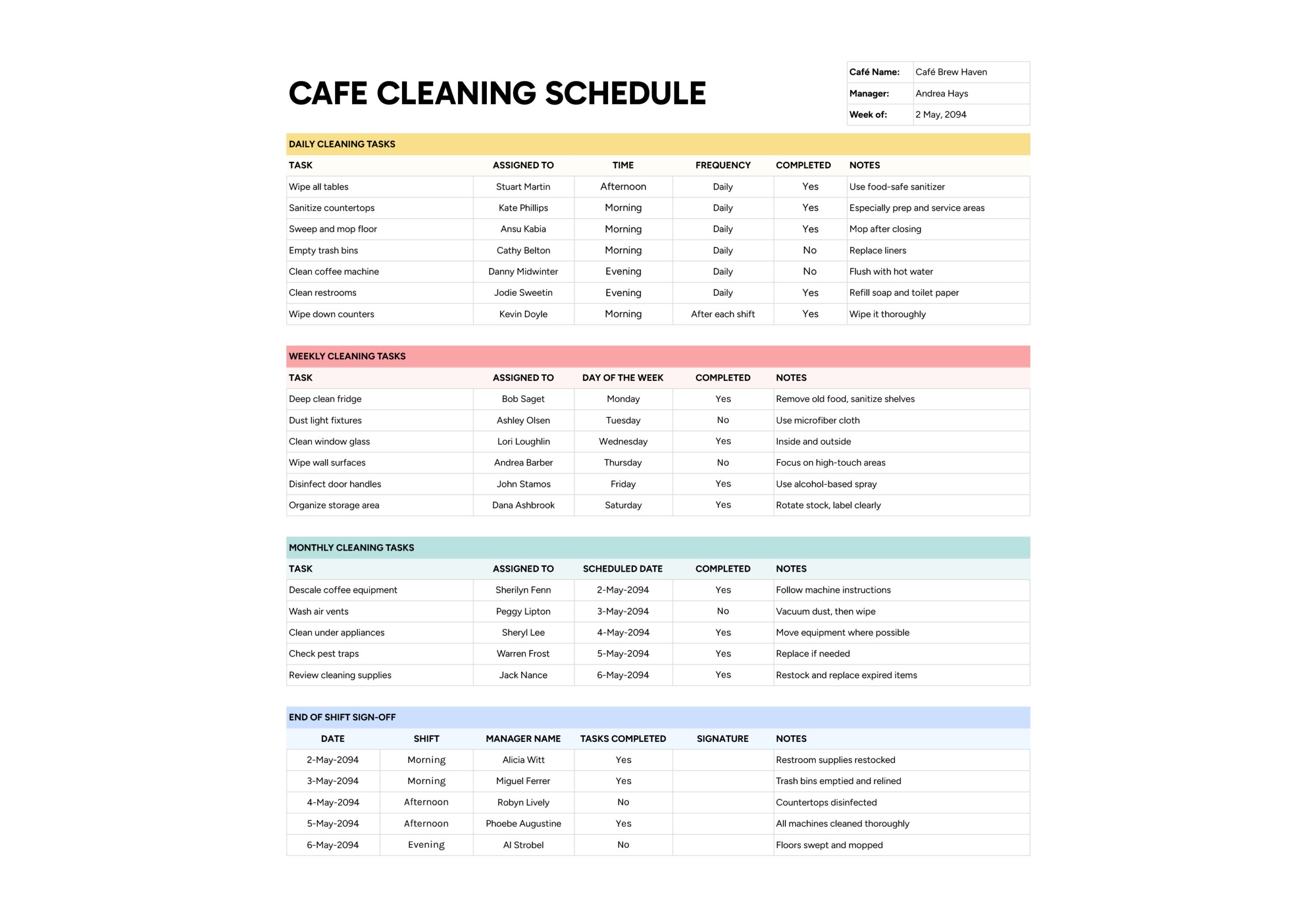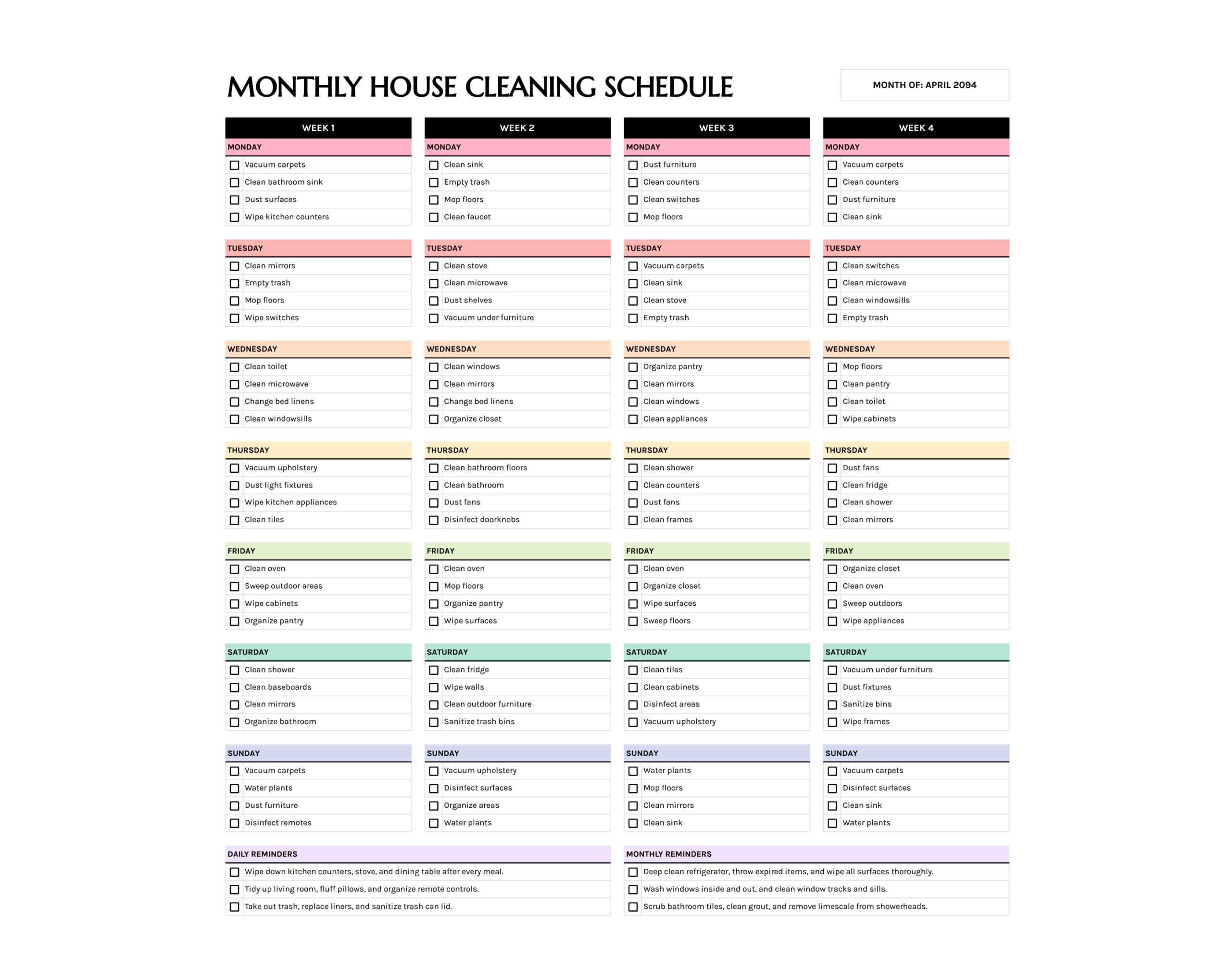



Managing housework over a full month can feel vague, especially when busy days blur together. The monthly house cleaning schedule template gives you a single page where each week of the month has its own column and every day has space for a short checklist. Instead of carrying a long mental list, you can see at a glance which jobs are assigned to which day and adjust the load so it matches your routine.
This cleaning schedule template works well if you want to spread bigger chores across the month, share tasks with family members or roommates, or give a cleaner a clear breakdown of what should be tackled each week. Daily reminders at the bottom keep essential habits in view, while monthly reminders hold deeper jobs that only need occasional attention, such as fridge cleaning or tile scrubbing. Over time, keeping this page updated turns “keeping the house clean” into a series of small, specific actions that feel easier to start and finish.
How to Use This Monthly House Cleaning Schedule Template
The house cleaning schedule template includes four weeks side by side. Each week has seven small sections for Monday through Sunday, and every section has lines with checkboxes for a few tasks. There is also a “Month of” box at the top and two reminder areas at the bottom.
Set the Month and General Focus
Start by writing the month in “Month of”. Think about what that month usually feels like for your home. For example, spring may need more decluttering and dusting, summer may focus on outdoor areas, and winter may include more laundry and bedding. Keep that general focus in mind as you fill in tasks so they fit the season rather than copying the same list every time.
If the month sometimes has a fifth partial week, you can either use part of Week 4 for those extra days or duplicate the sheet and rename the weeks. The goal is to keep the plan simple enough that you still use it when life gets busy.
Plan Week 1 Tasks
Move to Week 1 and start with Monday. Under each weekday, write three to five small, clear tasks such as vacuum carpets, clean bathroom sink, empty trash, or wipe kitchen counters. Use the checkboxes to track completion later. If your weekdays are hectic, you can keep early weeks lighter and place slightly bigger tasks on weekends.
Think of Week 1 as a gentle start to the month. You might focus on high impact jobs that make the home feel fresh, such as bathrooms, surfaces, and visible clutter. Once the first week is set, repeat the process for Week 2, Week 3, and Week 4, adjusting difficulty as you go.
Spread Work Across the Weeks
As you fill in the remaining weeks, avoid copying the same tasks into every Monday or every Saturday. Instead, spread out heavier chores so no single day carries all the load. For example, you might schedule oven cleaning and pantry organising on different Fridays, and rotate which rooms get deep attention on each weekend.
If a task needs to be done weekly, such as mopping kitchen floors, you can write it once in each week, ideally on the same day. That creates a rhythm that is easy to remember, while still giving you room to vary other tasks around it.
Use Daily and Monthly Reminders
At the bottom of the sheet, there are two sections titled “Daily Reminders” and “Monthly Reminders”. Daily reminders suit habits that you want to keep in mind every day, like wiping the kitchen table after meals, tidying the living room before bed, or taking out trash when it is nearly full. These are not tied to a specific day of the week but are worth seeing each time you look at the schedule.
Monthly reminders are for deep cleaning or maintenance tasks that happen once in the month. Examples include deep cleaning the fridge, washing windows inside and out, scrubbing bathroom tiles, or checking for expired items in cupboards. Writing them here means you do not have to repeat them in every weekly block and can tick them off when they are done at any point in the month.
Use the Schedule During the Month
Once the month’s plan is filled in, keep the sheet somewhere visible, such as on the fridge or in your planner. At the start of each day, glance at that day’s column to see which tasks you chose for that week. As you complete them, tick the checkboxes. If you miss a day, you can either move the most important task to the next free day or accept that it waits until the following week. This reduces guilt around missed tasks and keeps the routine flexible.
For families or shared homes, assign initials next to tasks or agree that each person will choose a certain number of checkboxes each day. A short review at the end of each week lets you move tasks that were too ambitious and adjust future weeks so they fit your real schedule instead of an ideal one.
Before planning the next month, look at which boxes stayed empty most often. Those gaps are useful feedback. Either the task is not as important as you thought, it needs a lower frequency, or it requires a different day or person. Adjusting the next month’s schedule based on those patterns keeps the plan realistic and easier to follow.
FAQs
As a starting point, choose three to five tasks for weekdays and a few more for days when you are usually at home. If you are new to using a schedule, keep the first month light and treat it as an experiment. It is better to complete a shorter list consistently than to fill every line and feel behind after a few days. You can always add more tasks in later months once you know what fits your routine.
Yes. You can write the cleaner’s tasks on certain days and keep other days for your household. To make it clear, add initials or a short tag in front of each line, such as “C” for cleaner or “F” for family. That way, everyone sees which tasks belong to them and can tick only the boxes they are responsible for.
For jobs like cleaning gutters, turning mattresses, or deep washing curtains, you can add them to the “Monthly Reminders” section only in the months when they are due. If they fall in a particular quarter, write them into the relevant month’s sheet and leave them out of others. Keeping them in the reminders area rather than the weekly blocks stops them from cluttering your regular routine while still keeping them visible when needed.