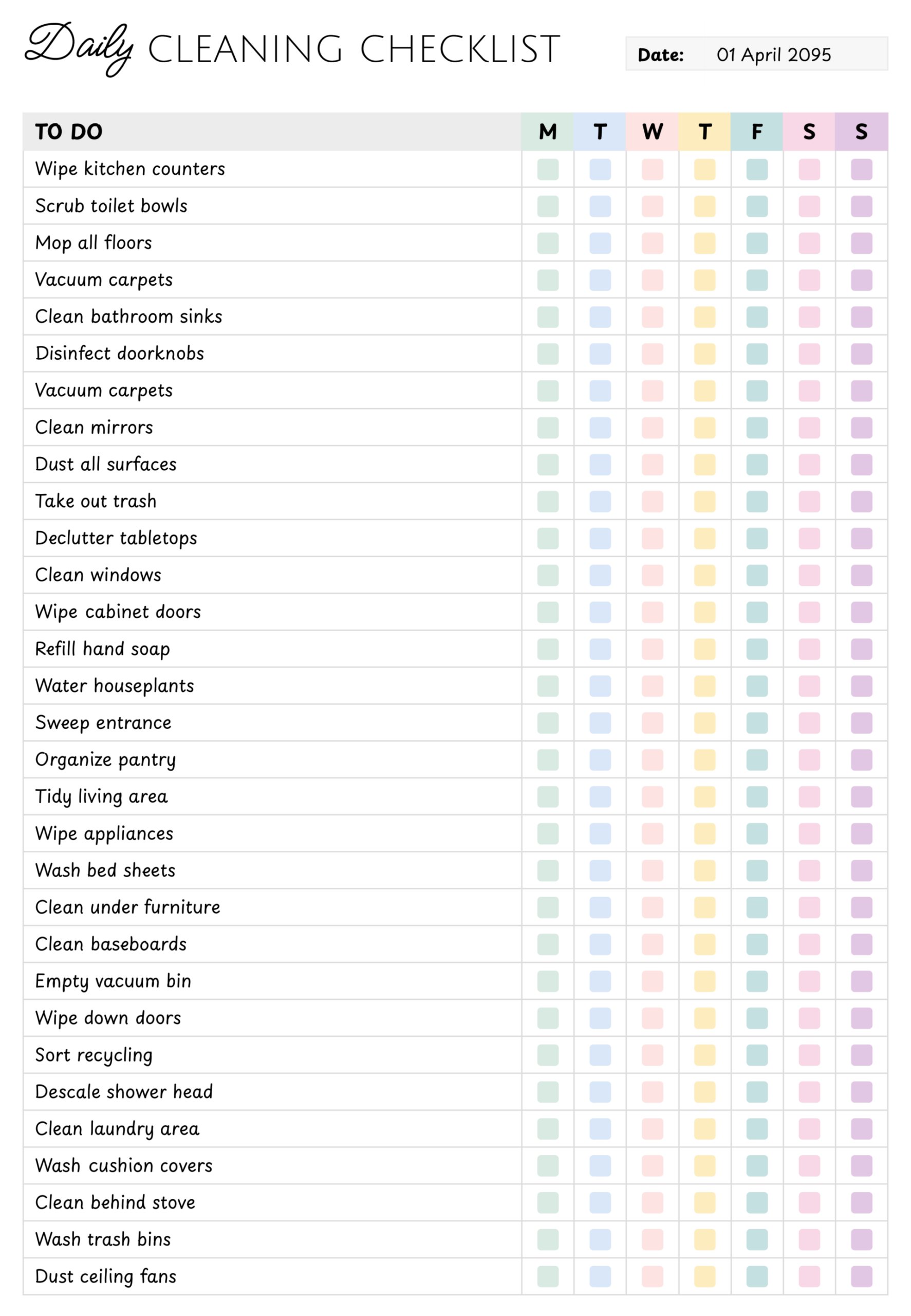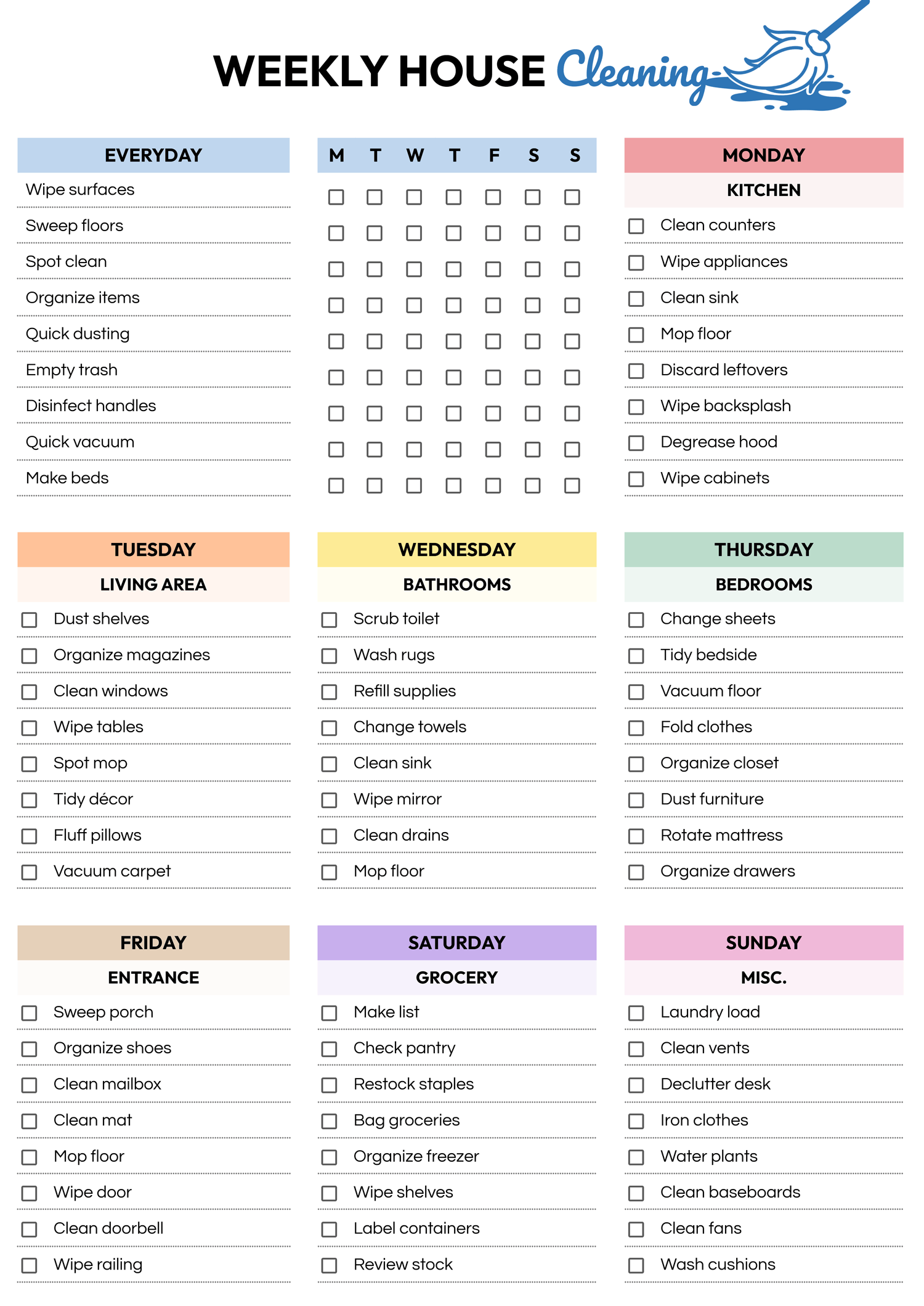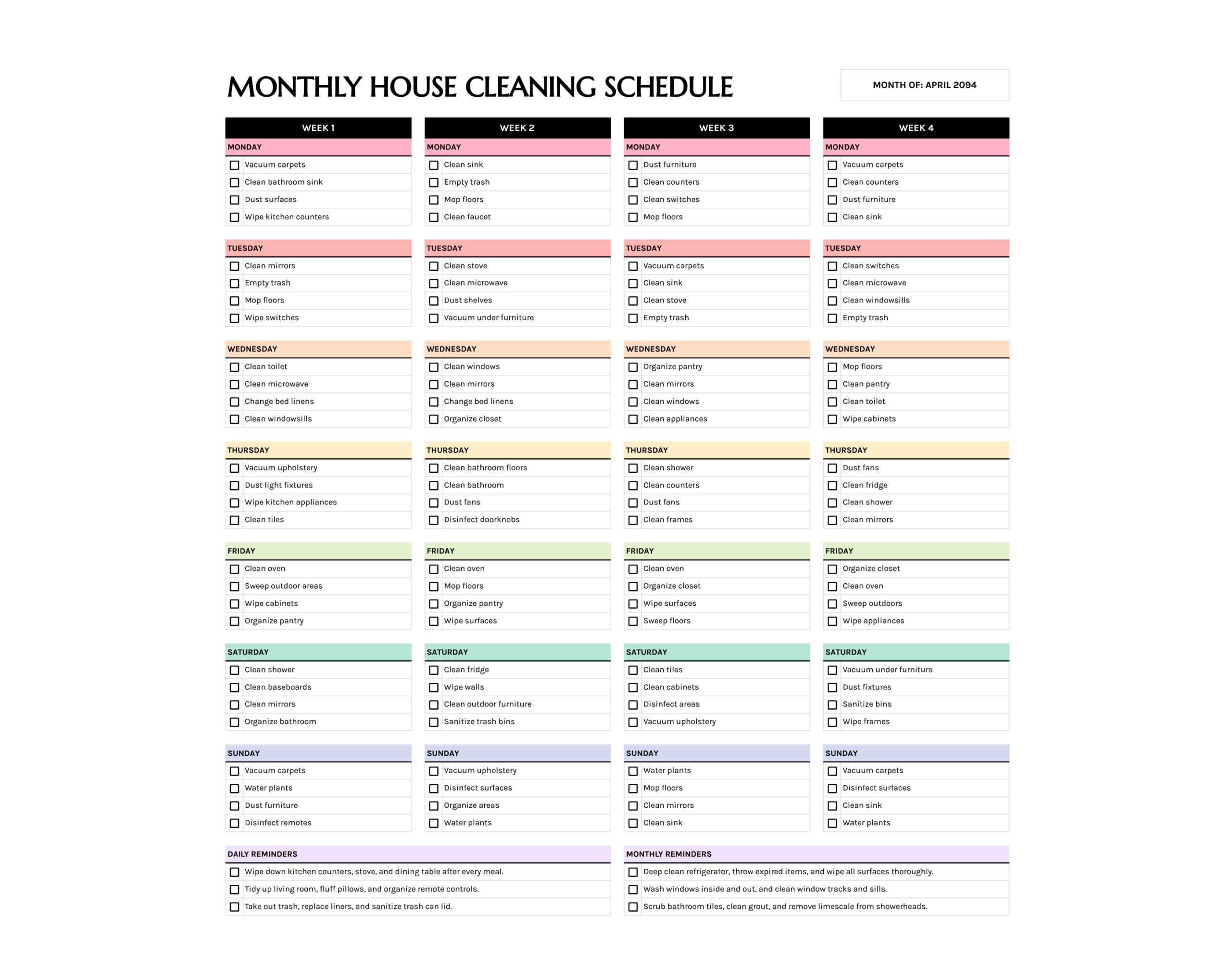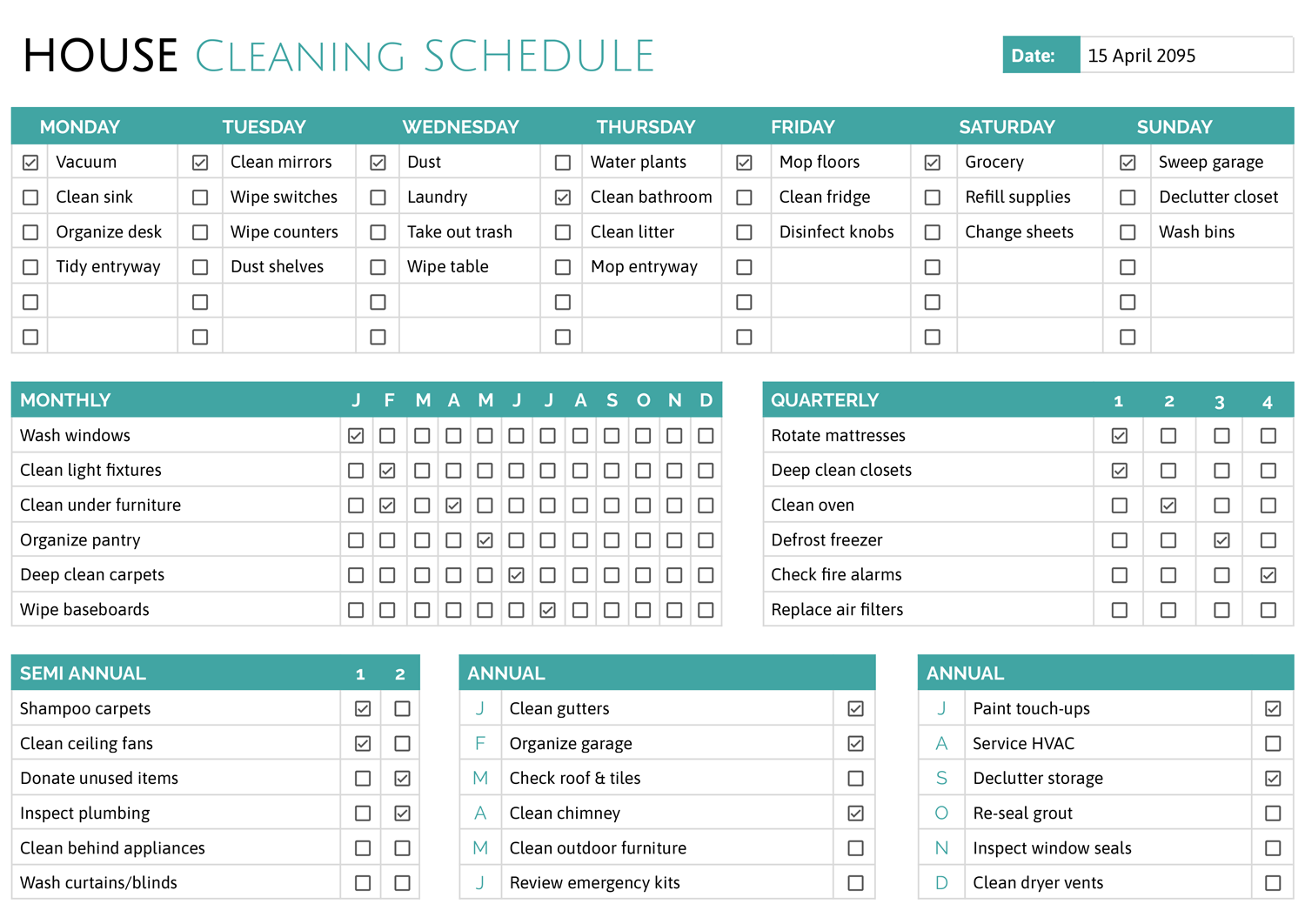



A blank cleaning schedule template gives you one place to plan daily, weekly, and seasonal chores so the work feels smaller and more organized. This schedule template is designed as a one–page “House Cleaning Schedule” with columns for each day of the week, a monthly checklist that runs from January through December, and separate boxes for quarterly, semi-annual, and annual tasks. You can fill in every space with your own routines, then tick the checkboxes as jobs are finished, so you always know what has been done and what still needs attention.
Because the template is blank, you can use it in many types of homes, including apartments, shared houses, and family homes with several people helping with chores. You can keep one master copy on the fridge, make separate versions for different floors or roommates, or save a digital file for each year if you prefer to track cleaning on your computer or tablet.
How to Use This Blank Cleaning Schedule Template
Start by thinking about every space in your home and how often it genuinely needs attention. List the small jobs that keep rooms tidy day to day, the bigger chores that slip your mind until they become urgent, and the deep cleaning tasks that protect furniture, flooring, and appliances over time. Once you have this list, assign each chore to the section that matches how often you want to do it. You can always revise the plan later if a task feels too frequent or not frequent enough.
Set up your weekly routine
The top half of the page is a weekly grid with separate columns for Monday through Sunday and multiple rows for tasks under each day. Each row has a small checkbox so you can mark when a job is completed.
You can use this space in different ways. Some people like to list specific rooms under each day; for example, bathrooms on Monday, kitchen on Tuesday, bedrooms on Wednesday. Others prefer to group chores by type, such as vacuuming, dusting, trash, or laundry, then spread them across the week so no single day feels overloaded.
If you share your home with other people, you can assign one row per person. Write the person’s name at the start of the line, then add their responsibilities under that day. As they complete tasks, they tick the boxes. This gives everyone a visible reminder of what they agreed to handle and reduces confusion about who is doing what.
You can also keep some lines blank for unexpected jobs. When something comes up, such as a spill that needs extra attention or guests arriving at short notice, write it into one of the empty rows for that day so it does not get lost.
Plan monthly chores
The “Monthly” section lists the months from January through December in columns with blank rows beside them and a checkbox under each month.
Use this area for tasks that do not belong in your weekly routine but still need regular attention. Examples include washing windows, cleaning under furniture, decluttering a closet, or deep cleaning carpets.
Write one recurring task at the start of each row. When you complete that chore in a given month, tick the box under that month. Over time, you will see at a glance when a job was last done. This is especially useful for chores that are easy to postpone, such as cleaning light fixtures or organizing storage areas.
If you live in a small apartment and do not need every row for cleaning, you can reserve a line for seasonal organizing, such as reviewing paperwork, checking expiry dates on pantry items, or rotating clothes between warm- and cold-weather wardrobes.
Schedule quarterly tasks
The “Quarterly” box has blank lines for tasks and four columns labeled 1 through 4 to represent the four quarters of the year.
Use this for chores you only need to handle a few times a year, such as deep cleaning closets, defrosting a freezer, washing curtains, or rotating mattresses.
List each quarterly task on its own row. Decide which quarter it belongs in based on your climate and daily life. For instance, you might prefer to clean outdoor furniture in the second quarter before summer, then again in the fourth quarter before storing it for winter. Tick the box for the quarter after you finish the task so you can quickly confirm that nothing has been skipped.
Record semi-annual tasks
The “Semi Annual” section includes two columns marked 1 and 2 with several blank rows.
This area is useful for twice-a-year jobs such as shampooing carpets, cleaning behind large appliances, or booking professional inspections.
Write one chore per row and decide which half of the year suits each job. For example, you might schedule a full carpet clean at the start of spring and again before the winter holidays. When you complete the chore once, tick the first column; when you repeat it later in the year, tick the second.
Plan annual home maintenance
The template includes two “Annual” sections. One lists months in the first half of the year, and the other lists the remaining months.
These sections are suitable for big projects and yearly maintenance that protect your home, such as checking the roof, cleaning gutters, servicing HVAC, or reviewing emergency kits.
You might use the first annual box for indoor maintenance and the second for outdoor tasks, or separate personal chores from landlord responsibilities if you rent. Once you decide how to group them, write each task on its own line under the month you plan to complete it. Tick the box once the job is done, then review these sections at the end of the year to see which projects still need attention.
Use the checklist digitally or on paper
This cleaning schedule template is available in Microsoft Word and Google Docs, so you can edit it on your computer or online before printing. You can type your tasks directly into each section, save different versions for different years, and print a hard copy once you are satisfied with your plan. Some people prefer to keep the digital file as a master version and print a fresh sheet each month so they can write quick notes by hand.
If you like to manage everything digitally, you can open the file in Google Docs, type your tasks, and use on-screen checkmarks. In that case, you might save a separate file for each year or keep one file with a new page for each season. Choose the approach that feels easiest to maintain so you continue using the schedule over time.
Tips and Considerations for Setting a Realistic Cleaning Plan
When you first fill in the template, it is tempting to add every possible task. Try to start with the basics so the schedule feels manageable. You can always add more chores once the weekly routine becomes familiar.
Think about your busiest days and keep them light. For example, if Fridays often end late because of work, move heavier cleaning jobs to Saturdays and keep Fridays for one or two shorter tasks such as taking out trash or wiping kitchen counters.
It can be useful to group tasks by room to reduce the time you spend walking from place to place. For instance, schedule a bathroom day when you clean sinks, mirrors, toilets, and showers in one go rather than spreading those jobs across the week.
Finally, set a reminder to review your schedule every few months. As your lifestyle changes, you may find that some chores need to move to a different section or can be done less often. Updating the template keeps it aligned with how you actually live, which makes it more likely that you will continue using it.
FAQs
Yes. The blank rows under each day of the week make it simple to assign chores to different people. You can dedicate one row to each person, write their name at the start of the line, and list their tasks in that row. Another option is to keep the schedule by room and decide together who handles each area. In both cases, everyone can see the same page, which helps reduce disagreements about whose turn it is to clean.
If you live in a smaller space, you can still use all parts of the template by adapting them to your situation. Weekly columns can focus on quick tasks such as dishes, laundry, and trash. The monthly section can be used for organizing paperwork, going through drawers, or checking pantry items. Quarterly and annual sections can track things like checking smoke alarms, reviewing renter’s insurance documents, or scheduling appliance maintenance, even if you do not own the building.
Both approaches work. Printing gives you a page that can be kept on a noticeboard or fridge where everyone in the household can see it quickly. Digital use can be convenient if you often adjust tasks or prefer to work from a phone, tablet, or laptop. You may decide to combine both methods by planning and editing on your computer, then printing the final version for everyday reference.