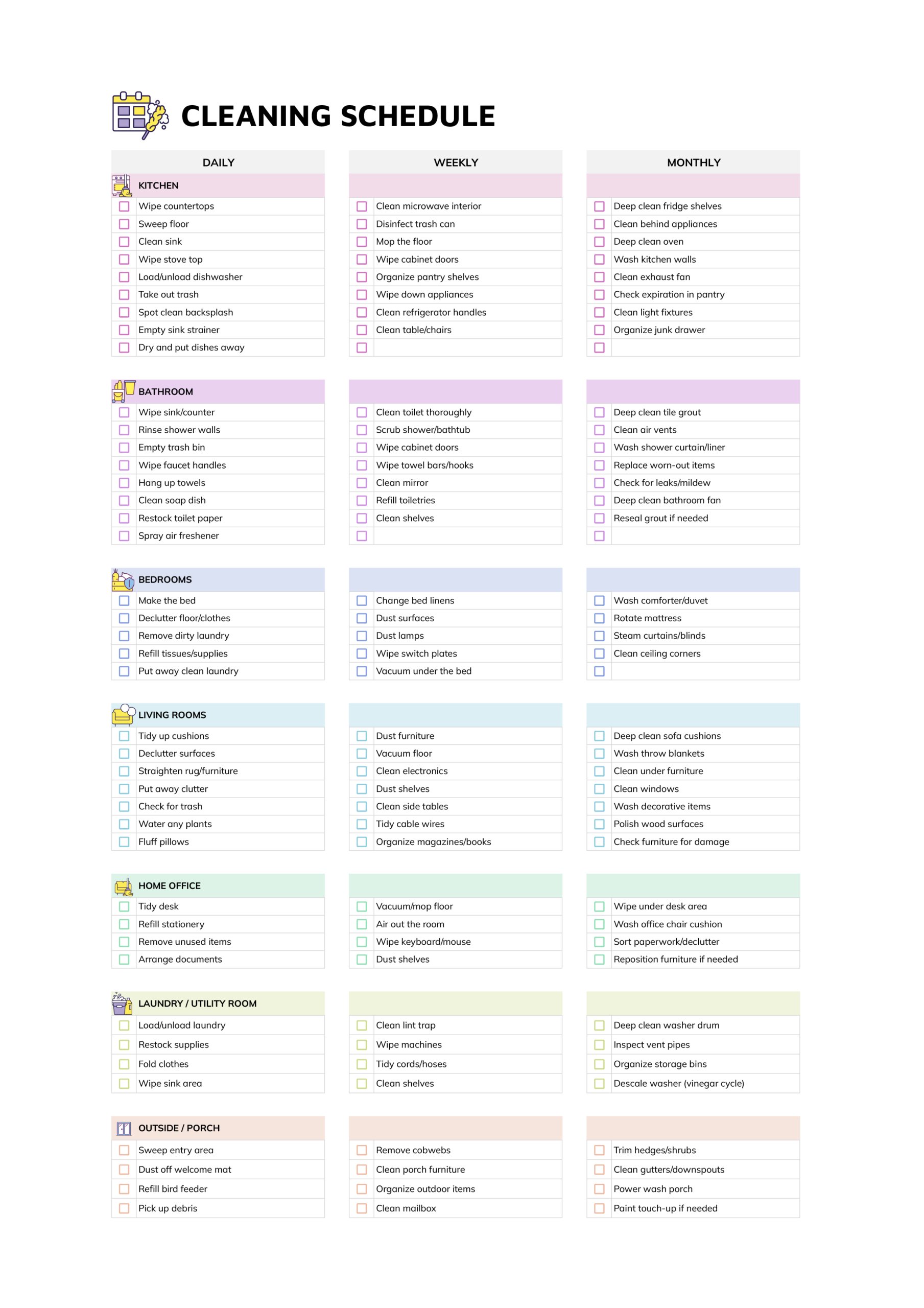
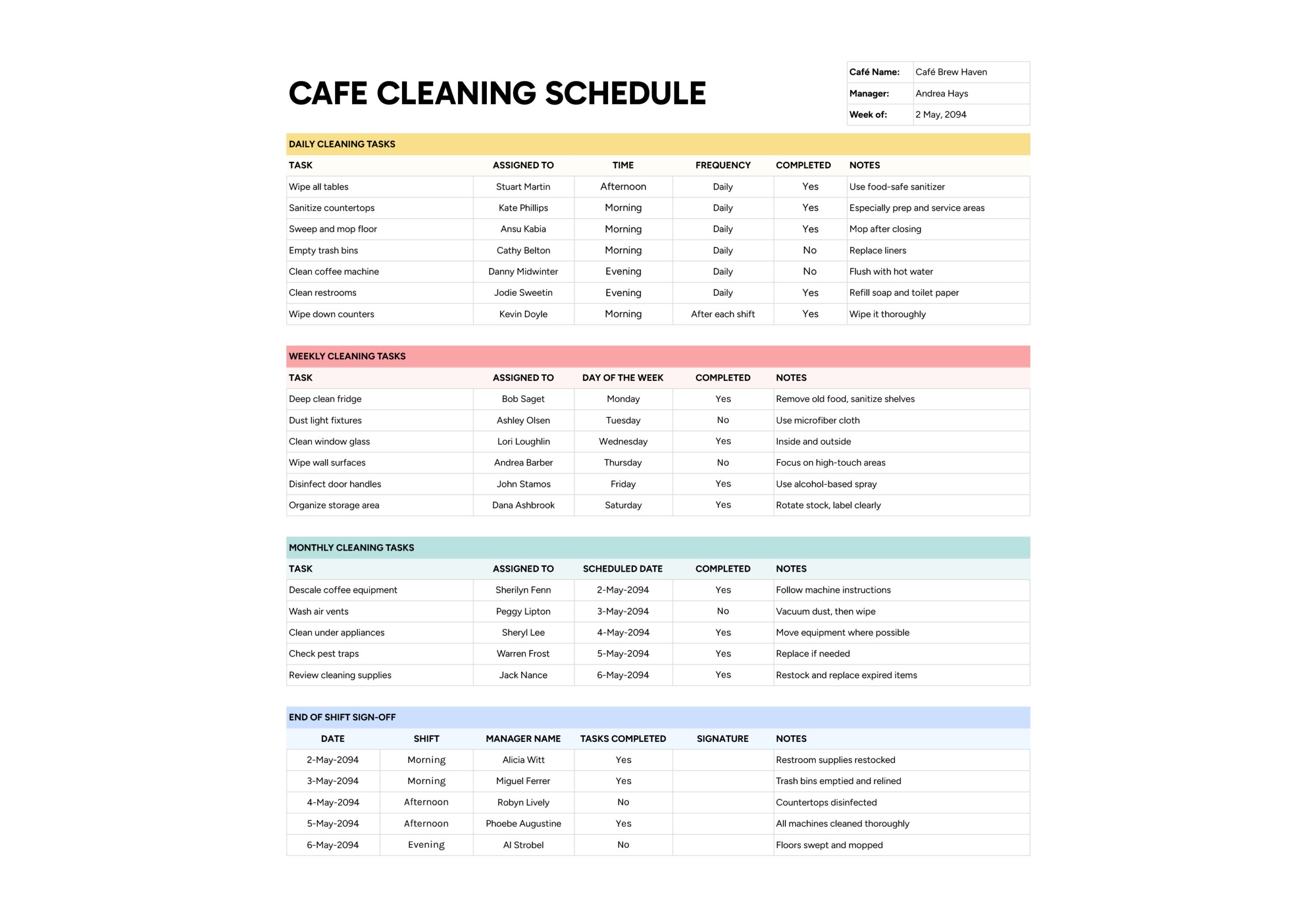
The janitor cleaning schedule template is intended for facility managers, office administrators, and cleaning contractors who want more than a verbal agreement about what gets cleaned. It gives you a single place to list every routine task for offices, restrooms, floors, and shared areas, and to show clearly which days each job is planned and how often it should recur.
You can print the schedule for cleaning carts or storage rooms so staff know exactly what is expected on each visit, and keep the digital version for supervisor walkthroughs, contract reviews, and health or safety audits. When a question comes up about whether a task was part of the agreed routine, the completed sheets act as a simple record of what was scheduled for that week and how consistently the plan has been followed.
How to Use This Janitor Cleaning Schedule Template
The sheet organises cleaning work into four sections named Office, Restroom, Floors, and Misc., with check boxes for Monday through Sunday and a “Frequency” column on the right. A legend on the side shows frequency labels such as daily, weekly, monthly, and ongoing, so everyone understands how often each job belongs in the routine.
Add Company and Date
Start at the top right and fill in “Company Name” and “Date”. Many teams use the date field for the start of the week or inspection period. This small step turns each completed schedule into a record that can be stored for audits, client reviews, or internal quality checks.
Decide whether each sheet represents one building, one floor, or one client site. Using a single level per sheet avoids confusion when you later need to show what was done in a particular area.
List Office Tasks
In the Office section, enter tasks such as organising the lounge area, dusting work surfaces, freshening break rooms, wiping partitions, cleaning shared desks, and emptying recycling bins. Use one row per task in “Service / Task” so it can be checked off independently.
For each line, tick the check boxes under the days when that job should be done. For example, a job that belongs in the daily routine might have boxes selected under every weekday, while a monthly chore might only have one or two days marked in the month. In “Frequency”, pick a value that matches the pattern, such as daily, weekly, monthly, quarterly, or ongoing. This makes it much easier to talk about expectations with your cleaning staff or client.
Plan Restroom Tasks
Restrooms often generate the most complaints, so give this section extra attention. Typical entries include restocking supplies, sanitising toilets and sinks, cleaning partitions and touch points, emptying waste bins, mopping floors, and deep cleaning fixtures. For each item, select the days when it must be done and record an appropriate value in “Frequency”.
If some tasks must happen more than once per day, such as midday checks in high traffic restrooms, you can either add a second row for that task or use the most intensive pattern in the check boxes and clarify details in a separate procedure document. The schedule then shows that the job belongs in the routine at least once on those days.
Cover Floors and Common Areas
In the Floors section, write tasks that keep circulation areas safe and presentable. Examples include sweeping and mopping lobbies, spot cleaning carpet stains, vacuuming corridors, buffing high traffic zones, or sanitising entrance mats and handrails. Select the relevant days under Mon through Sun, then record how often the work is expected in “Frequency”.
This section is especially helpful when weather changes. You can increase frequency for tasks such as mopping entrances on wet days or reduce certain tasks when a building is partially closed, while still keeping a record of what was decided.
Add Miscellaneous and Equipment Tasks
The Misc. section handles everything that does not fit neatly into the earlier blocks. You might include inspecting cleaning equipment, noting supply inventory, replacing vacuum bags, stocking emergency kits, or cleaning whiteboards and projectors.
Use the days of the week and “Frequency” in the same way as above. Over time, this part of the schedule often becomes the place where you track small but important jobs that otherwise go unnoticed until something fails, such as a forgotton filter or a missing battery in an emergency light.
When you first roll out the schedule, walk through the building with your janitor or contractor and fill in the tasks together instead of doing it alone at a desk. This often surfaces small jobs that only the cleaner notices, such as drains that need extra attention or problem corners where clutter collects, and it gives staff more ownership of the checklist they will use.
FAQs
Create one copy of the schedule for each building or floor and label it in “Company Name” or add a short location tag near the top. Keep the main tasks similar across all copies but adjust details where layouts differ, such as the number of restrooms, kitchens, or entrances. During reviews you can then compare schedules across floors and quickly see where extra attention is needed without mixing areas together.
Keep this template as the master list of what must be done on each day, and combine it with a separate rota that shows who is assigned to each day or zone. During handovers, supervisors can use the check boxes to confirm that daily work was completed, regardless of which person was on duty. If a particular pattern of missed checks appears on certain days, you can look at the rota and address training or workload issues with the right staff member.
For cleaning companies, a completed schedule acts as simple evidence of service. Keep scanned or digital copies tied to specific dates and locations. When a client has a question about what was done in a certain week, you can send the relevant schedule showing which tasks were planned on each day and which frequency was agreed. This often resolves concerns more quickly than trying to reconstruct cleaning activity from memory.