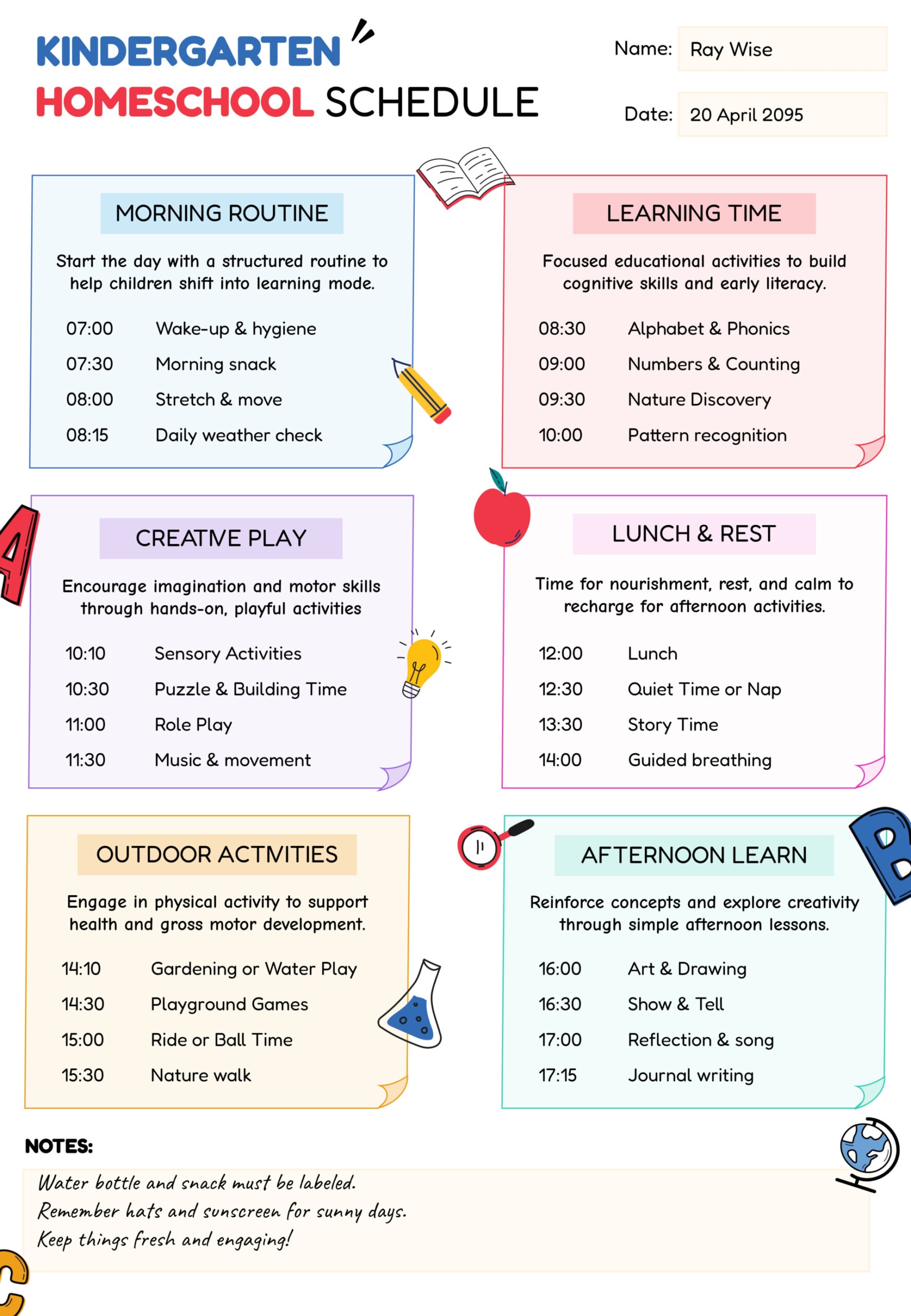
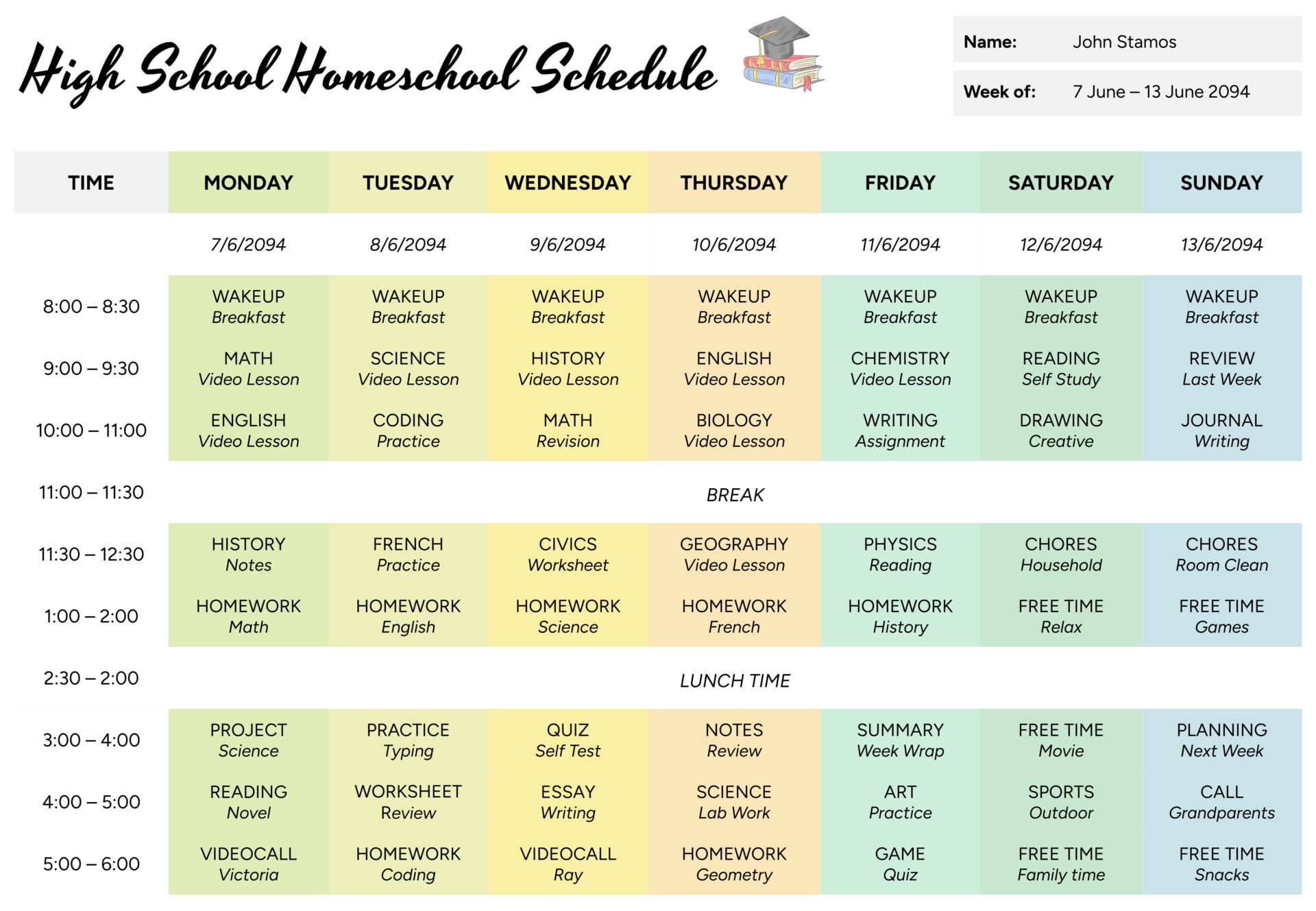
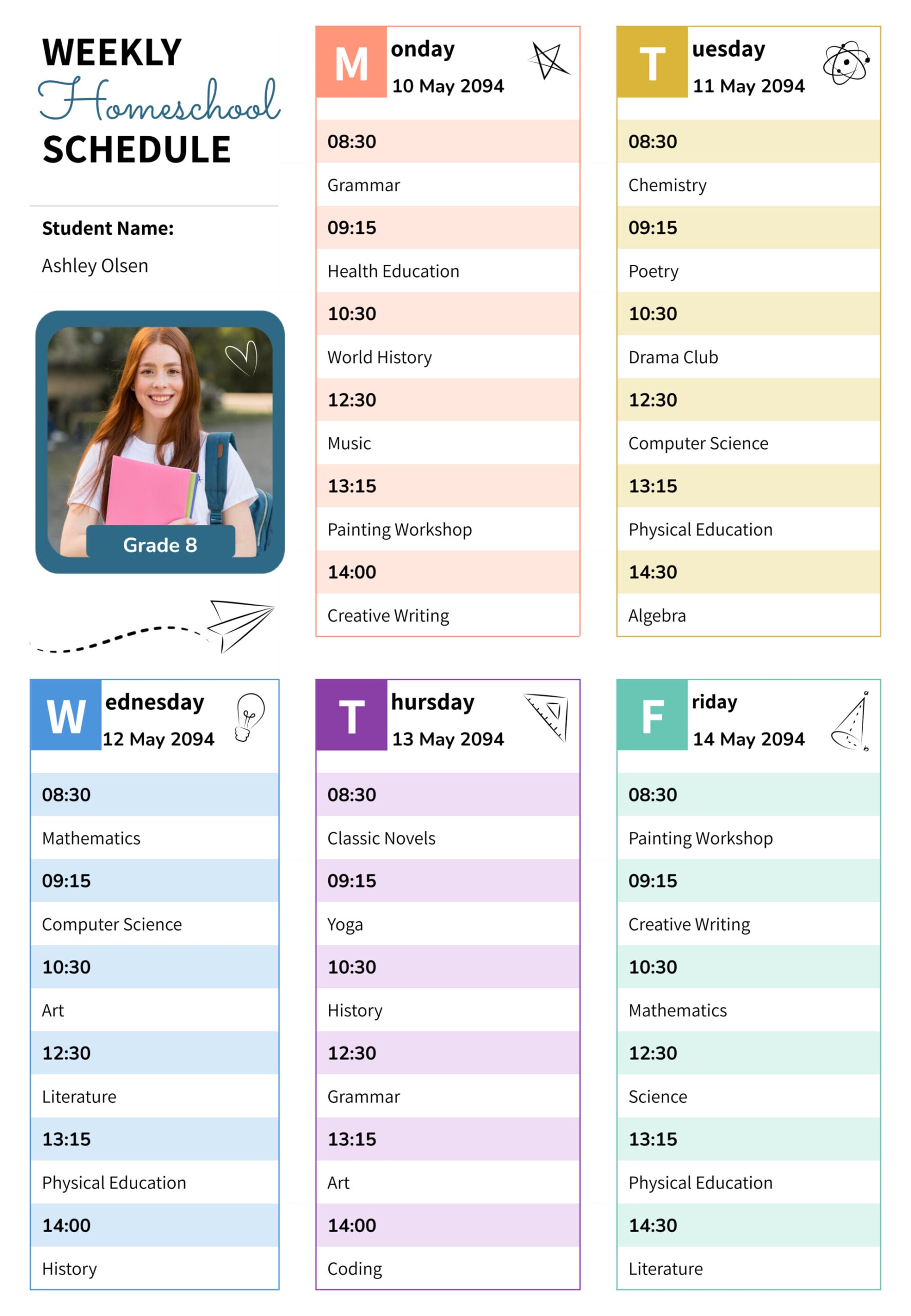
Homeschool planning often feels harder than it needs to when you are only thinking in daily to-do lists. A date-based calendar page can make planning simpler because you can see what you are teaching on each day, what topic you plan to cover, and what needs to carry forward. This homeschool calendar template is designed for that kind of planning. You plan lessons by date, keep entries short, and use the page as a working plan during the week.
The template uses a two-week school-day view with dated boxes for each weekday, plus a dedicated reminder area at the bottom. Each day section has lined space with star markers, so you can list subjects and add the specific topic or skill for that day. You can print it and keep it near your learning space, or edit it digitally as you plan and teach.
How to Customize and Use this Homeschool Calendar
Start by entering the main date at the top, then update the day and date labels inside each box to match your two-week range. If you prefer planning one week at a time, fill only the first five school days and leave the second week blank until you are ready.
Next, write your daily subjects on the left side of each line, then add the topic on the same line after the subject name. Keep each entry short enough that you can read it at a glance during the day. If a day has multiple parts for one subject, split them across separate lines so you can see the sequence without crowding.
When you plan recurring subjects, keep the order similar across days. This makes scanning faster because your eyes know where to look for math, reading, writing, or science. For electives or rotating lessons, use the next open line and write the topic clearly so you can pick up the thread the next time it appears.
If you want this calendar to double as a quick record, add a small completion mark at the end of each finished line. You can also add a short note like “carry” when something needs to move to the next day.
Use the reminder area at the bottom as your end-of-day review space. Instead of rewriting the whole plan when something changes, note unfinished work there and decide where it should land next. You can also write one small goal for the next day, which keeps your planning focused on what matters most.
Planning With a Date-Based Calendar
This calendar template is useful when you want to focus on coverage and pacing rather than exact time blocks. It fits well for unit studies, subject rotation, and planning around outside commitments because you can mark lighter days, heavier days, and days with appointments without rebuilding your schedule.
If you teach more than one child, keep a separate copy for each student, or use one copy as the household overview and keep student-specific details in your lesson notes. You can also dedicate one line per child inside each day box by adding initials next to the subject name.
Customizing and Printing the Calendar
You can edit the text, change colors, and adjust the decorative elements to match your preference. If you want a cleaner print look, reduce the bright accents and keep the text darker. For a reusable printed copy, place it in a sleeve and use a dry-erase marker for daily updates, then transfer any carryovers into a fresh copy for the next planning cycle.
FAQs
This is a two-week school-day planning page. It focuses on weekday lesson planning and keeps the space large enough to write subjects and topics clearly. If you want a full month, you can stack multiple copies and label each copy with its own date range.
Treat that day box as a planning box rather than a “teaching day” box. Write co-op, field trip, appointment day, or day off as the first entry, then add any light work you still want to do such as reading time. This keeps the week realistic while still showing what happened on that date.
Use the reminder area to record exactly what is unfinished and where you stopped. On the next day, add a short carryover line such as “Science carry” with the topic, or replace a lower-priority item with the carryover. This keeps the calendar clean and keeps your plan honest.