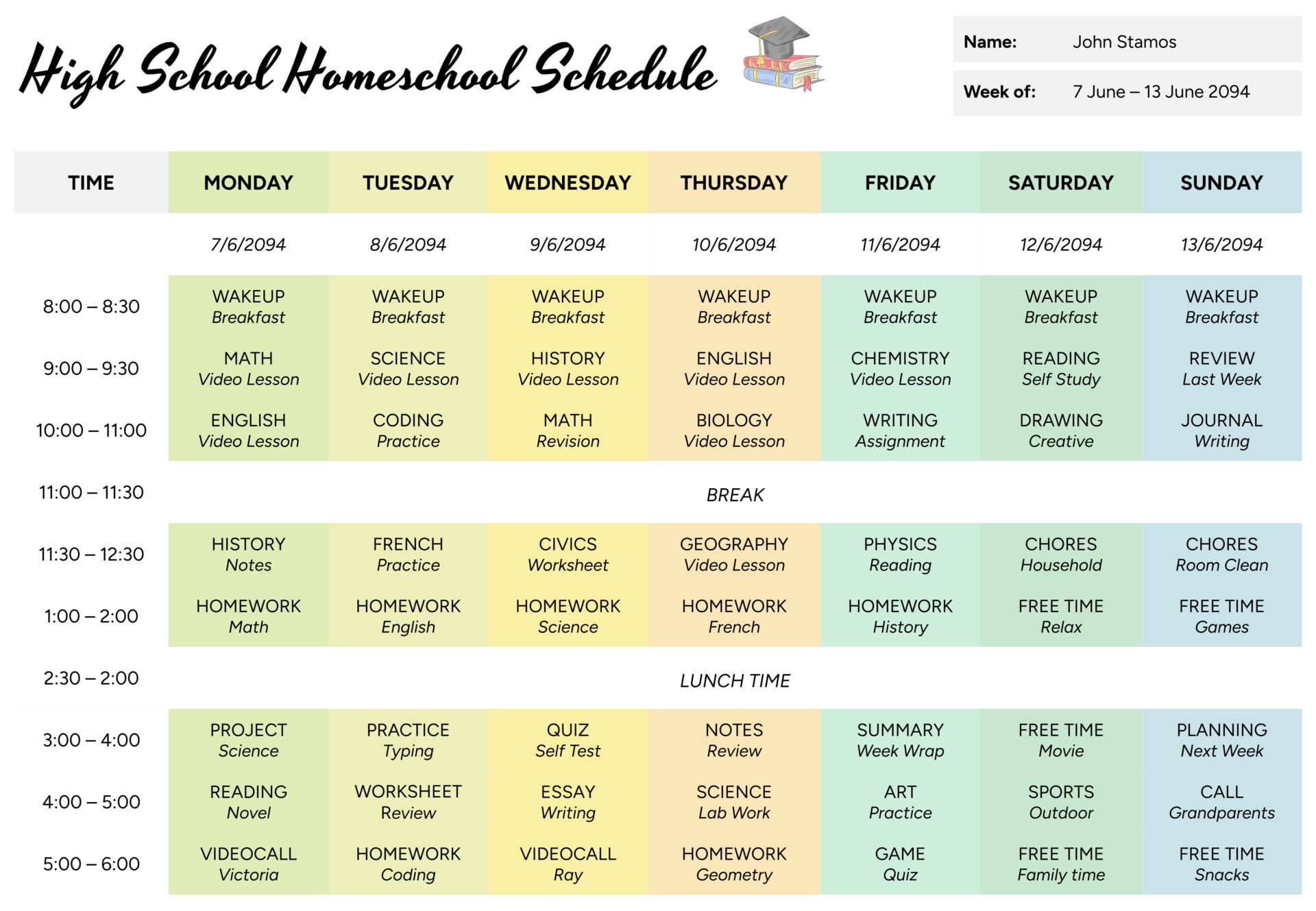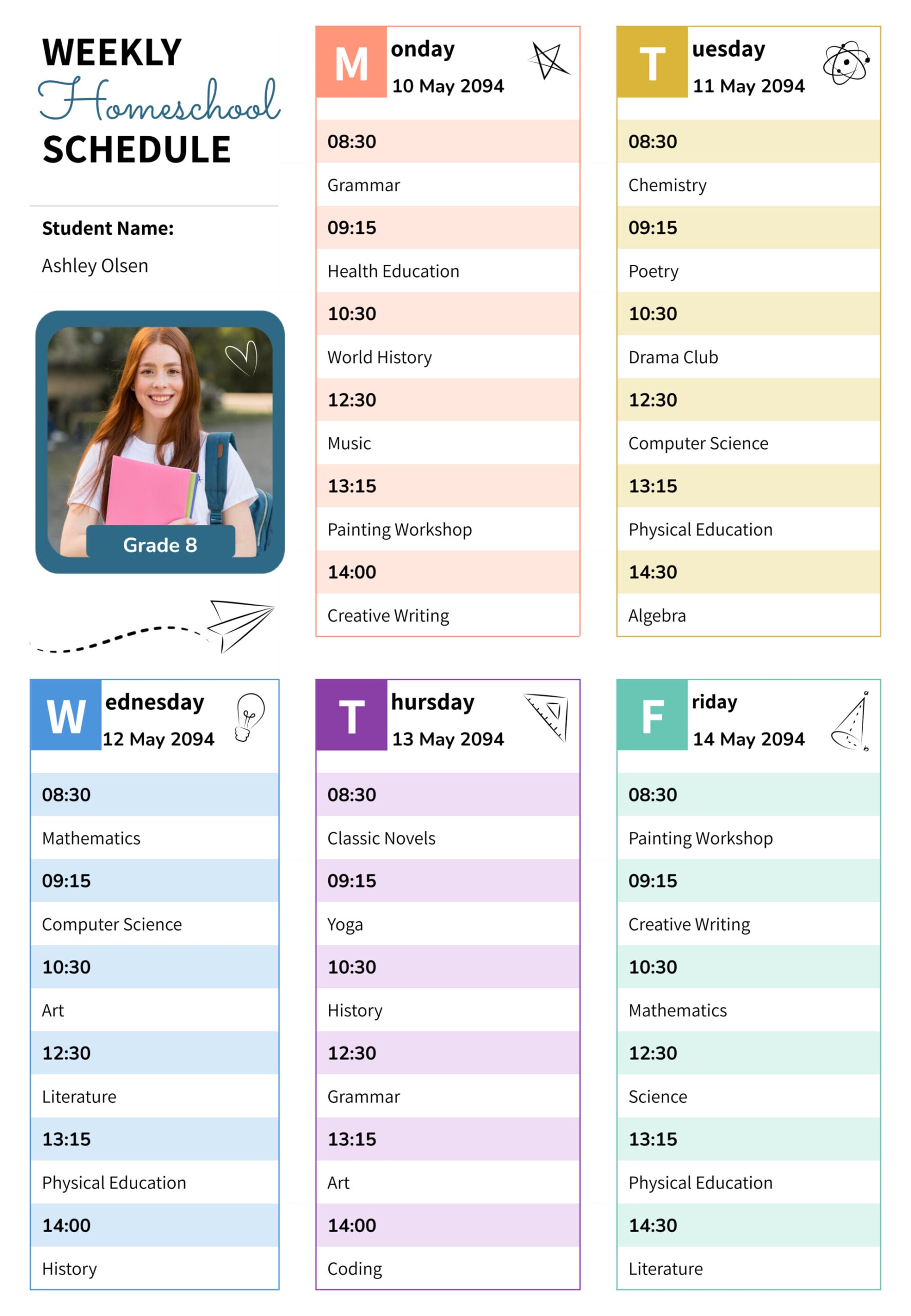



Homeschool weeks can get busy fast once lessons, practice time, and enrichment all start competing for the same hours. A weekly schedule template gives you a place to plan the week in advance, see where your heavier days are, and make changes before you are already behind.
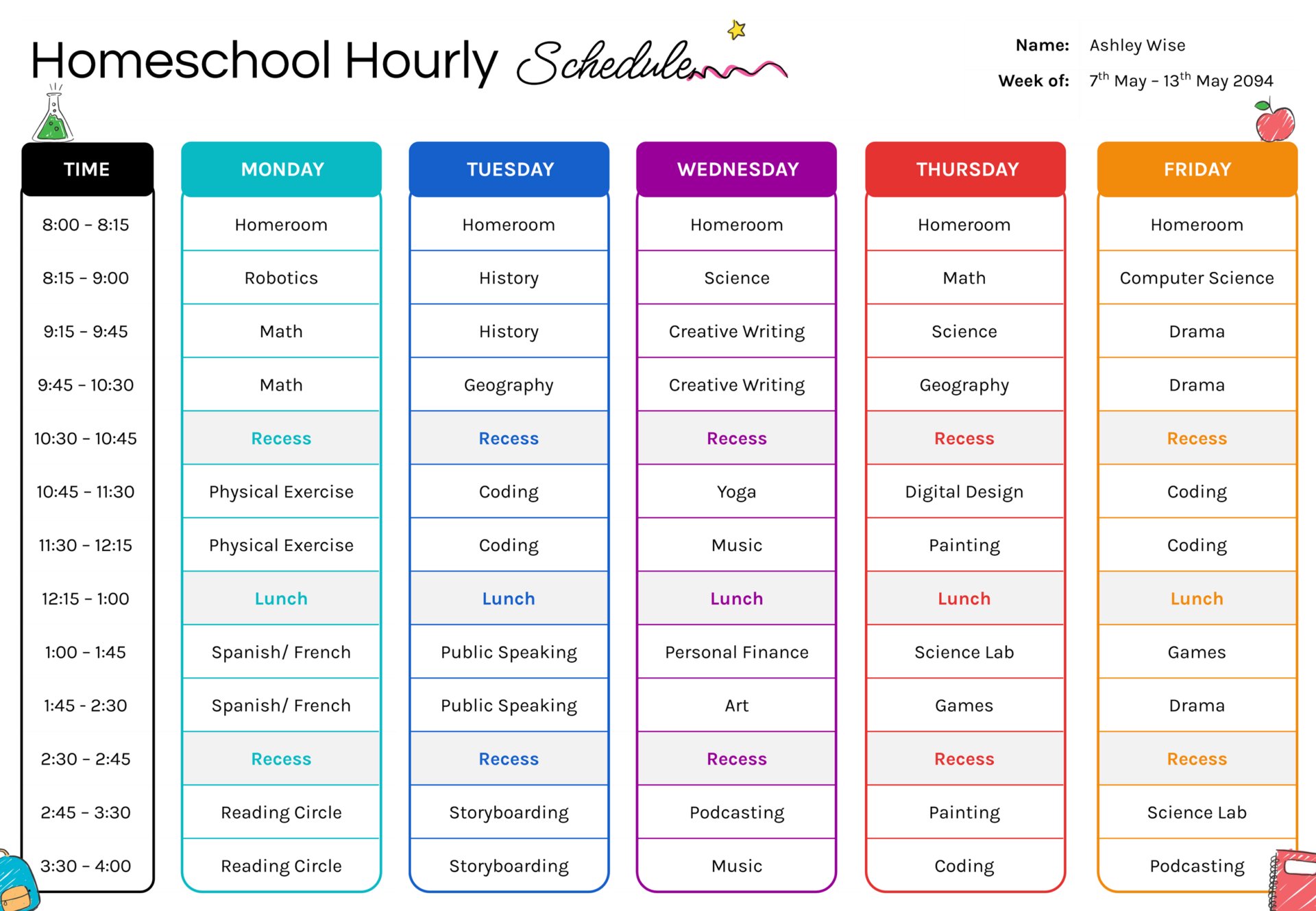
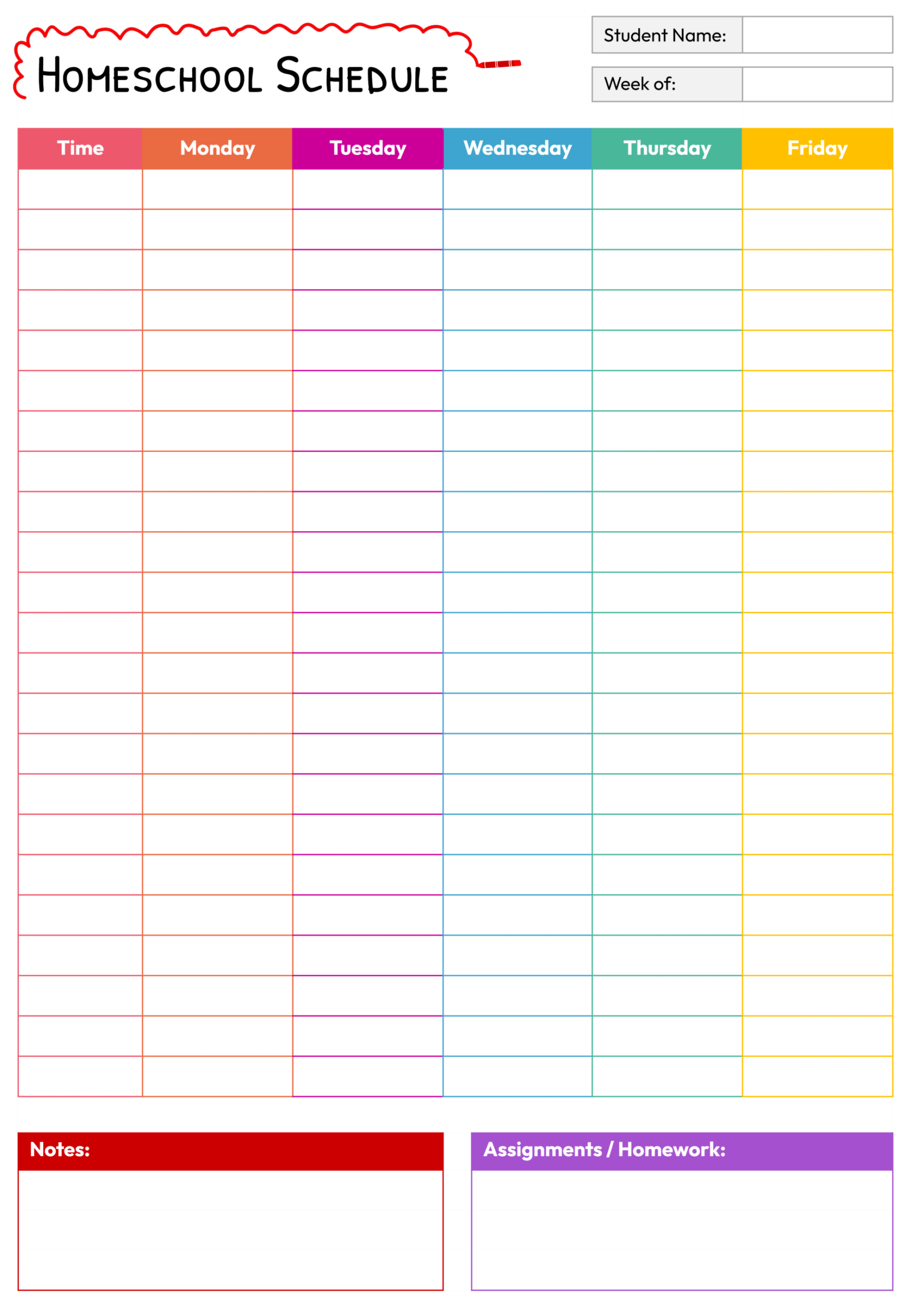
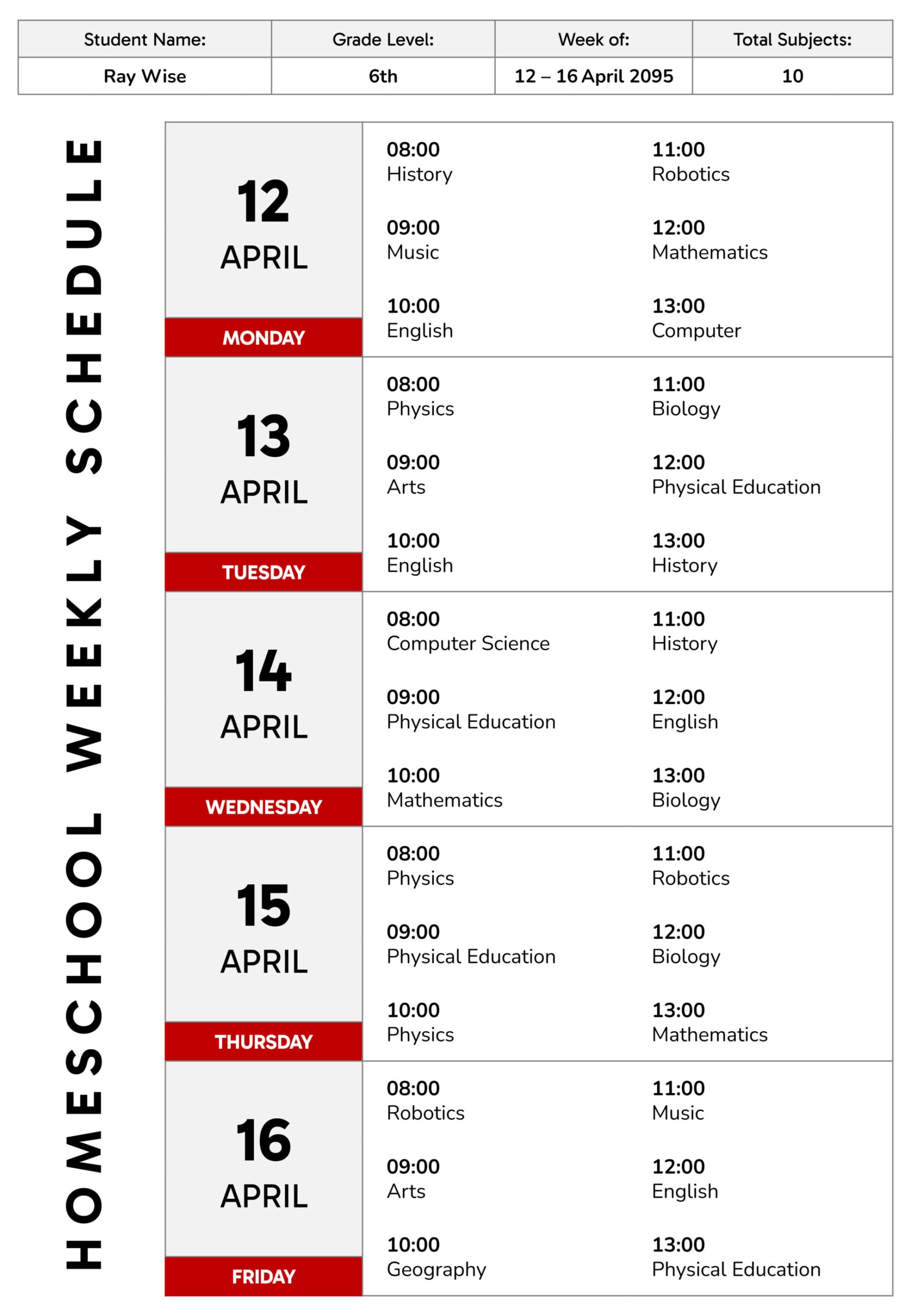
This homeschool weekly schedule template is designed as a Monday to Friday timetable with fixed time slots and a clean, high-contrast layout. Each weekday has a large date block and a day label, so you can scan the week quickly. At the top, there is a header row for student name, grade level, week range, and a total subjects field, which gives you a quick weekly overview without reading every block.block.
How to Use This Weekly Homeschool Schedule
Begin by filling in the student name, grade level, and week range at the top. If you plan for multiple children, save a separate copy per student and update these fields first so you do not mix weeks later.
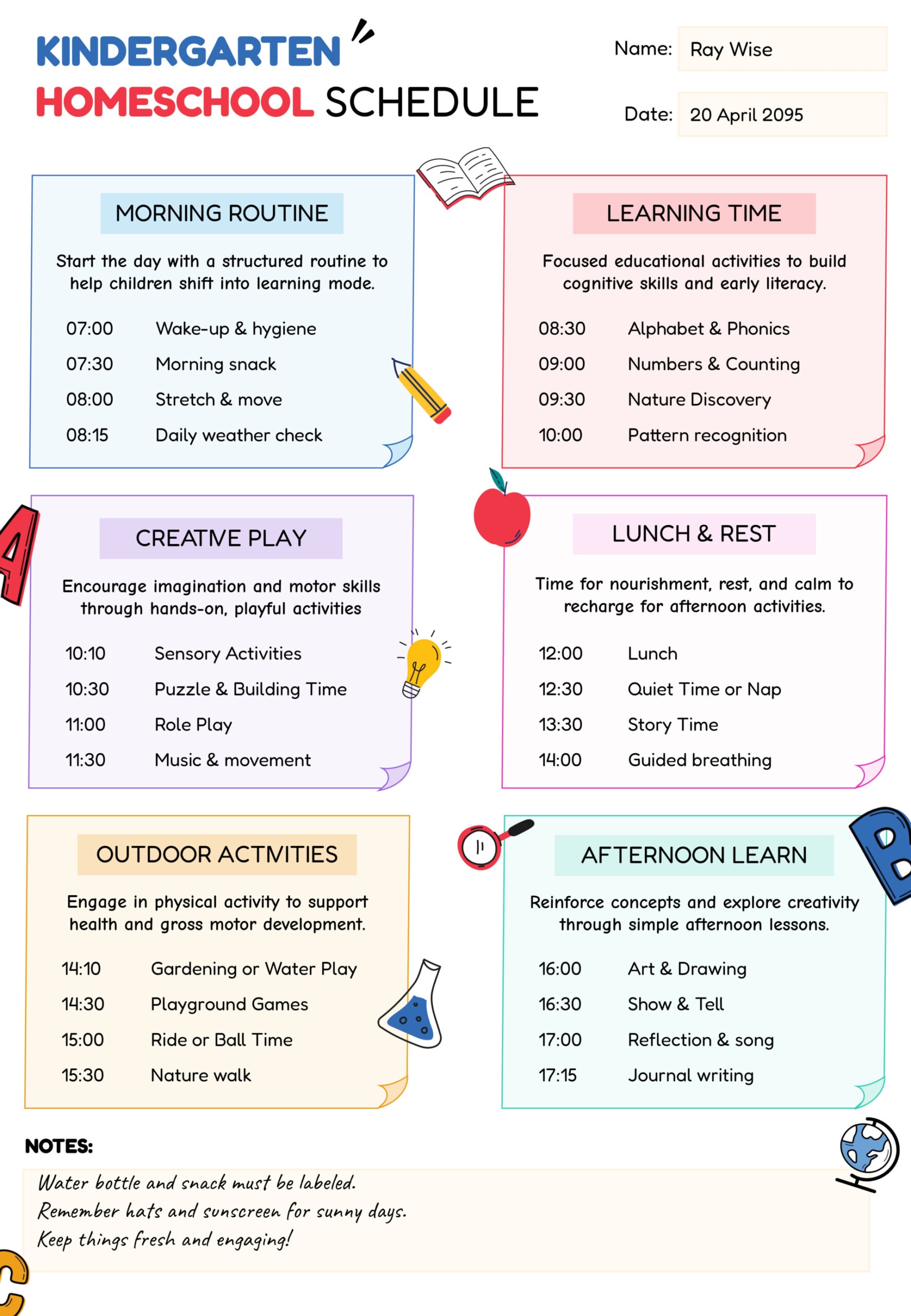
Next, set the time slots to match your routine. The template uses six subject slots per day, split into morning and midday. If your day starts later or you teach in longer blocks, change the times first, then update subject names after. Keeping the times accurate matters more than filling every slot, because a realistic plan is easier to follow and easier to adjust during the week.
After the times are set, enter your subjects for each day. Write short subject names that are easy to scan, then add the topic detail in your lesson plan or notebook rather than squeezing long text into the schedule template. If you want to include a bit more detail inside the schedule template, keep it brief, such as “Math practice” or “History reading,” so the cells remain readable.
When the week changes, update the date blocks for each weekday. This keeps the schedule template useful as a weekly record, especially if you save each week after making adjustments.
If you expect outside commitments, place them into the schedule template first before filling the remaining slots. That can include co-op classes, tutoring, therapy, sports, or appointments. Planning around fixed commitments reduces last-minute reshuffling.
Ways to Customize It for Your Routine
When your day is built around longer lessons, combine two adjacent time slots into one learning block by repeating the same subject across both lines. This keeps the plan readable and gives you enough uninterrupted time for work that usually takes longer than a single slot, such as writing, labs, or a full math lesson.
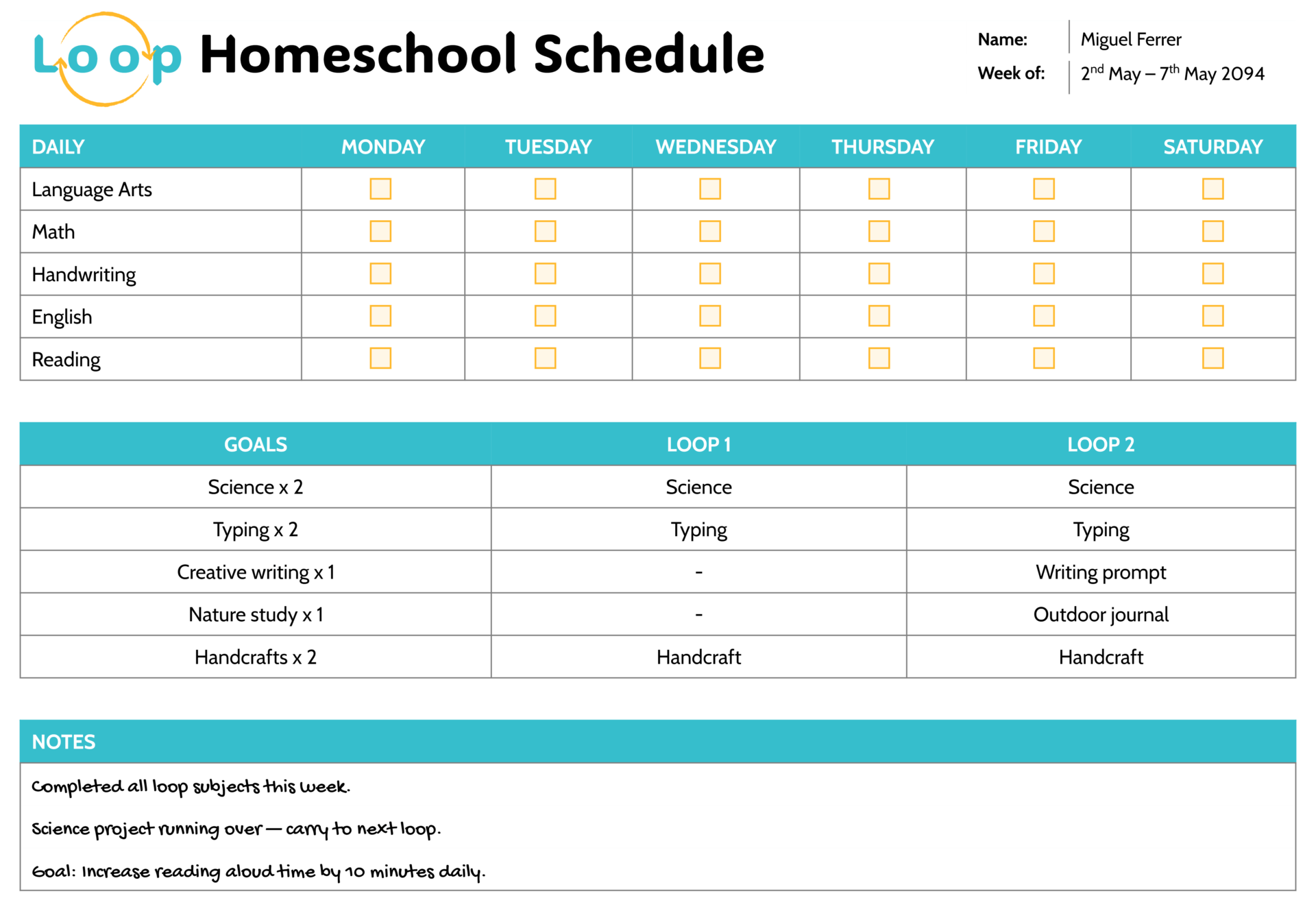
Independent work can also fit into the same timetable without turning the page into a long task list. Reserve a slot for independent study or assignments, then keep the detailed instructions in your lesson plan or a separate checklist. The schedule template stays quick to scan while still protecting focused time for work your child can complete on their own.
Keeping It Practical During the Week
A weekly plan is only useful if you can adjust it without feeling like you failed. If a lesson takes longer than expected, move the next subject down to the next open slot instead of trying to compress the day. If a day ends early, use open time for review, reading, or catch-up so the week stays balanced.
If you keep weekly records for reporting or planning, save an end-of-week copy after you make your real changes. That saved version reflects what actually happened, which is more useful than a “perfect” plan that never matched real life.
FAQs
You can still use it as a weekly plan by treating the weekday columns as your teaching days. Rename the day labels to match your routine, or keep the day names and use the date blocks to represent your actual teaching days. If you teach on weekends, move those lessons into Monday to Friday slots and keep weekends in a separate weekly notes page, so the schedule template stays readable.
Reserve a slot or two per day for electives or enrichment, then rename those slots each week. This keeps your core subjects stable while giving you room to swap activities like music, art, coding, library time, or projects depending on your weekly goals.
Keep the schedule template as your plan and add only small completion notes. You can add a short mark like “Done” or “Move,” or add a small symbol at the end of a subject name. If you want detailed tracking, keep that in a checklist or planner page and keep the schedule template focused on time planning.