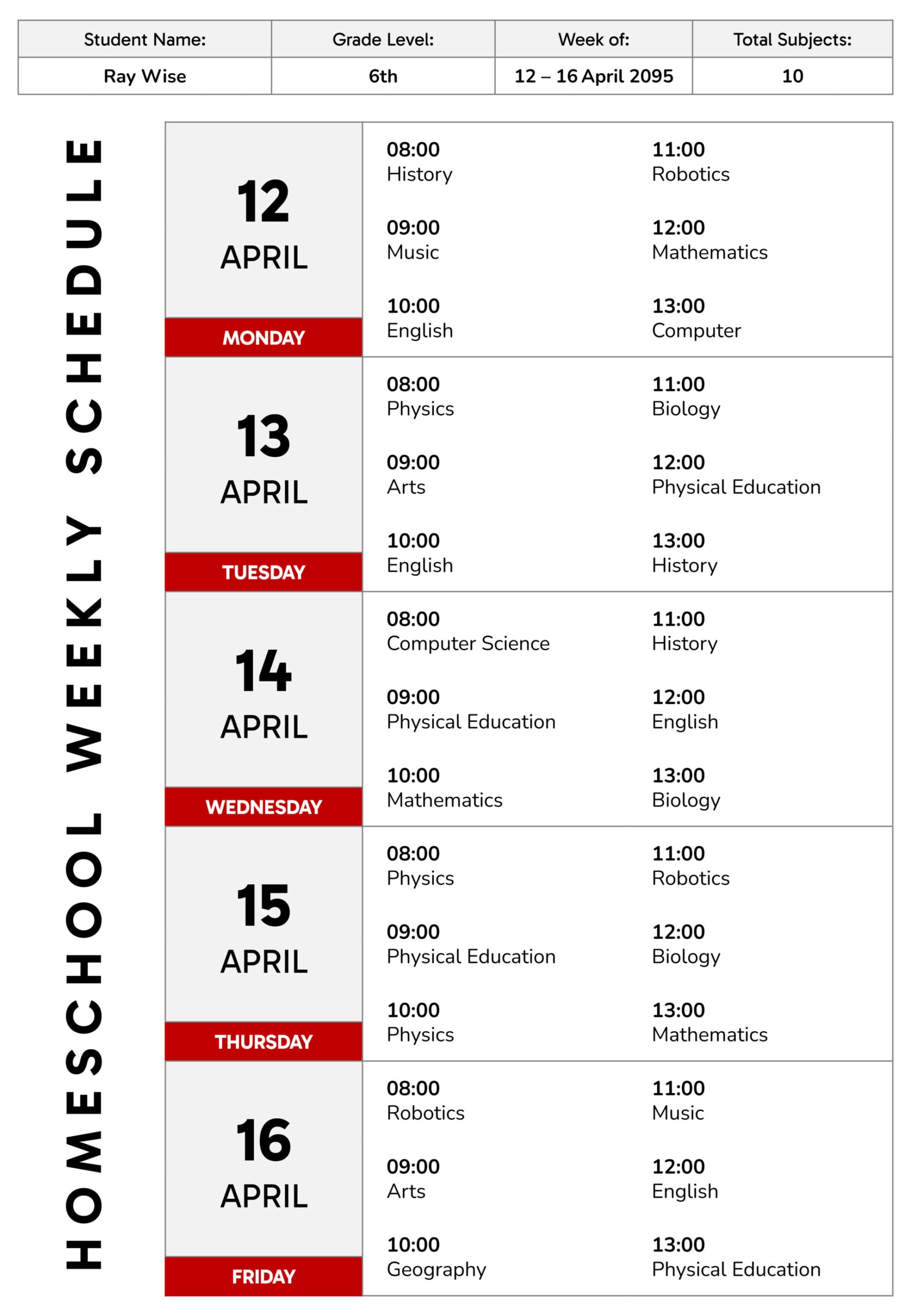
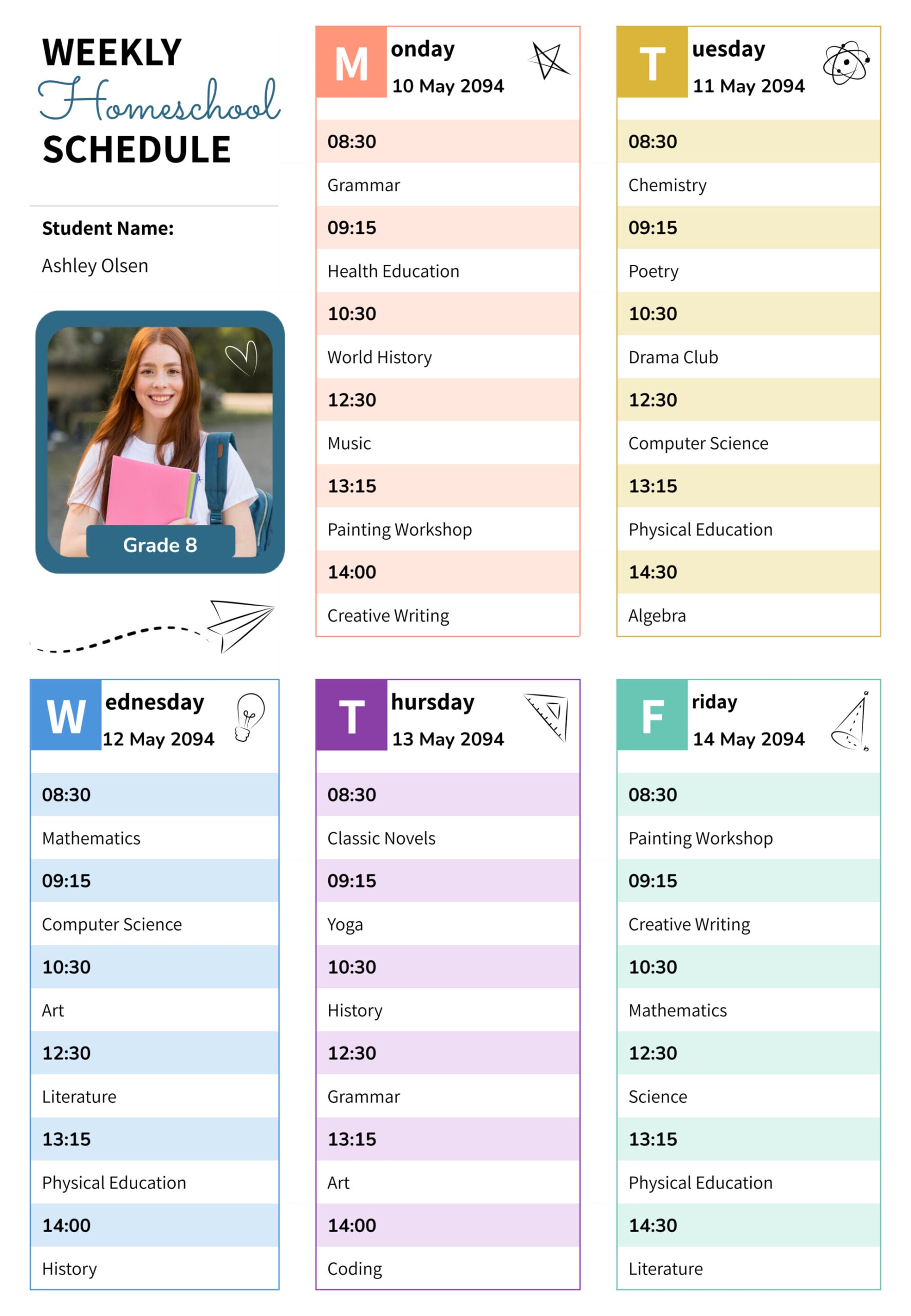
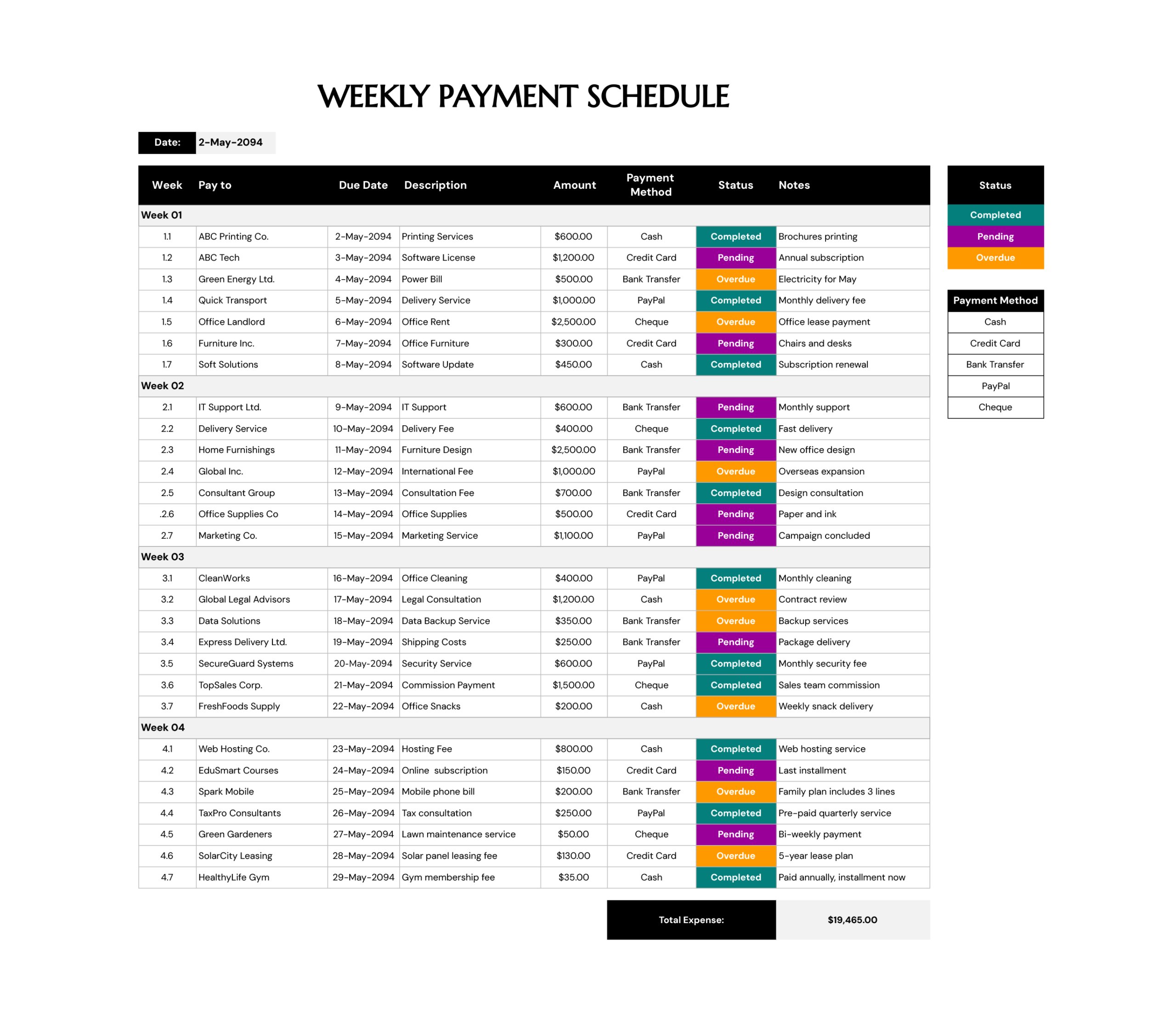
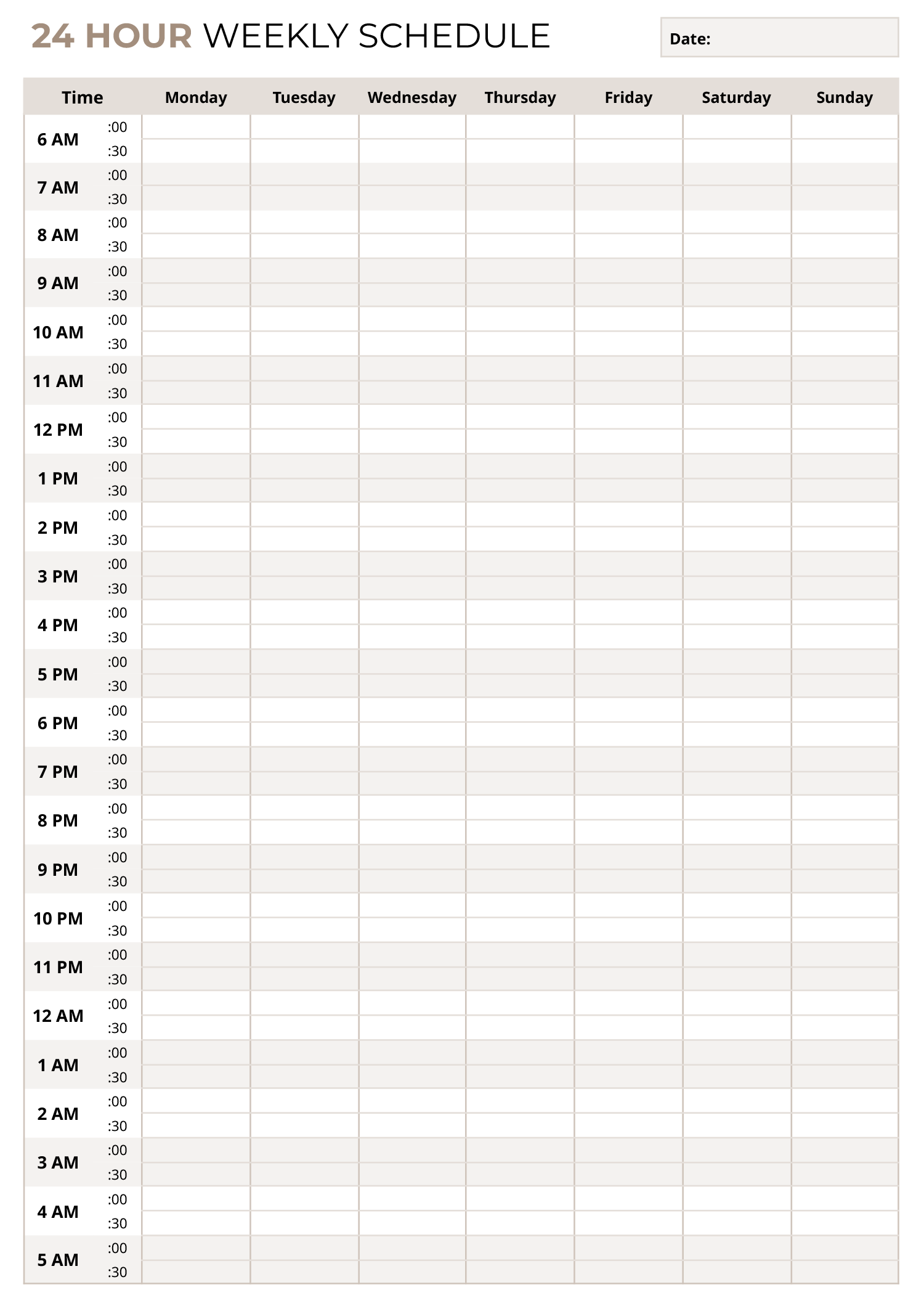
A reliable on‑call schedule is essential to maintaining continuous patient care, especially in clinics and hospitals where multiple providers share duties outside of regular hours. This weekly on call schedule template provides a week‑at‑a‑glance grid that organizes each day into morning (AM) and evening (PM) shifts, giving you a visual overview of who is responsible at any given time. By customizing the names and applying consistent color coding, you can quickly distinguish between clinicians, reduce the risk of gaps in coverage, and improve communication among your team, which ensures patients receive timely attention when they need it most.
Once you’re familiar with the layout, customizing the template is simple. Open it in PowerPoint or Google Slides and click into each text box to replace the placeholder names with your own clinicians or staff members. Assign a unique fill color to each person by selecting the text box and choosing a shade from the color menu; use that shade wherever the same person appears throughout the week so that anyone scanning the schedule can instantly recognise their shift. When you need more space than a single page provides, duplicate the slide and continue adding names. After filling out the schedule, share it via email, upload it to your shared workspace, or print it for display in staff areas.
This combination of visual layout and consistent color coding delivers easy‑to‑read benefits. By glancing at the schedule, everyone can see who is on duty, and separating days into AM and PM rows provides space to list more than one person per shift, which accommodates larger teams and overlapping coverage. The ability to duplicate slides accommodates rotating schedules or multi‑week planning without redesigning the layout. To stay organised over time, keep a master copy of the blank template so you can easily create new schedules each week, and note color assignments in a simple legend or a separate document so that your team associates each provider with the same color every time.