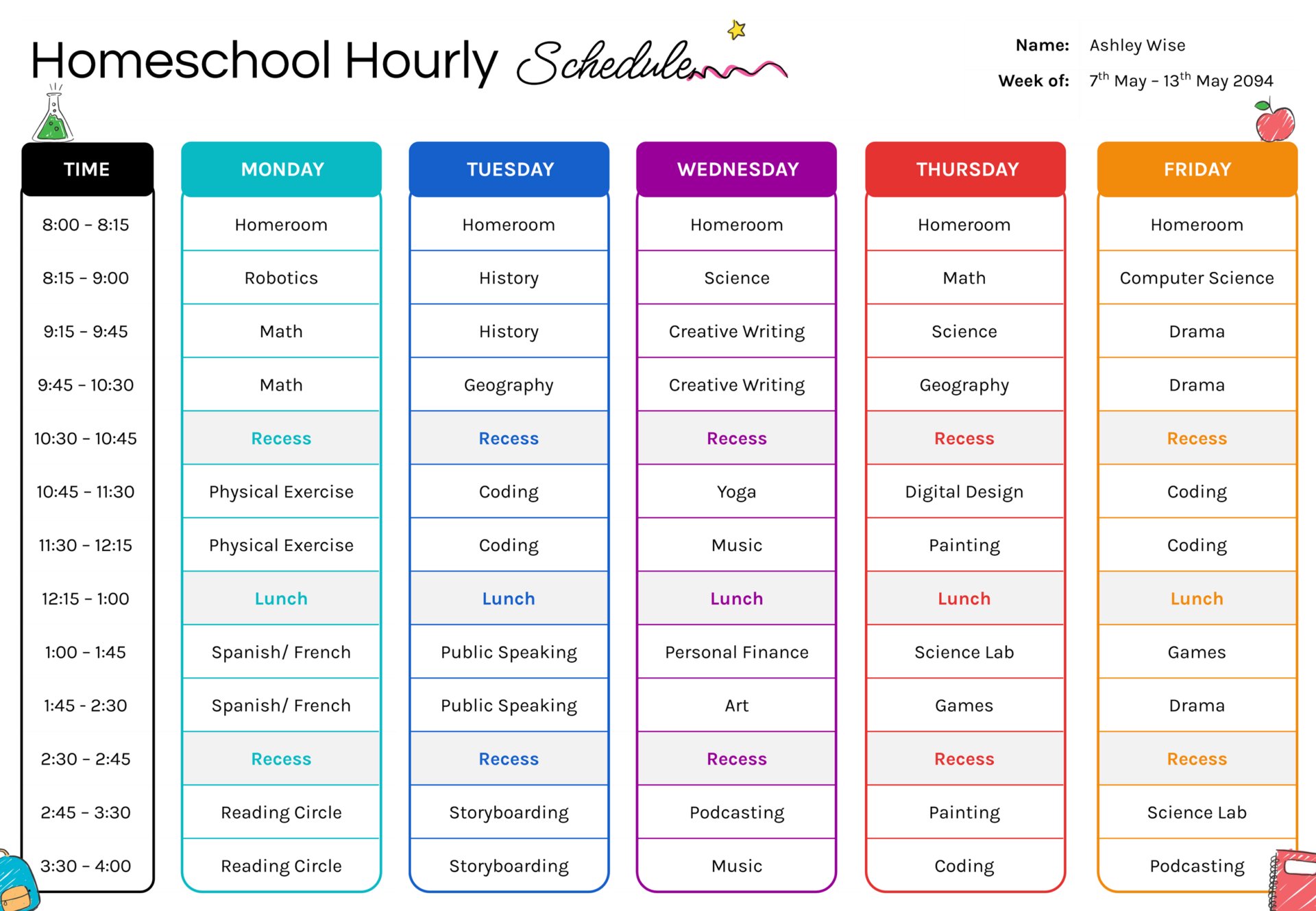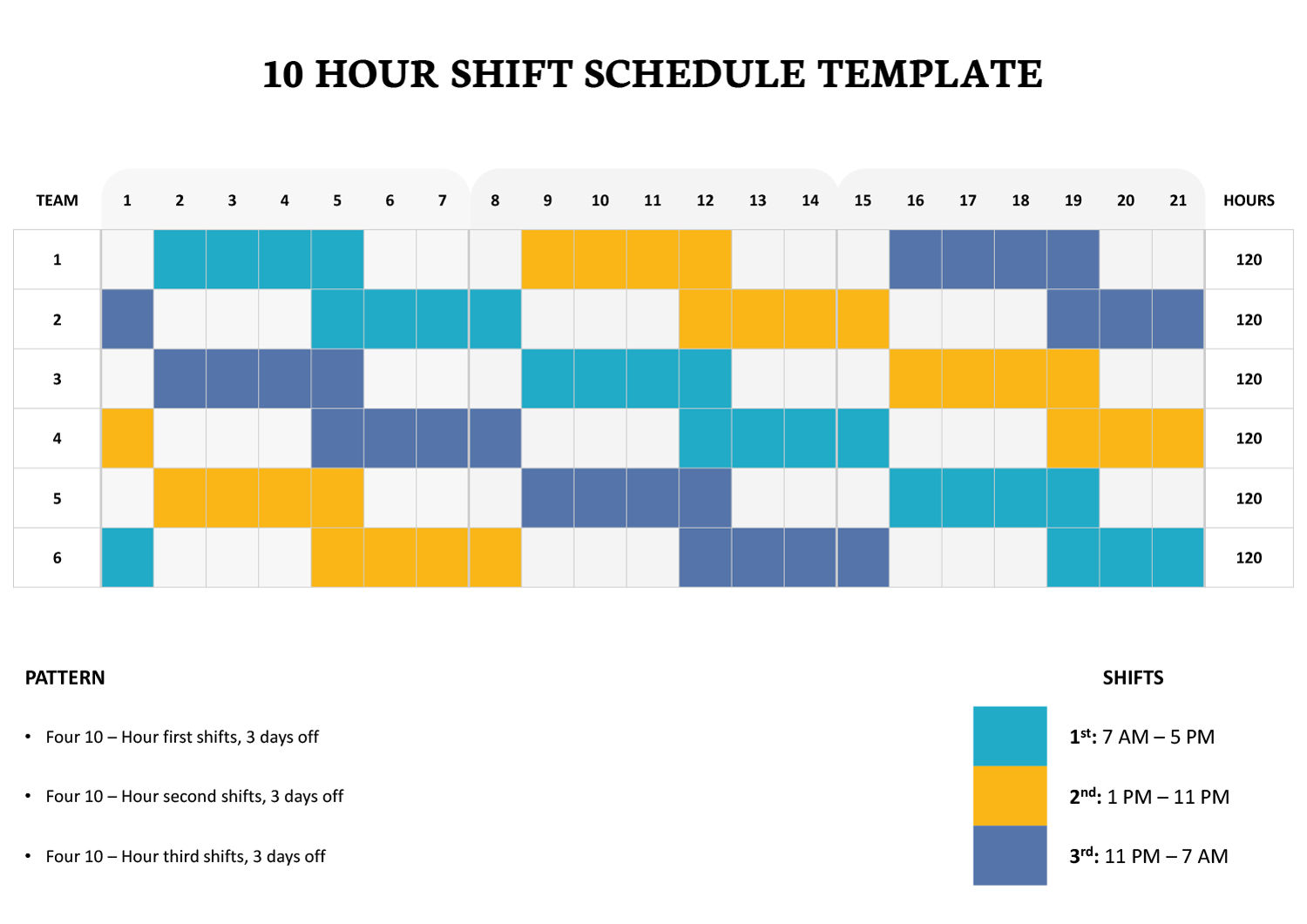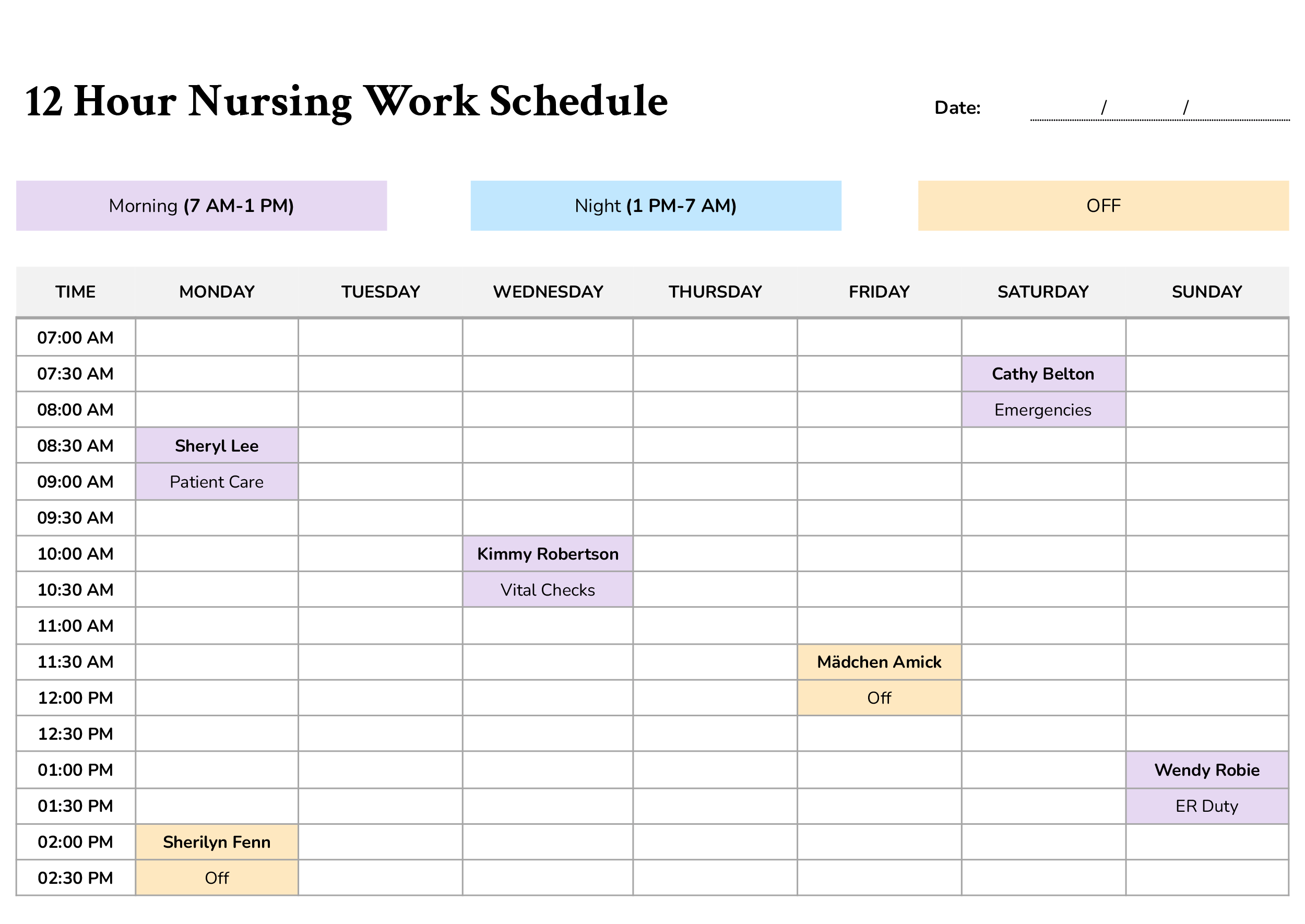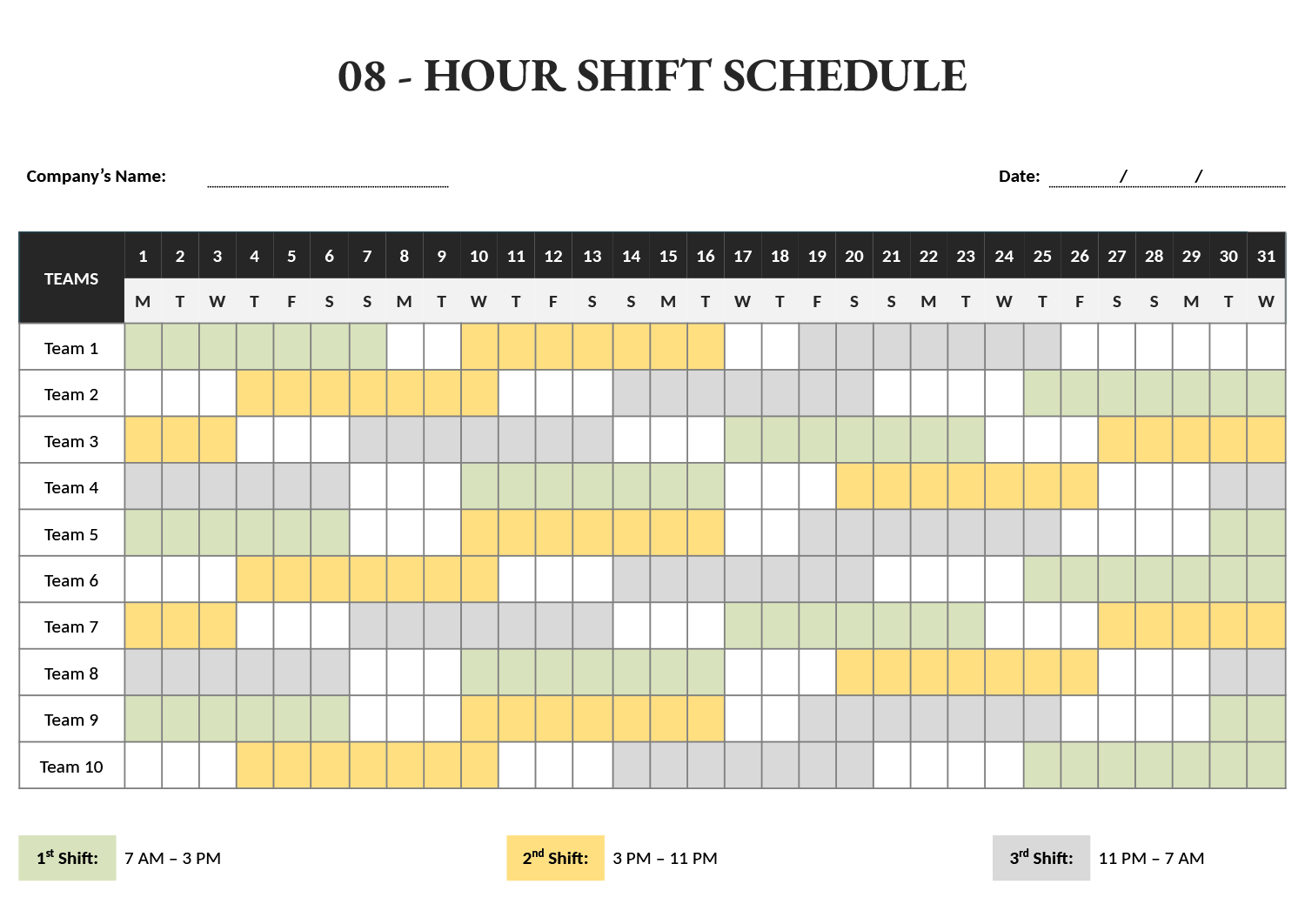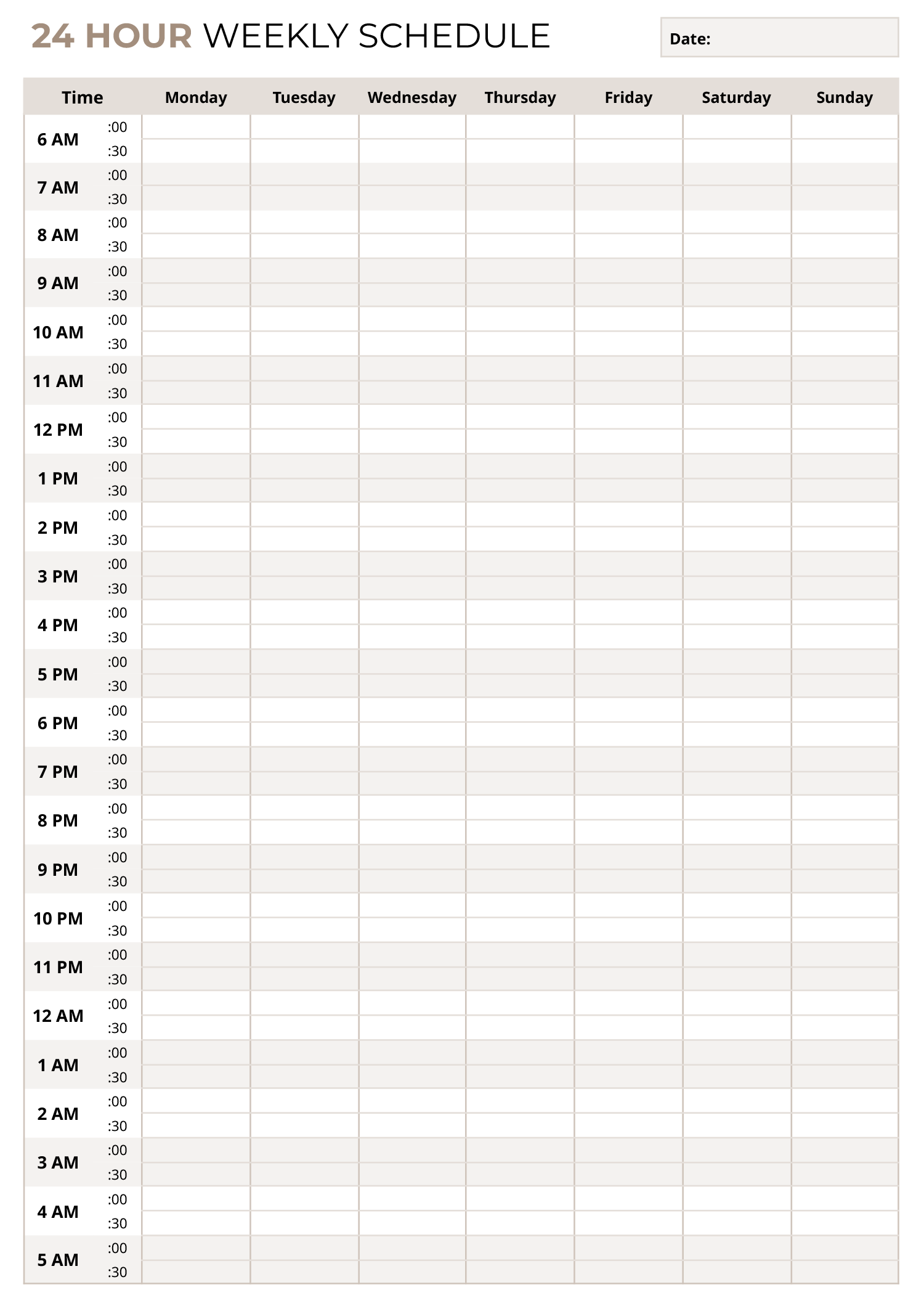




A 24 hour 7 day a week schedule template gives you one page to plan every hour of your week in half-hour blocks. The grid runs from 6 AM through the night to 5:30 AM, with a time column on the left and separate columns for Monday through Sunday. Each hour is split into two lines, one for the hour and one for the half hour, so you can place appointments, classes, shifts, or routines at their exact time instead of squeezing them into a general box.
This schedule template suits weeks where work, study, childcare, and personal tasks overlap and you need to see them side by side. It works for standard office hours and for people who work evenings, nights, or rotating shifts, because the schedule covers both daytime and overnight hours. You can use it to define shift patterns, plan focused project blocks, track travel or appointments across time zones, or simply make sure rest and downtime are visible in the same view as commitments.
How to Use This 24 Hour Weekly Schedule Template
Begin by writing the week’s date in the box at the top right. Then think about the fixed parts of your week, such as work shifts, classes, regular meetings, or standing family commitments. Enter those first in the appropriate day and time rows so the main outline of the week is visible. If an activity lasts longer than thirty minutes, extend it down through the cells that it occupies.
Once those fixed blocks are in place, add the routines you want to keep consistent. This might include morning preparation, school runs, exercise sessions, study time, or wind-down time in the evening. Because the schedule is divided into half-hour increments, you can break long activities into smaller segments with short breaks in between if that suits your concentration and energy better than one long block.
Use the remaining empty spaces for variable tasks and one-off appointments. Some people like to reserve the same time band on several days for deep work or errands, while others prefer to spread similar tasks throughout the week. Different pen colours or highlighters can help distinguish work, personal, and family entries so they are easier to scan.
It is also useful to leave a few cells empty on purpose. Keeping some unscheduled time in the afternoons or evenings gives you room to handle unexpected events or to rest, and the white space on the page acts as a reminder that not every hour needs to be filled.
To Sum Up
Beyond personal planning, this 24 hour weekly schedule template can coordinate shared calendars, care schedules, or team availability. When everyone’s hours are recorded in the same grid, it becomes easier to see overlap, handover times, and open slots for meetings.
This schedule template is available in Word, Excel, Google Docs, and Google Sheets. You can type directly into a digital version, save copies for each week, or print blank pages to keep in a planner, binder, or on a noticeboard.