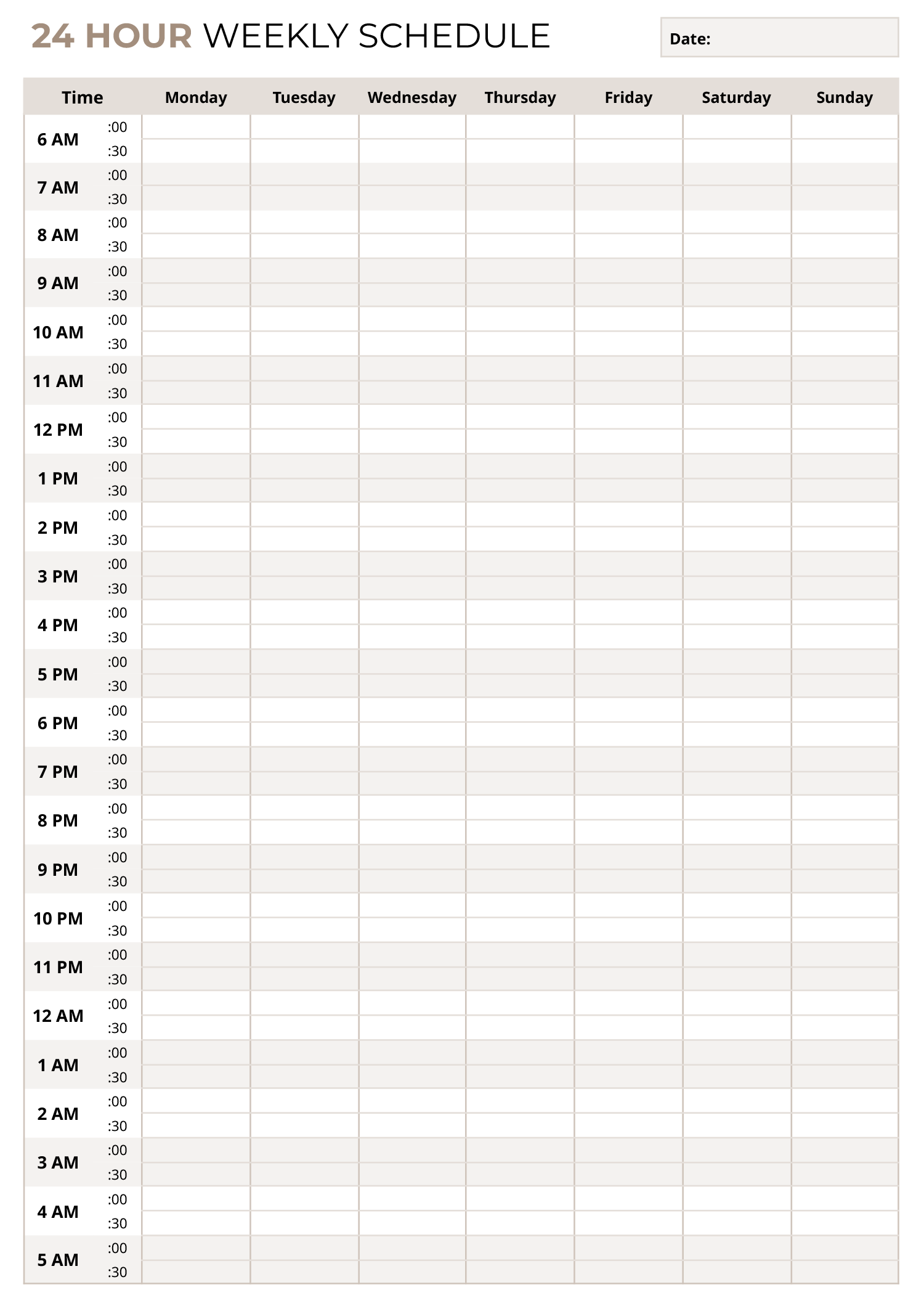
Planning a training week gets easier when you can see each day, decide what type of workout fits, and set a time target before the week begins. The Weekly Workout Schedule Template is a fill-in document for Word and Google Docs that gives you a weekly grid from Monday through Sunday, with space to list workouts, note duration, and write a short focus for each session. Using this workout schedule template you can:
- Plan Daily Sessions: List up to four workouts per day and use checkboxes to mark what you plan to do or what you completed.
- Set Time Targets: Record an estimated duration so you can manage your weekly time commitment.
- Track Training Intent: Write a focus for each workout such as endurance, speed, recovery, mobility, strength, or technique.
What the Template Includes
At the top, you will find a “Week of” field for the week you are planning. Below that, a workout options row lists common categories and typical duration ranges, including cardio, weight lifting, HIIT, and stretching. These ranges work as planning guidance when you are deciding how long each session might take.
The main schedule is arranged by day with three writing areas for each entry. In the Selected Workout(s) column, you can write the workout name or type and check it off. In the Duration column, you can write the planned or actual time. In the Focus or Target column, you can note the purpose of the session so the week has direction beyond just listing activities.
How to Fill It In for a Realistic Week
Start by entering the date range in the Week of field. If you plan your workouts around specific days, you can add your split or theme directly into the Selected Workout(s) lines, such as upper body strength, intervals, long walk, mobility work, or recovery.
Next, decide how many sessions you want each day. Some people train once daily, while others split training into shorter blocks. The multiple entry lines per day can be used for two-a-day training, warm-up plus main session, or training plus a separate stretching block.
Then add a duration that matches your schedule and energy level for that day. If you are using the workout options duration ranges as a reference, treat them as a starting point and adjust based on your plan, your conditioning, and your recovery.
Finish each entry by writing a short focus statement. This is useful when your workout name stays similar across the week, like repeated lifting days. The focus field can tell you what you are trying to get from the session, such as heavier loads, form practice, endurance pace, speed work, or active recovery.
Using the Focus or Target Column With Intention
The focus field is a planning anchor. It can also work as a reflection line after training if you print the page or type directly in the document. You can write quick notes such as “steady pace,” “low impact,” “mobility and core,” “power emphasis,” or “recovery and light movement.” Over time, this makes it easier to notice patterns such as too many high-intensity days in a row or not enough recovery.
Digital Use and Printing
In Word or Google Docs, you can type directly into the lines and keep a saved copy for each week. If you prefer paper, you can print the page and keep it on a fridge, desk, or gym bag clipboard. The checkboxes work for either format, since you can tick them on paper or mark them digitally based on how you prefer to track completion.
If you have an injury, a medical condition, or you are returning to exercise after a long break, consider getting guidance from a qualified professional. Planning is useful, but your training plan still has to match your current capacity and recovery.
FAQs
Each day includes multiple entry lines with checkboxes, so you can list several workouts or workout components for that day. You can treat each line as a separate session, or use the lines to break one session into parts such as warm-up, main workout, and stretching. If you want more space for a particular day, you can combine entries by writing the main workout name on one line and adding details like “intervals plus core” in the focus field.
You can list the mixed workout as separate lines so the duration stays accurate for each part. For example, one line can be weight lifting with its time, and another line can be cardio with its time. If you prefer a single line entry, you can write a combined label like “lifting plus cardio” and then break down the intent in the focus field, such as strength emphasis with a short conditioning finish.
Use the Selected Workout(s) lines to label the split by day, such as push, pull, legs, upper, lower, or full body. In the focus field, note what changes for that day, such as heavier loads, higher reps, technique work, or accessory emphasis. This keeps your split readable at a glance while still recording what matters for progression.
Treat duration as a planning estimate first, then update it if you want a record of what happened. For variable sessions, you can write a range like “30 to 45 minutes” or write the planned time and add the actual time after training. If you track rest days, you can write “rest” or “light recovery” and list a short duration for walking or mobility.
A rest day can be recorded as an entry in the Selected Workout(s) column, then you can add a brief focus such as recovery, stretching, or sleep priority. If you still want light movement on rest days, you can list walking, mobility work, or stretching with a short duration. This keeps your week realistic and keeps recovery visible in the plan.
Yes. You can write a person’s name or initials next to each entry, or dedicate certain lines to different people if you are planning for a pair or small group. For coaching use, the focus field can include the training goal for that session, and the checkboxes can be used for attendance or completion tracking.