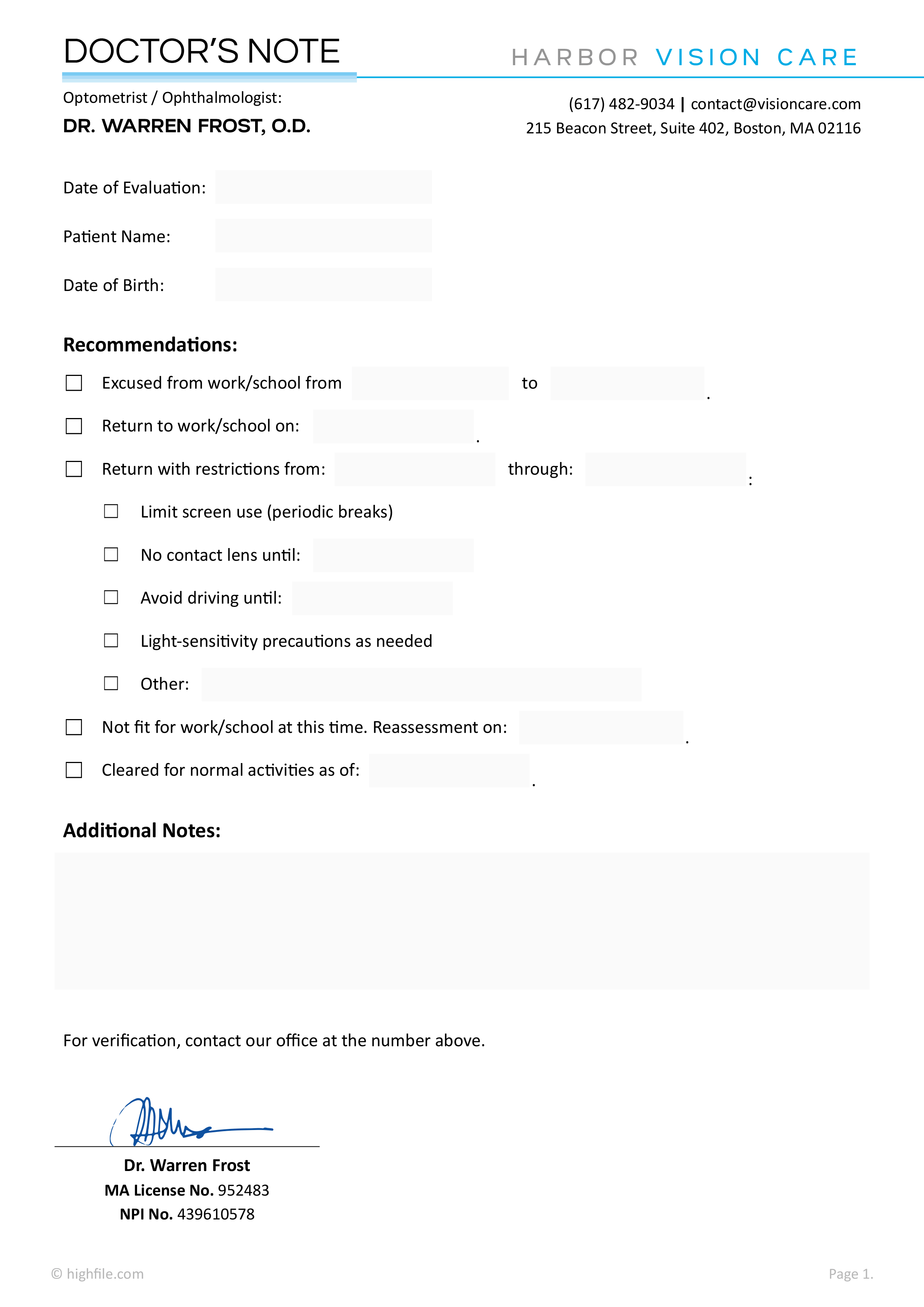
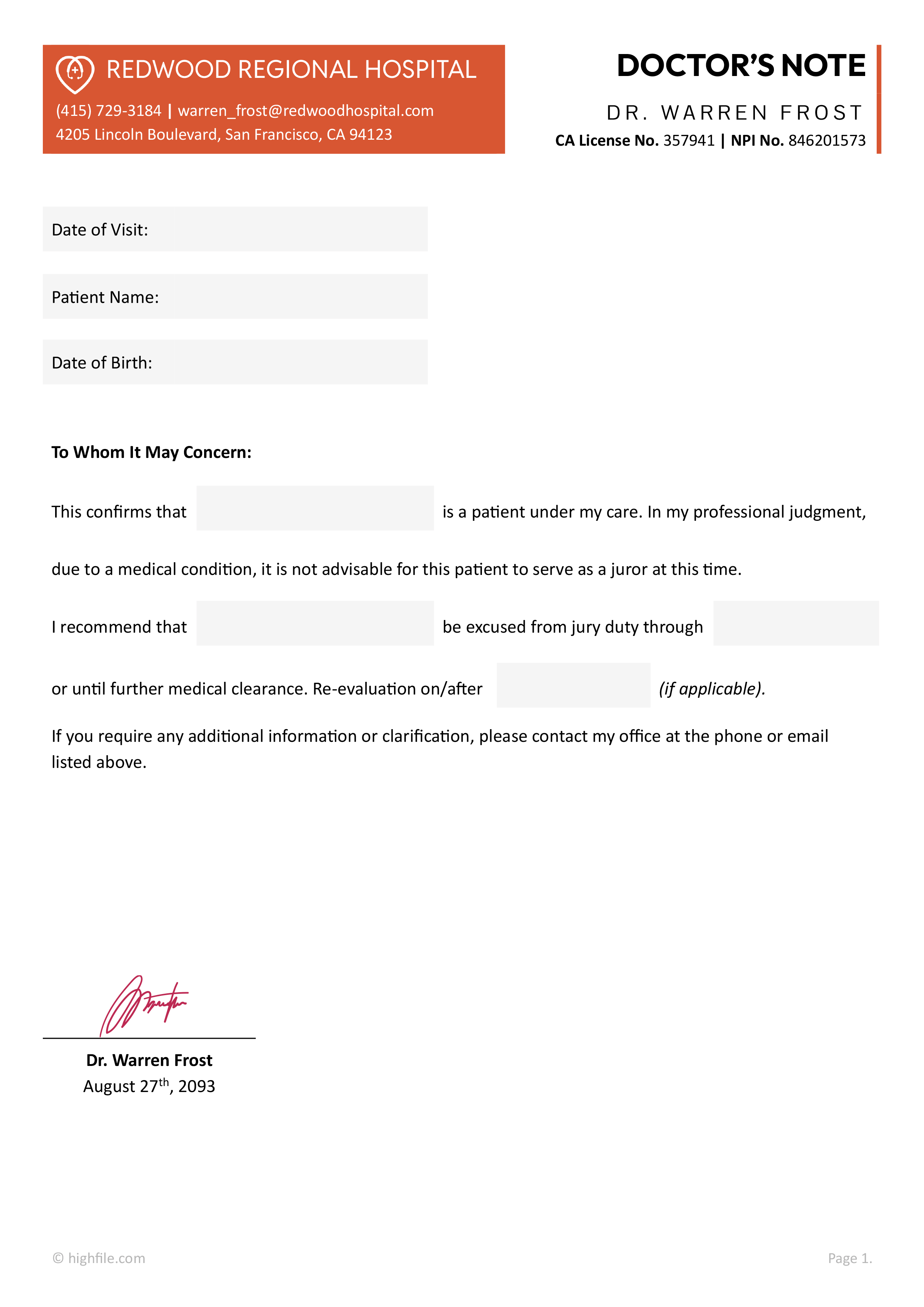
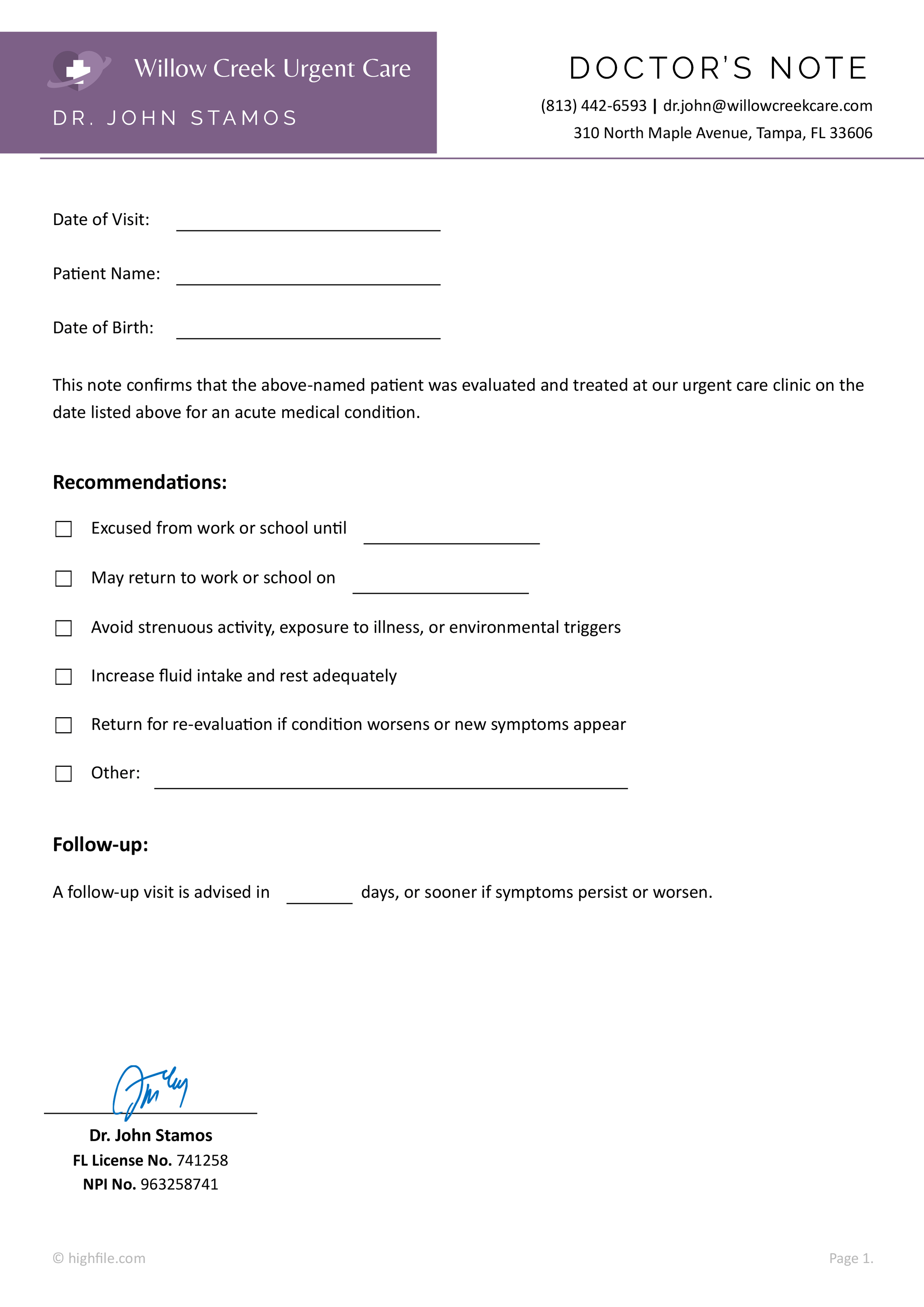
A doctor’s note is often requested when an employer or school needs written confirmation of a medical visit and a return date. This blank minimal doctor’s note template is designed for that situation, with a simple, clinic-friendly layout that can be completed quickly and kept professional for recordkeeping.
This blank doctor’s note template is designed to create a doctor’s note that can be completed quickly while still looking formal enough for a workplace or school office. It’s designed to keep the information in a simple, predictable order, so the reader can find the visit date, return timing, and any limits without scanning through extra text.
How To Use This Blank Doctor’s Note Template
Before filling anything in, check what the recipient requires. Some workplaces and schools care about date format, signature type, and how specific restrictions are.
Update the Provider Block
Replace the placeholder address, phone, fax, and doctor name with the clinic’s real details. If you want branding, add a small logo near the top and keep the spacing balanced so the title stays prominent.
Enter the Visit Date and Patient Name
Type the visit date on the date line. Add the patient name on the blank line in the confirmation sentence.
Most recipients do not need a diagnosis. Only include medical details if the recipient requires them; share them with the written consent of the patient.
Set the Return Date
Fill in the return-to-work or return-to-school date on the return line. If the patient can return immediately, the provider can use the same day’s date, if medically appropriate.
Add Medical Restrictions When Needed
Use the large restrictions box for practical limits that the recipient can follow. Keep restrictions specific and easy to act on.
- Activity limits. No lifting above a stated weight, avoid running, no repetitive bending.
- Schedule limits. Reduced hours for a short period, rest breaks, no night shifts for a set timeframe.
- Environment limits. Avoid dust exposure, seated work required, limit prolonged standing.
Sign, Save, and Share
The provider signs on the signature line. After signing, save a copy for clinic records and export a PDF if the note will be emailed.
Export to PDF after the note is finalized. This keeps the layout stable across devices and email apps.
Customization Notes
This template is designed with a clean, minimal layout and a subtle highlight behind the provider details, which makes clinic branding edits simple and predictable. If your clinic uses a logo or letterhead, place it above the provider details and adjust the highlight color to match your branding.
You can also resize the restrictions box based on how detailed your notes usually are, or add a small patient ID field near the patient name line when your workflow requires it. If you prefer a version with a branded header already set up, our doctor’s note template collection includes letterhead-style options.
FAQs
Yes. The wording covers both settings, so the same format can be used for an employer or a school attendance office. You usually only change the return date and any restrictions.
A doctor’s note usually does not need a diagnosis. A workplace or school typically only needs confirmation that you were evaluated, the dates you should be excused, and any work or activity limits.
HIPAA focuses on what a health care provider can share. If an employer contacts a provider directly, the provider generally cannot disclose your health information without your written authorization, unless another law requires it.
Even when a note is being prepared, it is smart to keep the content limited to what the recipient needs. HIPAA’s “minimum necessary” standard is built around sharing only the least amount of protected health information needed for the purpose.
A good approach is to keep the note functional. State the visit date, the time off or return date, and any restrictions that the employer or school can follow. If the recipient asks for more detail, the patient can ask what is required, and the provider can decide what is appropriate to include.
It depends on the recipient’s policy. Some employers and schools accept a digitally signed PDF from a clinic email address, while others request an ink signature. If acceptance is uncertain, an ink signature with a scanned PDF is commonly accepted.
You can edit the sentence to include excused dates, then keep the rest of the layout the same. For example, change the wording to state the patient was examined and is excused from work or school for specific dates, then keep the signature and restrictions area as needed.