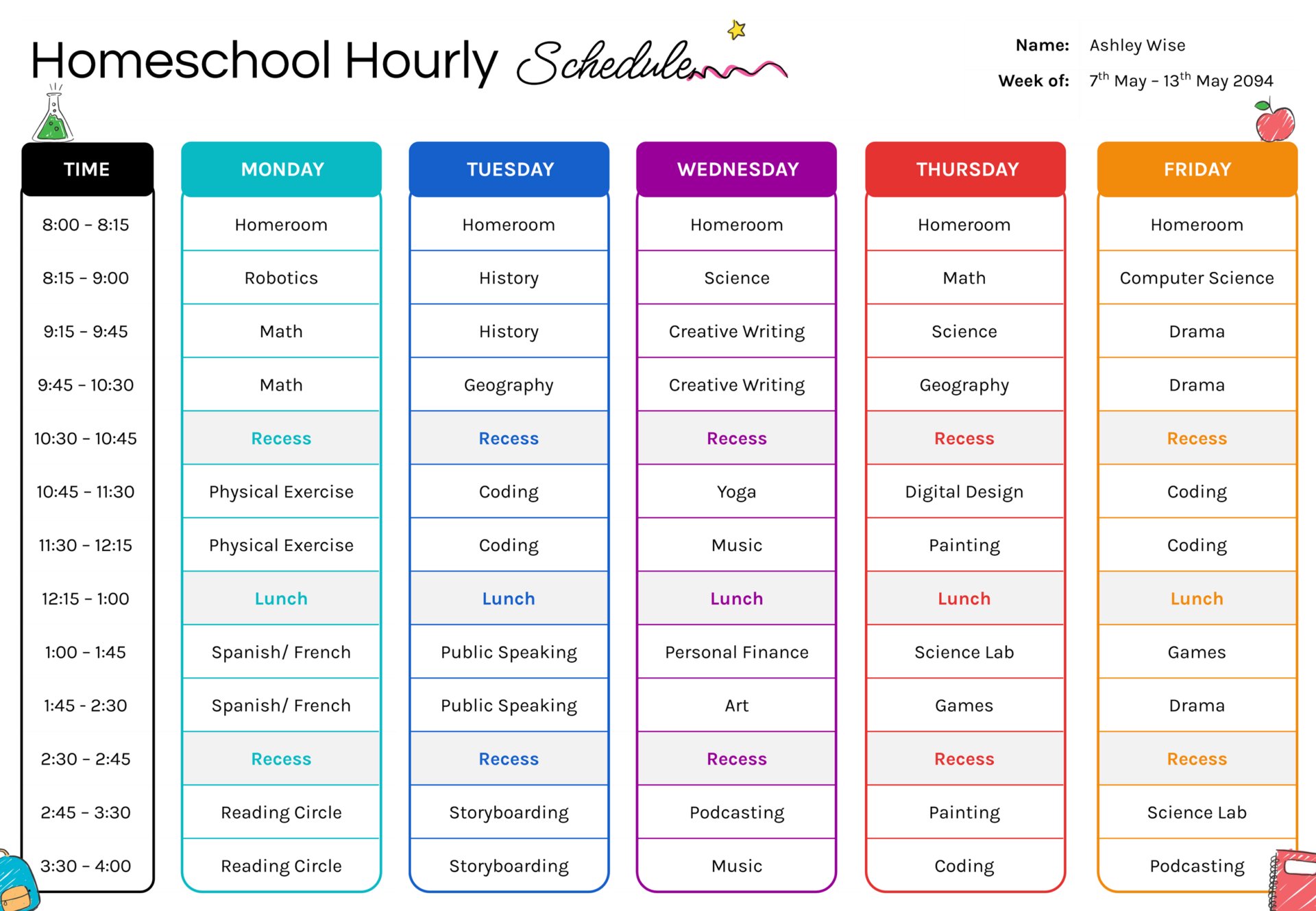
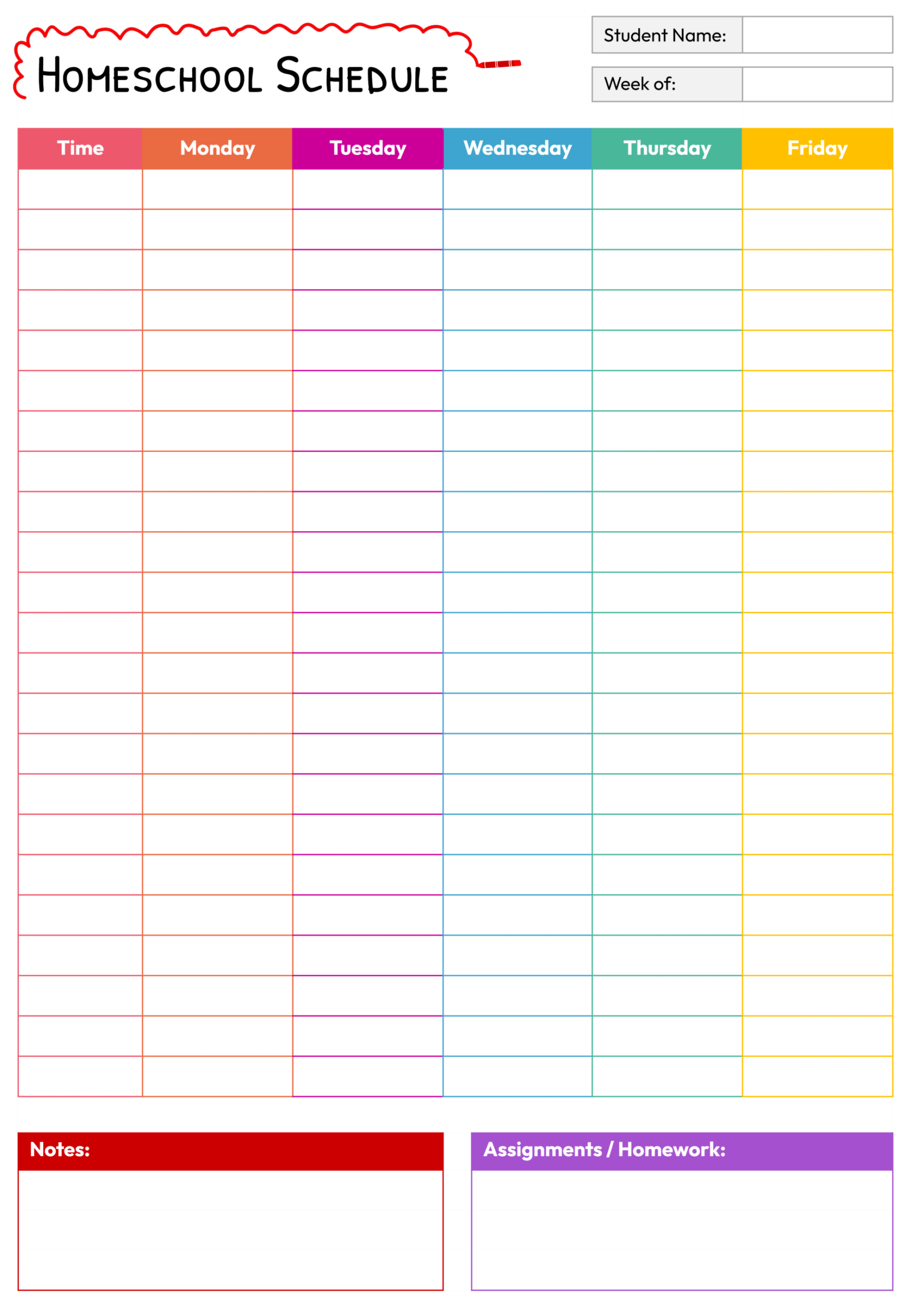
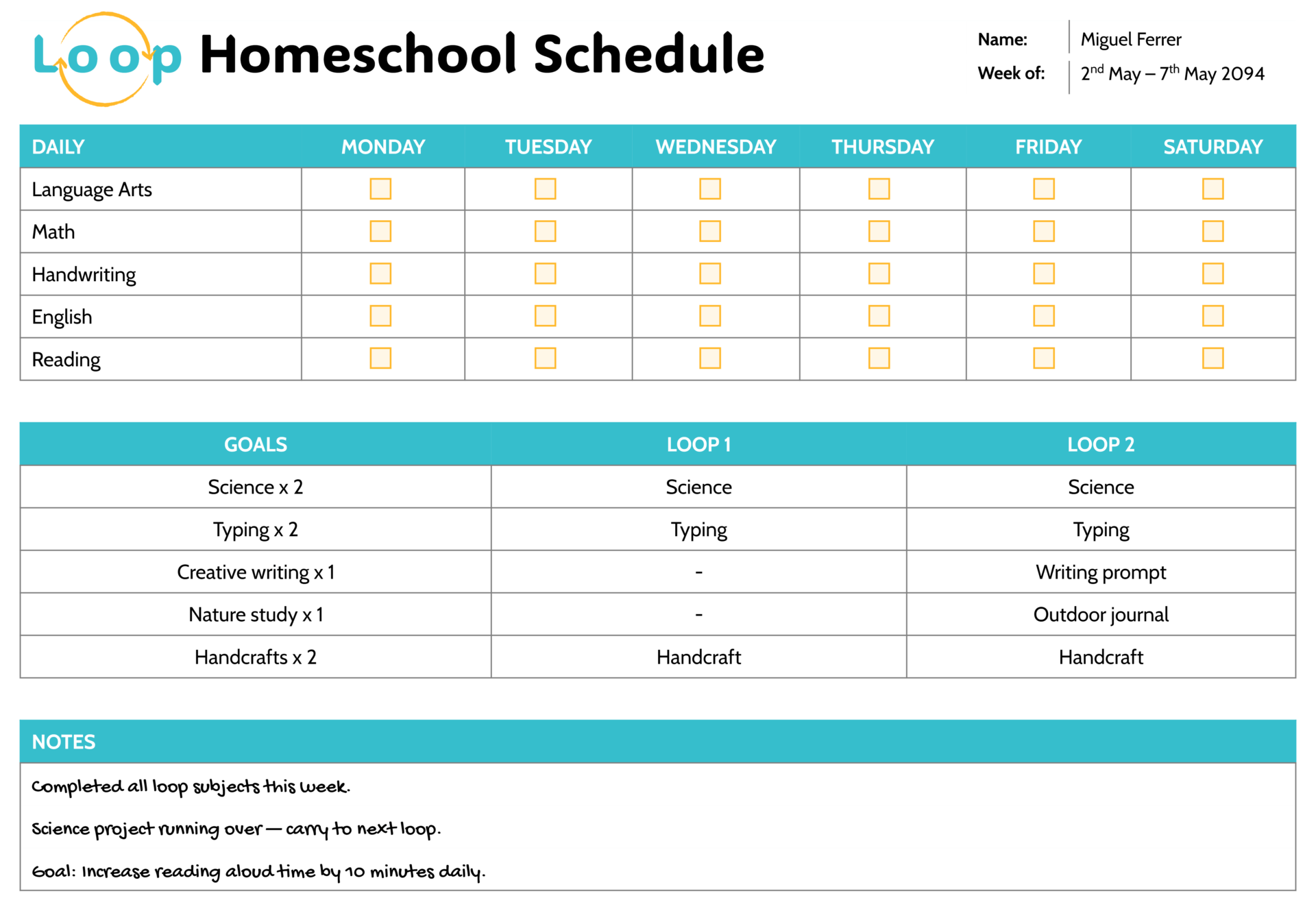
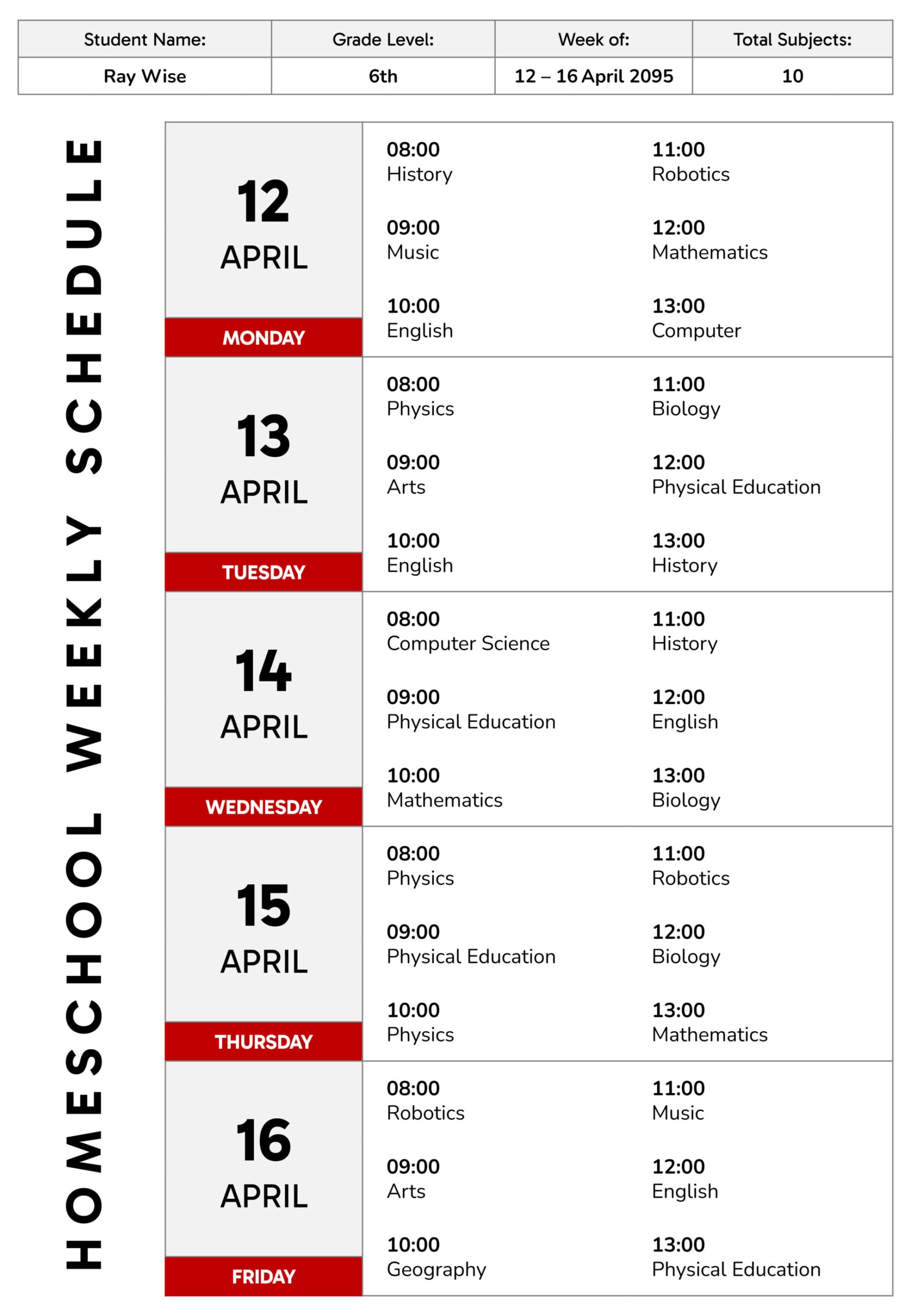
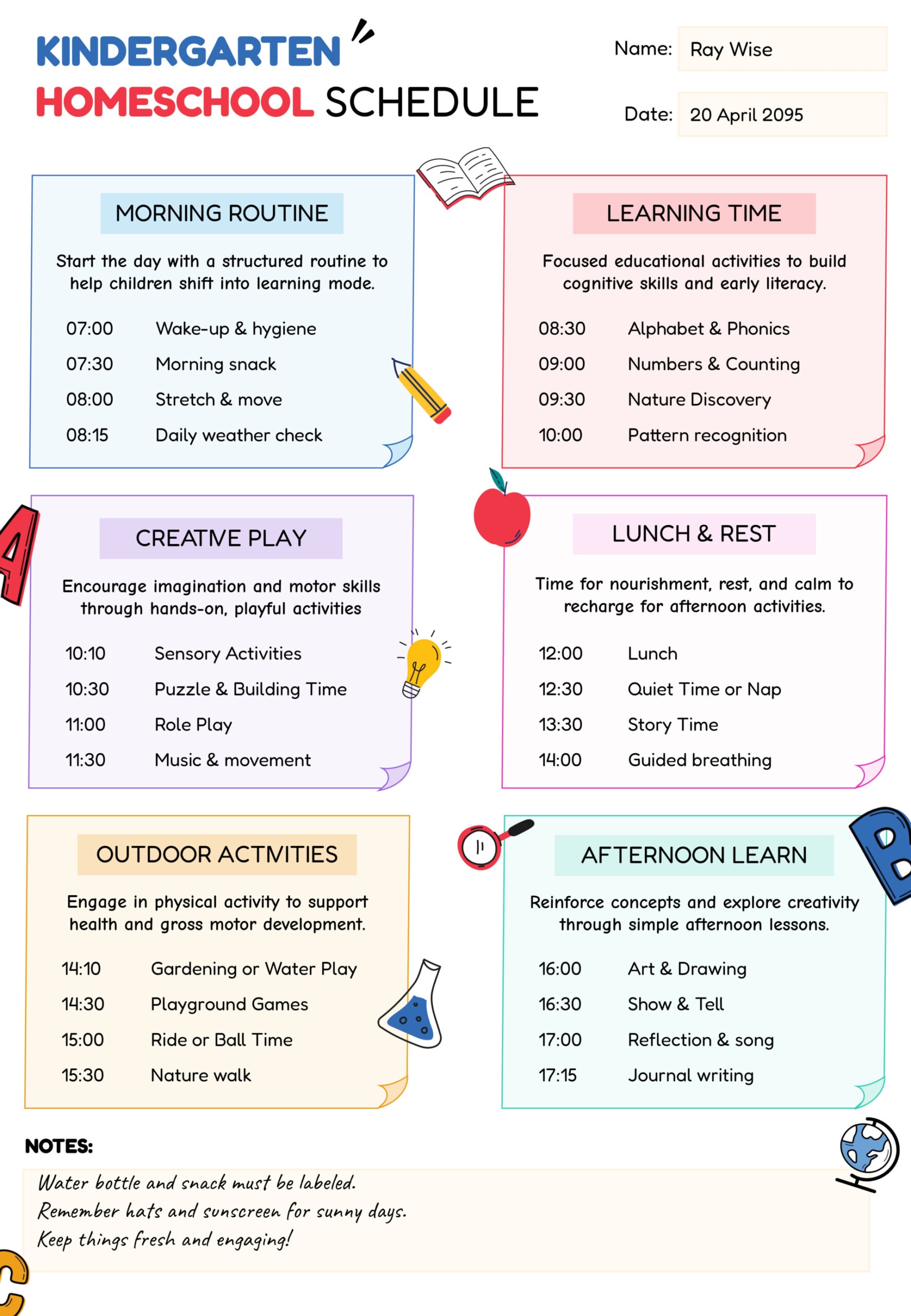
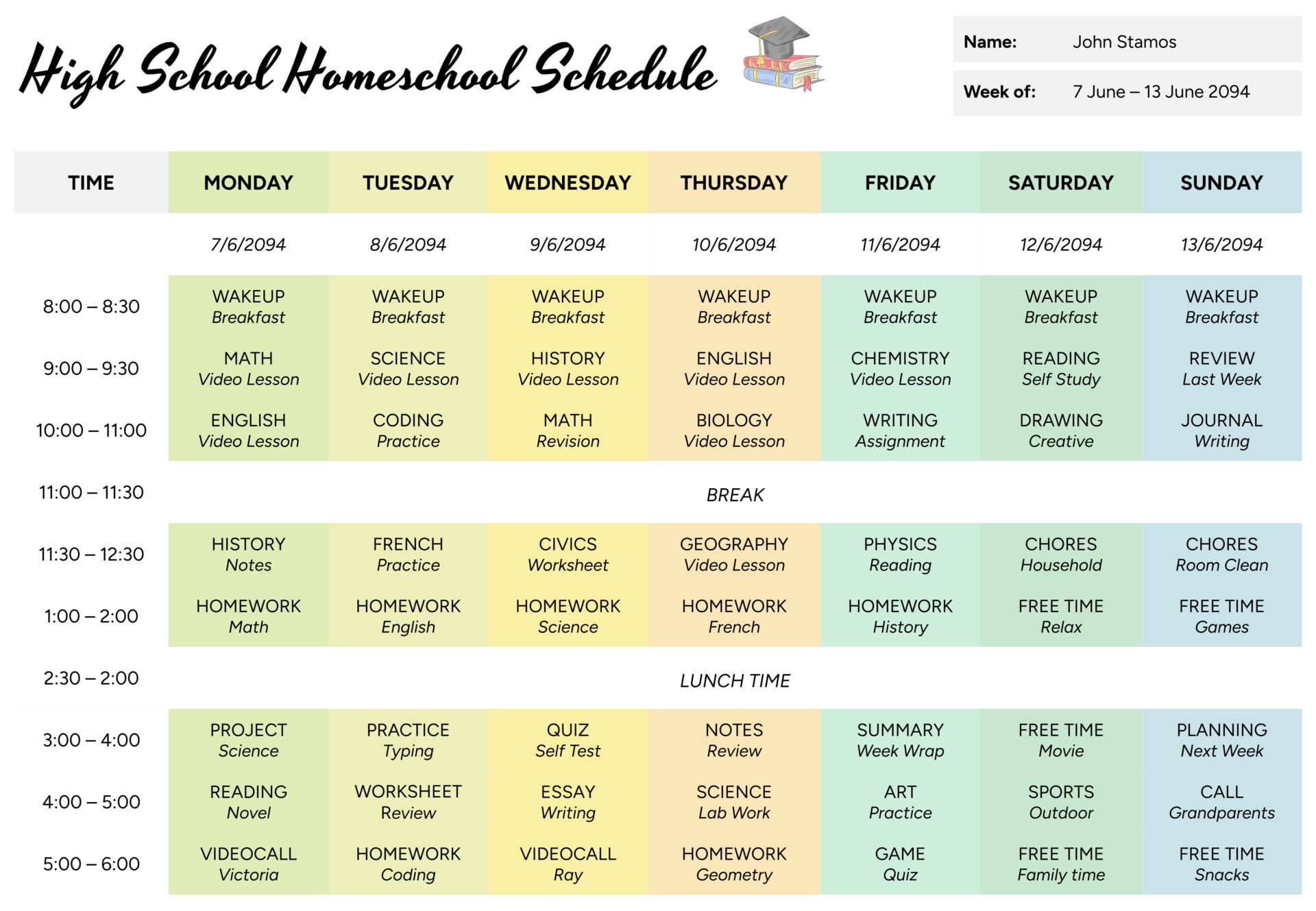
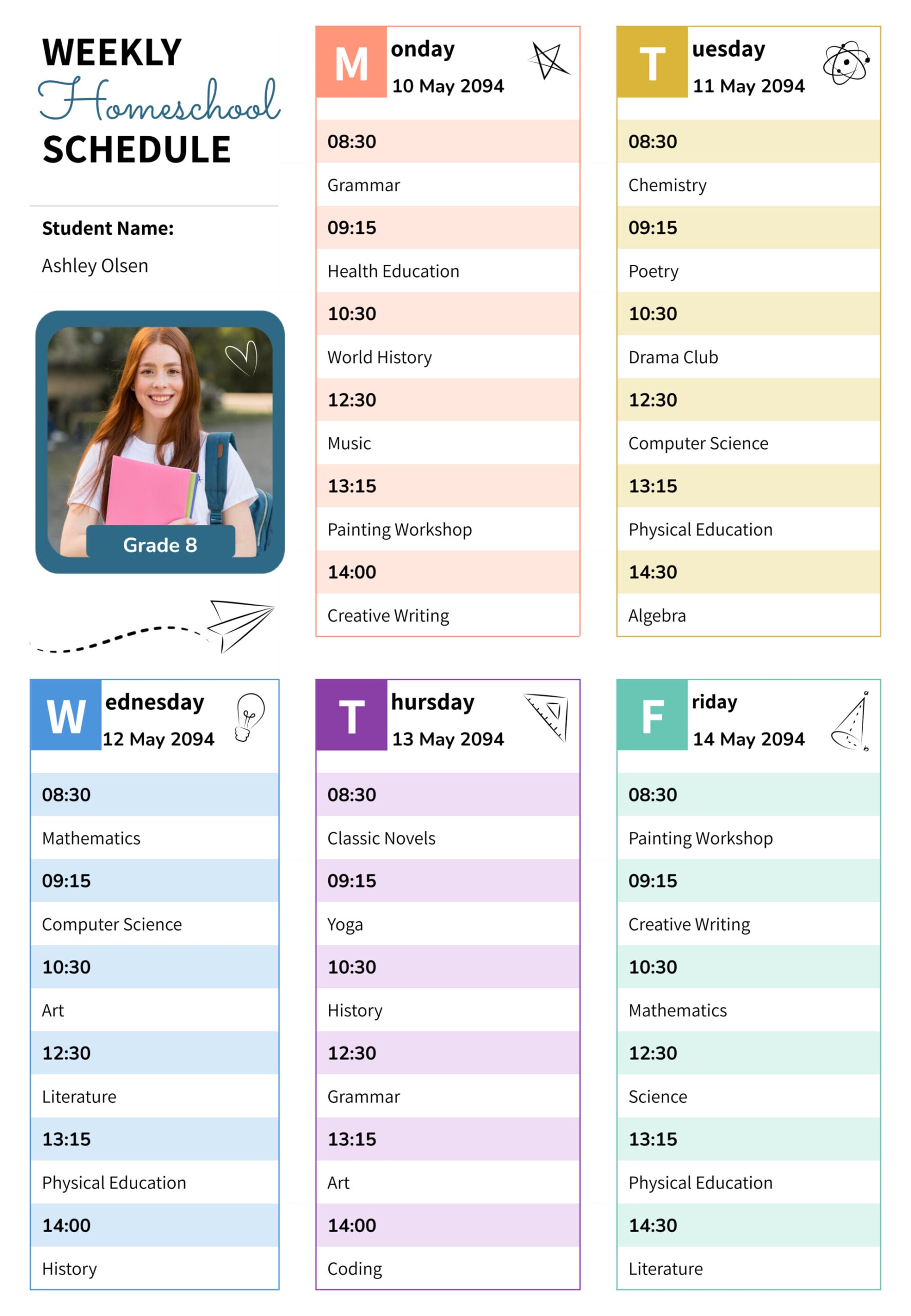
This homeschool schedule calendar template is created for parents who want a single weekly view of one child’s learning. It works for planning core subjects, independent reading, online lessons, and everyday routines on the same page, so the weekly plan stays visible and easy to follow.
The central grid uses hourly time blocks across Monday to Friday, giving a space to assign subjects or activities to each part of the day instead of relying on memory. Header boxes at the top record the student’s name, grade, and week, and the reflection area at the bottom is reserved for short notes on what worked, what ran long, and which tasks should be carried into the next week.
How to Use This Homeschool Schedule Calendar
Before you start filling in boxes, take a moment to think about the rhythm you want for the week. The steps below move from big-picture planning to the smaller details you write in each block.
1. Add student and week details
Start by entering the student’s name, grade or class level, and the week you are planning. Dating each page gives you a simple record of instruction for portfolios or end-of-term reviews.
2. Decide the daily timetable
Use the time column on the left to set start and finish times for the homeschool day. You can keep the morning-to-afternoon pattern or adjust it if your child works better with a later start, shorter blocks, or an extended lunch. Younger children often manage shorter learning periods followed by movement or play.
3. Plan subjects across Monday to Friday
In each weekday column, write the subject or activity that fits that hour. Many families keep reading, math, and writing in the morning when concentration is stronger, then move to science, history, art, or hands-on projects later in the day. Short labels such as “reading lesson,” “copy work,” or “science experiment” are usually enough. Detailed page numbers or instructions can stay in a separate lesson binder.
4. Use the break row deliberately
The break row across the middle of the grid can hold lunch, outdoor play, or quiet time. Treat this as part of the plan rather than a leftover gap so that both you and the student expect a pause and have fewer arguments about stopping and restarting.
5. Include review and catch-up time
Reserve at least one block near the end of most days for review, unfinished work, or independent reading. This space keeps the week from feeling overcrowded and reduces the pressure to finish every task within a single hour.
6. Complete the reflection and feedback section
At the bottom of the template, record a few short notes at the end of the week. You might comment on which activities your child enjoyed, which lessons took longer than expected, or any behaviour or focus patterns you noticed. Over time, these notes show what actually works for your child rather than what only looks good on paper.
Tips and Considerations
Try assigning a color or symbol to each main subject and keep that consistent across weeks. This makes it easier to scan the page and see if subjects such as science or writing are being squeezed into very small spaces.
If you homeschool more than one child, you can print a separate calendar for each student or create a master page for shared activities such as group read-alouds and projects. Individual assignments can then be kept on smaller checklists that sit beside this weekly calendar.
Keep the calendar in a visible place, such as the fridge or a wall near your main study area. As you move through the day, put a small tick beside finished blocks or circle anything that should move to tomorrow. This gives the child a sense of progress and gives you a quick reminder of any tasks that still need attention.
FAQs
Yes. You can treat each row as a block such as “morning lesson time,” “project time,” or “afternoon activities” rather than exact clock hours. Writing the block name in the time column keeps the rhythm of the day without locking you to specific minutes.
That is common in homeschooling. Use the calendar as a guide, then mark changes as they happen, for example when a lesson runs long or a field trip replaces afternoon work. Those notes are useful later when you review how much time subjects usually need.
You can limit the timetable to only afternoon or evening hours, or mark school days that are taught at home versus days spent elsewhere. The reflection section can record communication with classroom teachers, tutors, or therapists so everyone stays aligned.