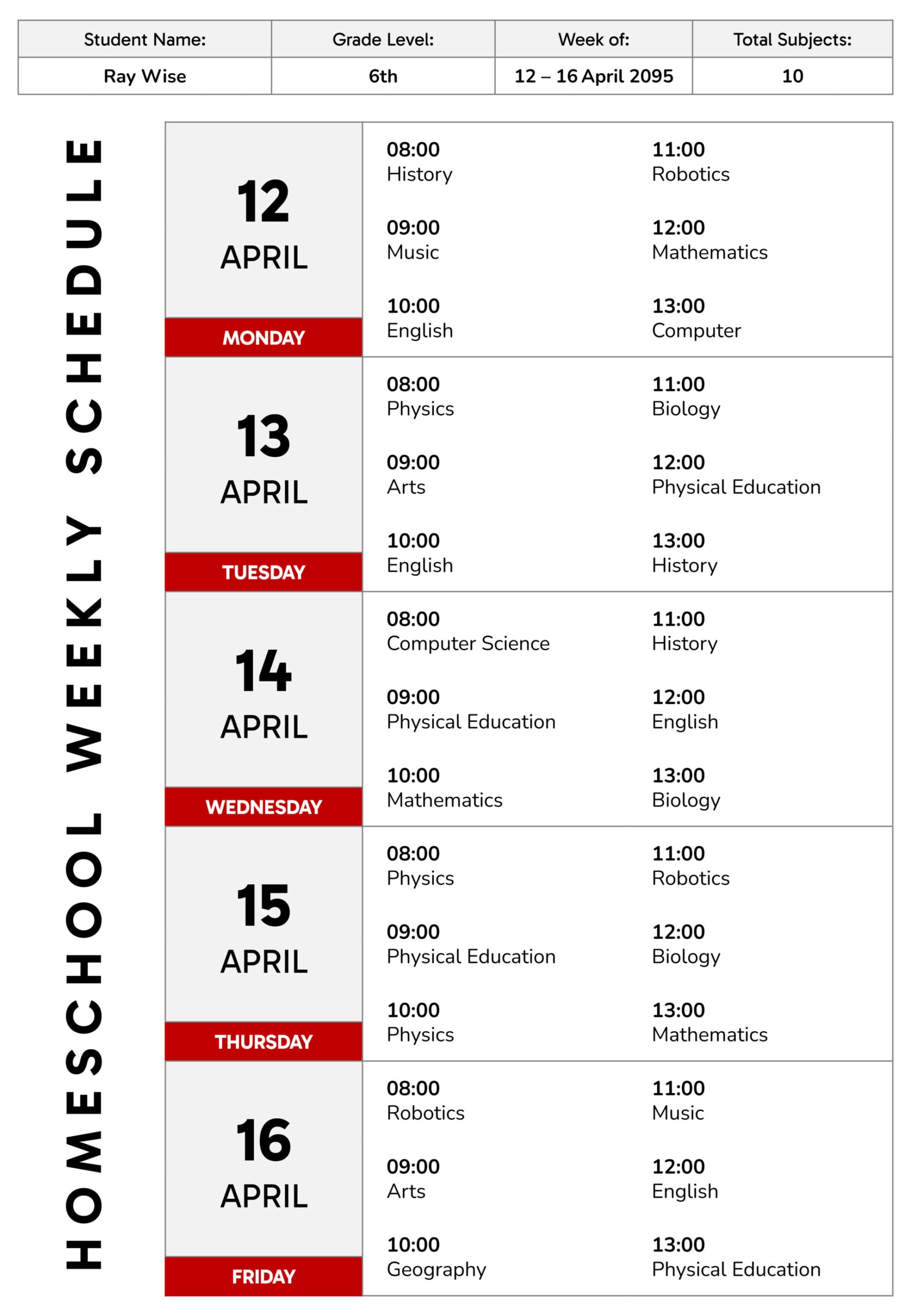
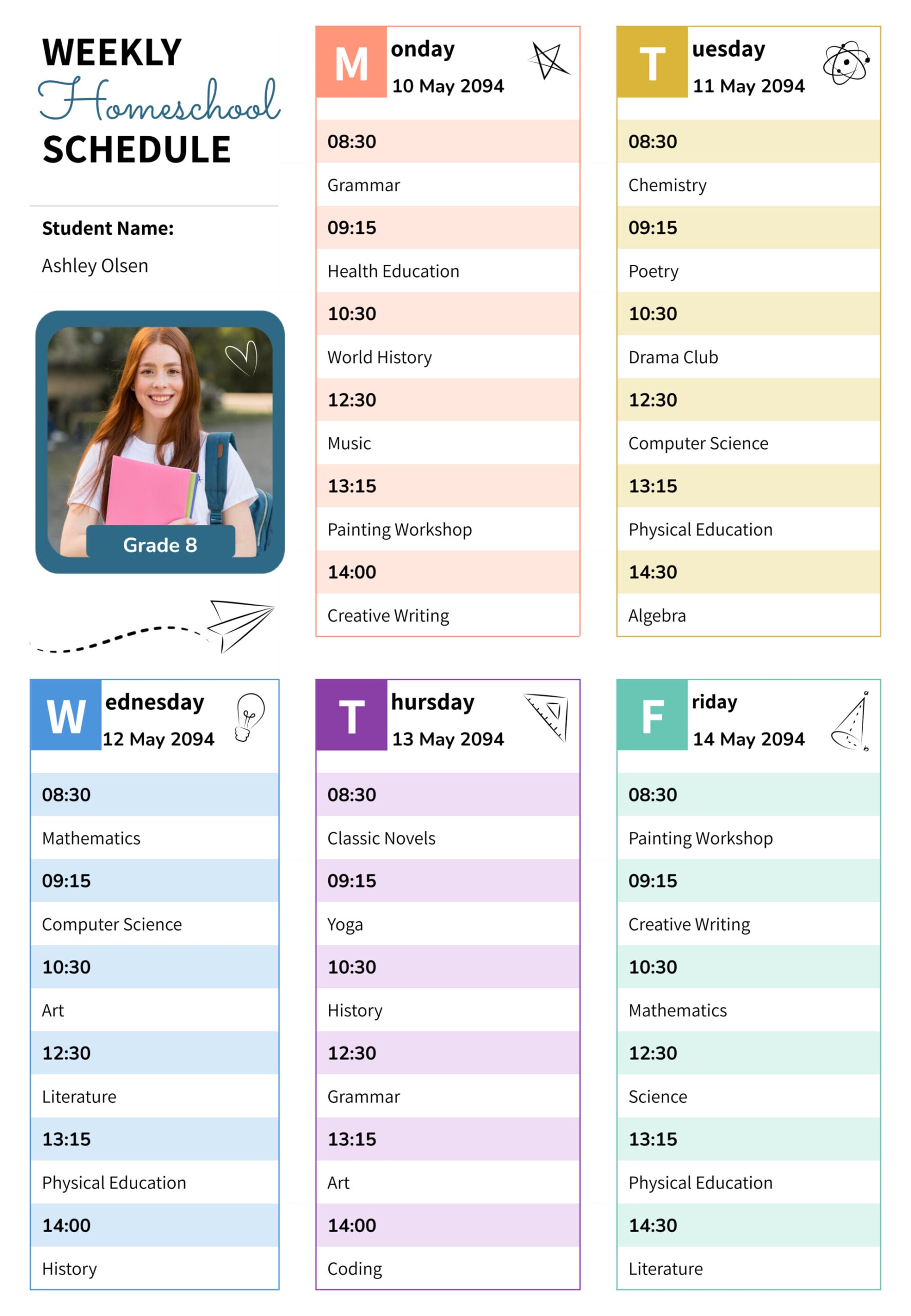
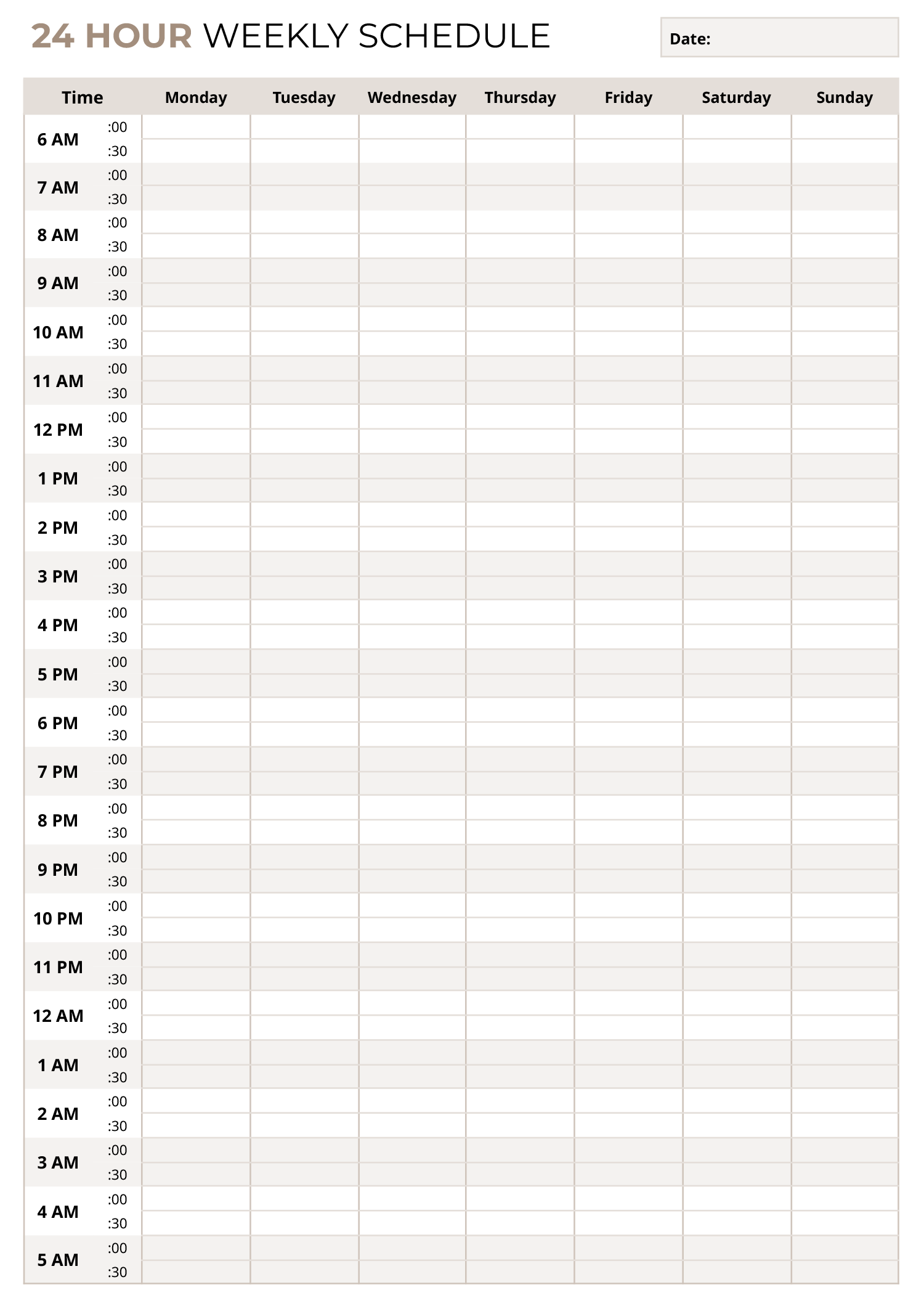
An hourly plan is easier to follow when you can see your full week laid out by time and day, with enough space to write important tasks and enough detail to avoid guessing later. This hourly weekly schedule template is designed for planning Monday through Sunday in 30-minute steps, so you can block work shifts, classes, appointments, study time, family routines, and personal time in a format that stays easy to scan.
The time column starts at 6 am and continues through late night into the next morning, ending at 3 am. That range is useful for early starts, evening commitments, and overnight schedules that do not fit into a standard daytime planner. Each hour includes two minute markers, :00 and :30, so you can note half-hour start times without squeezing details into tiny boxes.
Below is a practical guide to filling it in and adjusting it for your routine.
Week Identification and Reference
Use the Day, Month, and Year lines at the top to label the schedule in a way that makes sense for you. You might write the week start date, a team name, a classroom name, or a location. This is worth doing even if you plan to use the schedule only once, because it prevents mix-ups if you print it, share it, or save multiple weeks.
If more than one person will read the schedule, add a short note in the header area that explains any abbreviations you plan to use, such as WFH, On-site, Pickup, or Round 1
Time Blocks and Priority Planning
Start by adding the items that have fixed start times, such as shifts, meetings, classes, drop-offs, or medical appointments. Place them in the correct day column and align them with the :00 or :30 marker so the timing reads correctly at a glance.
After that, fill the open gaps with flexible blocks such as study time, admin work, errands, meal prep, exercise, or rest. This order matters because fixed commitments create the boundaries that everything else has to fit inside.
For anything that crosses midnight, write it as a continuous block by continuing into the 12 am, 1 am, 2 am, and 3 am rows. If your plans regularly go past 3 am, extend the table before you start filling the week so the overnight portion does not get compressed.
Entry Clarity for Busy Weeks
Try to write each entry with just enough detail to be actionable. A short label plus one clarifying detail is usually enough, such as the location, the person involved, or the link name. If you are planning for a team, a household, or a shared space, it also helps to write entries in a repeatable format, such as task name on the first line and owner or location on the second line.
Customization for Different Routines
You can tailor the table if your week starts earlier, ends later, or needs more writing space.
In spreadsheet editors, add or remove time rows to match your hours, then copy nearby cells to keep borders and spacing uniform. You can also duplicate the sheet for a new week, shade blocks by category, and use freeze panes so the day headers stay visible while you scroll.
In document editors, adjust table row height for more writing space, then copy the page for additional weeks if you want a running set. If you plan to handwrite updates, print a blank copy and keep it in a common area for quick edits.
Wrap Up
This hourly weekly schedule template is designed for planning a full week in half-hour steps, with a time range that covers both daytime and late-night schedules. It is available in Excel, Google Sheets, Word, and Google Docs, so you can plan digitally, print a blank version, or share an editable copy with others.